


ArtistA : 아트 사진 메이커 & 사진편집앱
5억명 이상의 게이머가 신뢰하는 안드로이드 게임 플랫폼 BlueStacks으로 PC에서 플레이하세요.

Run ArtistA: Cartoon Photo Editor on PC or Mac
Let BlueStacks turn your PC, Mac, or laptop into the perfect home for ArtistA: Cartoon Photo Editor, a fun Photography app from Cards.
About the App
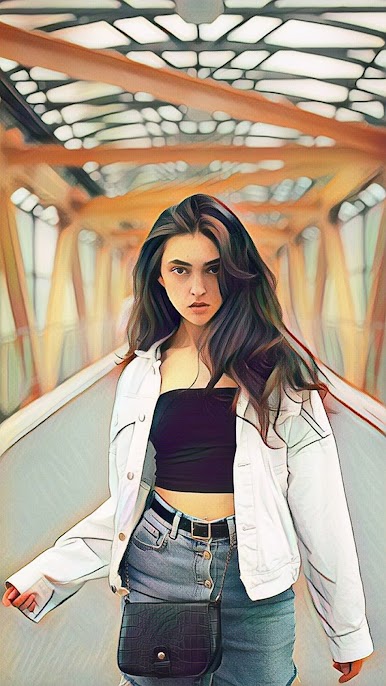
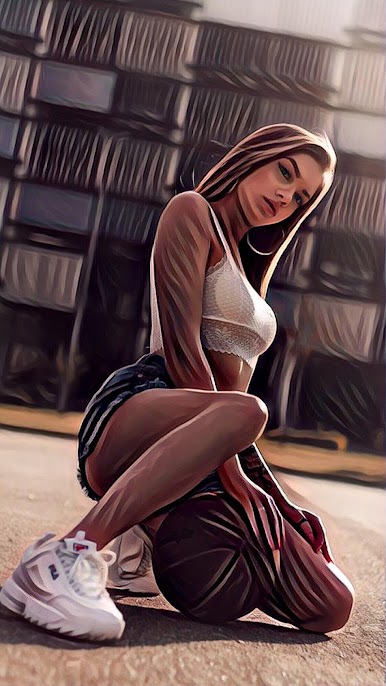
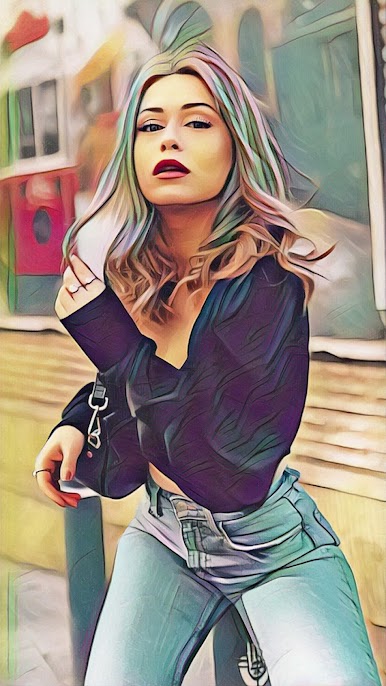
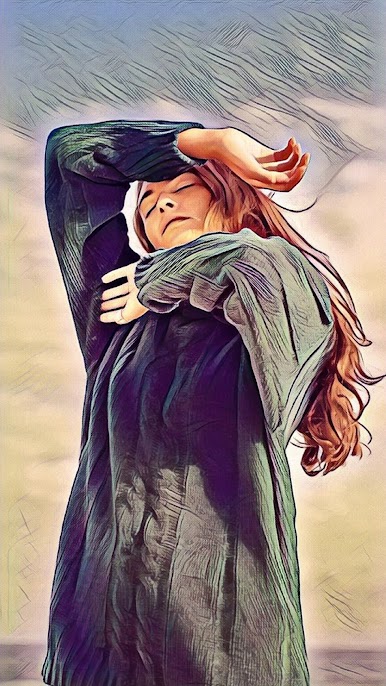
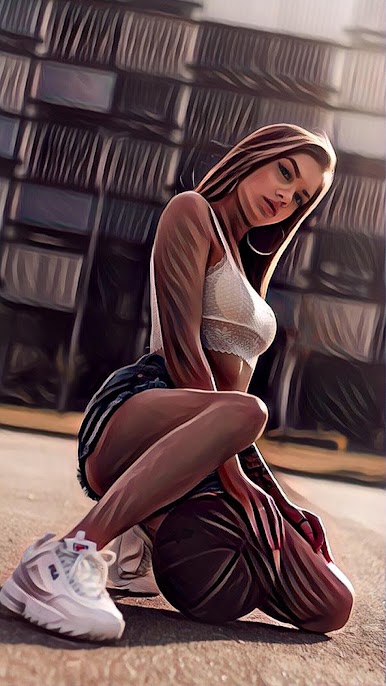
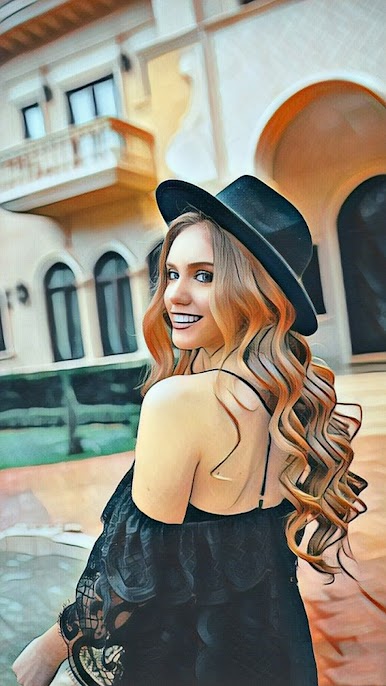
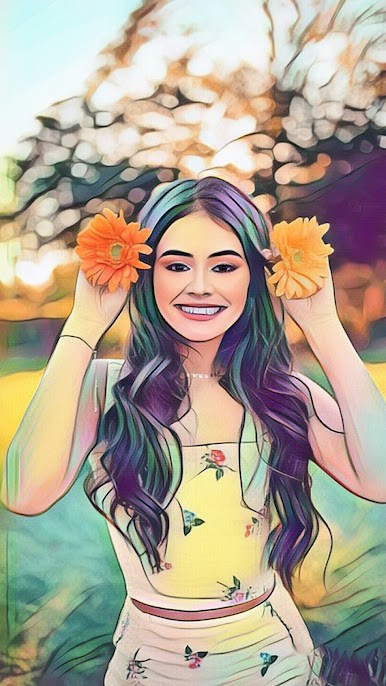
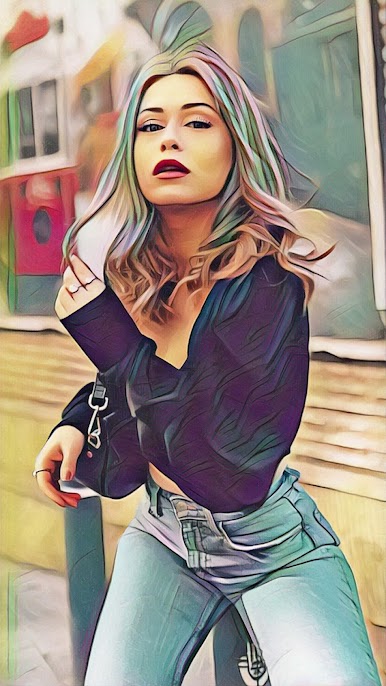
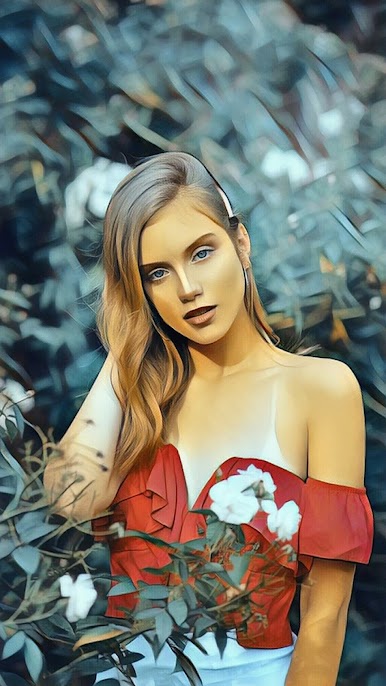
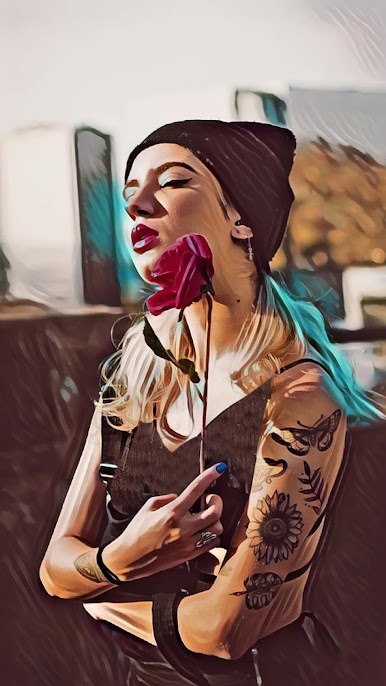
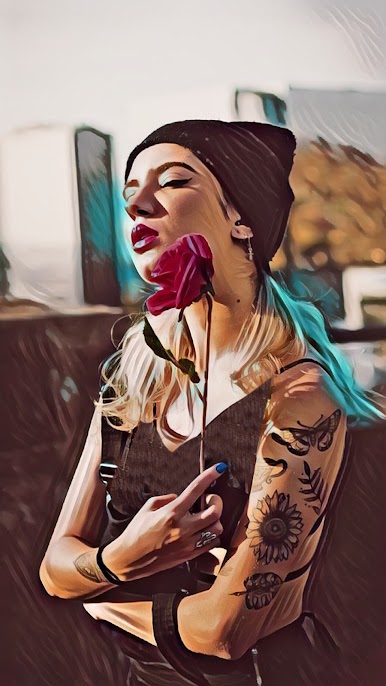
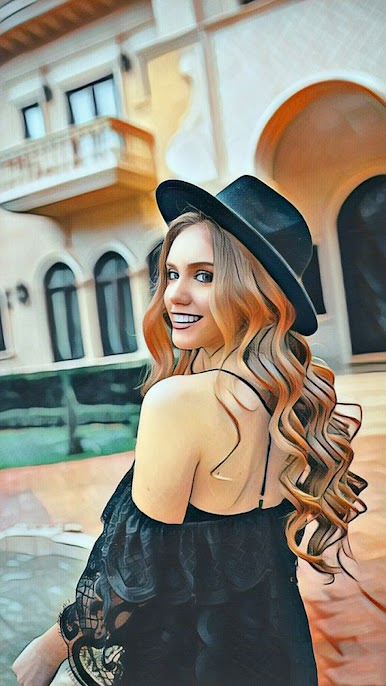
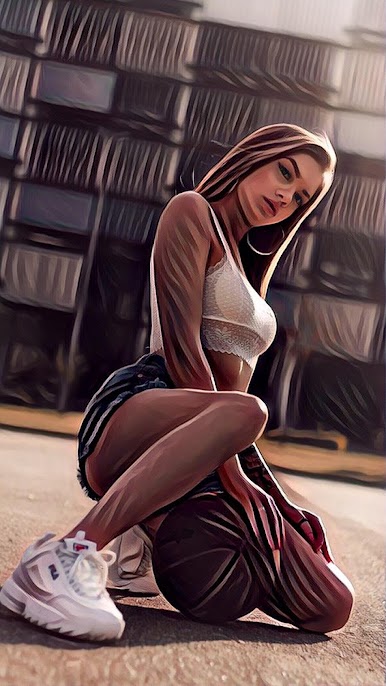
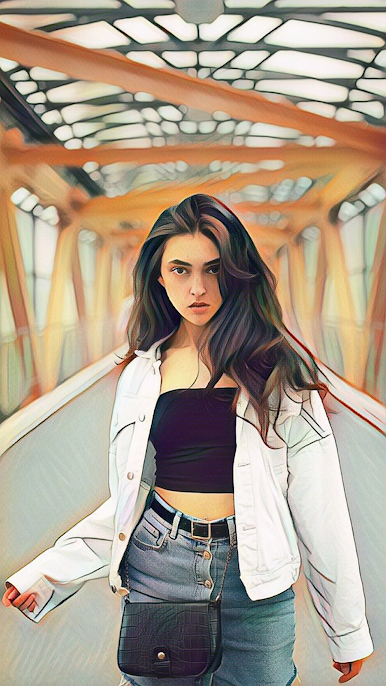
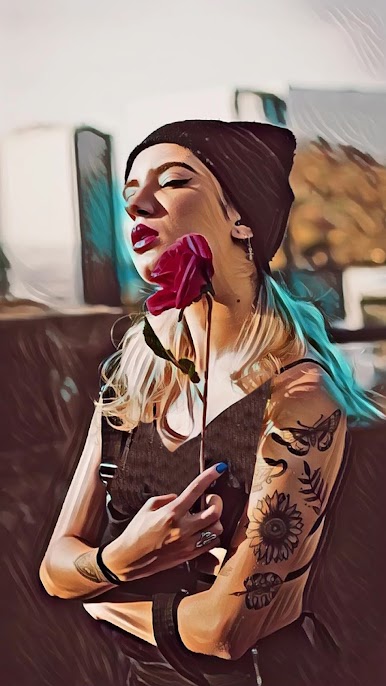
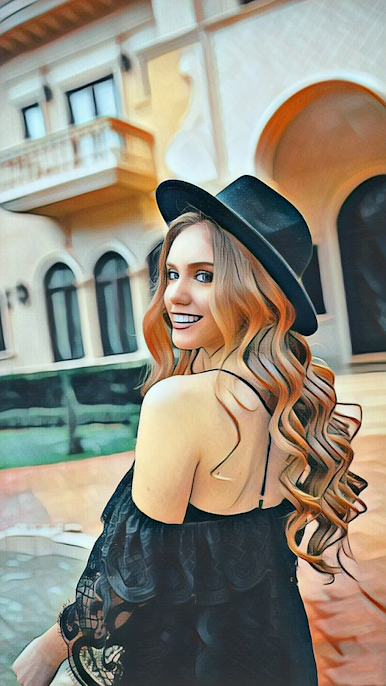
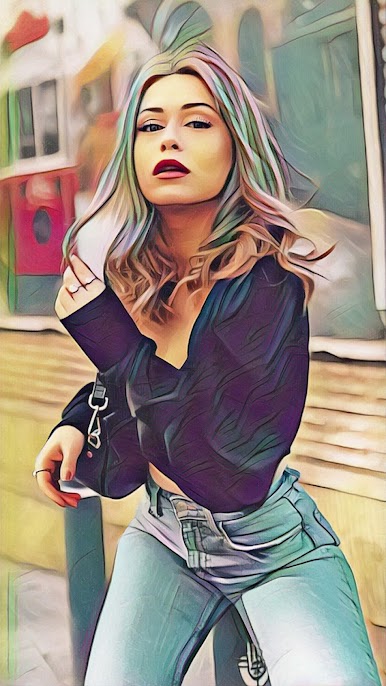
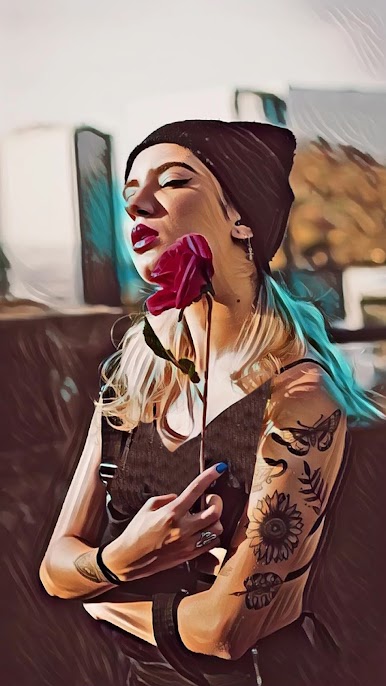
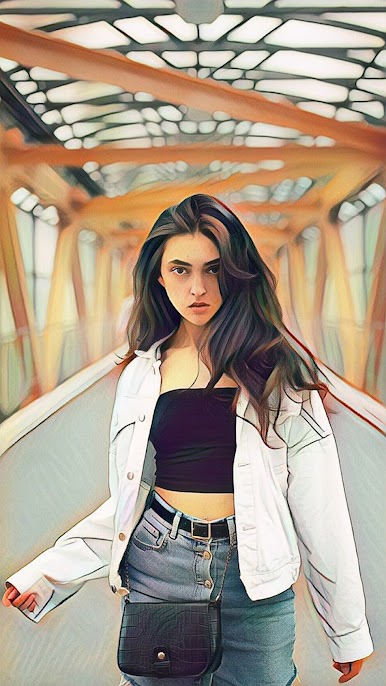
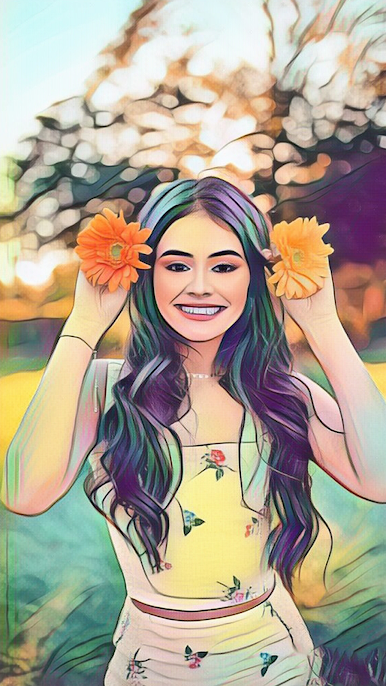
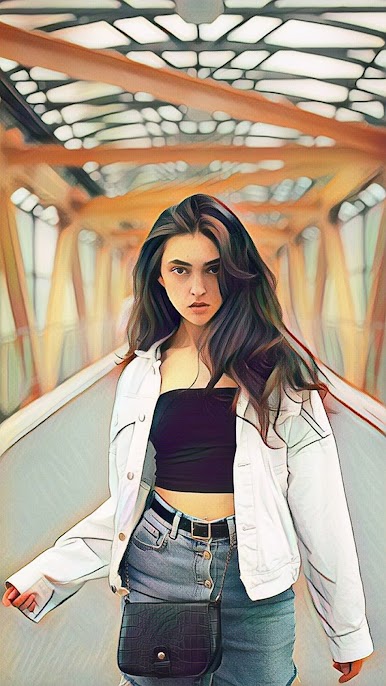
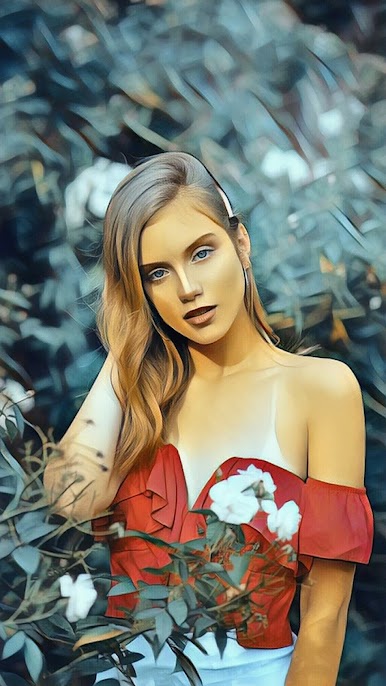
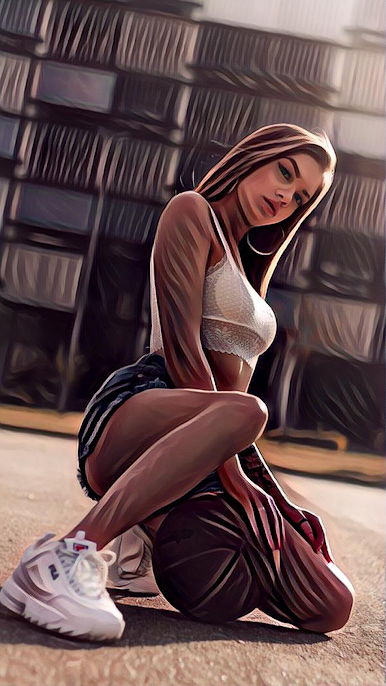
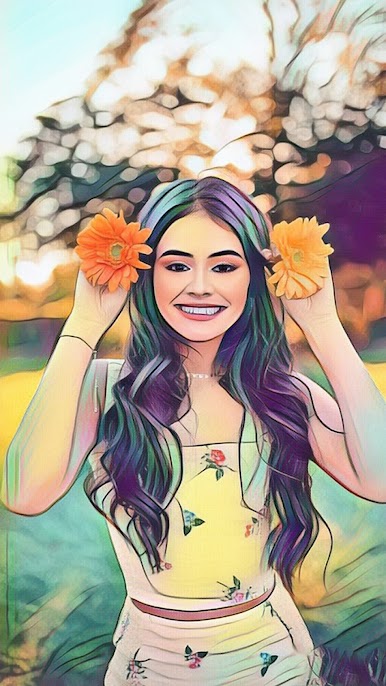
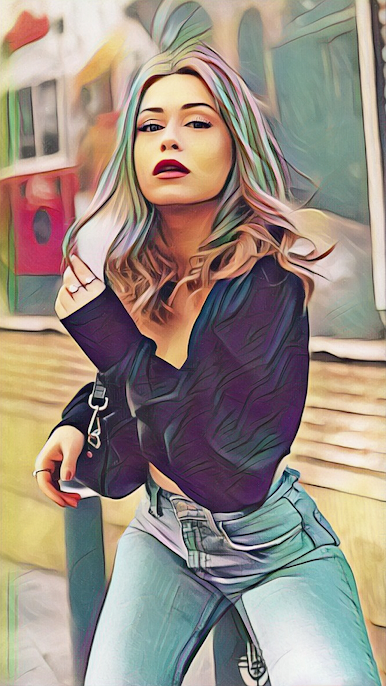
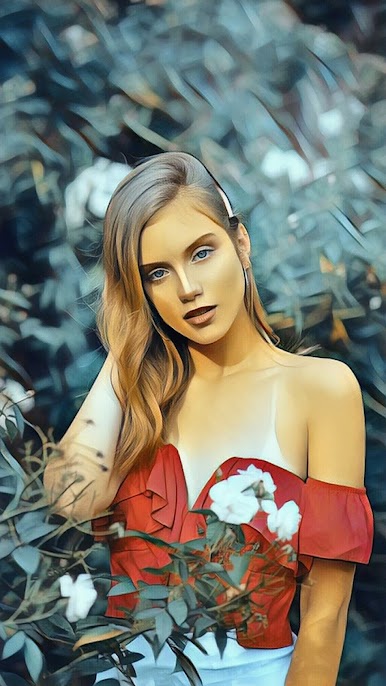
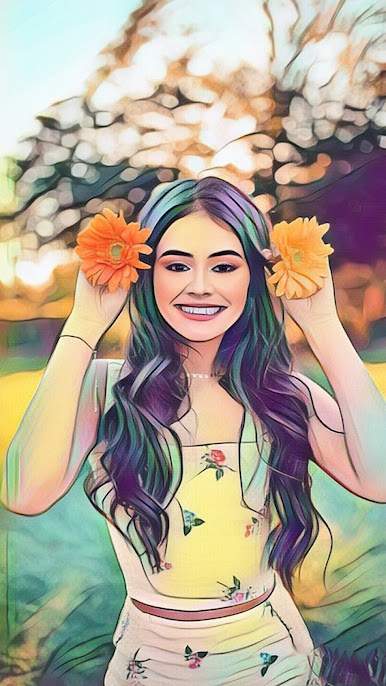
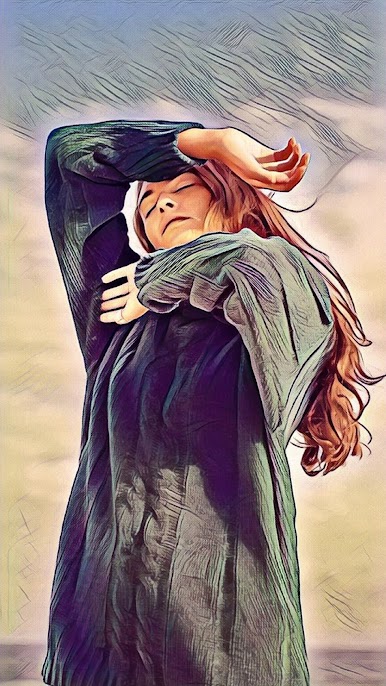
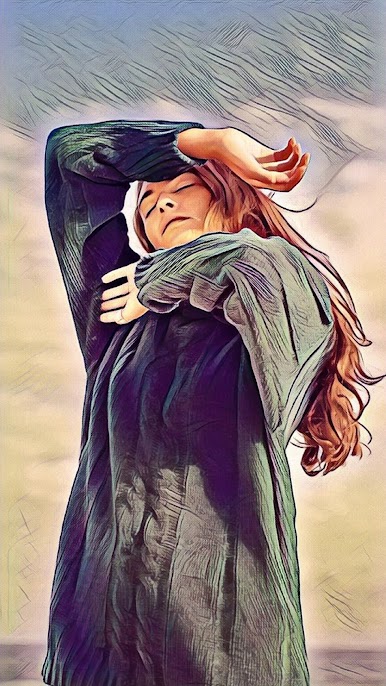
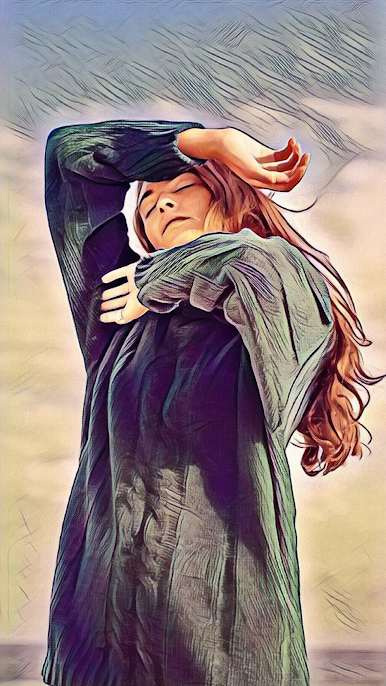
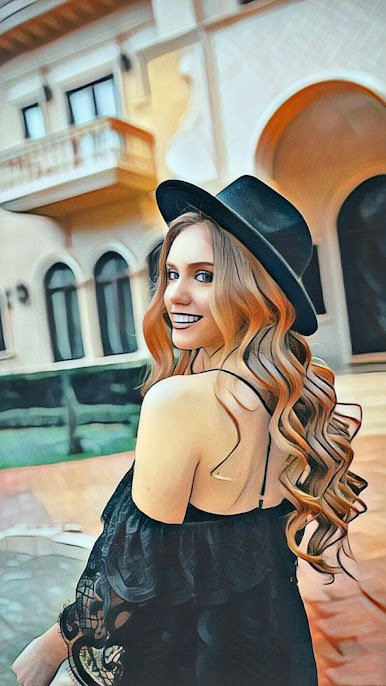
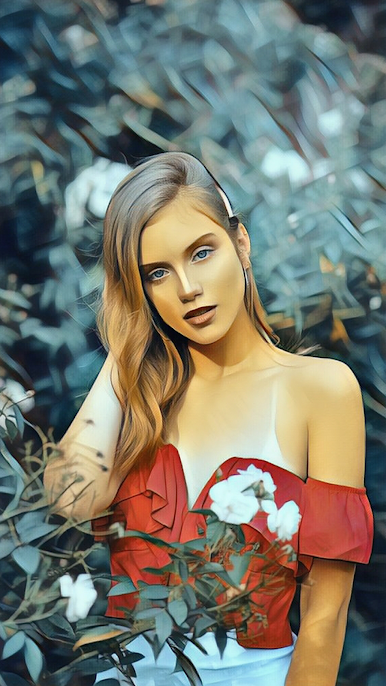
ArtistA: Cartoon Photo Editor by Cards transforms your photos into stunning cartoon masterpieces in just seconds! Turn your selfies into vibrant art with AI cartoon filters and artistic effects. Expect a mix of delightful cartoon styles, including watercolor photo art and anime-inspired designs.
App Features
Realistic AI Picture Art Designs
– Use fun filters to turn any photo into a dynamic newprofilepic. Experience the magic of photo-to-cartoon art with artistic painting filters.
Cool Toonart Filters & Epic Photo Editor
– Turn photos into paintings instantly with this caricature maker. Forget needing a pro editor; add style and flair effortlessly.
Stunning Art Filters
– Access 150+ AI filters, including watercolor and anime effects. A perfect playground for your inner artist to create breathtaking picture art.
Effortless Sharing
– Share your unique creations on social media platforms like Facebook, Snapchat, TikTok, and Twitter. Impress your followers with your creative masterpieces!
BlueStacks subtly enhances performance, making your editing smooth and enjoyable.
BlueStacks gives you the much-needed freedom to experience your favorite apps on a bigger screen. Get it now.

PC에서 ArtistA : 아트 사진 메이커 & 사진편집앱 플레이해보세요.
-
BlueStacks 다운로드하고 설치
-
Google Play 스토어에 로그인 하기(나중에 진행가능)
-
오른쪽 상단 코너에 ArtistA : 아트 사진 메이커 & 사진편집앱 검색
-
검색 결과 중 ArtistA : 아트 사진 메이커 & 사진편집앱 선택하여 설치
-
구글 로그인 진행(만약 2단계를 지나갔을 경우) 후 ArtistA : 아트 사진 메이커 & 사진편집앱 설치
-
메인 홈화면에서 ArtistA : 아트 사진 메이커 & 사진편집앱 선택하여 실행

