


LSAT Prep & Practice - Magoosh
5억명 이상의 게이머가 신뢰하는 안드로이드 게임 플랫폼 BlueStacks으로 PC에서 플레이하세요.

Run Magoosh LSAT Prep on PC or Mac
Why limit yourself to your small screen on the phone? Run Magoosh LSAT Prep, an app by Magoosh, best experienced on your PC or Mac with BlueStacks, the world’s #1 Android emulator.
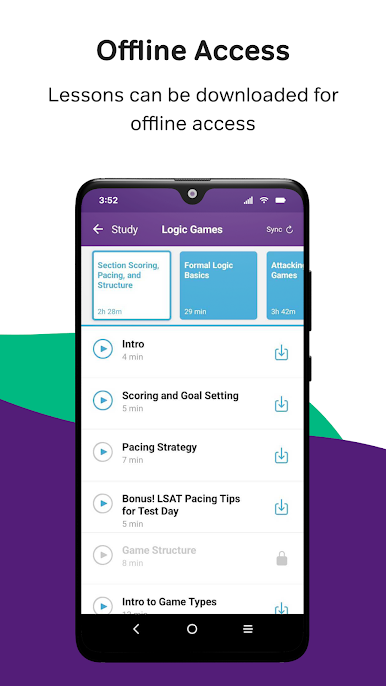
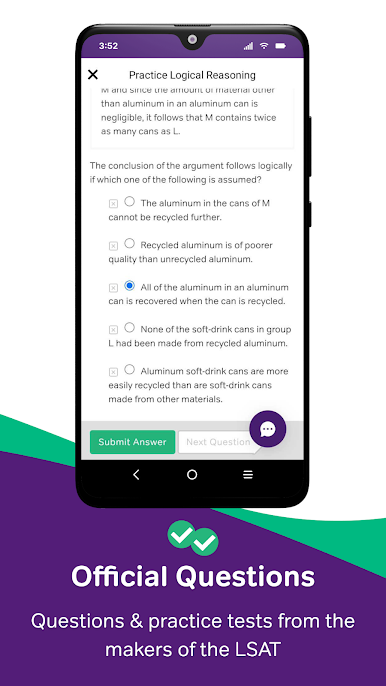
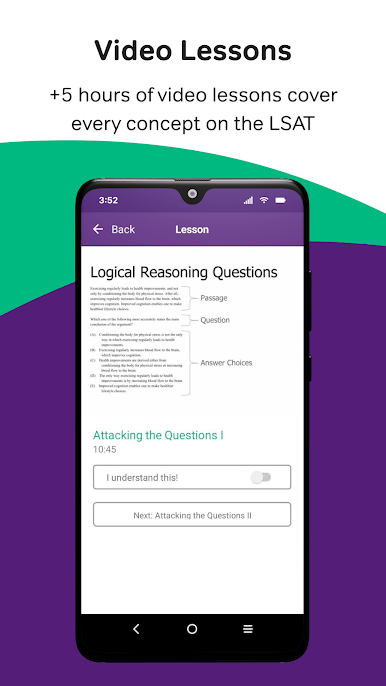
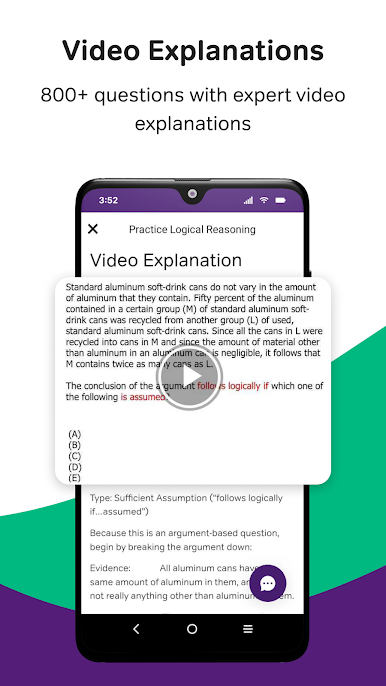
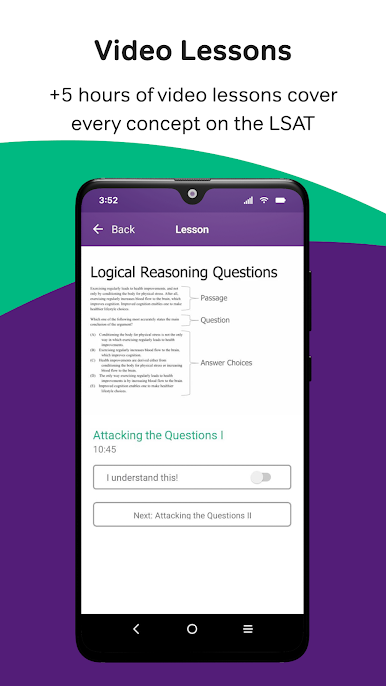
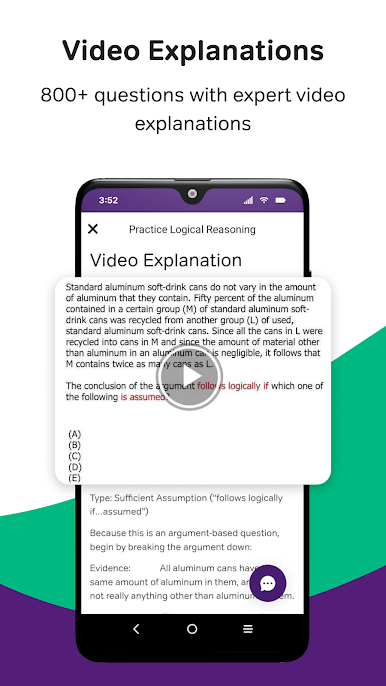
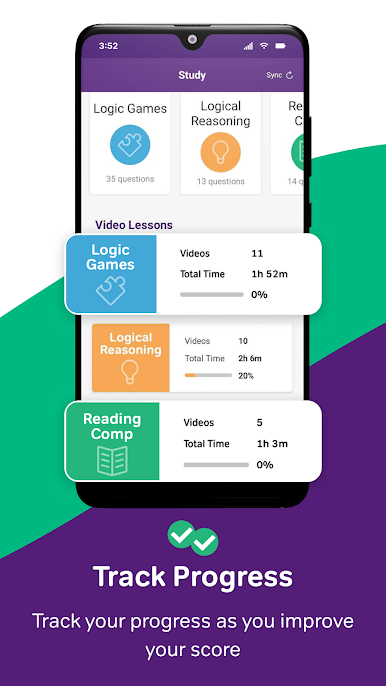
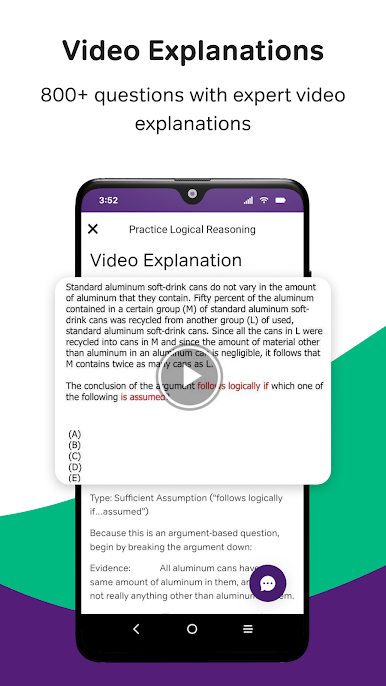
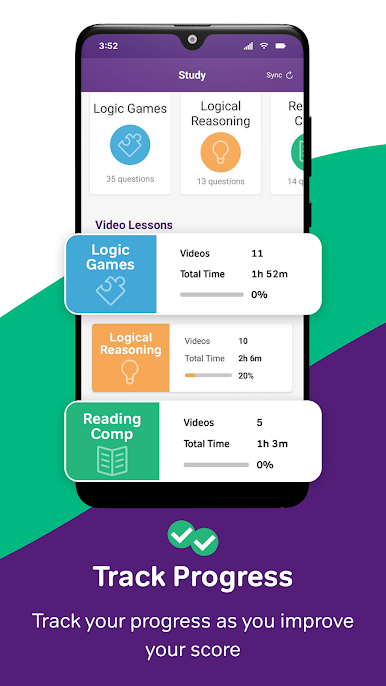
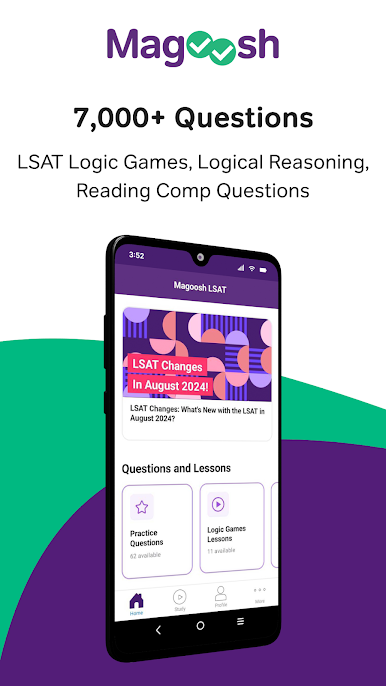
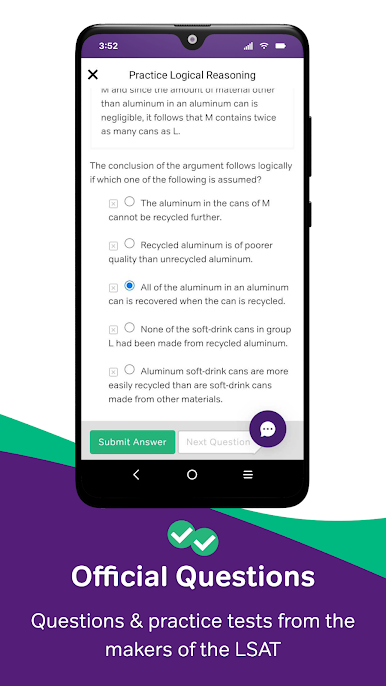
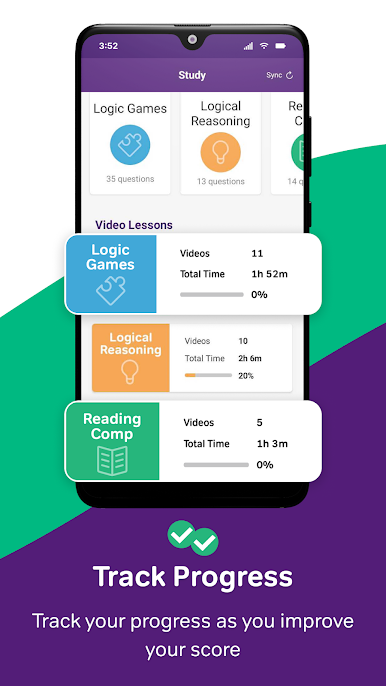
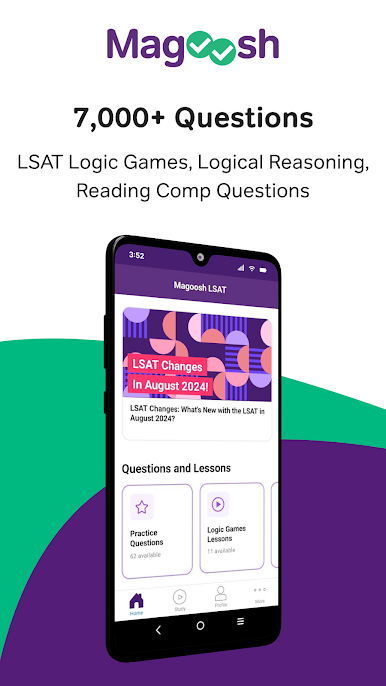
Magoosh LSAT Prep on PC feels really straightforward, which makes prepping for the LSAT a lot less overwhelming. The main thing people notice is how everything’s laid out — there are tons of video lessons covering the big LSAT stuff like logic games, logical reasoning, and reading comprehension, and they’re all made by folks who know what they’re talking about. You just pick what section you want to focus on, and it’s easy to jump into a short lesson if you’ve only got a little time, or watch a few back-to-back if you’re in a longer study mood. Tracking progress is built in too, so it’s obvious what you’ve finished and what’s next.
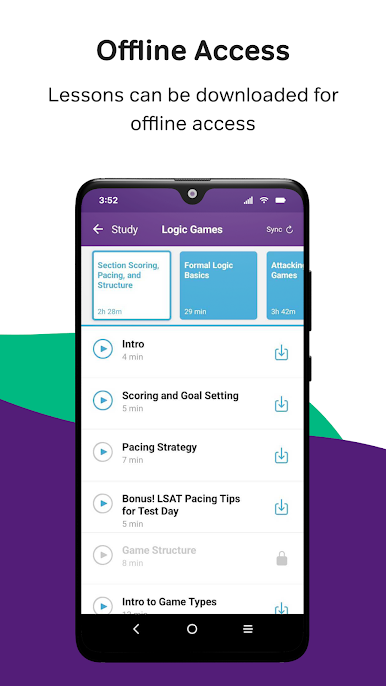
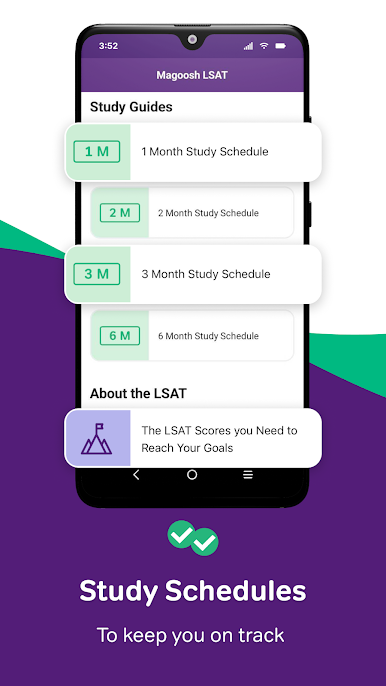
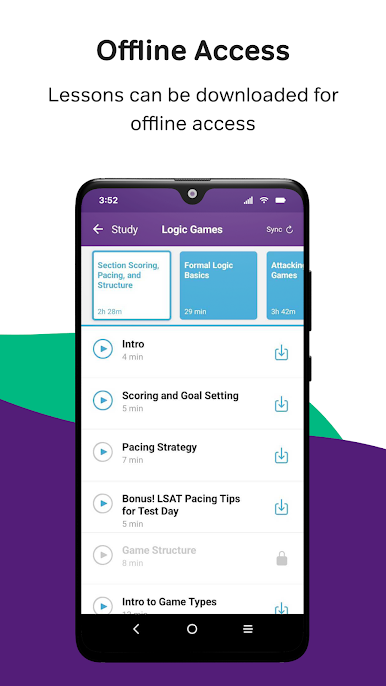
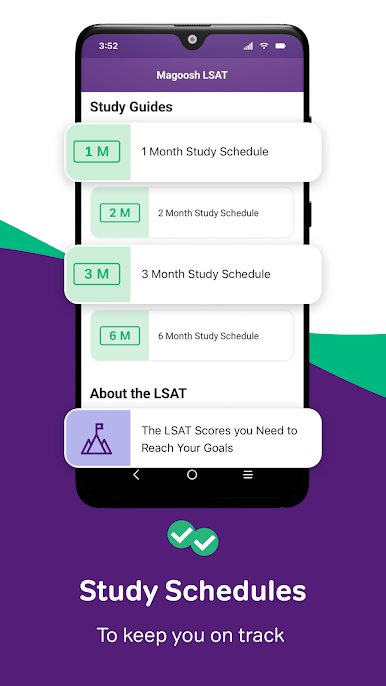
Using it on something like BlueStacks for PC, it runs smoothly and gives you a bigger screen to follow along with the lessons, which helps when diagrams or game setups show up. There’s some handy organization with study plans you can pick, and if you just want quick tips or advice, there are articles and other resources that don’t even need internet. The trial version lets you get a feel for the format with a decent number of videos, but unlocking premium opens up a lot more to dig into. It’s pretty helpful for anyone who likes having structure but also wants the flexibility to go at their own speed. And if you get stuck or want to check something, there are tutor options as well, so support isn’t just buried somewhere. Overall, it feels accessible and makes the whole LSAT process less of a hassle.
Eager to take your app experience to the next level? Start right away by downloading BlueStacks on your PC or Mac.


PC에서 LSAT Prep & Practice - Magoosh 플레이해보세요.
-
BlueStacks 다운로드하고 설치
-
Google Play 스토어에 로그인 하기(나중에 진행가능)
-
오른쪽 상단 코너에 LSAT Prep & Practice - Magoosh 검색
-
검색 결과 중 LSAT Prep & Practice - Magoosh 선택하여 설치
-
구글 로그인 진행(만약 2단계를 지나갔을 경우) 후 LSAT Prep & Practice - Magoosh 설치
-
메인 홈화면에서 LSAT Prep & Practice - Magoosh 선택하여 실행

