


الفصول: قصص تفاعلية
العب على الكمبيوتر الشخصي مع BlueStacks - نظام أندرويد للألعاب ، موثوق به من قبل أكثر من 500 مليون لاعب.

إلعب الفصول: قصص تفاعلية على جهاز الكمبيوتر
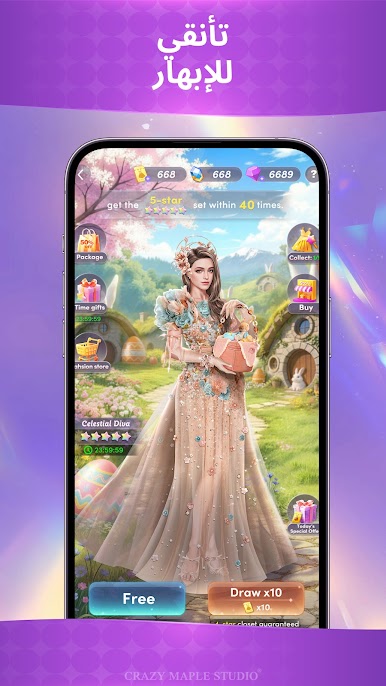
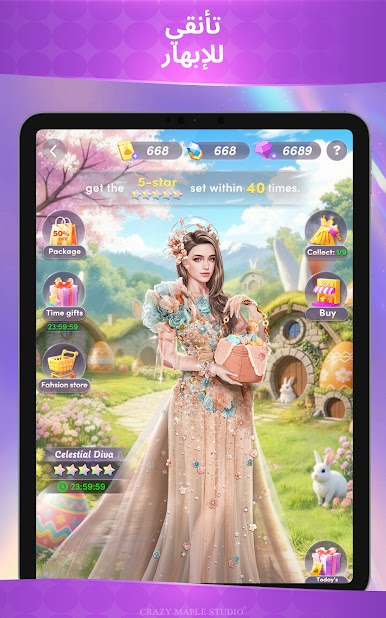
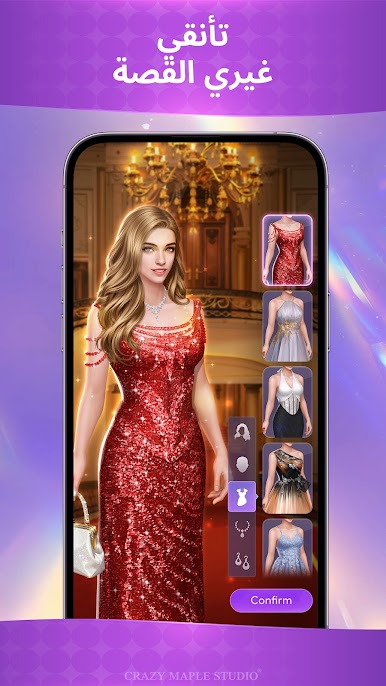
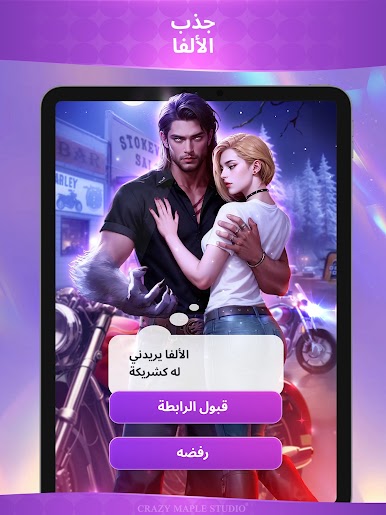
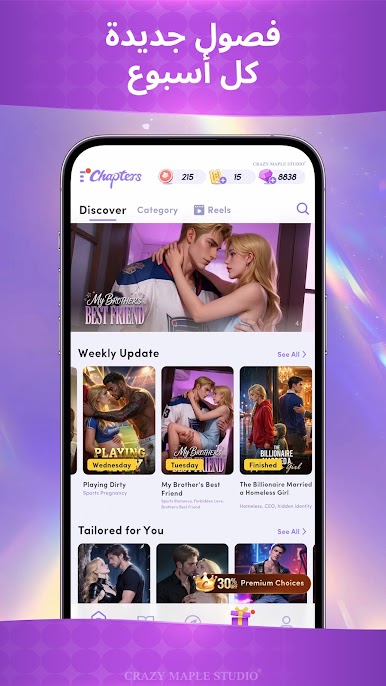
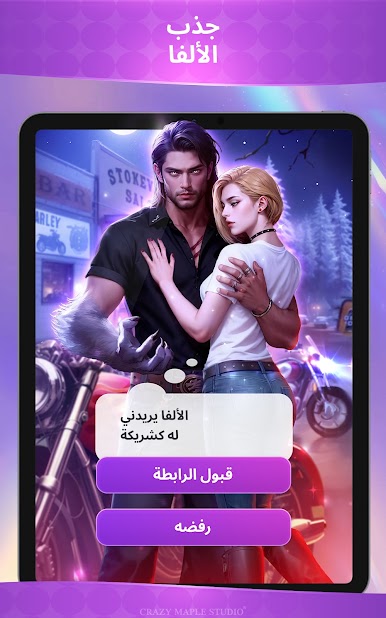
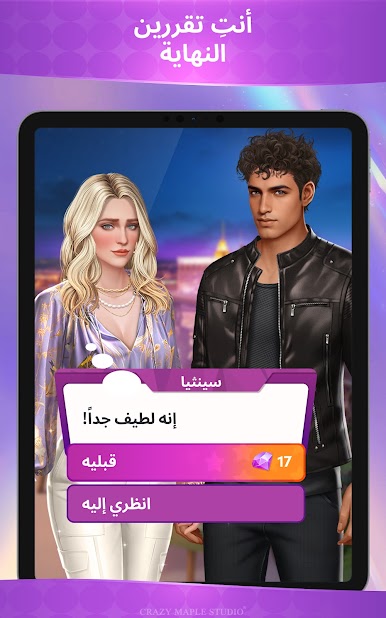
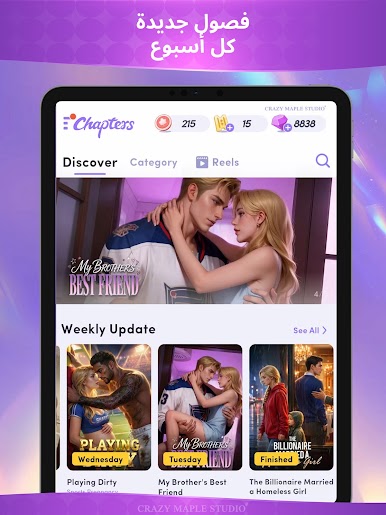
اختر قصتك من مجموعتنا المميزة من مسلسلات الرومانسية، والزواج التعاقدي، والفرصة الثانية، وملك التنين، والقراصنة، وذئب ألفا، والإيسيكاي، وبرامج تلفزيون الواقع، والخيال العلمي، والكوميديا، والدراما! تجمع ""فصول"" بين أسلوب لعب فريد لاختيار قصتك وقصص خيالية من تأليف كتّابنا المميزين، والتي ستُذهلك!
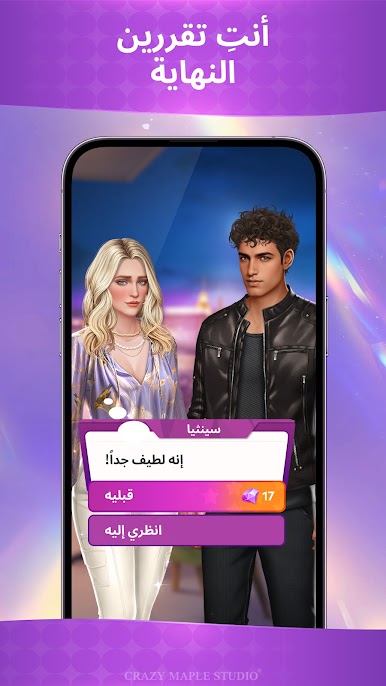
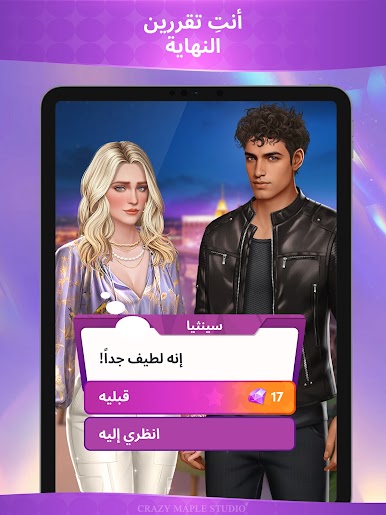
أنت من يقرر في كل قصة. اتخذ قرارات صعبة في الحياة، كالوقوع في الحب، أو اكتشاف الأسرار، أو كشف ألغاز عميقة! اتخذ قراراتك بحكمة؛ فكل نهاية مختلفة!
ميزات الفصول:
- اختر قصتك! انغمس في عالم القصة وابدأ باتخاذ قرارات ستغير مجرى قصتك!
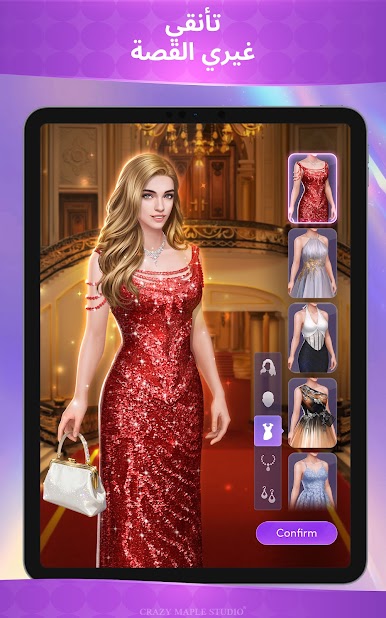
- تبدأ المغامرات باختيارك اسمًا وأسلوبًا. لتعكس شخصيتك الفريدة.
- جميع القصص تأتي مع معلومات مباشرة من المؤلف!
- أطلق العنان لإبداعك وانشر قصصك التفاعلية: https://ugc.crazymaplestudios.com
تتضمن مجموعتنا الحصرية من ألعاب ""اختر قصتك"":
يُعرض الآن المسلسل القصير الواقعي ""زوجة الرئيس التنفيذي المتعاقدة""! عش تجربة القصة الغامرة للمسلسل الأصلي في آنٍ واحد.
لإنقاذ أختك، عليك توقيع عقد مع رجل أعمال غامض: أن تصبحي زوجته وتنجبي له وريثًا. عندما يبدأ زيف الزواج في إثارة المشاعر الحقيقية، ماذا بعد؟ الهروب من هذا السجن المذهب، أم الوقوع في شبكة حب خطيرة؟
انضم إلينا في رحلة مثيرة مع ""زوج سيئ كبير، أرجوك استيقظ!""، المقتبس الآن عن مسلسل قصير واقعي يحمل الاسم نفسه!
أنت مُجبر على الزواج من الملياردير الكبير واين ليونز لإنقاذ حياة والدك. مقابل خمسة ملايين دولار، لقد بعت نفسك لعائلة ليونز على وعد بإنجاب وريث. لكن هناك مشكلة واحدة... واين ليونز في غيبوبة!
ماذا ستفعل بعد ذلك؟!
ستُقدم لعبة ""فصول: قصص تفاعلية"" لمسة فريدة وممتعة لاختيار مغامراتك القصصية. سواء كنت قارئًا نهمًا للدراما، أو الكوميديا، أو الزواج التعاقدي، أو الفرصة الثانية، أو ملك التنانين، أو القراصنة، أو ذئب ألفا، أو الإيسيكاي، أو مواعدة تلفزيون الواقع، أو الخيال العلمي، أو الرومانسية، أو حتى لاعبًا، ستستمتع باتخاذ القرارات في لعبة القصة التفاعلية هذه!
حمّل ""فصول"" اليوم لاكتشاف القصص التي لا تُنسى حيث يمكنك اتخاذ القرارات الحاسمة.
يرجى العلم أن ""فصول: قصص تفاعلية"" هي لعبة إلكترونية تتطلب اتصالاً بالإنترنت للعب.
تابعوا ""فصول"":
facebook.com/ChaptersInteractiveStories
instagram.com/chapters_interactivestories
twitter.com/chaptersgame"







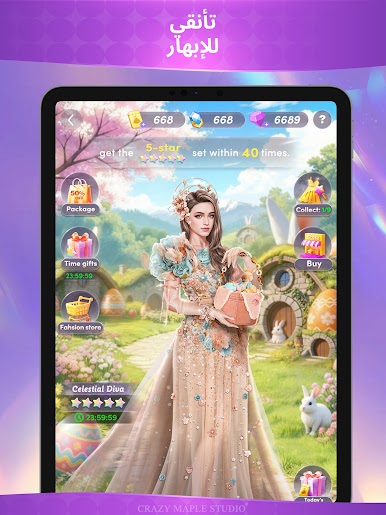

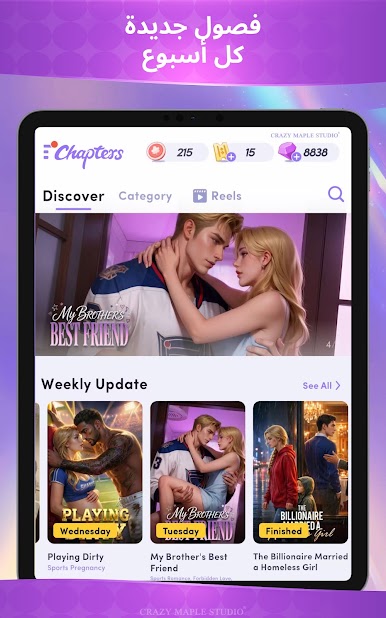
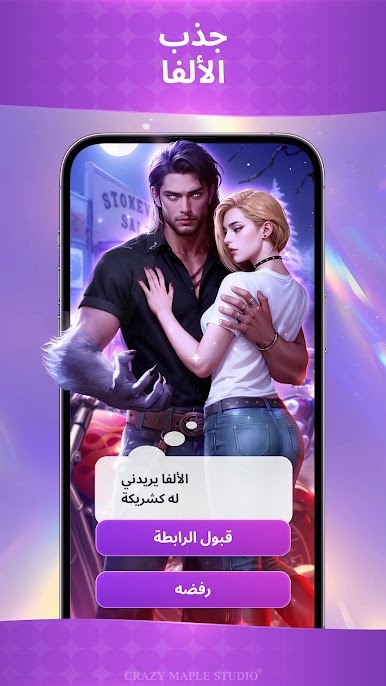

العب الفصول: قصص تفاعلية على جهاز الكمبيوتر. من السهل البدء.
-
قم بتنزيل BlueStacks وتثبيته على جهاز الكمبيوتر الخاص بك
-
أكمل تسجيل الدخول إلى Google للوصول إلى متجر Play ، أو قم بذلك لاحقًا
-
ابحث عن الفصول: قصص تفاعلية في شريط البحث أعلى الزاوية اليمنى
-
انقر لتثبيت الفصول: قصص تفاعلية من نتائج البحث
-
أكمل تسجيل الدخول إلى Google (إذا تخطيت الخطوة 2) لتثبيت الفصول: قصص تفاعلية
-
انقر على أيقونة الفصول: قصص تفاعلية على الشاشة الرئيسية لبدء اللعب

