

Saucillator
在電腦上使用BlueStacks –受到5億以上的遊戲玩家所信任的Android遊戲平台。

Run Saucillator on PC or Mac
Upgrade your experience. Try Saucillator, the fantastic Music & Audio app from soundandfeury, from the comfort of your laptop, PC, or Mac, only on BlueStacks.
About the App
Ever wished you could play around with a synth just by running your fingers across the screen? Saucillator, from soundandfeury, lets you do exactly that. This isn’t just any music & audio app—it’s your own pocket-sized synthesizer playground, inspired by classic gear but made for touch. Whether you’re noodling a quick riff, making full-on experimental loops, or looking to sketch out ideas, Saucillator hands you the controls.
App Features
-
Expressive Touch Controls
Use your device’s touchscreen like an instrument. Slide your fingers on the x-y pad—one direction changes the volume, the other shifts the pitch. Super intuitive, especially if you like experimenting. -
Custom Synth Creation
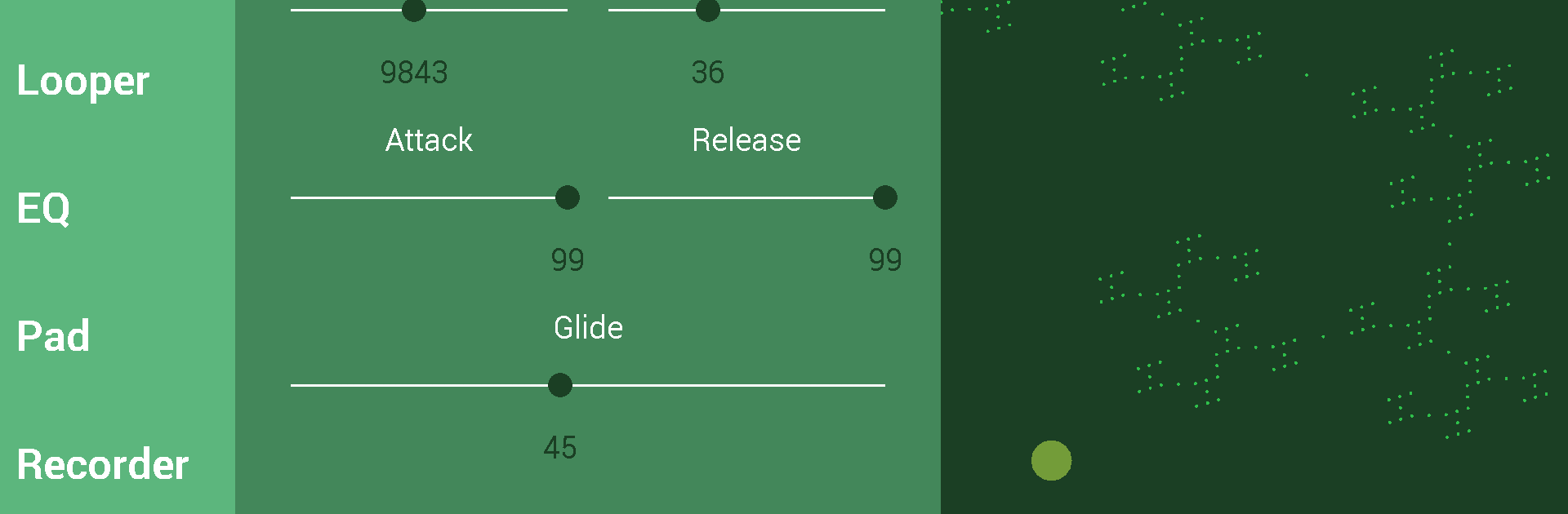
Not stuck with the basics here. Build your own synths from scratch, tweak the sounds, mess with the effects, and get something totally unique. You can mix original waveforms, including classics like Sine, Square, Saw, Pulse, and plenty more offbeat choices like Electric Eel or Singing Saw. -
Live Looping & Recording
Want to layer sounds or save your jam sessions? Record and loop performances right inside the app. When inspiration hits, it means you won’t lose the moment. You can even store tracks directly on your SD card. -
Flexible Effects and Controls
Dive into sound-shaping tools—adjust the attack, depth, delay, and other FX on each synth. Tweak with ADSR envelopes, LFOs, delay rates, and note lag for really custom textures. -
Scale and Pad Customization
Not every tune is in C major, right? Pick from scales like Pentatonic, Minor, Blues, or Chromatic, and set your root note. Handy if you want to jam along to different styles. -
Visual Goodies and Extras
Throw on visualizations to see your music move as you play. There’s even more planned, so expect some surprises as the app grows. -
Tailored for Android—with BlueStacks Support
While Saucillator is designed for mobile, you can also enjoy a bigger screen if you’re using BlueStacks on your PC.
Saucillator offers a playful, hands-on way to explore synths, perfect for anyone who likes to tinker with sounds right from their device.
Ready to experience Saucillator on a bigger screen, in all its glory? Download BlueStacks now.
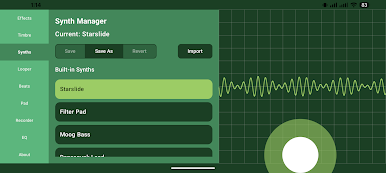
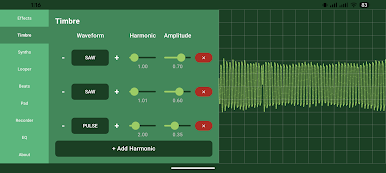
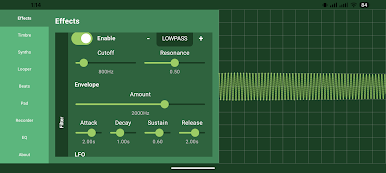
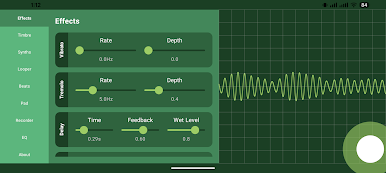
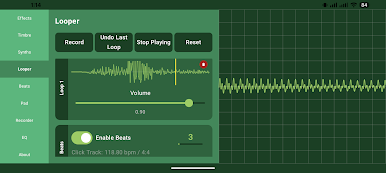
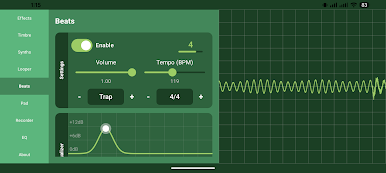
在電腦上遊玩Saucillator . 輕易上手.
-
在您的電腦上下載並安裝BlueStacks
-
完成Google登入後即可訪問Play商店,或等你需要訪問Play商店十再登入
-
在右上角的搜索欄中尋找 Saucillator
-
點擊以從搜索結果中安裝 Saucillator
-
完成Google登入(如果您跳過了步驟2),以安裝 Saucillator
-
在首頁畫面中點擊 Saucillator 圖標來啟動遊戲

