

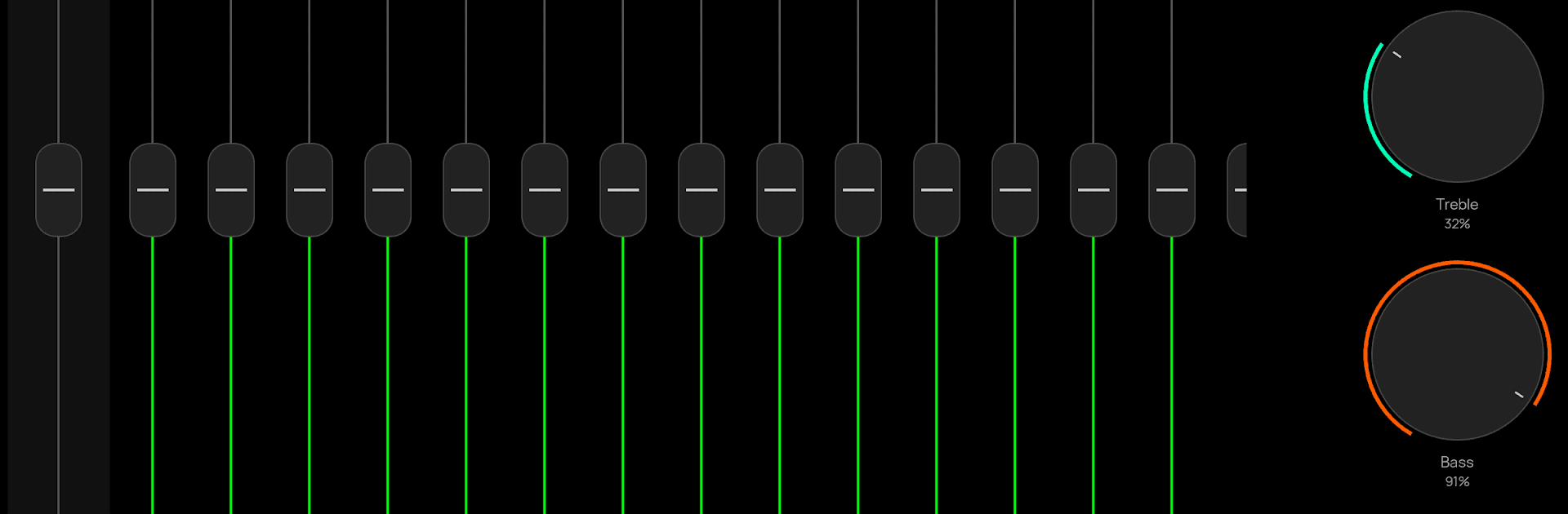
Poweramp Equalizer
Jogue no PC com BlueStacks - A Plataforma de Jogos Android, confiada por mais de 500 milhões de jogadores.

Página modificada em: Nov 18, 2025
Run Poweramp Equalizer on PC or Mac
Upgrade your experience. Try Poweramp Equalizer, the fantastic Music & Audio app from Poweramp Software Design (Max MP), from the comfort of your laptop, PC, or Mac, only on BlueStacks.
About the App
Love tweaking your music until it sounds just right? Poweramp Equalizer puts you in the driver’s seat of your own audio experience. Whether you’re into deep bass or crisp highs, this app makes it simple to tune every detail to your taste. It’s all about shaping your sound to fit your vibe, no matter what you’re listening to or which streaming app you prefer.
App Features
-
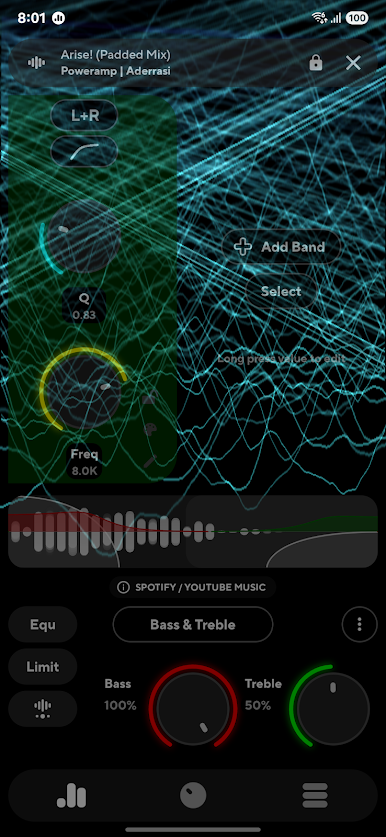
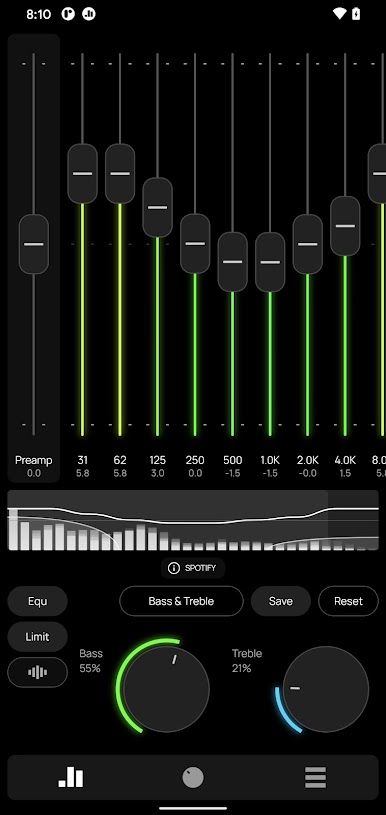
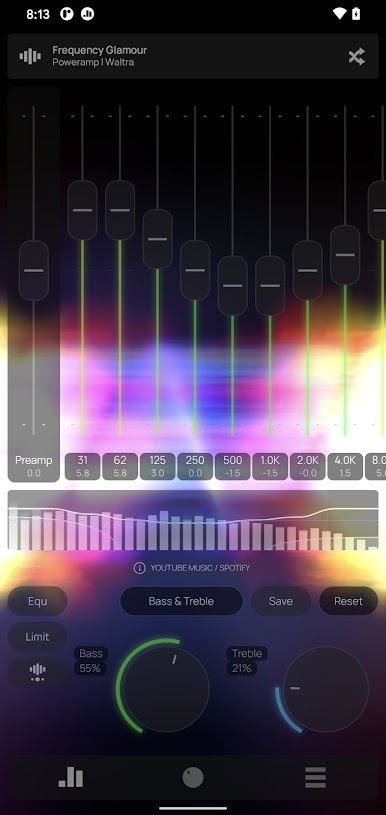
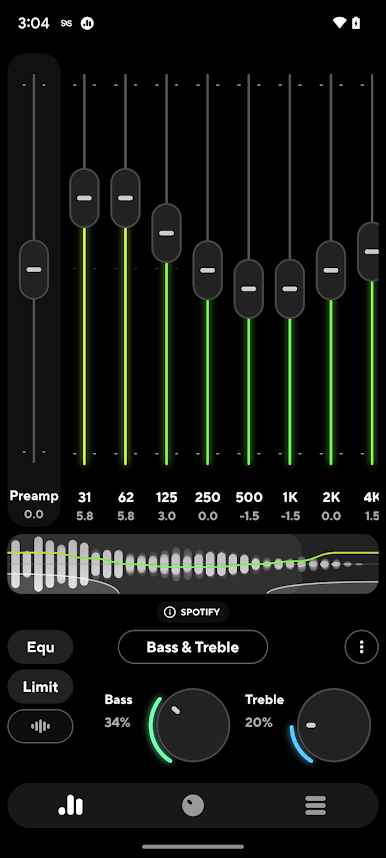
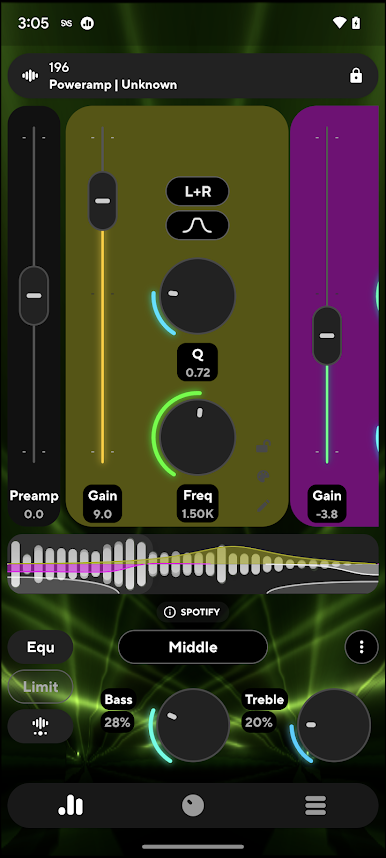
Personalized Equalizer Settings
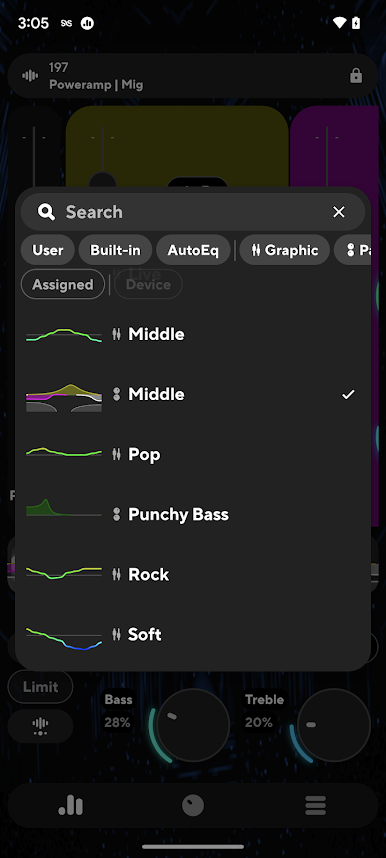
Pick from a bunch of built-in presets or set things up exactly how you want with custom controls. Dial in anything from smooth jazz to punchy beats. -
Bass & Treble Boost
Easily give your music those extra lows or shimmering highs. Just a tap, and your sound feels bigger and bolder. -
Adjustable Frequency Bands
Go as basic or as advanced as you like, with anywhere between 5 and 32 bands that you can tweak, shift, and blend as you please. Start and end frequencies are fully adjustable. -
DVC and Studio Tools
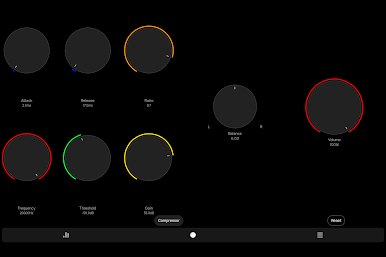
Unlock deeper clarity and better dynamics with Direct Volume Control, plus extra tools like limiter, compressor, balance, and preamp for serious audio fans. -
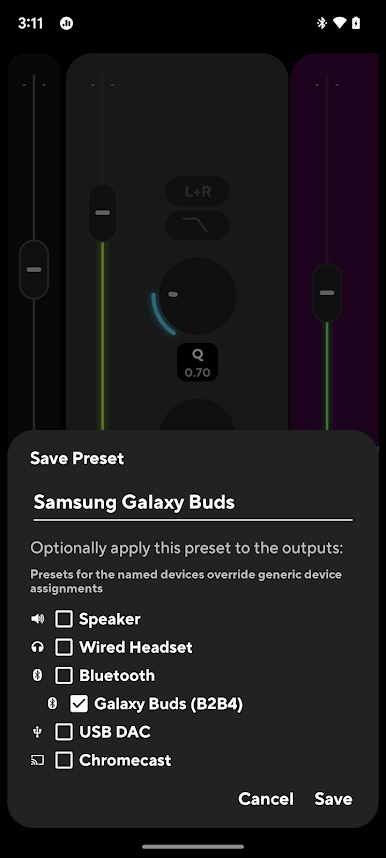
Device-Specific Presets
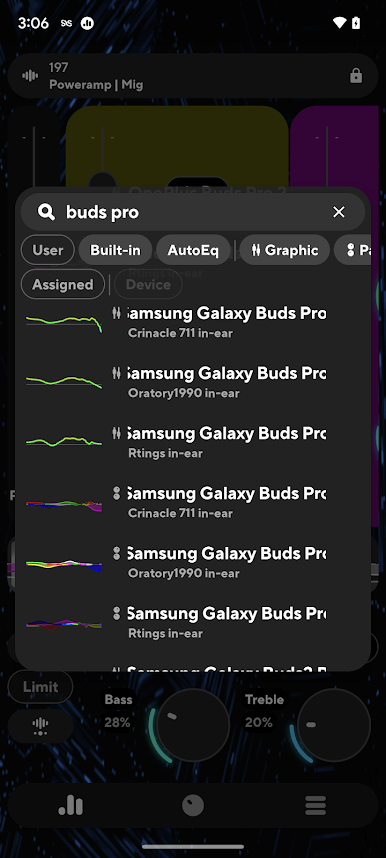
AutoEQ has you covered with ready-made presets tuned for your particular device, taking out the guesswork. -
Works with Most Player Apps
From your favorite streaming services to third-party music players, Poweramp Equalizer fits right in—just check your player’s settings if you need to enable equalization. -
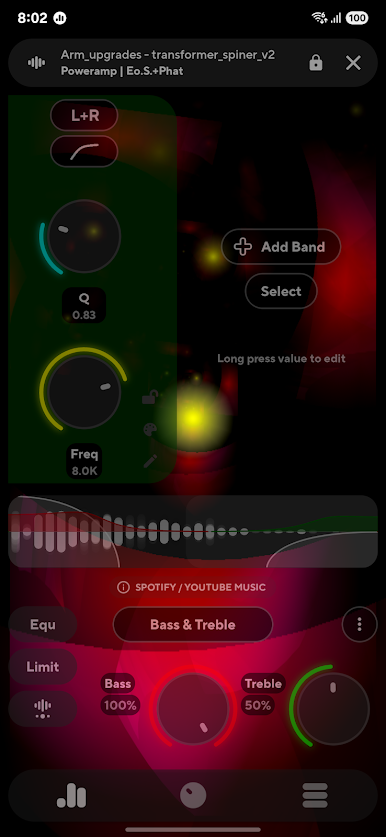
Visual Customization
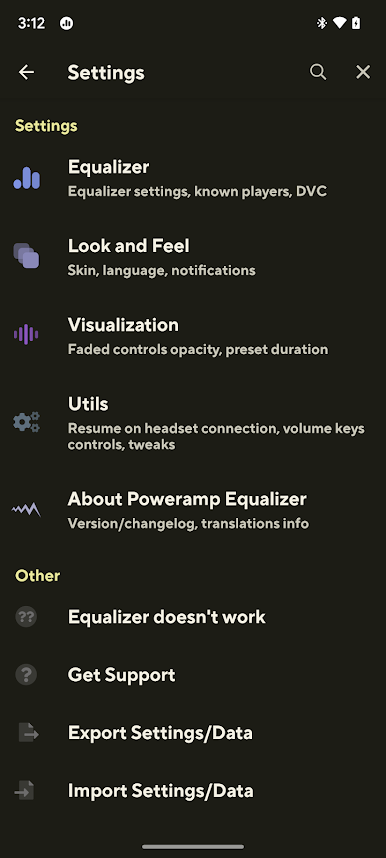
Switch up your look with light or dark skins, custom themes, and animated waveforms. The app supports .milk presets and cool spectrums for that extra visual flair. -
Handy Utilities
Music auto-resumes when your headphones or Bluetooth devices reconnect. Plus, map your volume keys to control play, pause, or even skip tracks (some options need extra permissions).
And if you’re trying it out on your laptop with BlueStacks, you’ll get all this studio-grade control right at your fingertips.
Switch to BlueStacks and make the most of your apps on your PC or Mac.
Jogue Poweramp Equalizer no PC. É fácil começar.
-
Baixe e instale o BlueStacks no seu PC
-
Conclua o login do Google para acessar a Play Store ou faça isso mais tarde
-
Procure por Poweramp Equalizer na barra de pesquisa no canto superior direito
-
Clique para instalar Poweramp Equalizer a partir dos resultados da pesquisa
-
Conclua o login do Google (caso você pulou a etapa 2) para instalar o Poweramp Equalizer
-
Clique no ícone do Poweramp Equalizer na tela inicial para começar a jogar

