


Jazz & Blues Music Radio
Jogue no PC com BlueStacks - A Plataforma de Jogos Android, confiada por mais de 500 milhões de jogadores.

Página modificada em: Oct 16, 2025
Run Jazz & Blues Music Radio on PC or Mac
Let BlueStacks turn your PC, Mac, or laptop into the perfect home for Jazz & Blues Music Radio, a fun Music & Audio app from Maxim Kabluka.
About the App
Craving some real jazz and blues on demand? The Jazz & Blues Music Radio app from Maxim Kabluka is made for fans who never want the music to stop. Flip it open and you’ve got a world of classic jazz, mellow tunes, smoky sax, and deep blues—all streaming straight to you. It’s easy, it’s authentic, and you’ll always discover something new to vibe to.
App Features
-
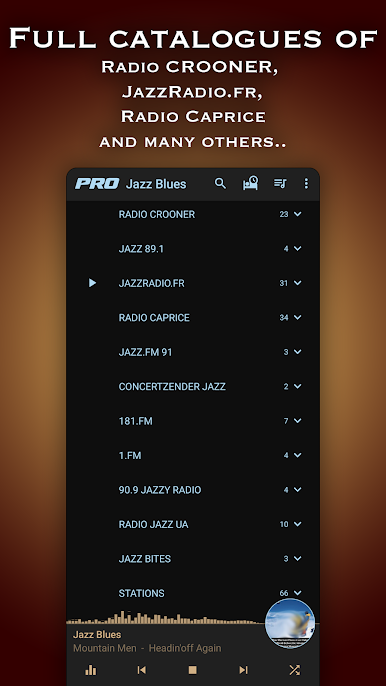
Huge Selection of Stations
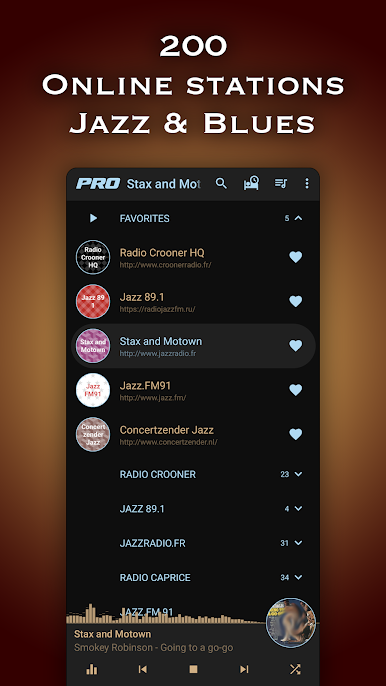
Got a favorite jazz station? There’s a good chance it’s here among almost 100 choices, with more added regularly. Whether you love the golden classics or want something more modern, you’ll find something that just fits your mood. -
Top-Notch 32-Bit Sound
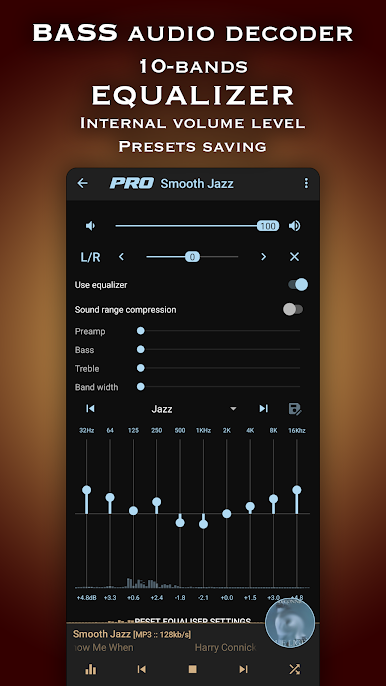
Enjoy your music the way it was meant to be heard, thanks to the app’s slick licensed BASS© audio library. Crisp highs, smooth lows, all of it sounding just right. -
Custom Equalizer
Tweak your tunes with a powerful 10-band equalizer. Drop the bass, pump the mids, sharpen those vocals—the sound’s in your hands. -
Smooth Playback
Not-so-perfect WiFi? No sweat. With clever net buffer settings, your streaming stays steady almost anywhere. -
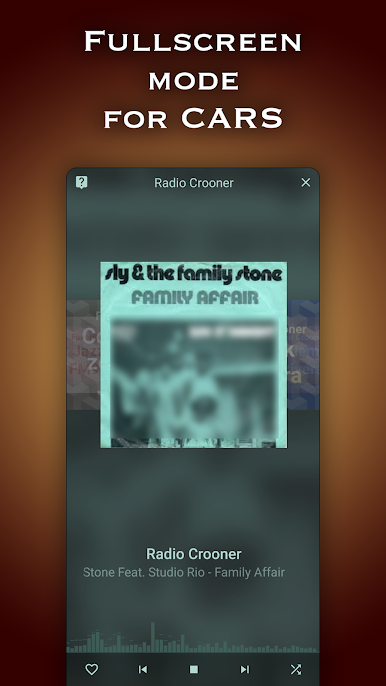
Car-Friendly Display
Going for a drive? Pop the app into full-screen dock mode, perfect for quick and easy controls while you’re on the road. -
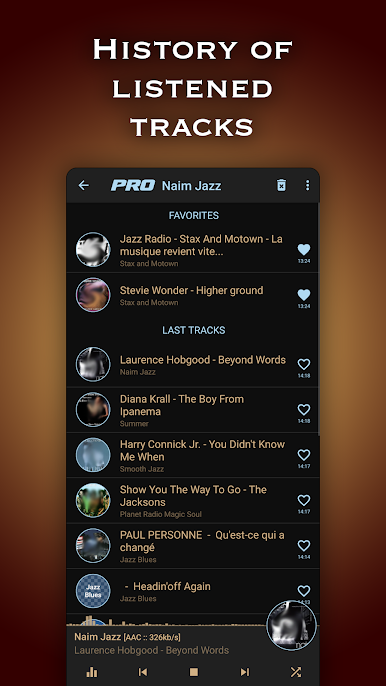
Track History & Fast Search
Can’t remember the name of that killer track from earlier? Check the music history and jump straight to an internet search. -
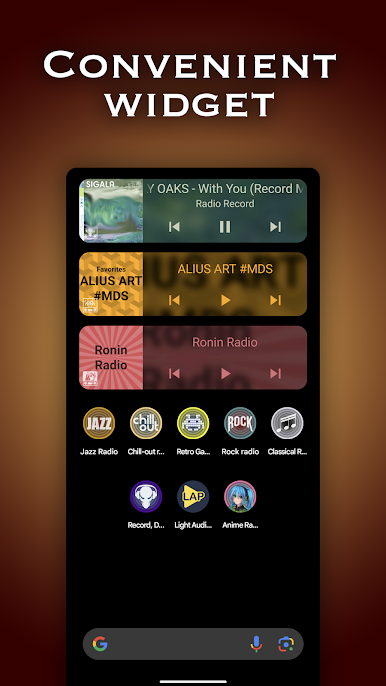
Handy Widget & Sleep Timer
Keep control of your music from your home screen, or set the sleep timer so jazz will gently fade as you drift off. -
No Limits, No Fees
Fire up your favorite music as much as you want—no hidden costs or restrictions. -
Great for Big Screens Too
If you want those radio stations to fill your room, try listening through BlueStacks and enjoy everything on your PC or Mac.
Eager to take your app experience to the next level? Start right away by downloading BlueStacks on your PC or Mac.
Jogue Jazz & Blues Music Radio no PC. É fácil começar.
-
Baixe e instale o BlueStacks no seu PC
-
Conclua o login do Google para acessar a Play Store ou faça isso mais tarde
-
Procure por Jazz & Blues Music Radio na barra de pesquisa no canto superior direito
-
Clique para instalar Jazz & Blues Music Radio a partir dos resultados da pesquisa
-
Conclua o login do Google (caso você pulou a etapa 2) para instalar o Jazz & Blues Music Radio
-
Clique no ícone do Jazz & Blues Music Radio na tela inicial para começar a jogar

