


Trellix Mobile Security
العب على الكمبيوتر الشخصي مع BlueStacks - نظام أندرويد للألعاب ، موثوق به من قبل أكثر من 500 مليون لاعب.

Play Trellix Mobile Security on PC
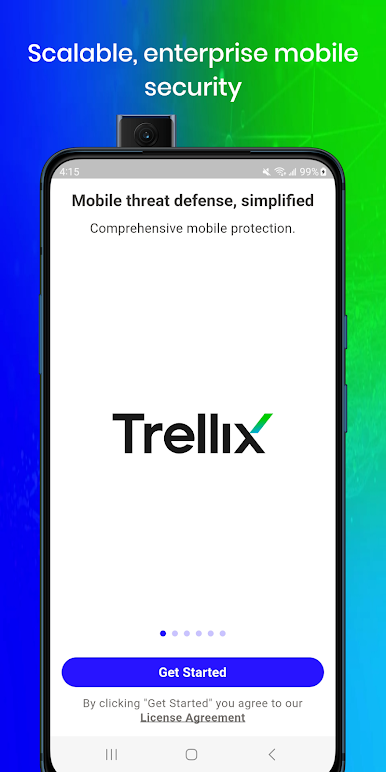
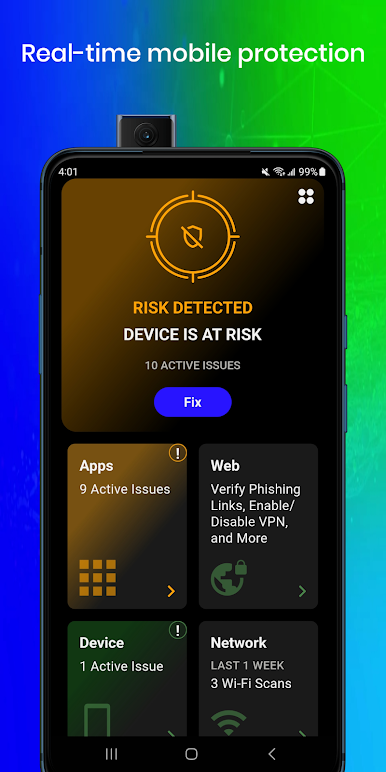
Trellix Mobile Security uses a Dynamic Detection Engine, enhanced by machine learning and continuous research, is capable of scaling with the needs of the modern workforce, securing devices against the most advanced threats. Trellix enables enterprises to support and secure BYO and corporate-owned devices without sacrificing an employee’s privacy or personal data.
NOTE: Trellix Mobile Security requires a valid business license to protect users from mobile threats. Your organization may enable a VPN in the Trellix Mobile Security app to safeguard devices from phishing and risky sites that can potentially compromise personal data. Please contact your security administrator before installing this application.
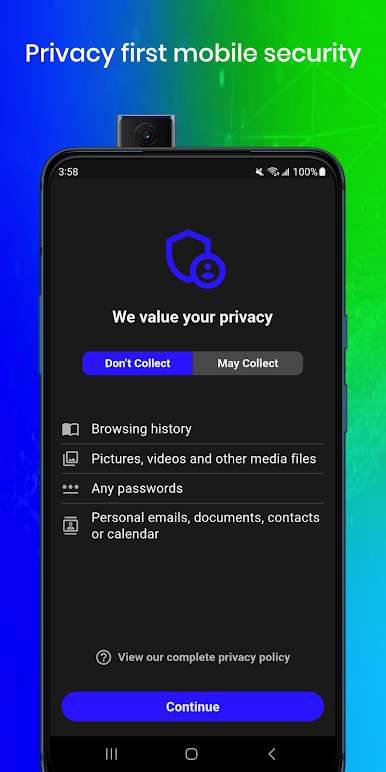
Trellix Mobile Security protects your privacy. Your organization:
- Cannot read your texts, emails, or other communication
- Cannot see your browsing history
- Cannot listen to your calls or see who you talk to
- Cannot listen to you via your phone’s microphone
- Cannot monitor you via your camera
- Cannot read your files or documents
- Cannot capture your screen
- Cannot view your contacts
Trellix Mobile Security collects threat information and system actions to help your security team detect malicious activities or attacks that may compromise your personal and/or corporate information. Any information collected on your device will never be shared or sold to a third party.

العب Trellix Mobile Security على جهاز الكمبيوتر. من السهل البدء.
-
قم بتنزيل BlueStacks وتثبيته على جهاز الكمبيوتر الخاص بك
-
أكمل تسجيل الدخول إلى Google للوصول إلى متجر Play ، أو قم بذلك لاحقًا
-
ابحث عن Trellix Mobile Security في شريط البحث أعلى الزاوية اليمنى
-
انقر لتثبيت Trellix Mobile Security من نتائج البحث
-
أكمل تسجيل الدخول إلى Google (إذا تخطيت الخطوة 2) لتثبيت Trellix Mobile Security
-
انقر على أيقونة Trellix Mobile Security على الشاشة الرئيسية لبدء اللعب

