超級通話錄音
在電腦上使用BlueStacks –受到5億以上的遊戲玩家所信任的Android遊戲平台。
Run Super Call Recorder on PC or Mac
Why limit yourself to your small screen on the phone? Run Super Call Recorder, an app by MeiHillMan, best experienced on your PC or Mac with BlueStacks, the world’s #1 Android emulator.
About the App
Ever wish you could remember every detail from an important phone conversation? Super Call Recorder by MeiHillMan makes it easy to keep track of your calls without any hassle. This Communication app is built for people who want crystal-clear recordings of both sides of their calls, whether you’re chatting with family, making business deals, or just need a reminder of what was said.
App Features
-
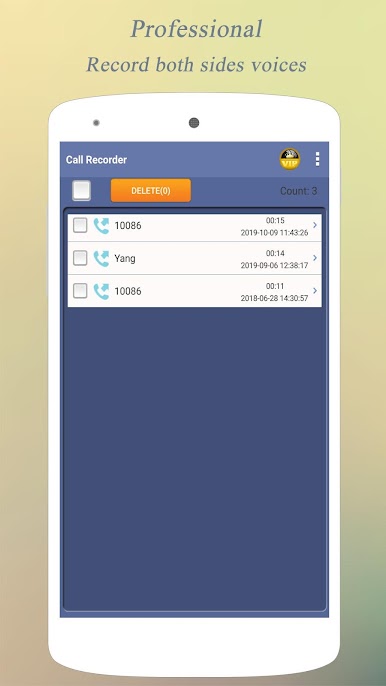
Records Both Sides of the Call
Super Call Recorder captures everything—your voice and the person on the other end—so you won’t miss a word, whether it’s an incoming or outgoing call. -
Works on Most Phones
If you’re using an Android device (version 5.0 to 9.0), you’re in luck—the app is designed to support most popular models out there. -
Totally Free
You get all the features without any hidden charges. No need to worry about paywalls or surprise subscriptions. -
Crystal-Clear Audio
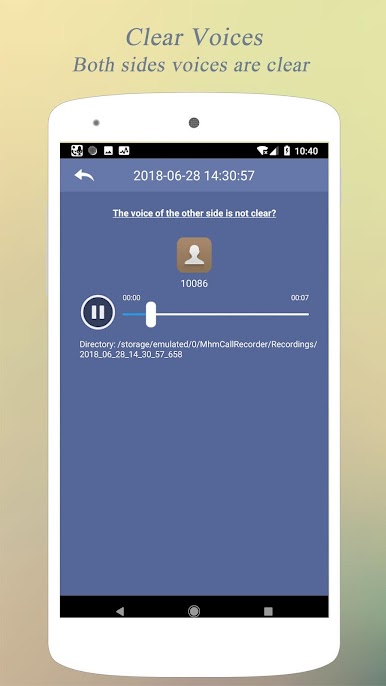
The recordings come through with impressive quality, making it easy to understand every conversation. Handy when you need to double-check details or just want a good playback experience. -
Instant Playback and Export
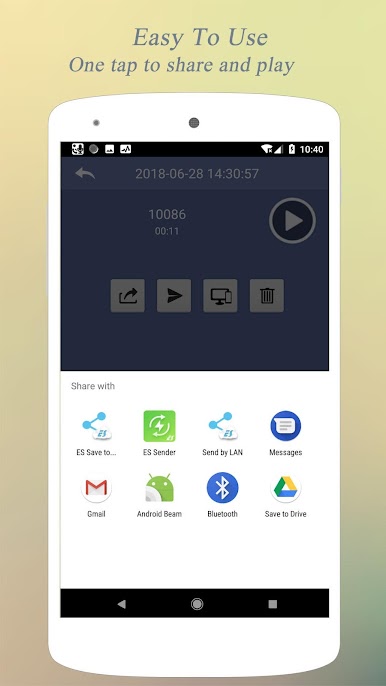
After a call, listen right away within the app or export recordings straight to your SD card. You can also share them through email, WhatsApp, and more. -
Automatic MP3 Files
Calls are saved automatically in MP3 format, so managing or playing them on different devices is a breeze.
And if you prefer handling your calls from a bigger screen, Super Call Recorder works seamlessly with BlueStacks, bringing this smooth call-recording experience to desktop.
BlueStacks gives you the much-needed freedom to experience your favorite apps on a bigger screen. Get it now.
在電腦上遊玩超級通話錄音 . 輕易上手.
-
在您的電腦上下載並安裝BlueStacks
-
完成Google登入後即可訪問Play商店,或等你需要訪問Play商店十再登入
-
在右上角的搜索欄中尋找 超級通話錄音
-
點擊以從搜索結果中安裝 超級通話錄音
-
完成Google登入(如果您跳過了步驟2),以安裝 超級通話錄音
-
在首頁畫面中點擊 超級通話錄音 圖標來啟動遊戲