

Docs Viewer
5억명 이상의 게이머가 신뢰하는 안드로이드 게임 플랫폼 BlueStacks으로 PC에서 플레이하세요.

Run Docs Viewer on PC or Mac
Why limit yourself to your small screen on the phone? Run Docs Viewer, an app by Melting Source, best experienced on your PC or Mac with BlueStacks, the world’s #1 Android emulator.
About the App
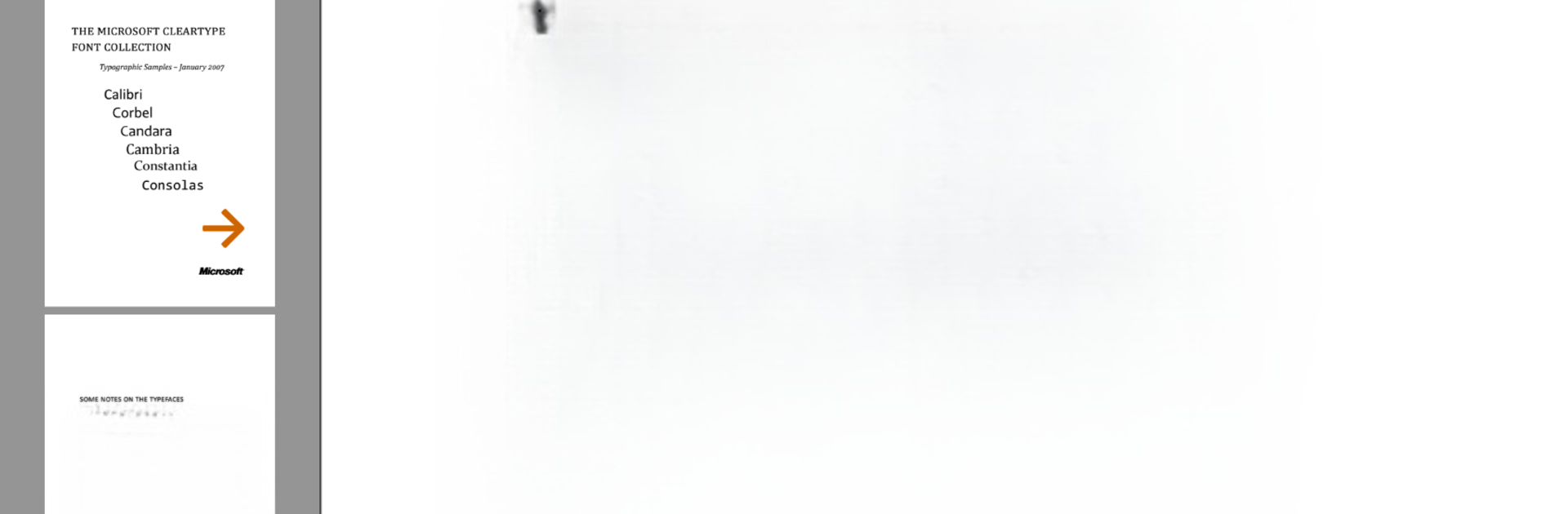
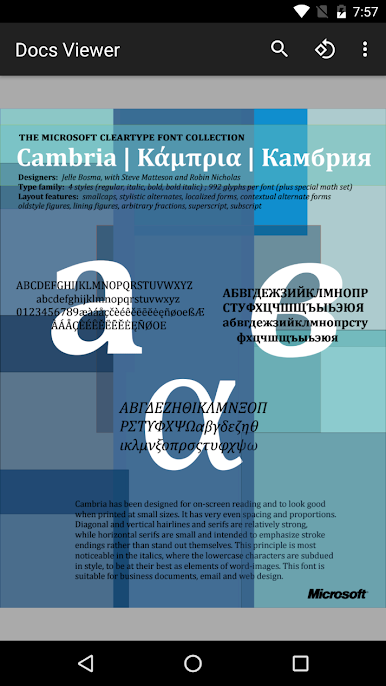
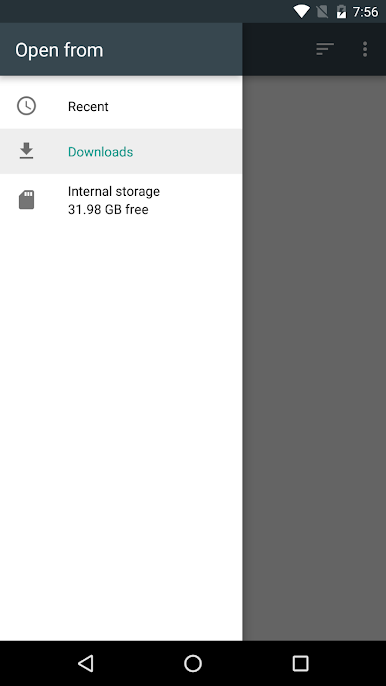
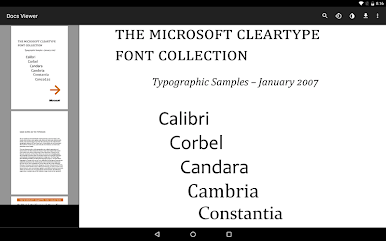
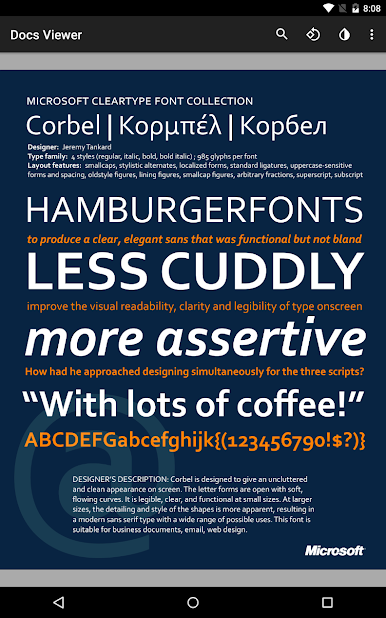
Ever find yourself staring at a random file, wondering how on earth you’re going to open it on your phone? Docs Viewer from Melting Source has your back. This handy productivity app makes it simple to open a huge range of documents—think PDFs, Microsoft Office files, comic books, and way more—right on your Android device. No more awkward file transfers to your computer just to check out a spreadsheet or a rare image format. And if you happen to use BlueStacks? Browsing all those documents from your computer feels just as easy.
App Features
-
All-in-One File Opener
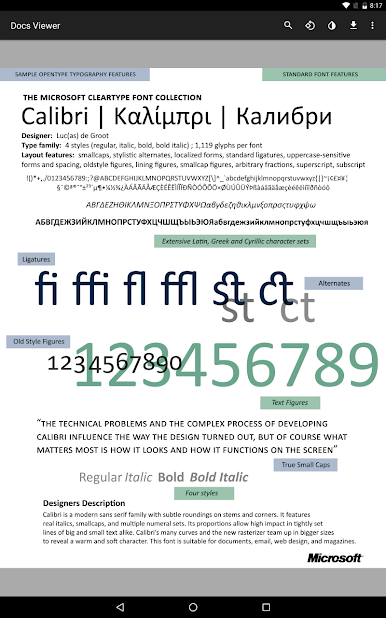
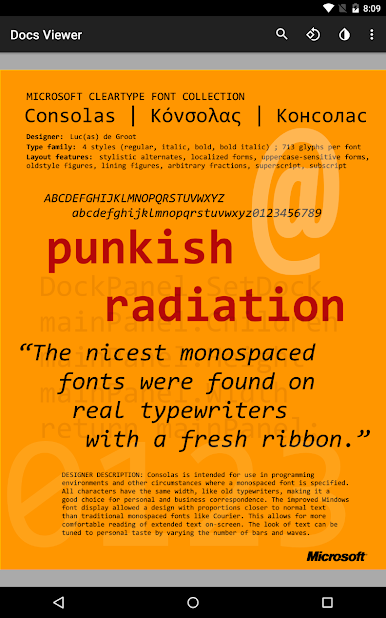
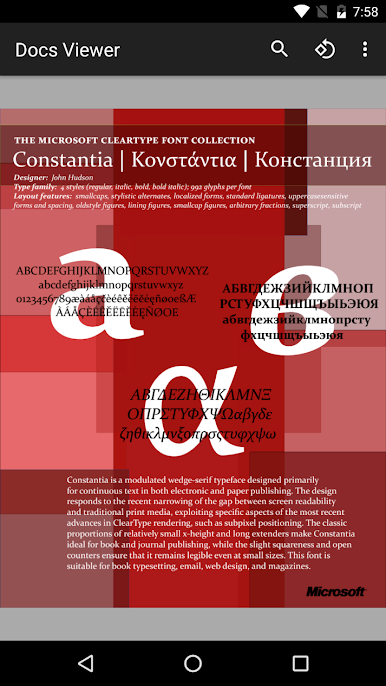
Got a file you’ve never heard of before? Chances are, Docs Viewer can open it. From the classics like PDF, DOCX, XLSX, and PPTX to rarer flavors like EPUB, DJVU, and even TeX or LaTeX stuff. It’s like a Swiss Army knife for documents. -
Image Compatibility
Not limited to text—this app handles images too. View JPEGs, PNGs, GIFs, TIFFs, WebPs, and a long list of raw photo and design formats, including PSD, DNG, and even those big .RAW camera files. -
Supports Spreadsheets and Presentations
Need to peek into Excel files, OpenDocument Sheets, or PowerPoint slides on the go? Docs Viewer is right at home with spreadsheets and presentations, including quirky formats from older or less-common office suites. -
Works with Comics and eBooks
Comic book reader? Check—CBZ files are supported. eBook fan? Open EPUB or FB2 files, no problem. -
Widely Compatible with Text and Source Code
If you want to flip through notes, plain text, or even code files like .JS, .CSS, or .JAVA, everything opens smoothly. That also includes CSV, XML, and RTF files. -
Opens Graphics and Design Files
Check out vector graphics, CAD drawings (like DXF, DWG), Visio diagrams, Illustrator files (yes, .AI), and even CorelDRAW. No extra software needed. -
Runs Smoothly via BlueStacks
Whether you’re flipping through documents on your phone or want a bigger workspace with BlueStacks on your PC, Docs Viewer keeps everything accessible and just a tap away. -
Internet Access Required for Viewing
Just one thing—make sure you’re online when opening files. That’s all it takes to unlock Docs Viewer’s wide compatibility.
Ready to experience Docs Viewer on a bigger screen, in all its glory? Download BlueStacks now.
PC에서 Docs Viewer 플레이해보세요.
-
BlueStacks 다운로드하고 설치
-
Google Play 스토어에 로그인 하기(나중에 진행가능)
-
오른쪽 상단 코너에 Docs Viewer 검색
-
검색 결과 중 Docs Viewer 선택하여 설치
-
구글 로그인 진행(만약 2단계를 지나갔을 경우) 후 Docs Viewer 설치
-
메인 홈화면에서 Docs Viewer 선택하여 실행

