


MetaMoJi Note
在電腦上使用BlueStacks –受到5億以上的遊戲玩家所信任的Android遊戲平台。

Run MetaMoJi Note on PC or Mac
Multitask effortlessly on your PC or Mac as you try out MetaMoJi Note, a Productivity app by MetaMoJi Corp. on BlueStacks.
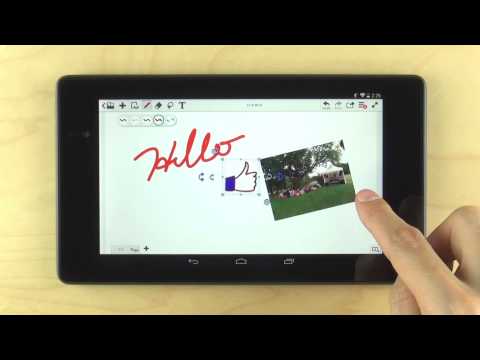
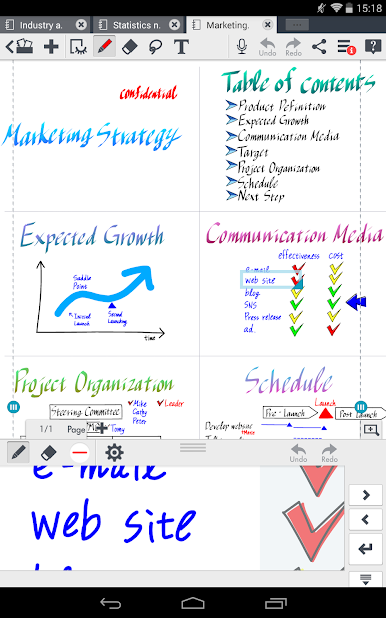
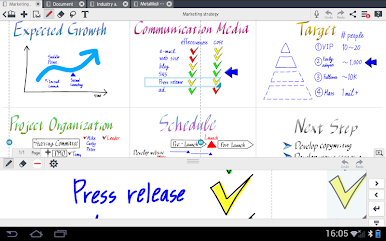
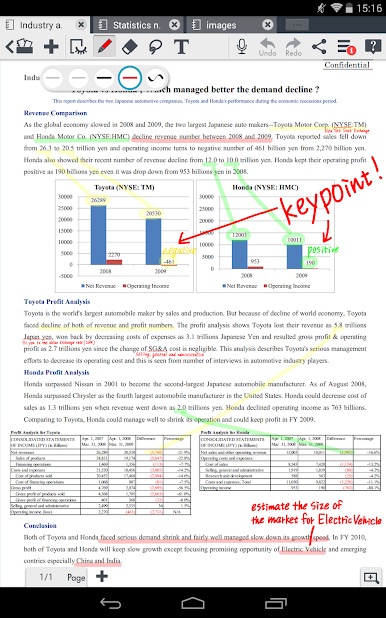
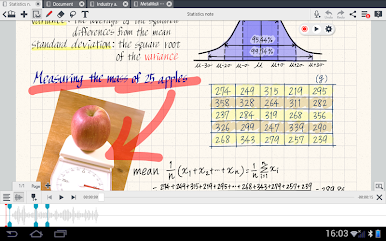
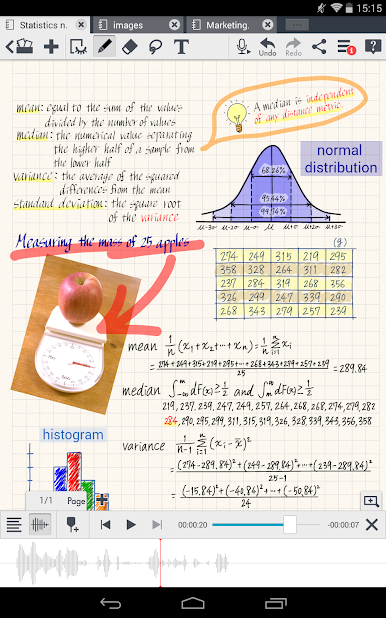
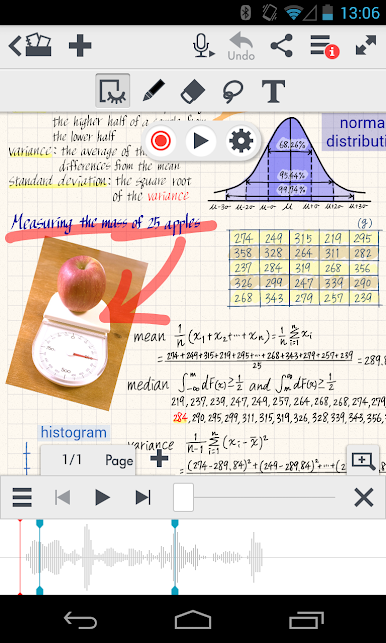
MetaMoJi Note feels like a do everything notebook that actually keeps up. It handles quick scribbles, proper sketching, PDF markups, and even voice notes without making a mess of things. On a PC with BlueStacks, the extra space and a mouse make the whiteboard style zooming feel smooth, so zoom way in for tiny handwriting or pull out to see a whole plan. The pen tools are the fun part, with calligraphy tips, highlighters, brushes, and a big color picker that lets drawings look clean rather than jaggy. PDFs drop in easily, get marked up, and save back out as PDFs. It also opens Office files via cloud drives, which is handy when someone sends that one spreadsheet at the worst time.
There are thoughtful extras scattered around. Notes can be password protected. Shapes snap into place and the smart crop helps tidy up photos. There is a built in browser so a page can be clipped and sketched on without hopping apps. Files move through Google Drive, Dropbox, or Evernote, and there is MetaMoJi Cloud for syncing folders if that is preferred. Voice memos can be pinned to any spot on a page, which makes meeting notes and class outlines easier to follow later. Handwriting-to-text is available through the separate mazec add-on in multiple languages if typed text is needed, and there is a Gold Service for shared drives, auto sync intervals, extra cloud space, and lots of optional inks and papers. One heads up, on Android 10 or newer there have been reports that tapping or lasso selection does not work, and editing an existing text box can insert a new one instead. Earlier Android versions up to 9 do not show that, so results may vary depending on the Android version BlueStacks is set to use.
BlueStacks brings your apps to life on a bigger screen—seamless and straightforward.






在電腦上遊玩MetaMoJi Note . 輕易上手.
-
在您的電腦上下載並安裝BlueStacks
-
完成Google登入後即可訪問Play商店,或等你需要訪問Play商店十再登入
-
在右上角的搜索欄中尋找 MetaMoJi Note
-
點擊以從搜索結果中安裝 MetaMoJi Note
-
完成Google登入(如果您跳過了步驟2),以安裝 MetaMoJi Note
-
在首頁畫面中點擊 MetaMoJi Note 圖標來啟動遊戲

