

M-AIR
Jogue no PC com BlueStacks - A Plataforma de Jogos Android, confiada por mais de 500 milhões de jogadores.

Página modificada em: Feb 27, 2017
Run M-AIR on PC or Mac
Let BlueStacks turn your PC, Mac, or laptop into the perfect home for M-AIR, a fun Music & Audio app from MUSIC Tribe Brands DE GmbH.
About the App
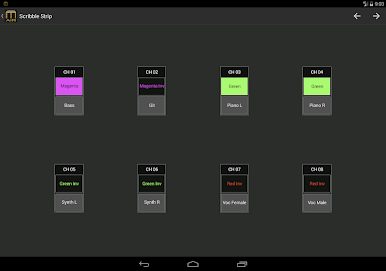
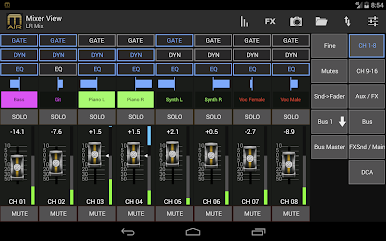
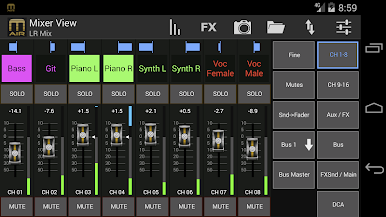
If you’ve ever dreamed of taking total control of your live sound mix without being tethered to the console, M-AIR might be the tool you’re after. Designed for easy use with Midas M-AIR digital mixers, this app places mixing, effect tweaking, and in-depth audio management right on your Android device. Whether you’re behind the sound booth or wandering the venue, you’ll have all the controls you need—literally at your fingertips.
App Features
-
Flexible Mixer Control
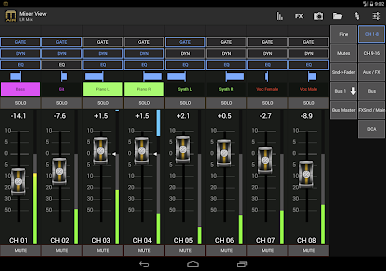
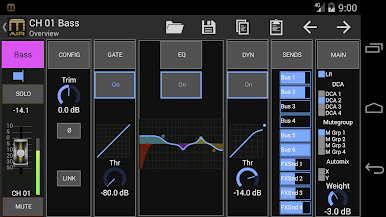
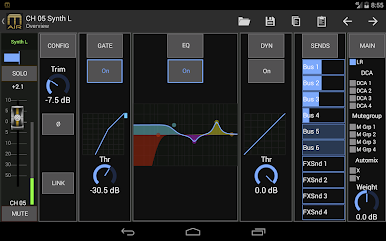
You can manage every aspect of your Midas M-AIR mixer, including all input levels, preamp gain, stereo linking, phantom power, and more. It’s like having the front panel in your pocket. -
Powerful EQ Editing
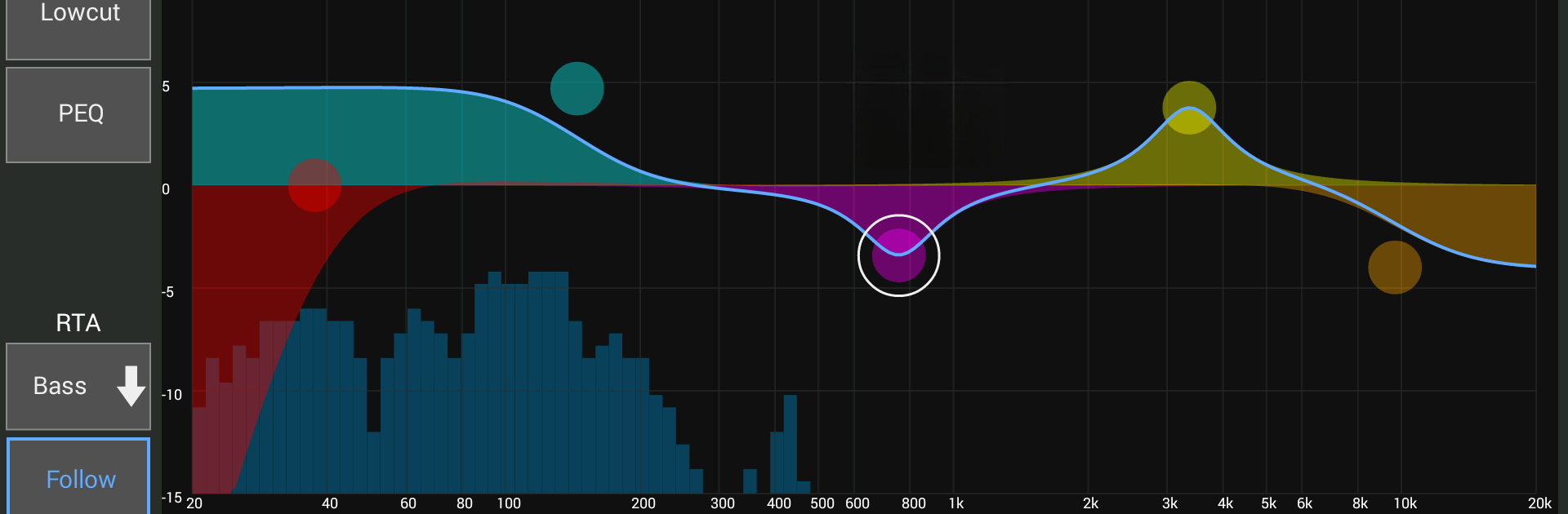
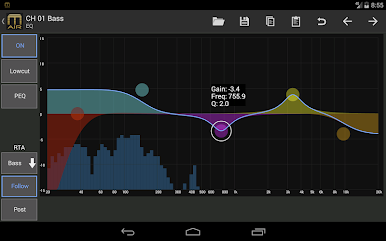
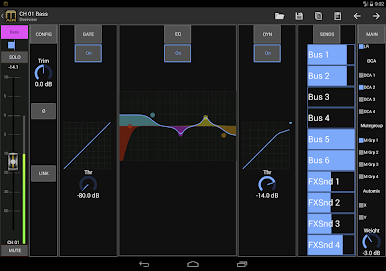
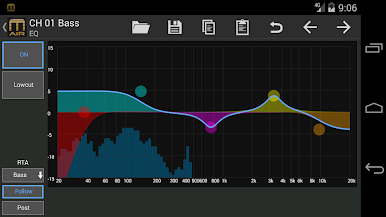
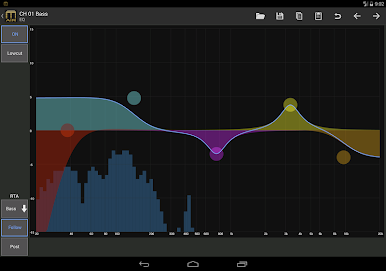
Adjust each channel’s parametric EQ from any spot in the room. The built-in real time analyzer overlay helps you see what’s happening in the sound as you make changes. -
Comprehensive Effects Suite
Four full pages let you edit classic effects like reverb, chorus, and delay—or dig into plenty of studio-quality extras (over 50 options!). Tweak to taste and shape your mix just the way you want. -
Snapshot Recall
Need different setups for different songs or speakers? Quickly scroll through up to 64 mix snapshots, filtering results and recalling the right one in seconds. -
In-Depth Monitoring
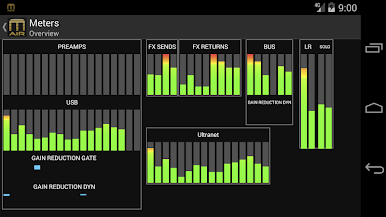
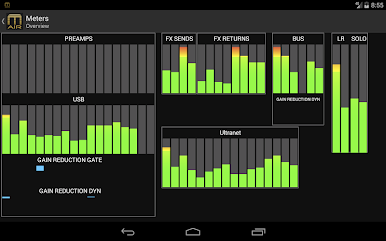
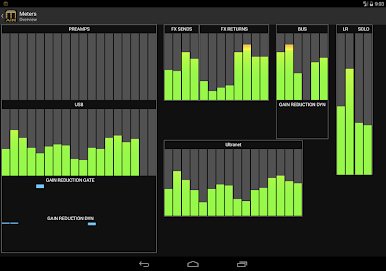
Check every input, output, and send at a glance. The metering overview means you’re never in the dark about your levels or what’s happening inside your mix. -
Personal Monitoring Mode
If you want to set up a personalized monitor mix without messing with the main sound—there’s a mode for that, so your changes stay private. -
Mix Groups & AutoMixing
Easily assign channels to DCA or Mute Groups, and let AutoMixing handle gain-sharing during conferences or panel discussions. -
Easy Setup & Demo Mode
Just connect your device to your M-AIR mixer’s network and you’re ready to go. Want to try things out first? The demo mode lets you explore the app’s features without hook-ups. -
Smooth on Bigger Screens (and BlueStacks)
Great on larger Android screens—and if you want a more spacious layout, the app plays nicely with BlueStacks on your computer.
BlueStacks brings your apps to life on a bigger screen—seamless and straightforward.
Jogue M-AIR no PC. É fácil começar.
-
Baixe e instale o BlueStacks no seu PC
-
Conclua o login do Google para acessar a Play Store ou faça isso mais tarde
-
Procure por M-AIR na barra de pesquisa no canto superior direito
-
Clique para instalar M-AIR a partir dos resultados da pesquisa
-
Conclua o login do Google (caso você pulou a etapa 2) para instalar o M-AIR
-
Clique no ícone do M-AIR na tela inicial para começar a jogar

