


Priorities: 데일리 할 일
생산성 | Mindful Suite
5억명 이상의 게이머가 신뢰하는 안드로이드 게임 플랫폼 BlueStacks으로 PC에서 플레이하세요.

Priorities: 데일리 할 일 PC에서 즐겨보세요
'Priorities'는 당신에게 필요한 가장 효과적인 할 일 앱입니다. 유명 투자자와 경영인들이 쓰는 방법이기도 합니다. 그들이 이 단순한 방법으로 하루를 해내고 있다면, 우리도 할 수 있습니다.
생산성 초보자는 할 일을 과하게 정리합니다. 전부 라벨을 붙이고, 분류하고, 색을 입히고, 즐겨찾기하고, 북마크하고, 폴더를 완벽하게 만들고, 여러 목록을 깔끔하게 유지하죠. 결과는? 그 할 일들을 다시는 들여다보지 않습니다.
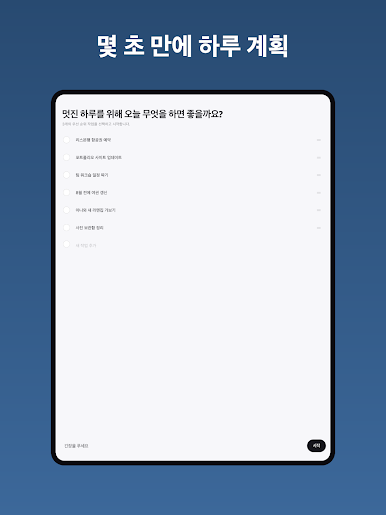
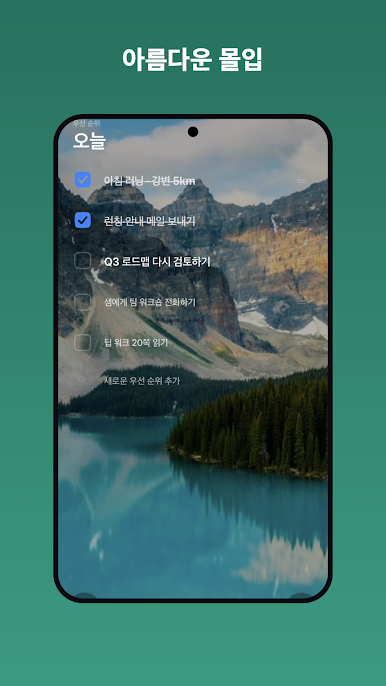
'Priorities'는 다릅니다. 매일 목표에 가장 큰 영향을 주는 3~5가지 일을 의식적으로 고르세요. 그리고 미친 듯이 실행해서 실제로 끝내세요.
이걸 충분히 오래 반복하면 누구보다 효과적인 사람이 되고, 할 일 정리로 미루지 않았다는 사실이 기쁠 겁니다.
"완벽함이란 더 보탤 것이 없을 때가 아니라, 더 뺄 것이 없을 때 완성된다."
PRIORITIES PRO (선택)
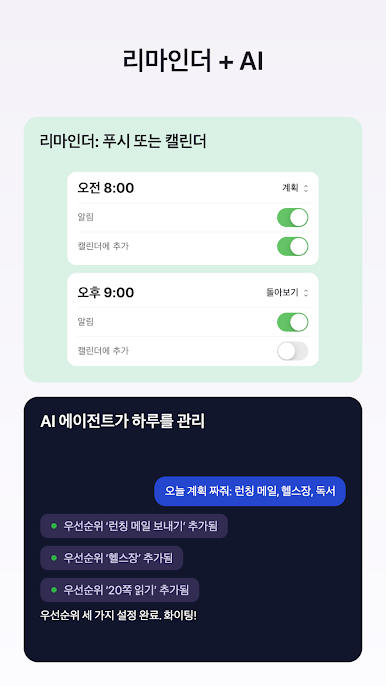
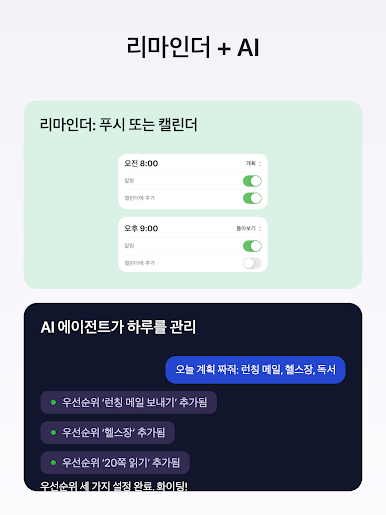
• Claude 및 AI 어시스턴트 연결 — AI가 우선순위를 읽고, 추가하고, 완료할 수 있습니다 (내가 관리하는 MCP + API 키, 언제든 회수 가능)
• 하루를 캘린더에 — 체크리스트가 담긴 무료·비차단 일정이 진행에 따라 업데이트, 원하는 캘린더에
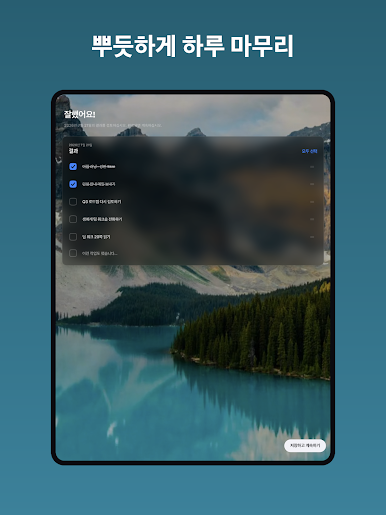
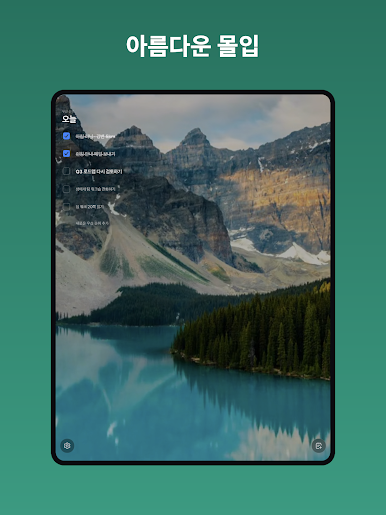
• 감성 배경 — 깊이 패럴랙스 효과의 잔잔한 자연 풍경 130개 이상
• 나만의 강조 색상과 앱 아이콘
• 유연한 리마인더 — 원하는 시간에, 필요한 만큼
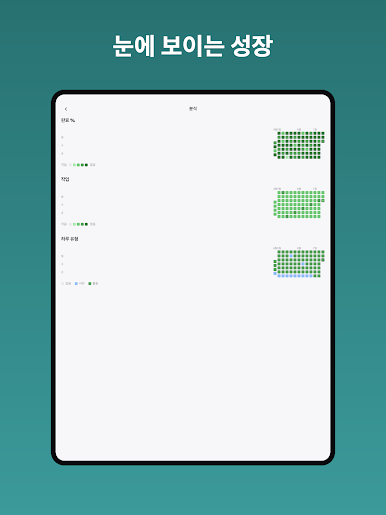
• 한 해 동안 끝낸 모든 일의 연간 분석
Priorities Pro는 선택 구독(연 US$5.99 또는 현지 상당액)이며 7일 무료 체험 후 Google Play에서 해지하지 않으면 자동 갱신됩니다.
이용약관: https://www.mindfulsuite.com/terms
개인정보 처리방침: https://www.mindfulsuite.com/privacy
생산성 초보자는 할 일을 과하게 정리합니다. 전부 라벨을 붙이고, 분류하고, 색을 입히고, 즐겨찾기하고, 북마크하고, 폴더를 완벽하게 만들고, 여러 목록을 깔끔하게 유지하죠. 결과는? 그 할 일들을 다시는 들여다보지 않습니다.
'Priorities'는 다릅니다. 매일 목표에 가장 큰 영향을 주는 3~5가지 일을 의식적으로 고르세요. 그리고 미친 듯이 실행해서 실제로 끝내세요.
이걸 충분히 오래 반복하면 누구보다 효과적인 사람이 되고, 할 일 정리로 미루지 않았다는 사실이 기쁠 겁니다.
"완벽함이란 더 보탤 것이 없을 때가 아니라, 더 뺄 것이 없을 때 완성된다."
PRIORITIES PRO (선택)
• Claude 및 AI 어시스턴트 연결 — AI가 우선순위를 읽고, 추가하고, 완료할 수 있습니다 (내가 관리하는 MCP + API 키, 언제든 회수 가능)
• 하루를 캘린더에 — 체크리스트가 담긴 무료·비차단 일정이 진행에 따라 업데이트, 원하는 캘린더에
• 감성 배경 — 깊이 패럴랙스 효과의 잔잔한 자연 풍경 130개 이상
• 나만의 강조 색상과 앱 아이콘
• 유연한 리마인더 — 원하는 시간에, 필요한 만큼
• 한 해 동안 끝낸 모든 일의 연간 분석
Priorities Pro는 선택 구독(연 US$5.99 또는 현지 상당액)이며 7일 무료 체험 후 Google Play에서 해지하지 않으면 자동 갱신됩니다.
이용약관: https://www.mindfulsuite.com/terms
개인정보 처리방침: https://www.mindfulsuite.com/privacy




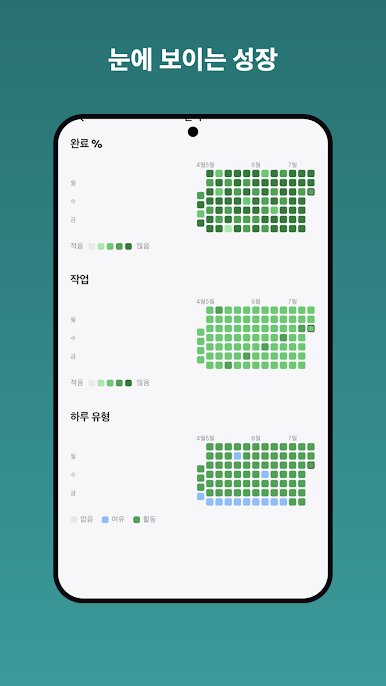
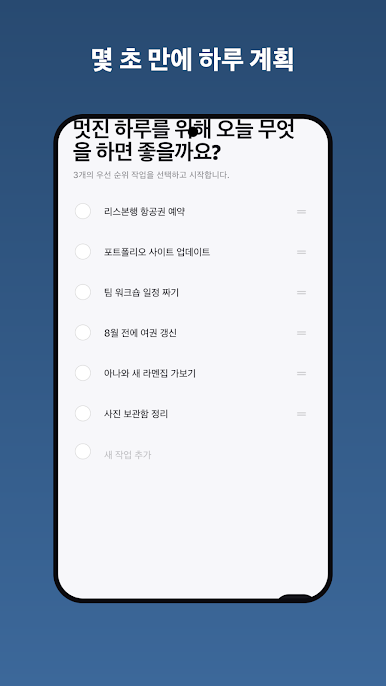
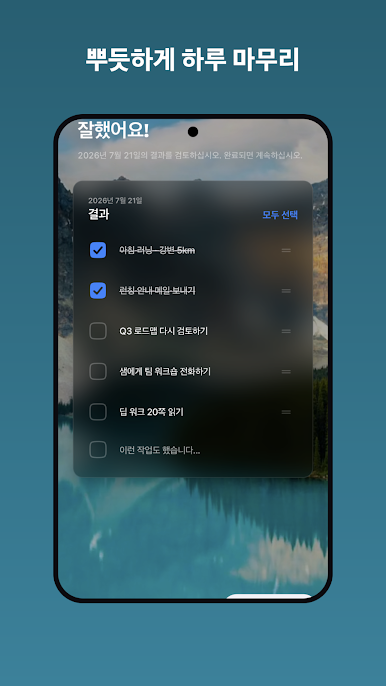
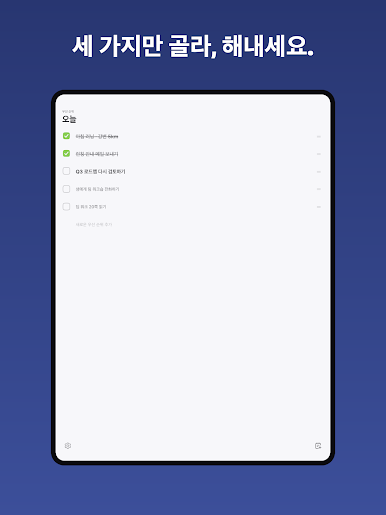


PC에서 Priorities: 데일리 할 일 플레이해보세요.
-
BlueStacks 다운로드하고 설치
-
Google Play 스토어에 로그인 하기(나중에 진행가능)
-
오른쪽 상단 코너에 Priorities: 데일리 할 일 검색
-
검색 결과 중 Priorities: 데일리 할 일 선택하여 설치
-
구글 로그인 진행(만약 2단계를 지나갔을 경우) 후 Priorities: 데일리 할 일 설치
-
메인 홈화면에서 Priorities: 데일리 할 일 선택하여 실행

