


Prioridades
Jogue no PC com BlueStacks - A Plataforma de Jogos Android, confiada por mais de 500 milhões de jogadores.

Página modificada em: Jul 16, 2026
Jogue Prioridades para PC
Veja bem, os iniciantes em produtividade superorganizam suas tarefas. Eles rotulam tudo, categorizam tudo, usam cores, marcam como favorito, criam pastas organizadas, mantêm tudo arrumado em várias listas. O resultado? Nunca mais olham para essas tarefas.
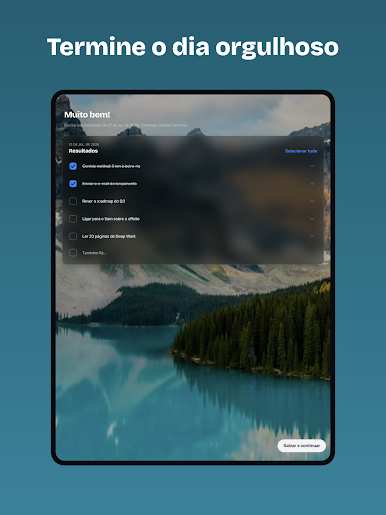
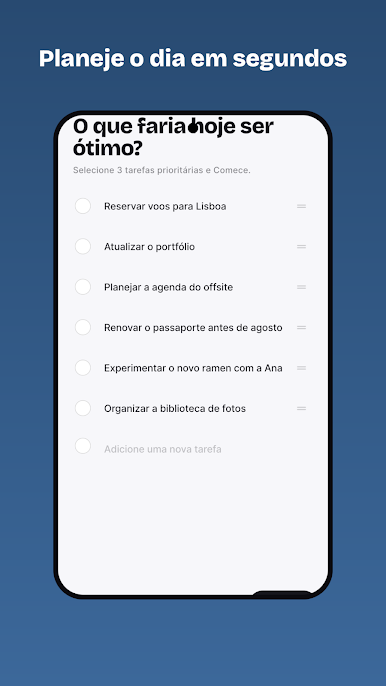
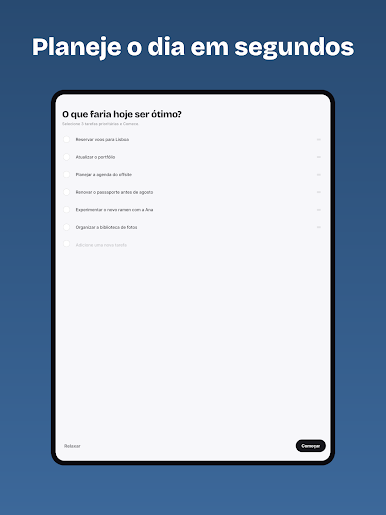
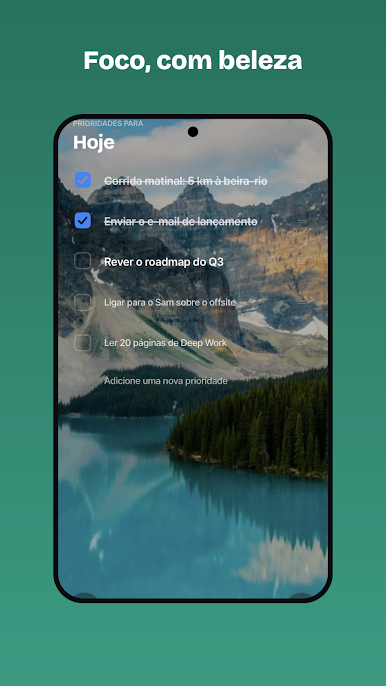
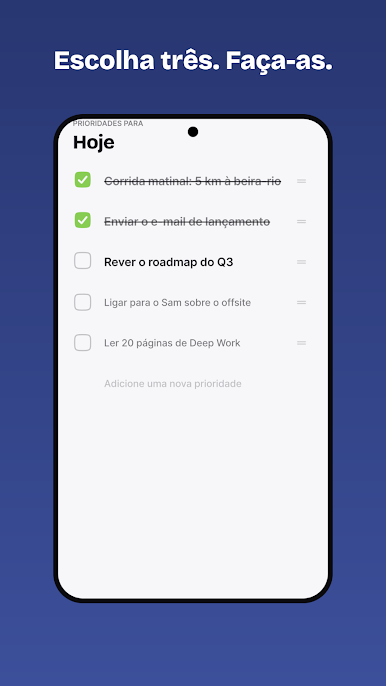
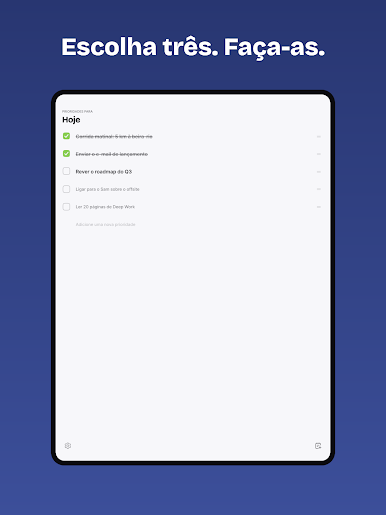
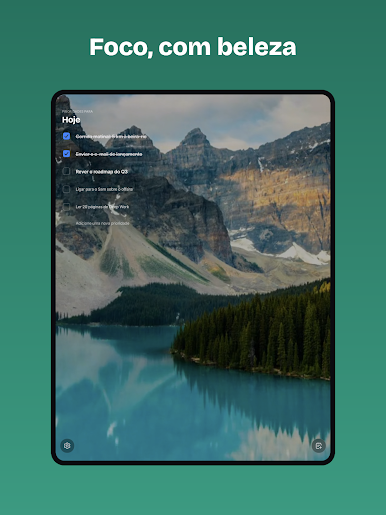
"Prioridades" muda isso. Todos os dias, você escolhe conscientemente de 3 a 5 tarefas mais impactantes que vão ajudá-lo a alcançar seus objetivos. Depois, execute com foco e realmente as conclua.
Repita isso por tempo suficiente e você se tornará o mais eficaz possível, sentindo-se feliz por não ter procrastinado organizando tarefas.
"A perfeição é alcançada, não quando não há mais nada a acrescentar, mas quando não resta nada a tirar."
PRIORITIES PRO (opcional)
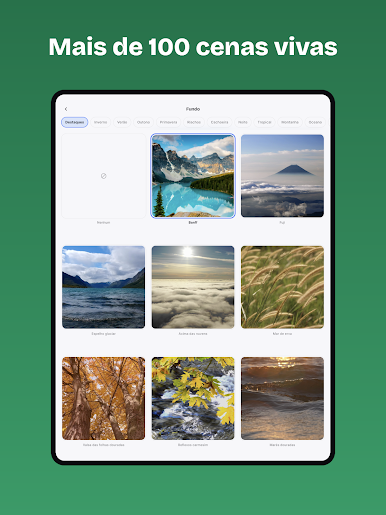
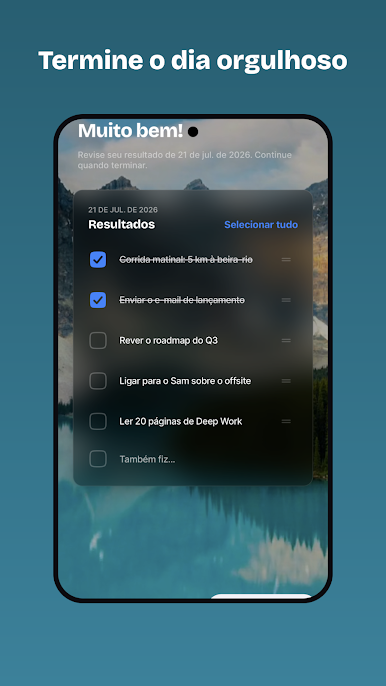
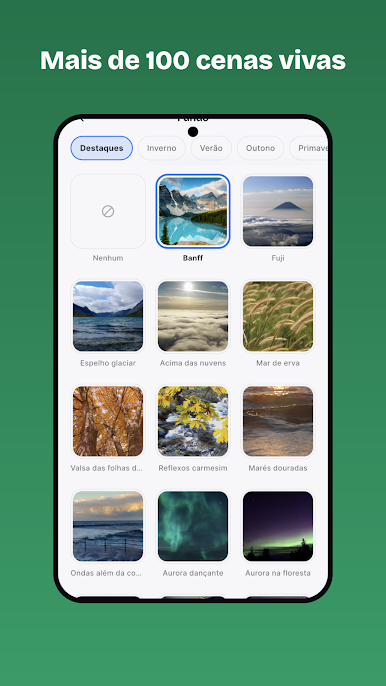
• Fundos cênicos — 130+ cenas da natureza com efeito parallax
• Cores de destaque e ícones do app personalizados
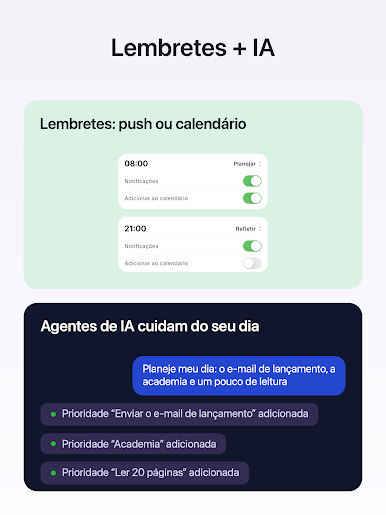
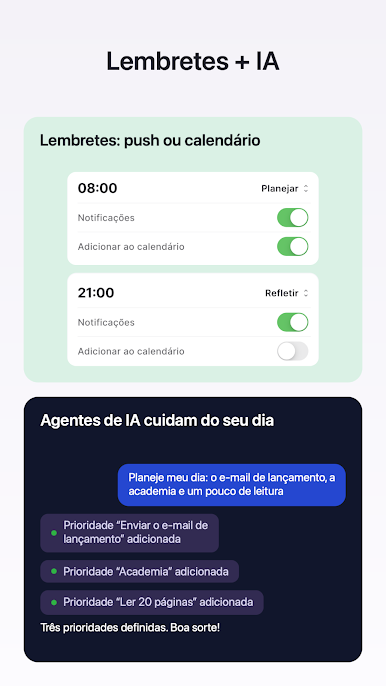
• Lembretes flexíveis — seus horários, quantos precisar
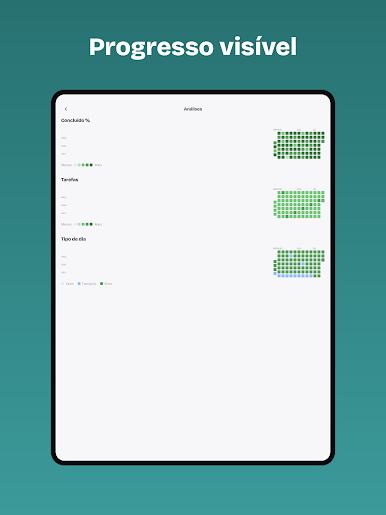
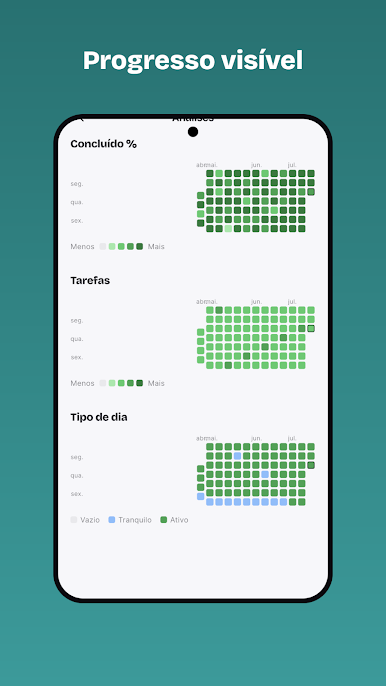
• Estatísticas anuais
O Priorities Pro é uma assinatura opcional (US$ 5,99/ano ou equivalente) com 7 dias grátis; renova automaticamente, a menos que cancelada no Google Play.
Termos: https://www.mindfulsuite.com/terms
Privacidade: https://www.mindfulsuite.com/privacy



Jogue Prioridades no PC. É fácil começar.
-
Baixe e instale o BlueStacks no seu PC
-
Conclua o login do Google para acessar a Play Store ou faça isso mais tarde
-
Procure por Prioridades na barra de pesquisa no canto superior direito
-
Clique para instalar Prioridades a partir dos resultados da pesquisa
-
Conclua o login do Google (caso você pulou a etapa 2) para instalar o Prioridades
-
Clique no ícone do Prioridades na tela inicial para começar a jogar

