


Priorities: Daily To-Do List
生產力 | Mindful Suite
在電腦上使用BlueStacks –受到5億以上的遊戲玩家所信任的Android遊戲平台。

暢玩 Priorities: Daily To-Do List 電腦版
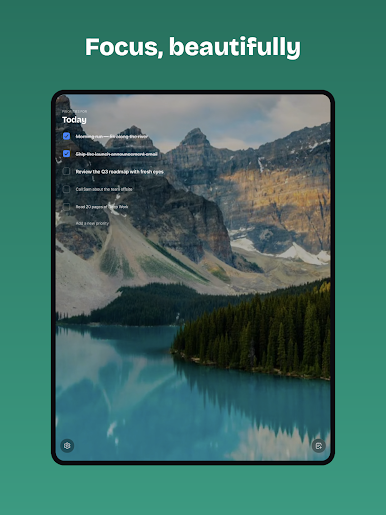
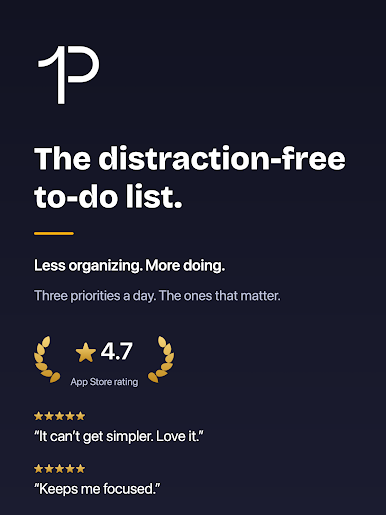
「Priorities」是你夢寐以求的最高效的待辦事項應用。許多知名投資者和商界人士都在使用這種方法。如果他們都能用這種簡單的方法有效率地完成任務,我們當然也可以。
你看,那些效率新手往往會過度整理任務。他們給所有東西貼標籤、分類、用顏色標記、收藏、添加書籤、創建結構清晰的文件夾,把所有東西都整齊地排列在多個列表中。結果呢?他們再也不會去看這些任務了。
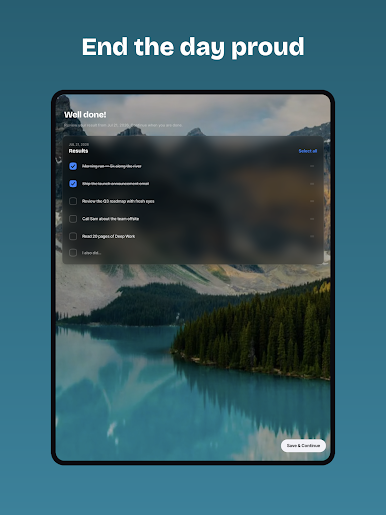
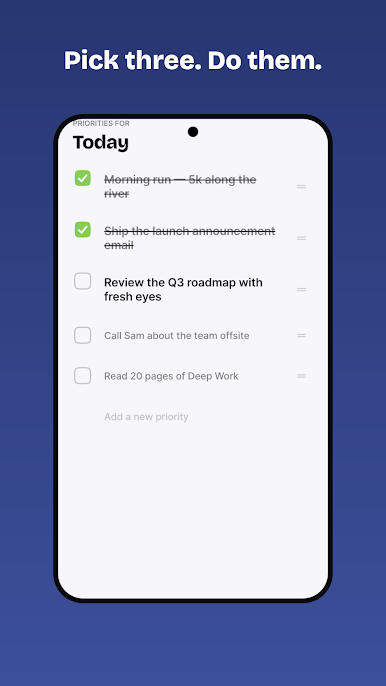
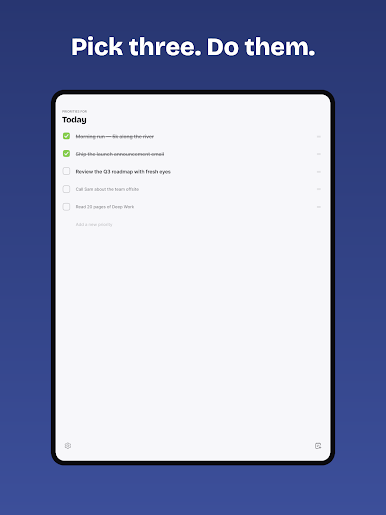
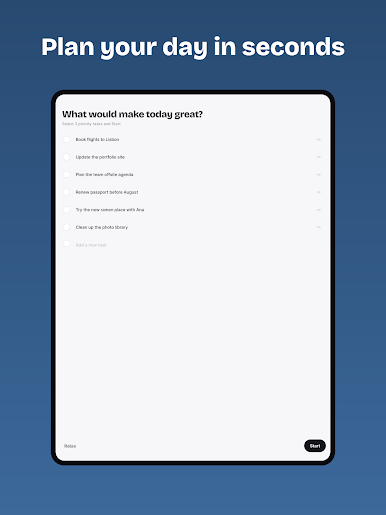
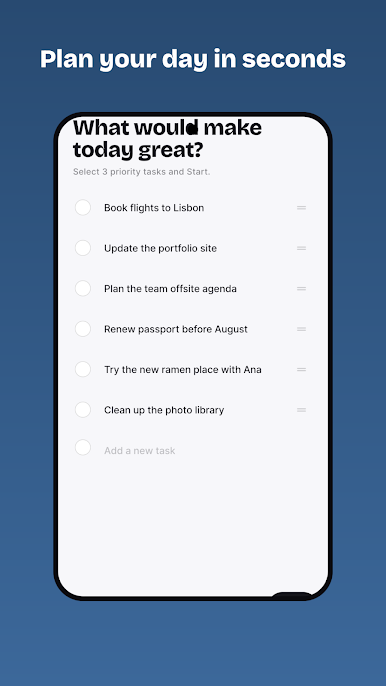
「Priorities」改變了這一切。每天,你只需用心選擇3到5項對你實現目標至關重要的任務。然後全力以赴地執行,真正完成它們。
堅持足夠長的時間,你就能達到極致的效率,並慶幸自己沒有因為整理任務而拖延。
“完美不是無所增益,而是無所刪減。”
優先專業版(可選)
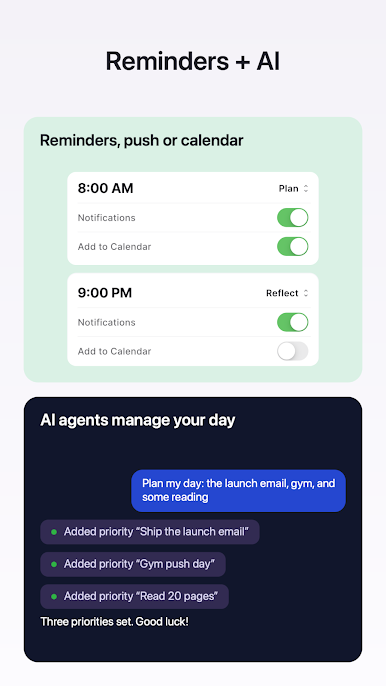
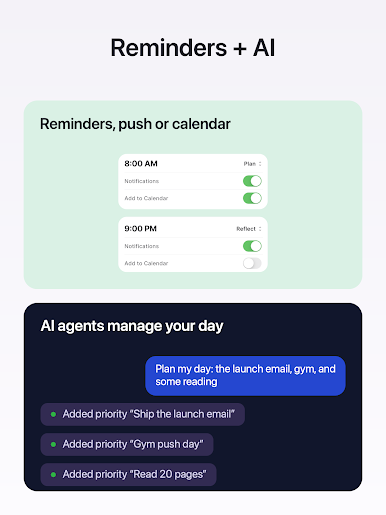
• 連接 Claude 和 AI 助理 — 您的 AI 可以讀取、新增和完成您的優先順序(MCP + API 金鑰由您控制,可隨時撤銷)
• 將您的行程新增至行事曆 — 在您選擇的行事曆中,新增一個免費的、不阻塞的事件,其中包含您的待辦事項清單,並會隨著您的進度更新
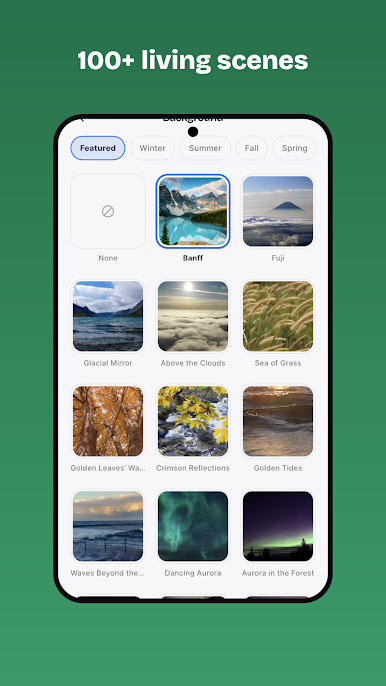
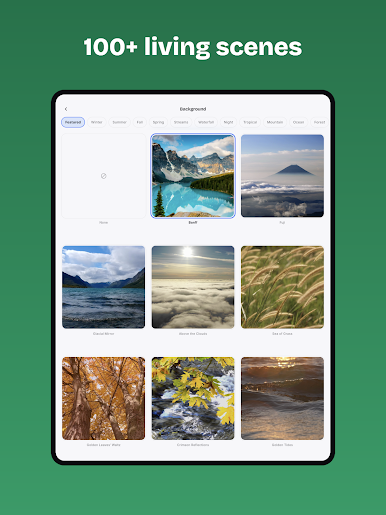
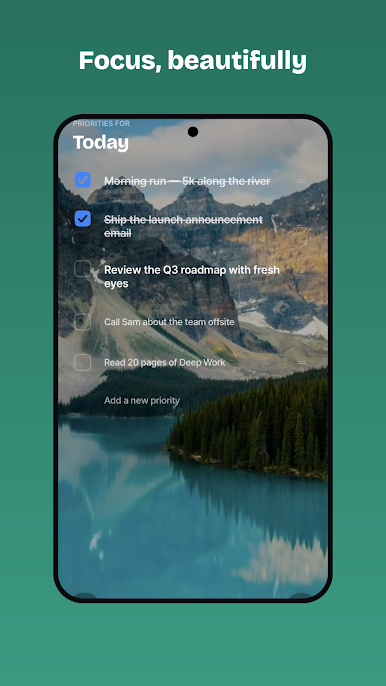
• 風景背景 — 130 多張寧靜的自然風景圖片,帶有深度視差效果
• 自訂強調色和應用圖標
• 靈活的提醒 — 您可以依需求設定提醒時間及數量
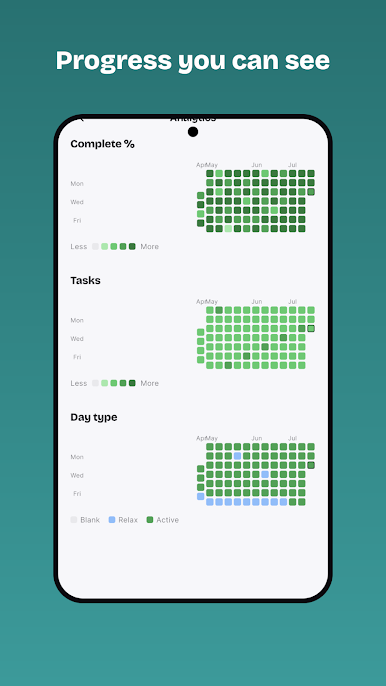
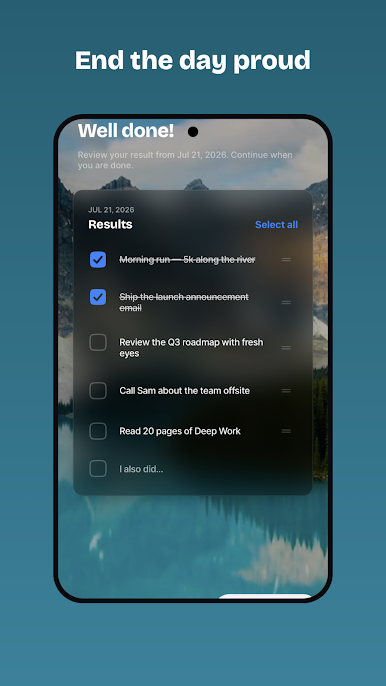
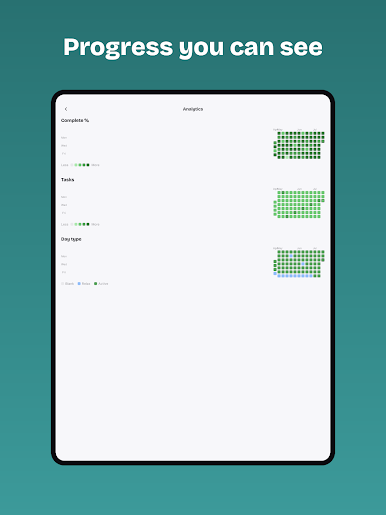
• 年度分析,回顧您完成的所有事項
優先專業版是可選訂閱服務(5.99 美元/年或當地等值貨幣),提供 7 天免費試用,除非在 Google Play 中取消訂閱,否則將自動續訂。
條款:https://www.mindfulsuite.com/terms
隱私權:https://www.mindfulsuite.com/privacy
你看,那些效率新手往往會過度整理任務。他們給所有東西貼標籤、分類、用顏色標記、收藏、添加書籤、創建結構清晰的文件夾,把所有東西都整齊地排列在多個列表中。結果呢?他們再也不會去看這些任務了。
「Priorities」改變了這一切。每天,你只需用心選擇3到5項對你實現目標至關重要的任務。然後全力以赴地執行,真正完成它們。
堅持足夠長的時間,你就能達到極致的效率,並慶幸自己沒有因為整理任務而拖延。
“完美不是無所增益,而是無所刪減。”
優先專業版(可選)
• 連接 Claude 和 AI 助理 — 您的 AI 可以讀取、新增和完成您的優先順序(MCP + API 金鑰由您控制,可隨時撤銷)
• 將您的行程新增至行事曆 — 在您選擇的行事曆中,新增一個免費的、不阻塞的事件,其中包含您的待辦事項清單,並會隨著您的進度更新
• 風景背景 — 130 多張寧靜的自然風景圖片,帶有深度視差效果
• 自訂強調色和應用圖標
• 靈活的提醒 — 您可以依需求設定提醒時間及數量
• 年度分析,回顧您完成的所有事項
優先專業版是可選訂閱服務(5.99 美元/年或當地等值貨幣),提供 7 天免費試用,除非在 Google Play 中取消訂閱,否則將自動續訂。
條款:https://www.mindfulsuite.com/terms
隱私權:https://www.mindfulsuite.com/privacy

在電腦上遊玩Priorities: Daily To-Do List . 輕易上手.
-
在您的電腦上下載並安裝BlueStacks
-
完成Google登入後即可訪問Play商店,或等你需要訪問Play商店十再登入
-
在右上角的搜索欄中尋找 Priorities: Daily To-Do List
-
點擊以從搜索結果中安裝 Priorities: Daily To-Do List
-
完成Google登入(如果您跳過了步驟2),以安裝 Priorities: Daily To-Do List
-
在首頁畫面中點擊 Priorities: Daily To-Do List 圖標來啟動遊戲

