Exploration Craft 3D
العب على الكمبيوتر الشخصي مع BlueStacks - نظام أندرويد للألعاب ، موثوق به من قبل أكثر من 500 مليون لاعب.
Play Exploration Craft 3D on PC or Mac
Bring your A-game to Exploration Craft 3D, the Adventure game sensation from Smartties. Give your gameplay the much-needed boost with precise game controls, high FPS graphics, and top-tier features on your PC or Mac with BlueStacks.
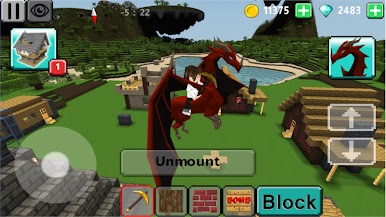
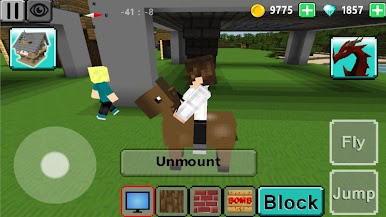
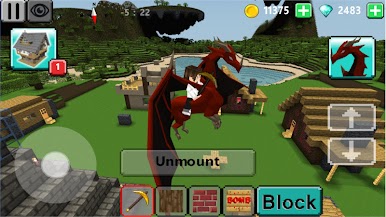
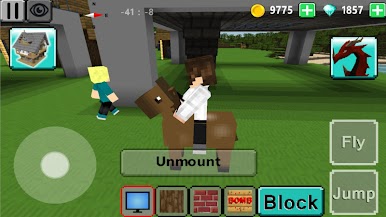
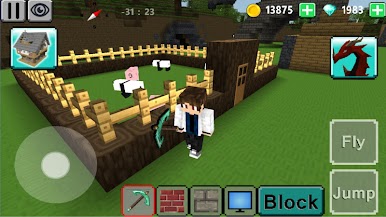
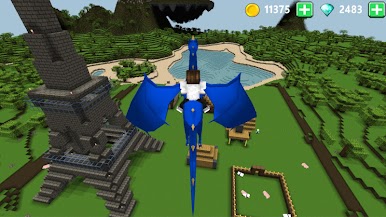
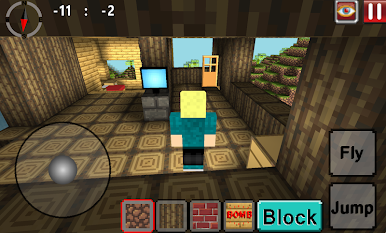
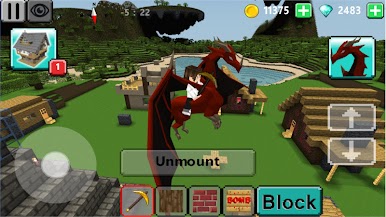
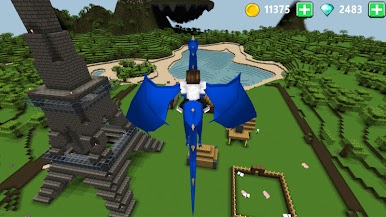
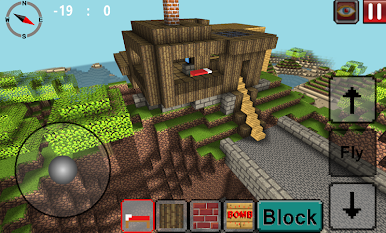
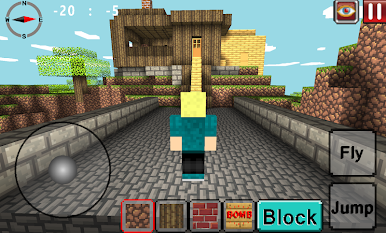
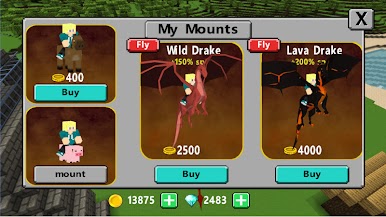
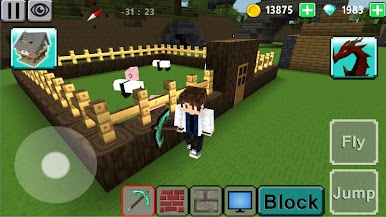
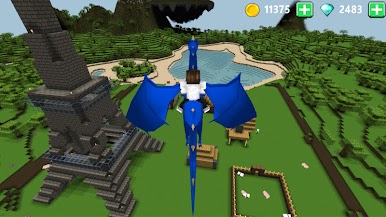
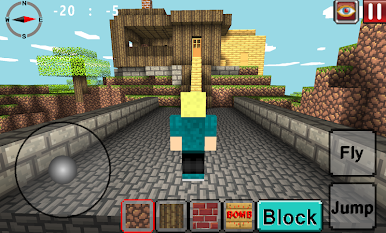
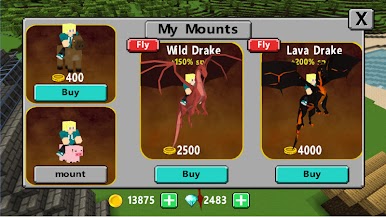
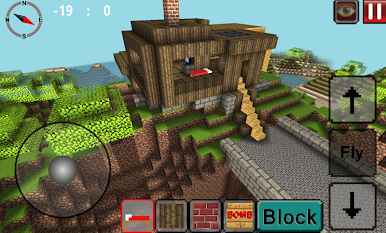
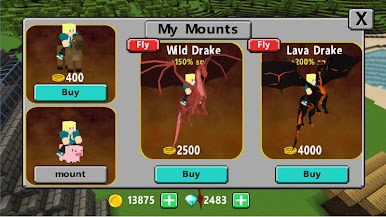
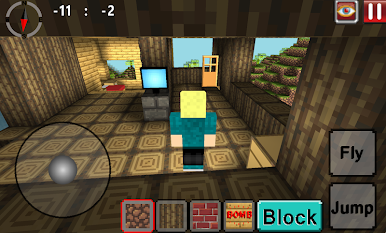
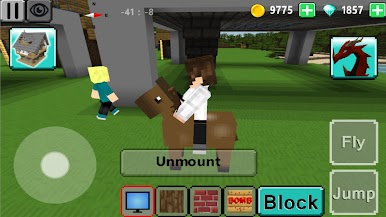
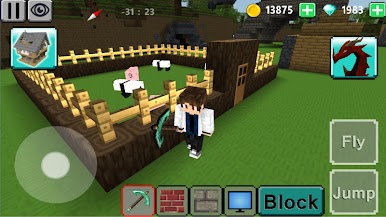
Exploration Craft 3D is a laid back block world builder where the whole point is to make cool stuff and poke around a big 3D map. It drops the player into a chunky, colorful landscape, hands over a pile of different block types, and lets the imagination do the rest. Roads, towers, tiny houses, a full city with odd little corners and courtyards, it all comes together pretty fast. The standout bit is the flying mounts. There are more than ten different dragons to collect, plus a hidden one, and once a dragon is unlocked the map opens up in a fun way. Flying over a forest to scout a build spot or to line up a massive bridge just feels right, the air view helps plan things better than walking ever could.
It is clearly inspired by that well known block-building classic, but it tries to give a slightly different feel. There is less pressure and more tinkering, and it is still in development, so menus and systems can feel a little rough around the edges, though new blocks and pieces show up over time. On PC with BlueStacks the mouse and keyboard make straight lines, block placement, and inventory shuffling way easier than tapping, so building goes quicker and feels cleaner. If someone enjoys exploring, stacking blocks into shapes, and chasing a few collectible goals without a heavy grind, this scratches that itch.
Make your gaming sessions memorable with precise controls that give you an edge in close combats and visuals that pop up, bringing every character to life.
العب Exploration Craft 3D على جهاز الكمبيوتر. من السهل البدء.
-
قم بتنزيل BlueStacks وتثبيته على جهاز الكمبيوتر الخاص بك
-
أكمل تسجيل الدخول إلى Google للوصول إلى متجر Play ، أو قم بذلك لاحقًا
-
ابحث عن Exploration Craft 3D في شريط البحث أعلى الزاوية اليمنى
-
انقر لتثبيت Exploration Craft 3D من نتائج البحث
-
أكمل تسجيل الدخول إلى Google (إذا تخطيت الخطوة 2) لتثبيت Exploration Craft 3D
-
انقر على أيقونة Exploration Craft 3D على الشاشة الرئيسية لبدء اللعب