

Мой день: Хронометраж привычки
在電腦上使用BlueStacks –受到5億以上的遊戲玩家所信任的Android遊戲平台。

Run TickTime time tracking: worktime, day log, tsheets on PC or Mac
Why limit yourself to your small screen on the phone? Run TickTime time tracking: worktime, day log, tsheets, an app by Mint Rocket, best experienced on your PC or Mac with BlueStacks, the world’s #1 Android emulator.
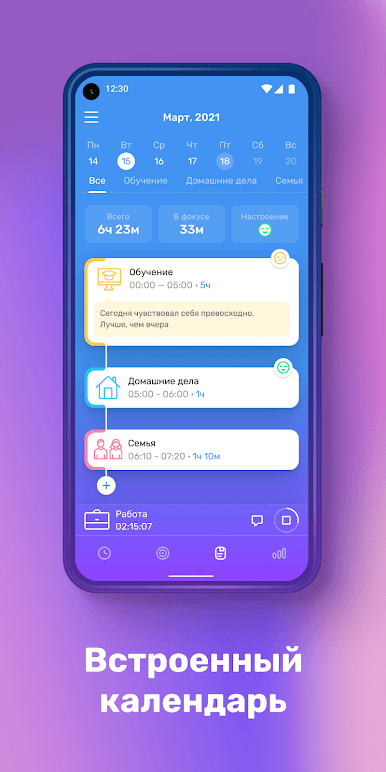
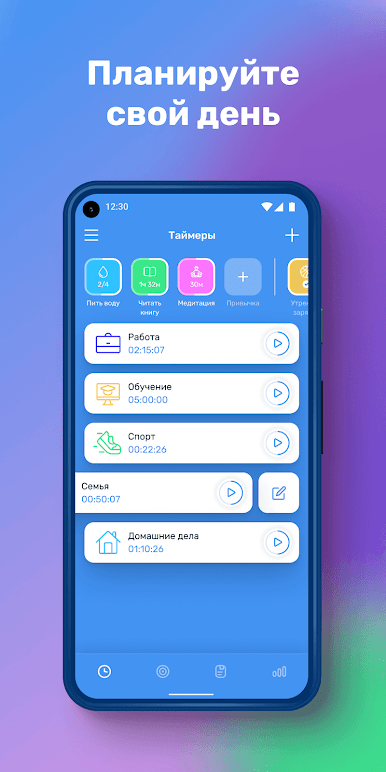
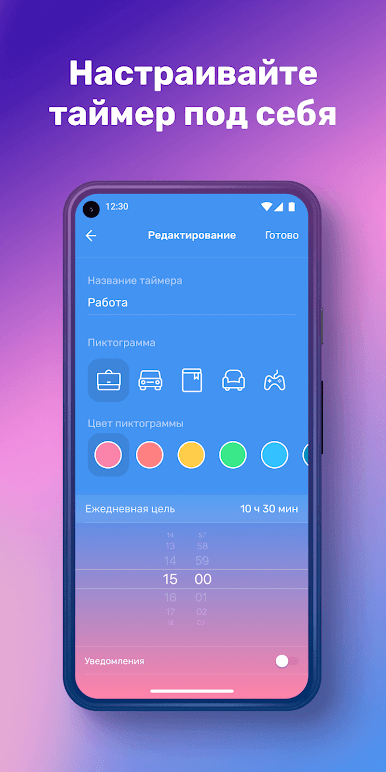
TickTime time tracking: worktime, day log, tsheets feels like a no-drama timer that actually helps people see where the day goes. It is very straightforward. Pick an activity, hit one button to start, and let it run while work, commuting, cleaning, scrolling social, calls with family, or reading happens. Each activity can have its own little icon, so the list does not turn into a messy wall of text. The interface is clean and easy to read, so a new user does not spend a whole afternoon figuring it out. It keeps a simple day log that makes sense at a glance, which is kind of the whole point.
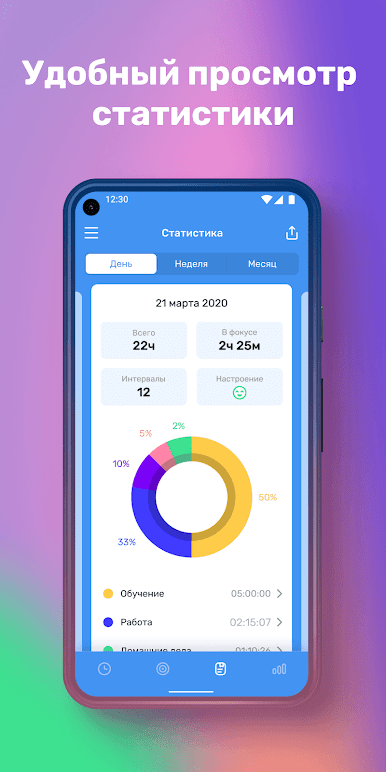
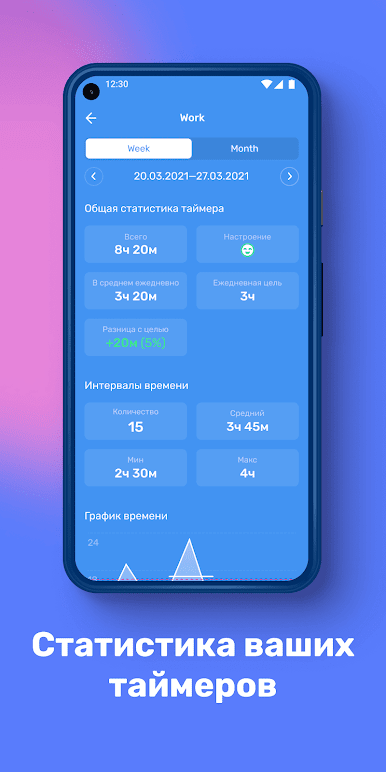
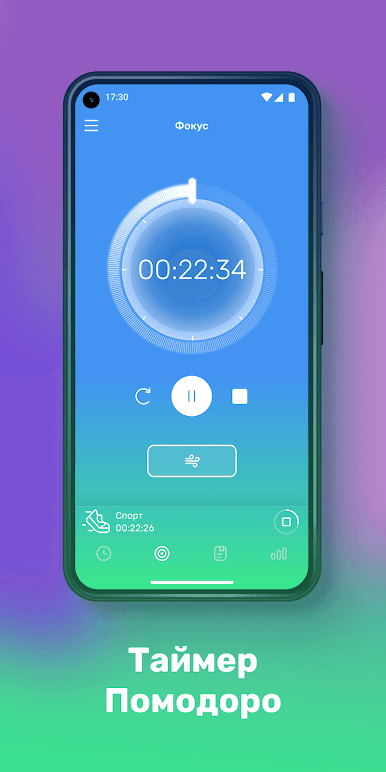
The useful part is the stats. Daily, weekly, and monthly views stack up the time in neat charts, so patterns jump out. Timers keep counting in the background and during sleep, and reminders can ping with a sound even if the app is closed, so someone does not forget to stop a task or switch to another. It suits personal use without feeling like a corporate timesheet. On PC through BlueStacks, the bigger screen makes the charts and category icons easy to scan, and clicking start or stop with a mouse is quick. It is not overloaded with extras, just the essentials that help a person notice wasted minutes and carve out space for the important stuff.
Big screen. Bigger performance. Use BlueStacks on your PC or Mac to run your favorite apps.
在電腦上遊玩Мой день: Хронометраж привычки . 輕易上手.
-
在您的電腦上下載並安裝BlueStacks
-
完成Google登入後即可訪問Play商店,或等你需要訪問Play商店十再登入
-
在右上角的搜索欄中尋找 Мой день: Хронометраж привычки
-
點擊以從搜索結果中安裝 Мой день: Хронометраж привычки
-
完成Google登入(如果您跳過了步驟2),以安裝 Мой день: Хронометраж привычки
-
在首頁畫面中點擊 Мой день: Хронометраж привычки 圖標來啟動遊戲

