


Missive
Jogue no PC com BlueStacks - A Plataforma de Jogos Android, confiada por mais de 500 milhões de jogadores.

Página modificada em: Nov 28, 2025
Play Missive on PC
• Canned Responses - Create reusable templates to save time on repetitive emails.
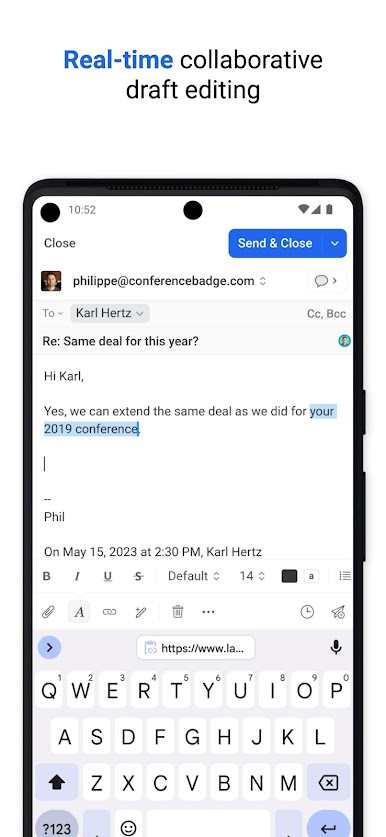
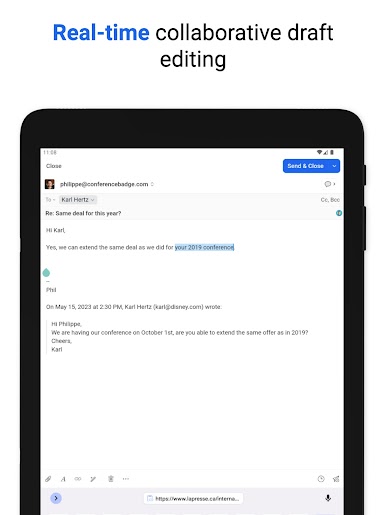
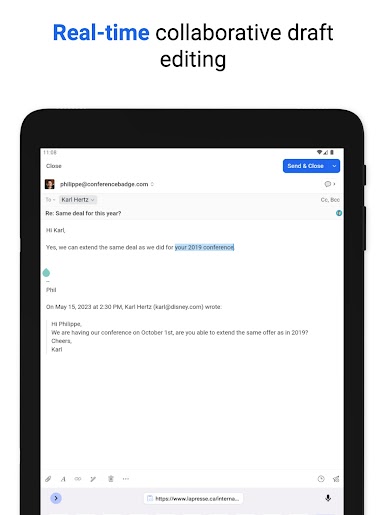
• Collaborative Writing - Compose emails together and get reviewed in real time.
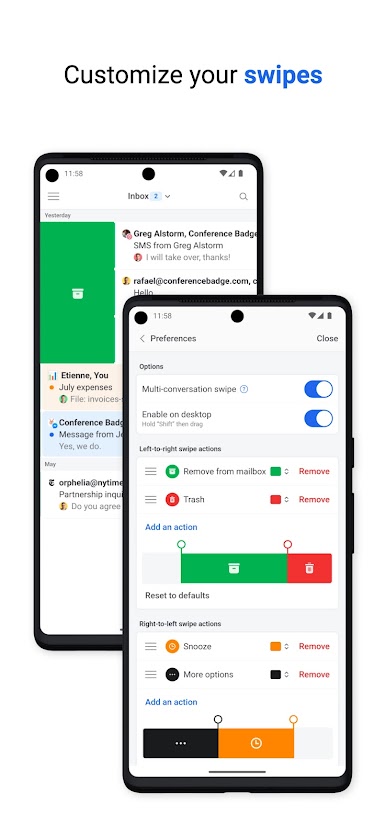
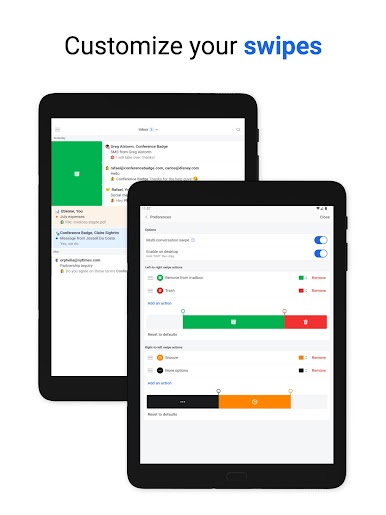
• Snooze - Set reminders on emails and chats to clean up your inbox.
• Send Later - Draft an email and schedule it to be sent at just the right time.
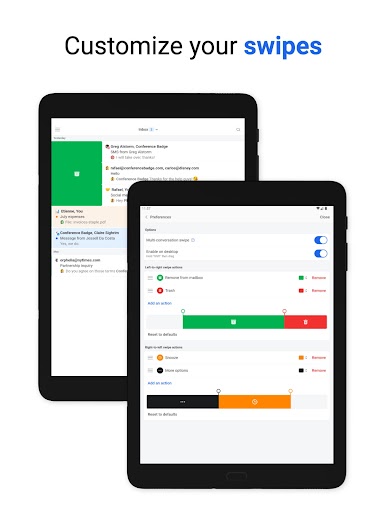
• Pinned Conversations - Drag important conversations to the sidebar for quick access.
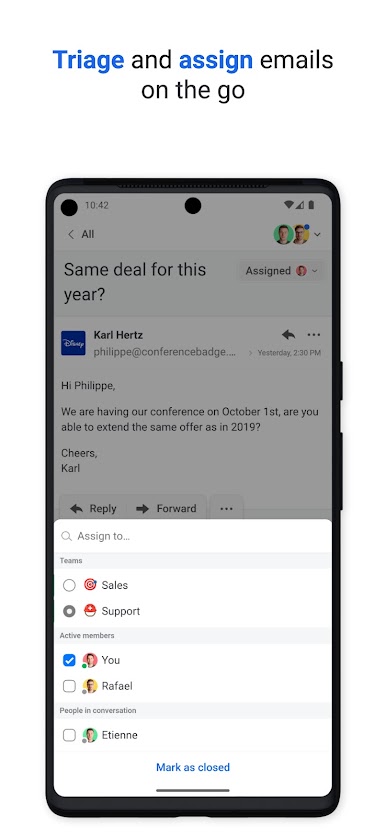
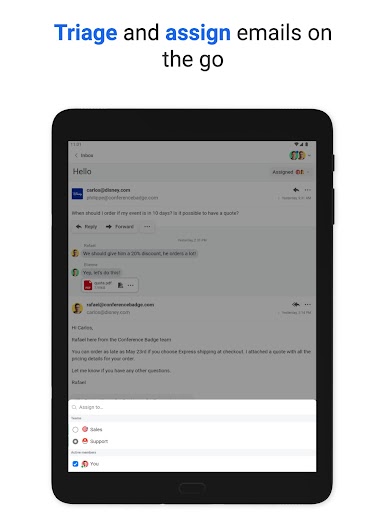
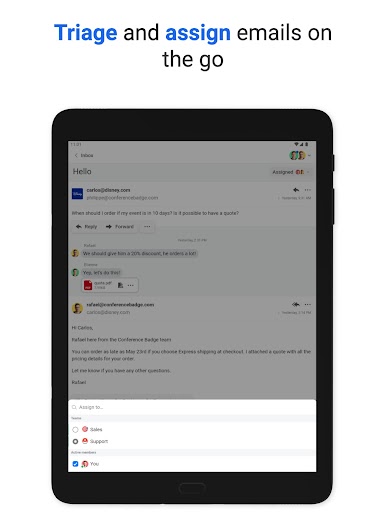
• Rules - Apply filters to automatically archive or assign conversations to anyone in your organization.
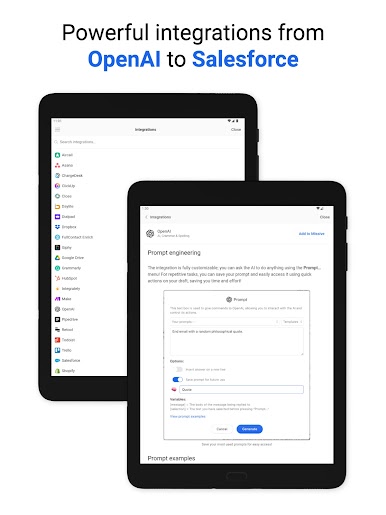
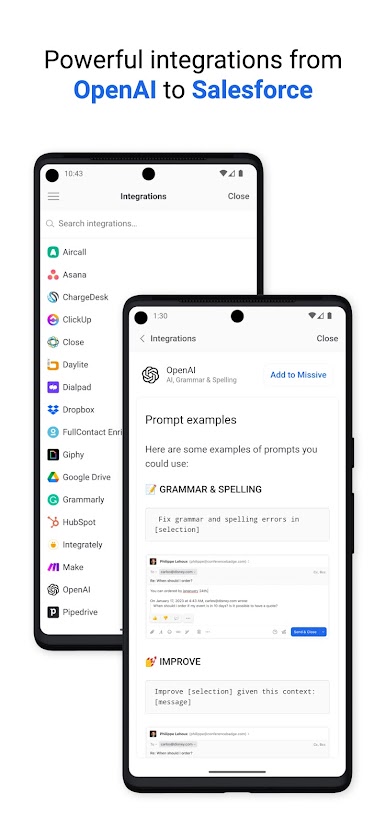
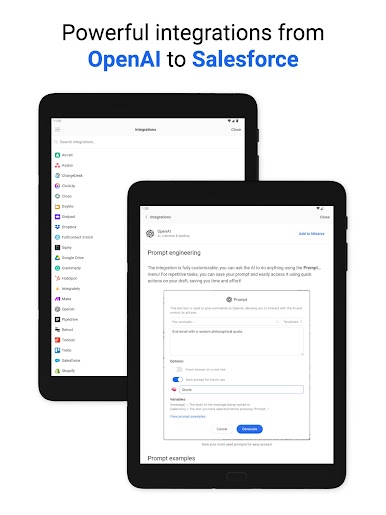
• Integrations - OpenAI, Asana, Pipedrive, Salesforce, Todoist, Trello, and more.
And much more…
• Auto CC / BCC
• Snooze only if nobody replies
• Push notifications
• Rich text and HTML signatures
• Sharable conversation links
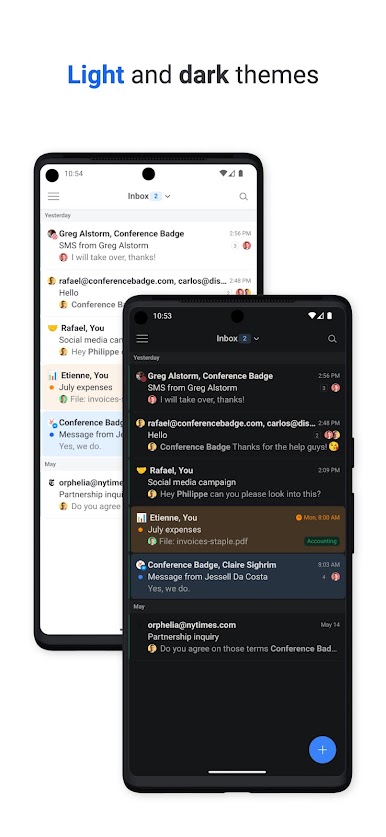
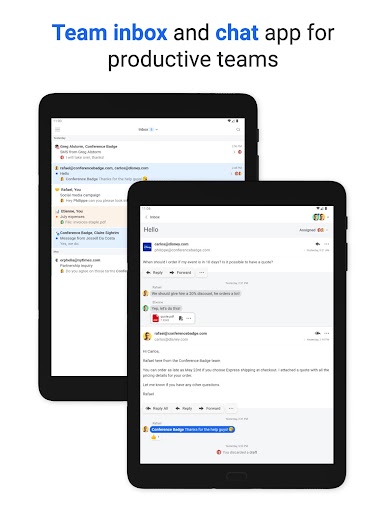
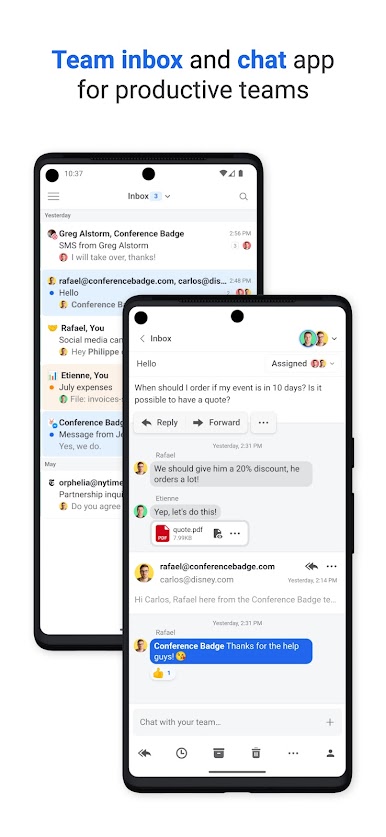
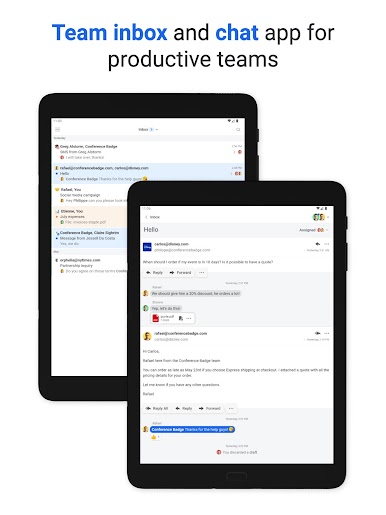
• Unified inbox

Jogue Missive no PC. É fácil começar.
-
Baixe e instale o BlueStacks no seu PC
-
Conclua o login do Google para acessar a Play Store ou faça isso mais tarde
-
Procure por Missive na barra de pesquisa no canto superior direito
-
Clique para instalar Missive a partir dos resultados da pesquisa
-
Conclua o login do Google (caso você pulou a etapa 2) para instalar o Missive
-
Clique no ícone do Missive na tela inicial para começar a jogar

