

microMathematics Plus
5억명 이상의 게이머가 신뢰하는 안드로이드 게임 플랫폼 BlueStacks으로 PC에서 플레이하세요.

Run microMathematics Plus on PC or Mac
Let BlueStacks turn your PC, Mac, or laptop into the perfect home for microMathematics Plus, a fun Productivity app from Mikhail Kulesh.
About the App
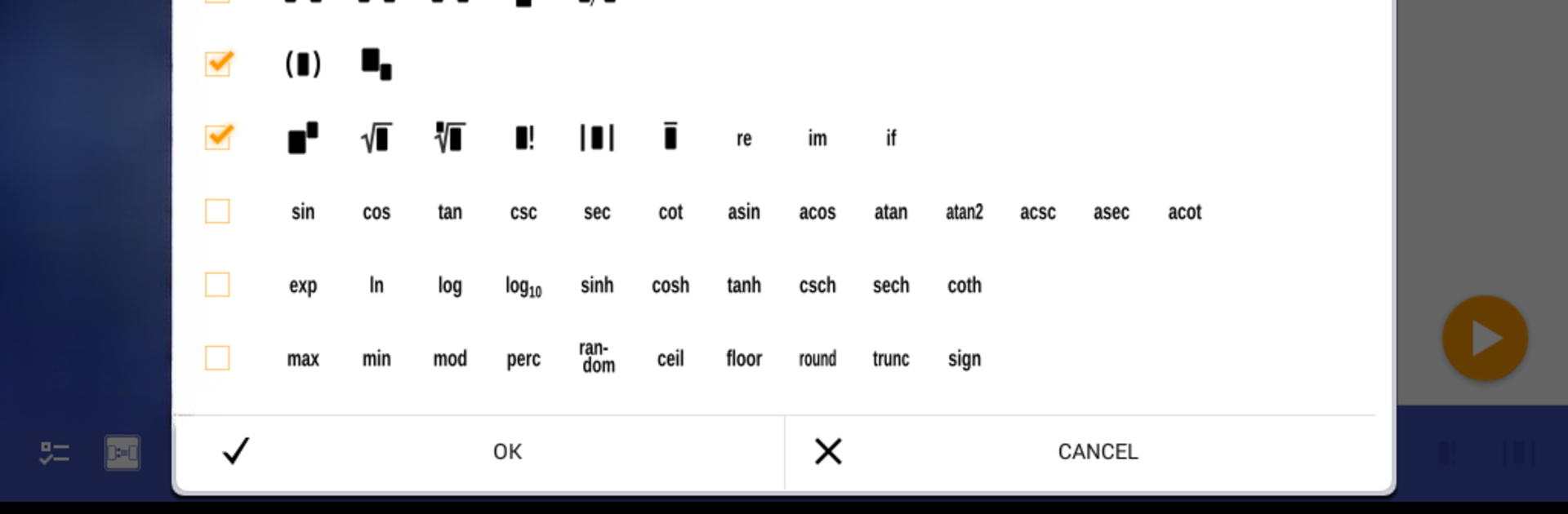
Ever wish your calculator could actually keep up with your ideas, instead of just crunching numbers? microMathematics Plus, brought to you by Mikhail Kulesh, takes the typical calculator experience and gives it a big upgrade. Designed for anyone who enjoys tinkering with formulas—students, math fans, or just folks who want more than the basics—it’s a productivity tool that feels more like an open canvas for all your mathematical problem-solving.
App Features
-
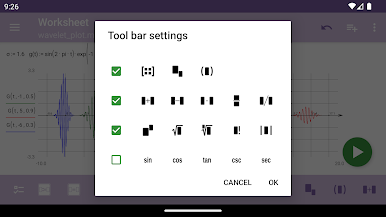
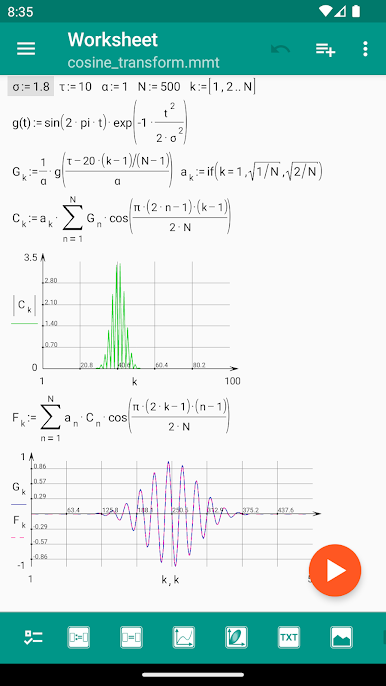
Readable, Intuitive Math Notation
Tired of calculators that mangle your formulas? Here, you write expressions just like you would on paper, and they actually look good—no weird formatting or cryptic lines. -
Interactive Worksheets
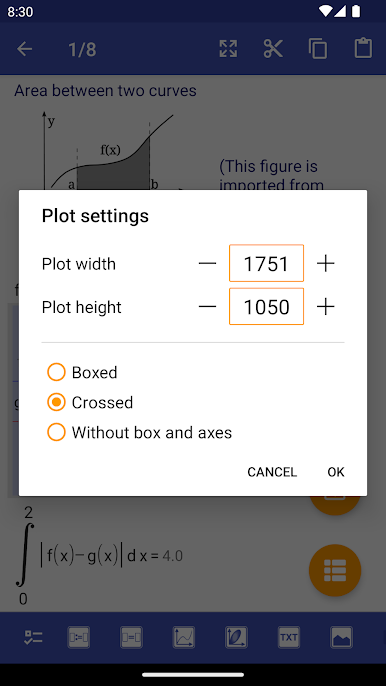
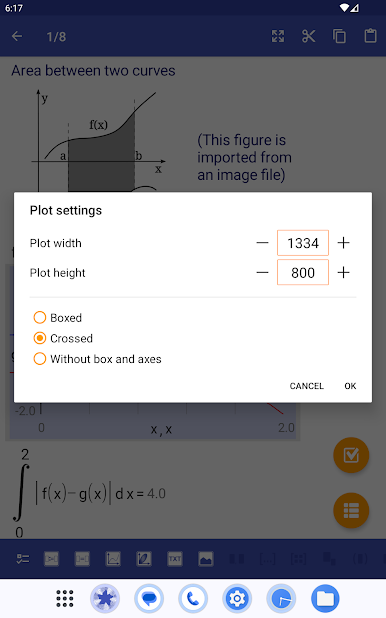
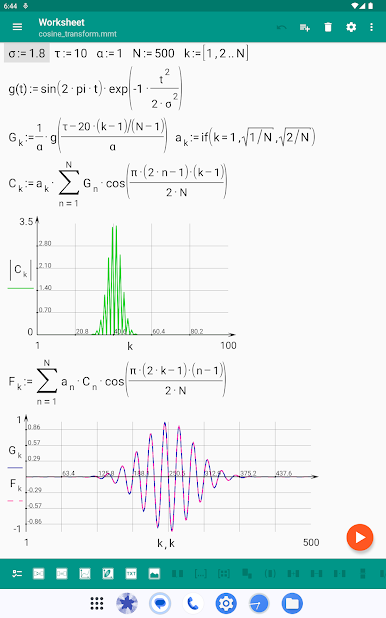
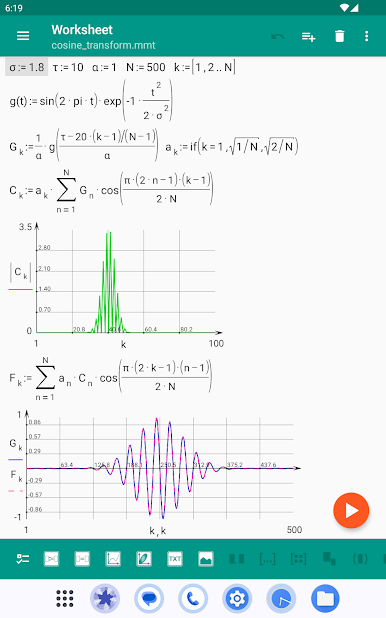
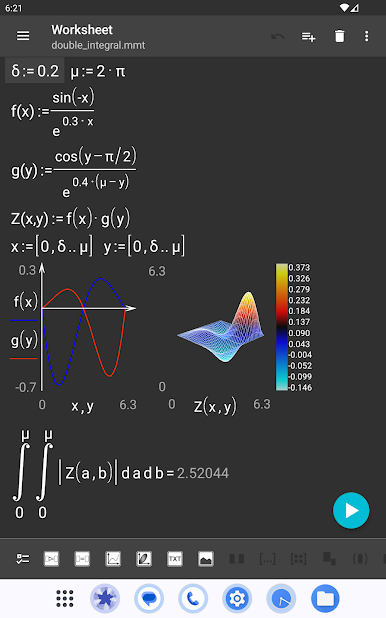
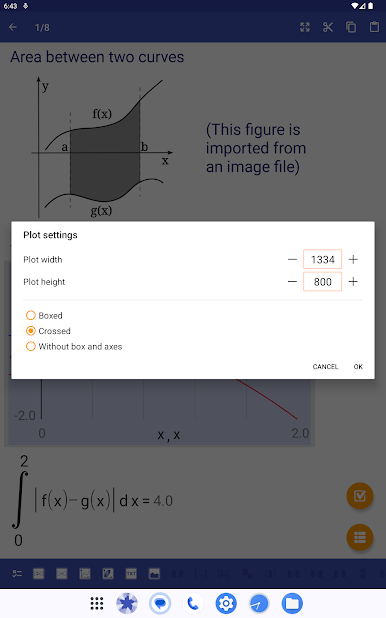
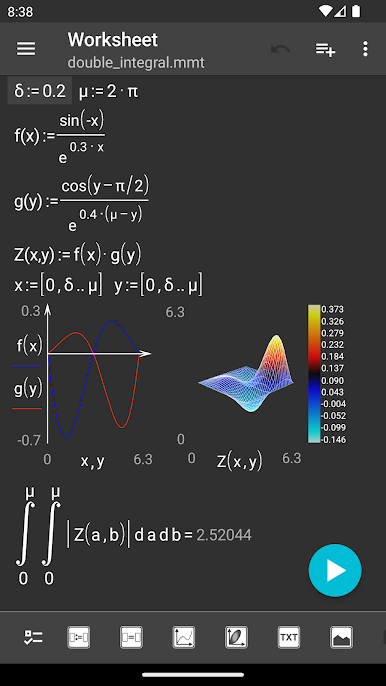
Organize your work in a single document. You can collect your formulas, plots, notes, and even images all together, making complex calculations easier to follow. -
Live Formula Editing
Edit mathematical identities on the fly and see immediate results. Perfect if you like adjusting calculations or rethinking your approach without starting from scratch. -
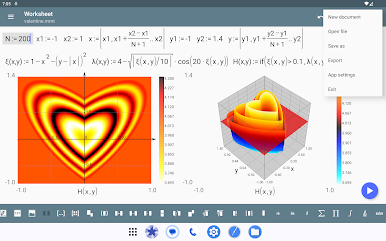
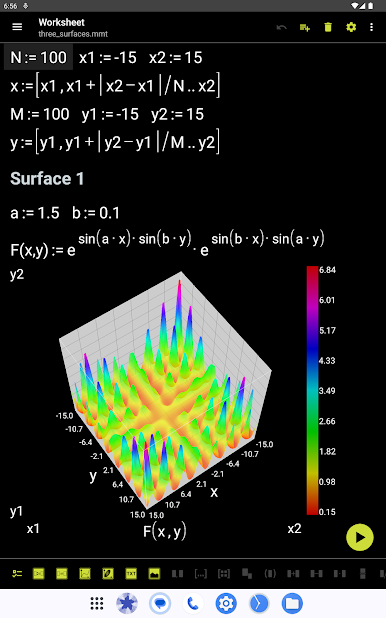
Graphing and Plotting
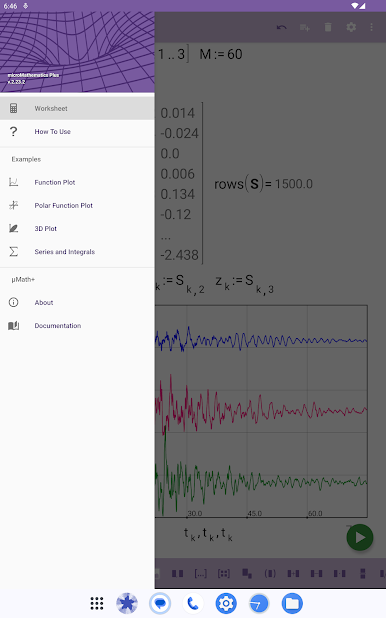
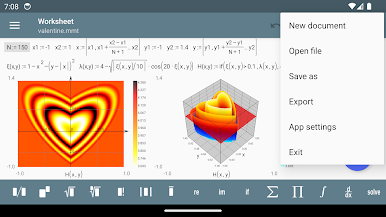
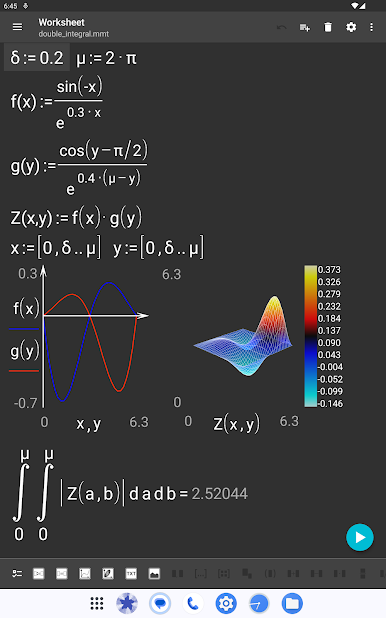
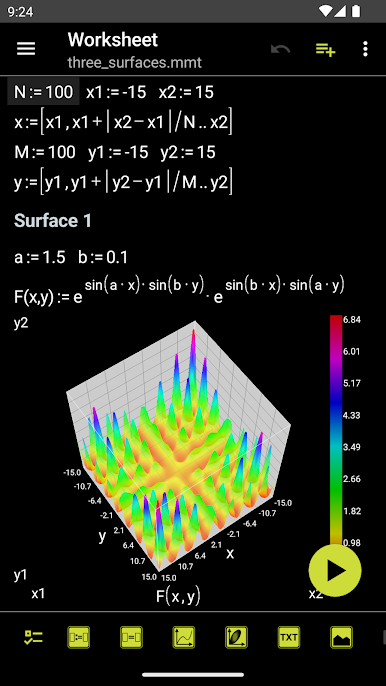
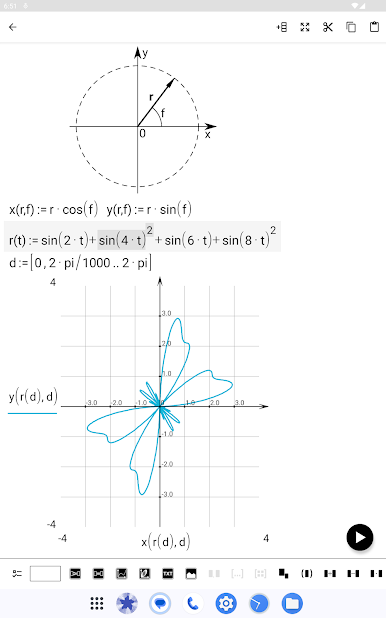
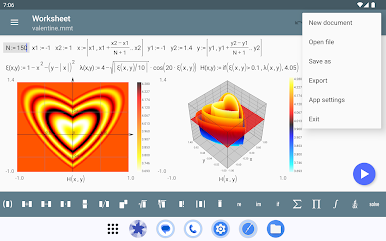
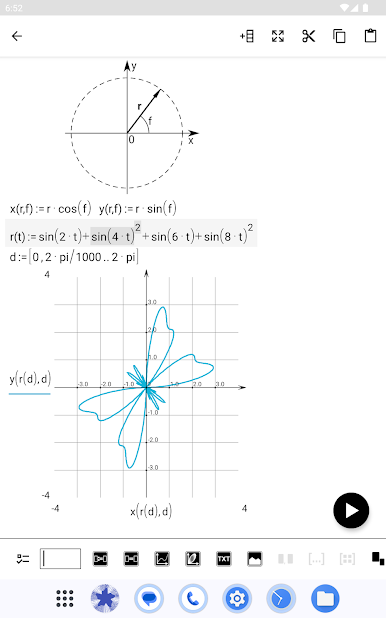
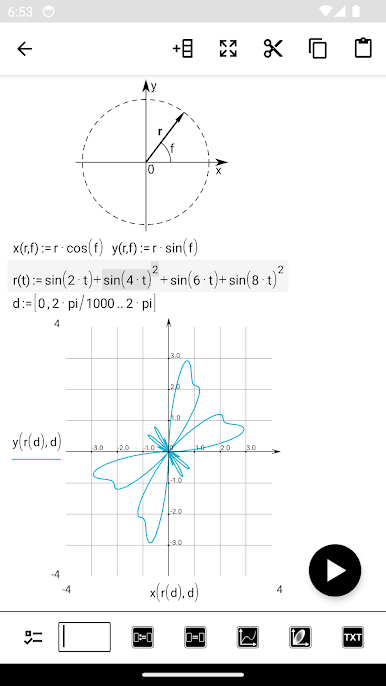
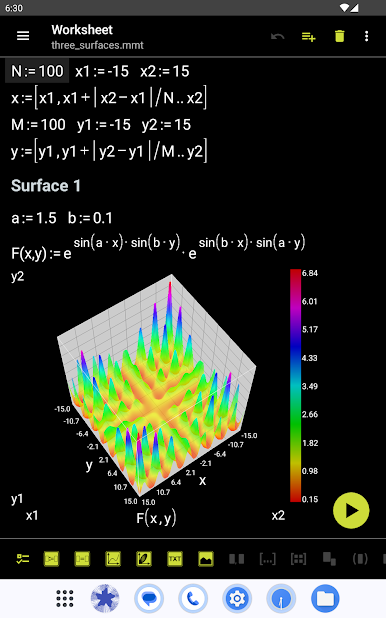
It’s more than just a calculator—it’s a full-on function plotter with support for multiple graphs, 3D plots, contours, and more. Visual learners, rejoice. -
Unit Support
Whether it’s standard SI units or something more niche (information units, anyone?), the app handles them so you don’t have to convert everything yourself. -
Advanced Math Features
Beyond the basics, you get arrays, complex numbers, multi-argument functions, summation, product operations, integrals, derivatives, and logical operators. -
Flexible Data Handling
Import data from ASCII files, export your work to LaTeX or image formats, and store documents on your SD card. Plus, it’s easy to save intermediate results for later use. -
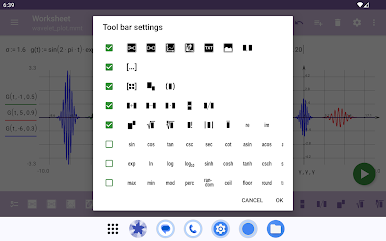
Touchscreen Editor with Undo
Make a mistake? No stress. The built-in editor lets you tweak, update, and undo changes seamlessly with just a tap. -
Useful Examples and Help
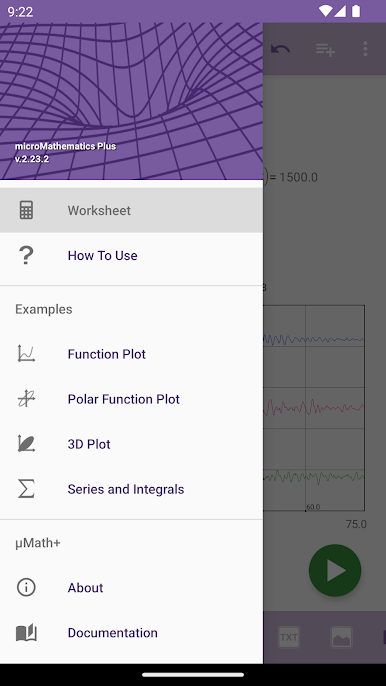
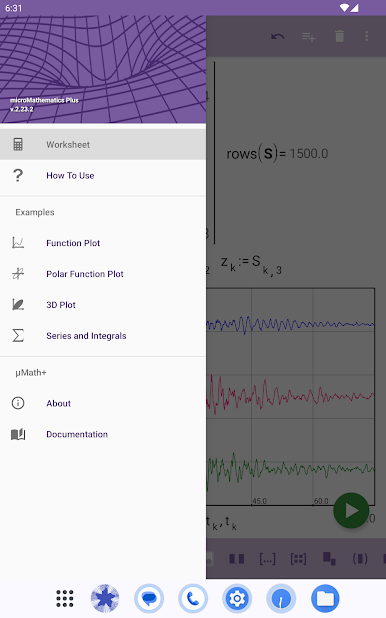
There’s a handy “how to use” page packed with examples, so you’re never left guessing about a feature. -
Customizable Look and Feel
Choose from a range of color themes—because math apps don’t have to be boring. -
Smooth Experience on Different Devices
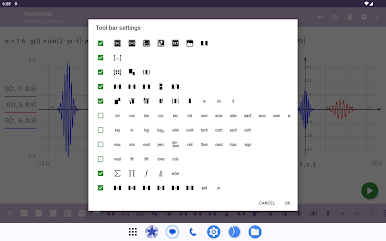
Works just as well on your tablet or phone, whether you’re holding it in portrait or landscape mode.
You can enjoy the convenience of microMathematics Plus right from your desktop using BlueStacks, if you like working with a bigger screen.
BlueStacks gives you the much-needed freedom to experience your favorite apps on a bigger screen. Get it now.
PC에서 microMathematics Plus 플레이해보세요.
-
BlueStacks 다운로드하고 설치
-
Google Play 스토어에 로그인 하기(나중에 진행가능)
-
오른쪽 상단 코너에 microMathematics Plus 검색
-
검색 결과 중 microMathematics Plus 선택하여 설치
-
구글 로그인 진행(만약 2단계를 지나갔을 경우) 후 microMathematics Plus 설치
-
메인 홈화면에서 microMathematics Plus 선택하여 실행

