


عداد السرعه: قياس سرعة السيارة
العب على الكمبيوتر الشخصي مع BlueStacks - نظام أندرويد للألعاب ، موثوق به من قبل أكثر من 500 مليون لاعب.

Play Speedometer, Odometer, HUD on PC
Key Features:
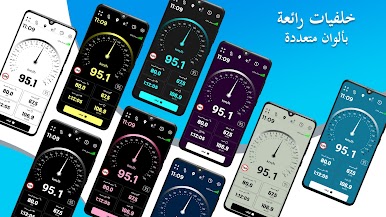
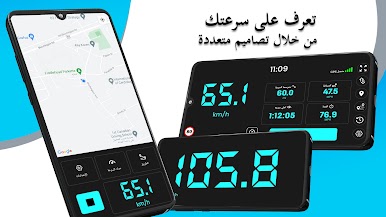
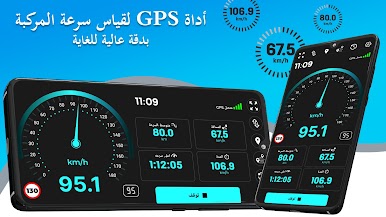
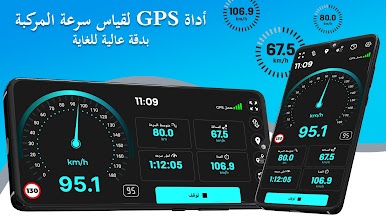
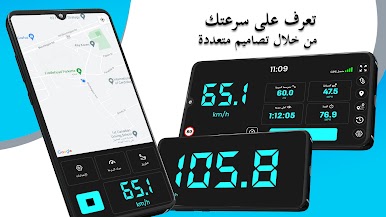
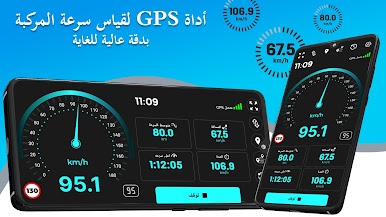
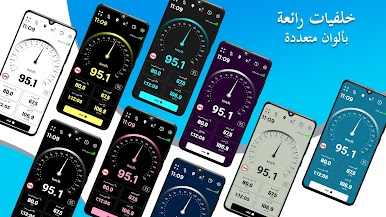
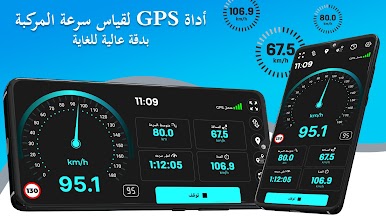
⭐ GPS Speedometer: Measure your current and average speed during your trip with a beautifully customized speed meter, available in both digital and analog modes. It tracks your GPS speed every second, providing measurements in either metric or imperial units, functioning just like your vehicle's digital speed and distance tracker.
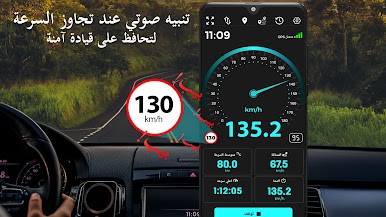
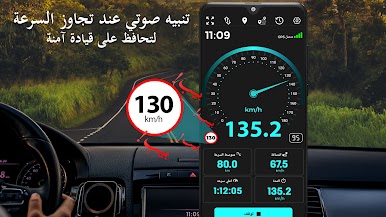
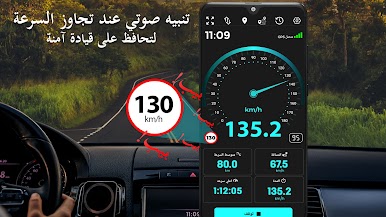
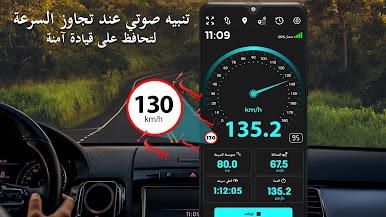
⭐ Speed Limit App: If you're traveling and want to avoid exceeding a certain speed limit, the speed limit alert will notify you with a sound. This feature helps prevent you from getting a ticket.
⭐ Speed Meter For All: This GPS speedometer isn't just for cars; it can also be used as a bike speedometer, boat speedometer, train speedometer, and more.
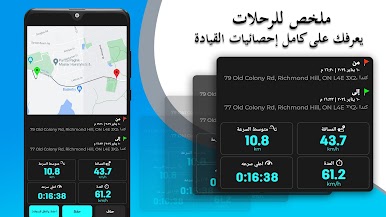
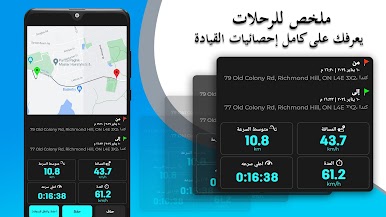
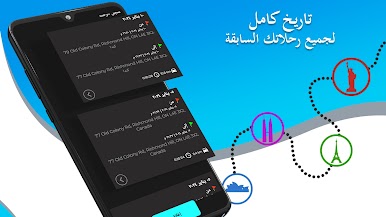
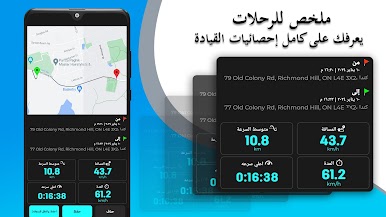
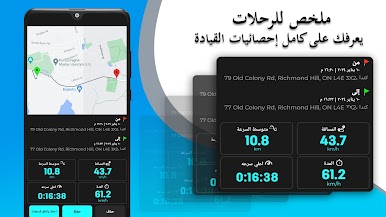
⭐ Odometer App or Distance Tracker: Measure the distance between your starting and ending points. You can also preset or adjust the reading of the odometer app to match your car's odometer.
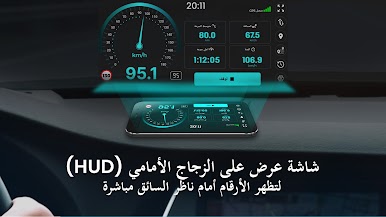
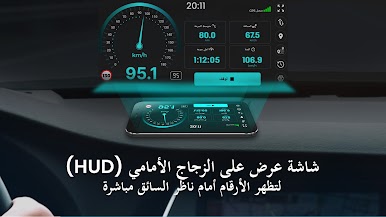
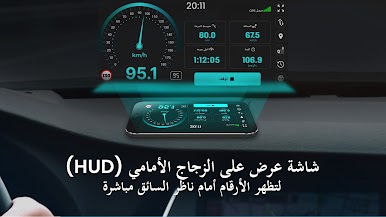
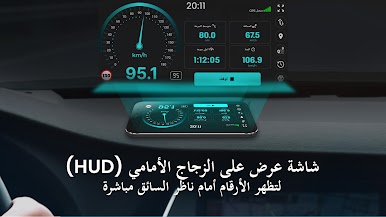
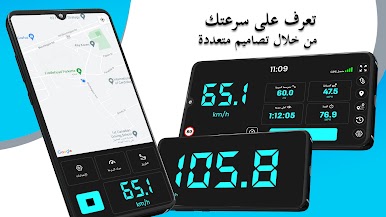
⭐ HUD – Head Up Display: Primarily used while driving at night, this feature displays all essential information—such as max speed, distance traveled, and estimated time to reach your destination—directly in front of you.
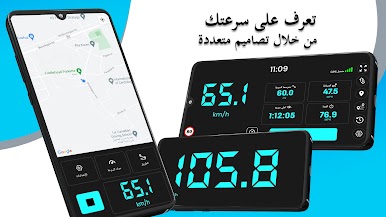
⭐ Full Screen Mode: Enjoy a large display of your vehicle's current speed, helping you stay focused and avoid distractions.
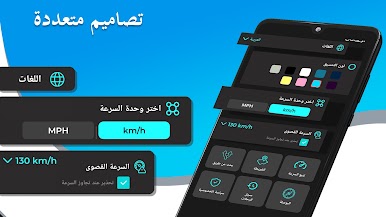
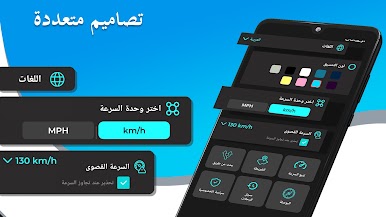
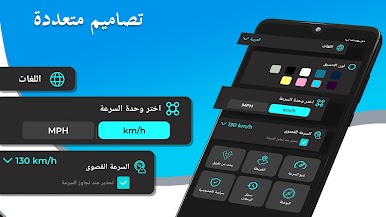
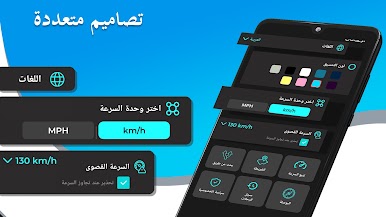
⭐ GPS Speedometer MPH or KPH: Easily switch the speed unit from MPH to KM/PH, or vice versa, for this GPS speedometer, to suit your preference.
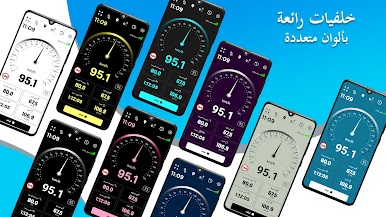
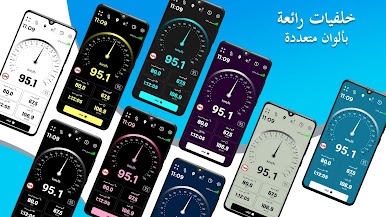
⭐Top Class Speed Tracker and Distance Tracker: The GPS speedometer app offers a range of customizable features, including 10 color themes to choose from and support for multiple languages. You can display different speed units, and the built-in odometer is precise, with options for both metric and imperial units.
We are committed to satisfying our valued customers, making this the best GPS speedometer and odometer you’ll ever find. If your car’s speedometer or odometer is broken, simply use our app—no need to spend money on repairs.

العب عداد السرعه: قياس سرعة السيارة على جهاز الكمبيوتر. من السهل البدء.
-
قم بتنزيل BlueStacks وتثبيته على جهاز الكمبيوتر الخاص بك
-
أكمل تسجيل الدخول إلى Google للوصول إلى متجر Play ، أو قم بذلك لاحقًا
-
ابحث عن عداد السرعه: قياس سرعة السيارة في شريط البحث أعلى الزاوية اليمنى
-
انقر لتثبيت عداد السرعه: قياس سرعة السيارة من نتائج البحث
-
أكمل تسجيل الدخول إلى Google (إذا تخطيت الخطوة 2) لتثبيت عداد السرعه: قياس سرعة السيارة
-
انقر على أيقونة عداد السرعه: قياس سرعة السيارة على الشاشة الرئيسية لبدء اللعب

