


Smartify: Arts and Culture
在電腦上使用BlueStacks –受到5億以上的遊戲玩家所信任的Android遊戲平台。

Run Smartify: Explore a world of arts and culture on PC or Mac
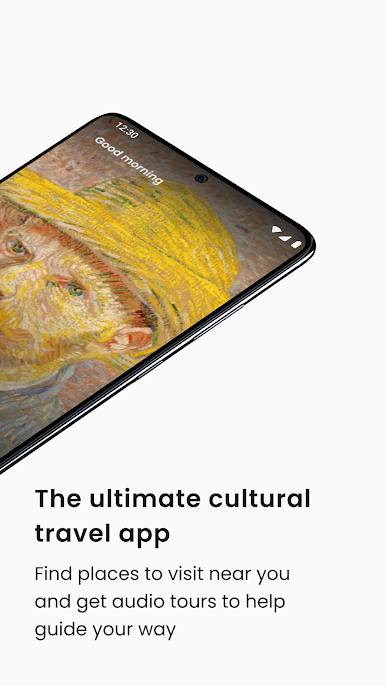
Why limit yourself to your small screen on the phone? Run Smartify: Explore a world of arts and culture, an app by Smartify CiC, best experienced on your PC or Mac with BlueStacks, the world’s #1 Android emulator.
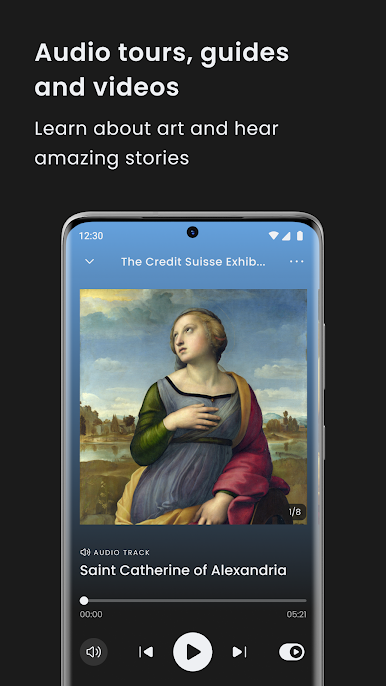
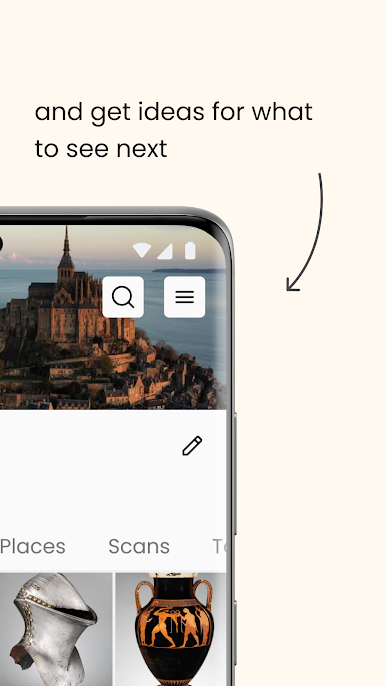
Smartify is one of those apps that makes you look at art differently, especially when you’re using it on a big screen through something like BlueStacks. Instead of just scrolling through random paintings and sculptures, you can scan artworks or search for them and it instantly pulls up all these details and stories—almost like having a super knowledgeable friend tagging along through a museum. There’s a huge collection inside, way more than you’d expect, and it actually recognizes what you’re looking at pretty well.
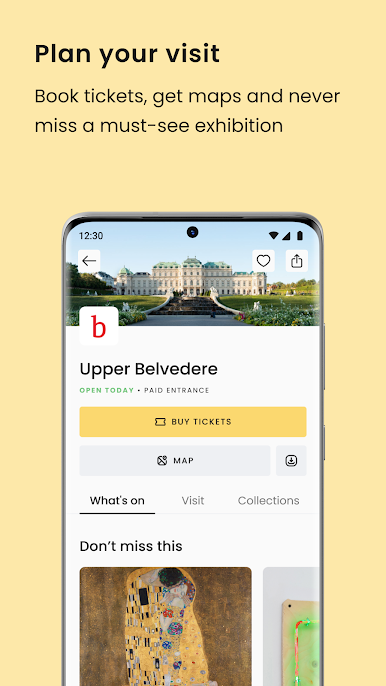
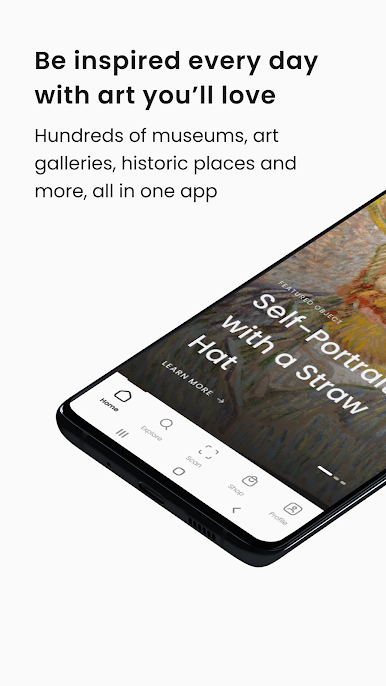
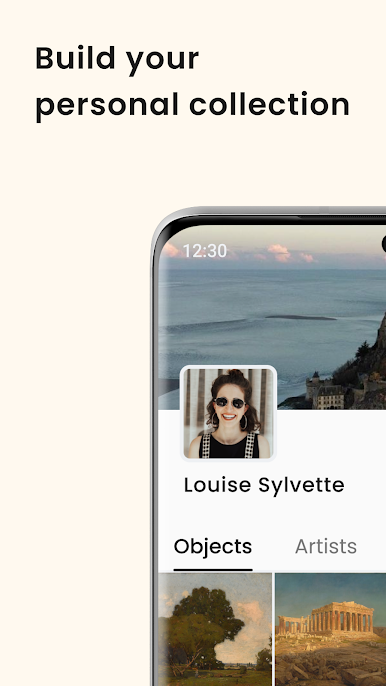
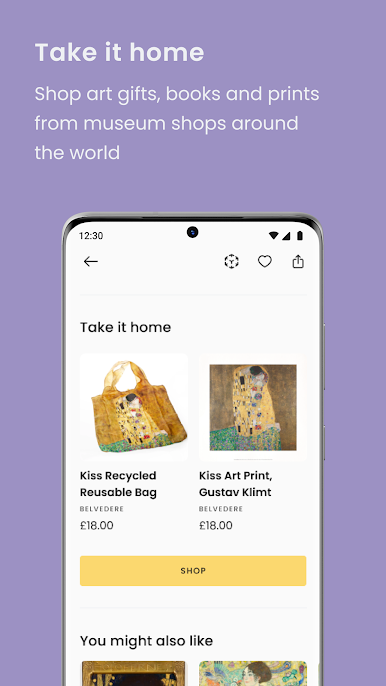
If you’re the type who likes learning the stories behind famous pieces or discovering something totally new, this app really delivers. There are audio tours too, so you’re not just reading long paragraphs—sometimes it’s just nice to listen while you browse. And everything feels pretty relaxed, so it doesn’t matter if you’re a serious art person or just figuring out what you like. Plus, you can save art you like and show collections to friends. It’s worth knowing that not every painting or gallery will show up because they work directly with museums to respect copyright and all that, so some stuff might be missing. But for people who like exploring museums from home or looking up artists and pieces they saw somewhere, Smartify makes that whole process actually feel easy and interesting.
BlueStacks brings your apps to life on a bigger screen—seamless and straightforward.
在電腦上遊玩Smartify: Arts and Culture . 輕易上手.
-
在您的電腦上下載並安裝BlueStacks
-
完成Google登入後即可訪問Play商店,或等你需要訪問Play商店十再登入
-
在右上角的搜索欄中尋找 Smartify: Arts and Culture
-
點擊以從搜索結果中安裝 Smartify: Arts and Culture
-
完成Google登入(如果您跳過了步驟2),以安裝 Smartify: Arts and Culture
-
在首頁畫面中點擊 Smartify: Arts and Culture 圖標來啟動遊戲

