


Like Nastya世界 - 一起玩吧
在電腦上使用BlueStacks –受到5億以上的遊戲玩家所信任的Android遊戲平台。

Run Like Nastya World games&video on PC or Mac
Multitask effortlessly on your PC or Mac as you try out Like Nastya World games&video, a Entertainment app by Mobinautica Limited on BlueStacks.
About the App
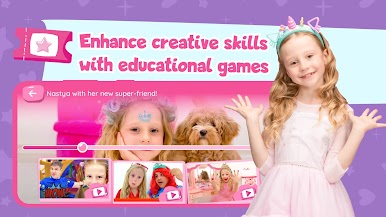
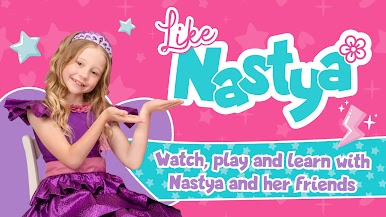
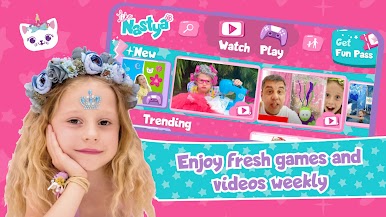
Like Nastya World games&video brings the joyful, goofy, and curious spirit of Nastya and her family into one easy place. Kids ages 2–10 can watch friendly, safe videos and hop into simple games that sneak in learning while they play. Built by Mobinautica Limited in Entertainment, it keeps things light, colorful, and kid-ready.
App Features
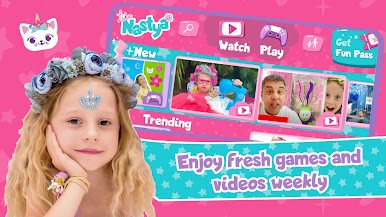
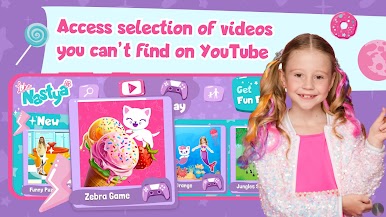
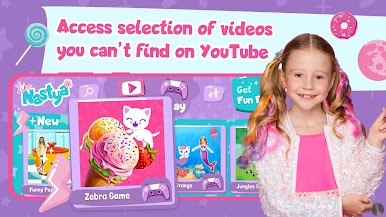
- Big Video Library: Watch tons of kid-safe episodes with Nastya, plus special videos you won’t find on YouTube. Perfect for quick screen time or a cozy family watch.
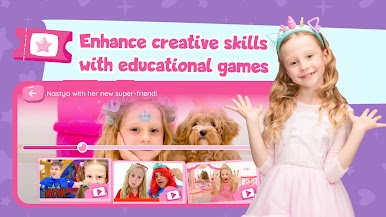
- Playful Learning Games: Count, explore the alphabet, try colors and shapes, and solve cute puzzles. Games are designed to nudge creativity, logical thinking, reaction time, and coordination without piling on pressure.
- Made for Little Hands: Bright visuals, clear prompts, and simple controls help younger kids jump right in. No reading skills? No problem.
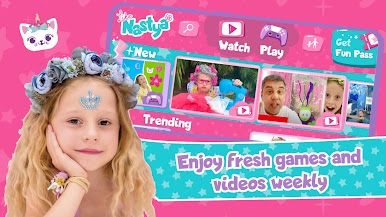
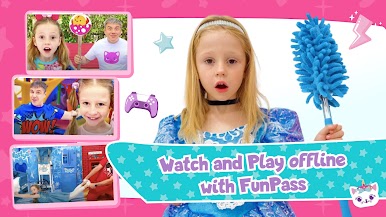
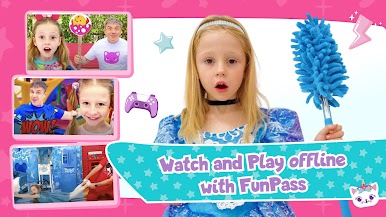
- Fun Pass Perks: Unlock the full catalog with the Fun Pass—get every game and video, download videos for offline trips, enjoy weekly new content, and watch without ads.
- Balanced Entertainment: From songs and stories to numbers, nature, colors, and animals, there’s plenty to explore. It’s not just “games for girls”—boys will find tons to do, too.
- Family-Friendly Space: Content focuses on play, discovery, and gentle learning alongside Nastya, her parents, and friends—easy to co-watch or let kids explore on their own.
- Watch on a Bigger Screen: Prefer a PC or Mac setup? You can run the app with BlueStacks for comfy couch viewing and playtime.
Big screen. Bigger performance. Use BlueStacks on your PC or Mac to run your favorite apps.

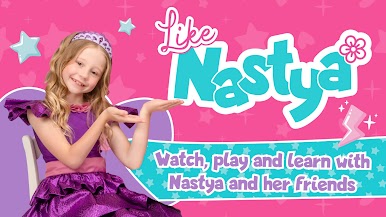
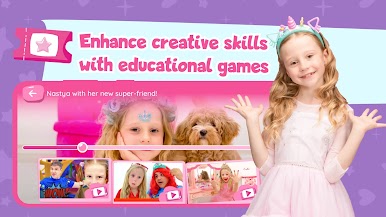
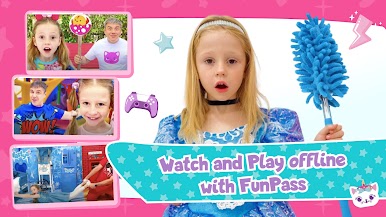
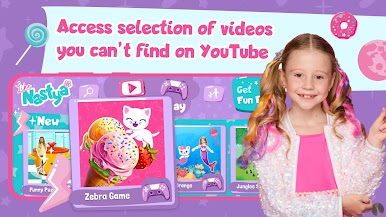
在電腦上遊玩Like Nastya世界 - 一起玩吧 . 輕易上手.
-
在您的電腦上下載並安裝BlueStacks
-
完成Google登入後即可訪問Play商店,或等你需要訪問Play商店十再登入
-
在右上角的搜索欄中尋找 Like Nastya世界 - 一起玩吧
-
點擊以從搜索結果中安裝 Like Nastya世界 - 一起玩吧
-
完成Google登入(如果您跳過了步驟2),以安裝 Like Nastya世界 - 一起玩吧
-
在首頁畫面中點擊 Like Nastya世界 - 一起玩吧 圖標來啟動遊戲

