


WhatTheFont
在電腦上使用BlueStacks –受到5億以上的遊戲玩家所信任的Android遊戲平台。

Run WhatTheFont on PC or Mac
Let BlueStacks turn your PC, Mac, or laptop into the perfect home for WhatTheFont, a fun Productivity app from MONOTYPE.
About the App
Ever spotted a cool poster or a stylish invitation and wondered, “What’s that font?” WhatTheFont by MONOTYPE is here to satisfy your curiosity and make font-hunting genuinely fun. If you’re into design, love tinkering with typography, or just want to match a font your client sent over, this app makes it super simple. Snap a pic, and you’re on your way—so easy, you’ll probably end up identifying fonts just for the fun of it.
App Features
-
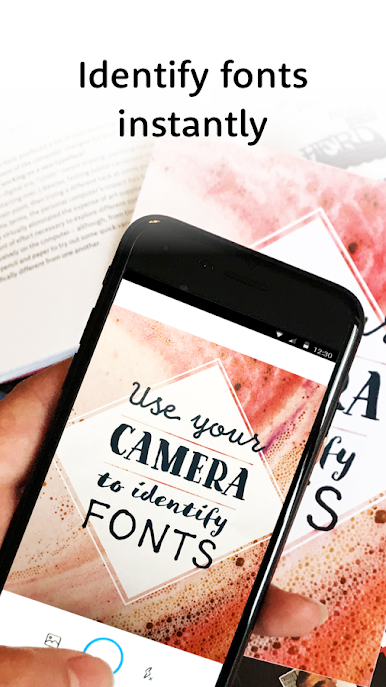
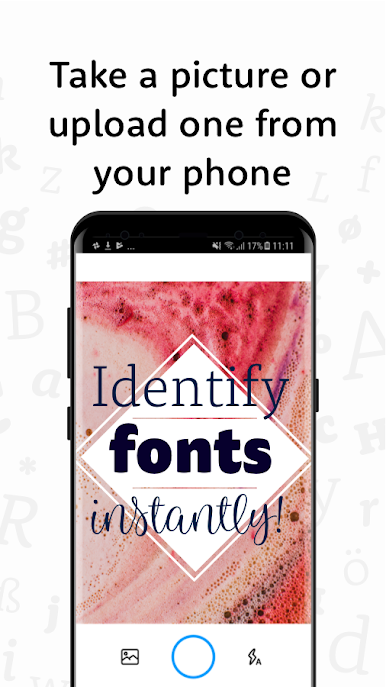
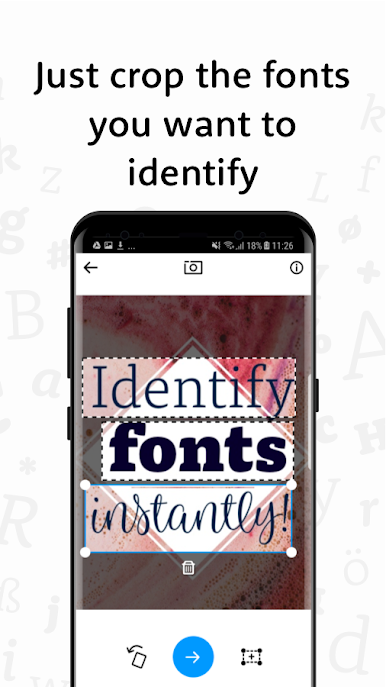
Instant Font Identification
Just snap a photo of any design, and WhatTheFont instantly finds the fonts used in the image. No more guesswork—let your phone do the hard part for you. -
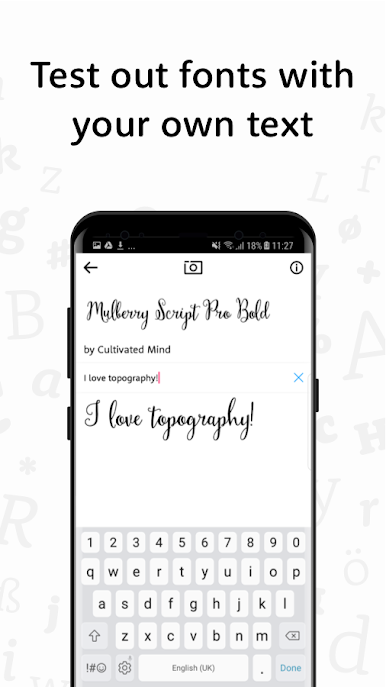
Try Out Fonts on the Go
Found a typeface you like? Type your own words to see exactly how they look in that font right away. It’s a great way to preview before you commit. -
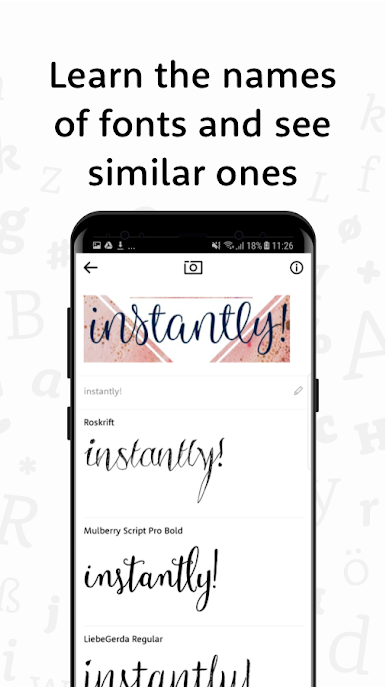
Font Inspiration
Not sure what style you want for your next project? Flip through font ideas and similar options based on your image. Perfect for sparking creativity. -
Learn Font Names Instantly
See a font that catches your eye? Find out its name in seconds. Whether you’re a typography nerd or just a bit curious, it’s speedy and satisfying. -
AI-Powered Efficiency
The app uses smart AI so it’s quick, accurate, and actually quite fun to use—helpful for both designers and casual users alike. -
Seamless Experience on BlueStacks
If you prefer working from your computer, you can check out WhatTheFont on BlueStacks for a screen-friendly experience while keeping your workflow uninterrupted.
BlueStacks brings your apps to life on a bigger screen—seamless and straightforward.
在電腦上遊玩WhatTheFont . 輕易上手.
-
在您的電腦上下載並安裝BlueStacks
-
完成Google登入後即可訪問Play商店,或等你需要訪問Play商店十再登入
-
在右上角的搜索欄中尋找 WhatTheFont
-
點擊以從搜索結果中安裝 WhatTheFont
-
完成Google登入(如果您跳過了步驟2),以安裝 WhatTheFont
-
在首頁畫面中點擊 WhatTheFont 圖標來啟動遊戲

