


페러웨이: 퍼즐탈출 Faraway: Puzzle Esc
5억명 이상의 게이머가 신뢰하는 안드로이드 게임 플랫폼 BlueStacks으로 PC에서 플레이하세요.

Play Faraway: Puzzle Escape on PC or Mac
Step into the World of Faraway: Puzzle Escape, a thrilling Puzzle game from the house of Snapbreak. Play this Android game on BlueStacks App Player and experience immersive gaming on PC or Mac.
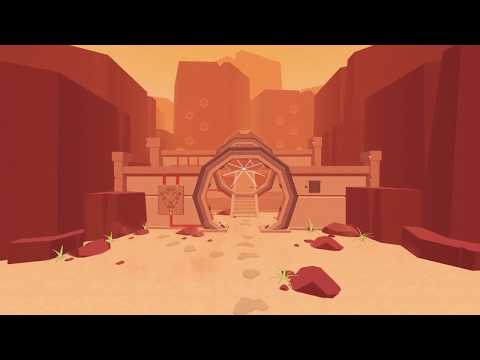
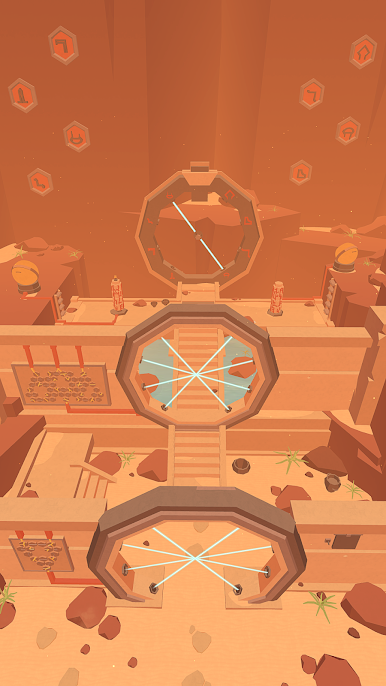
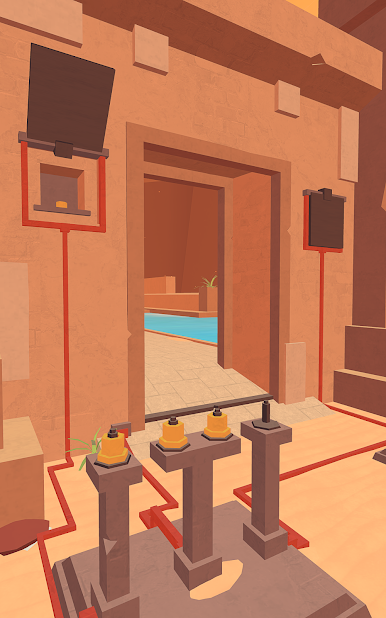
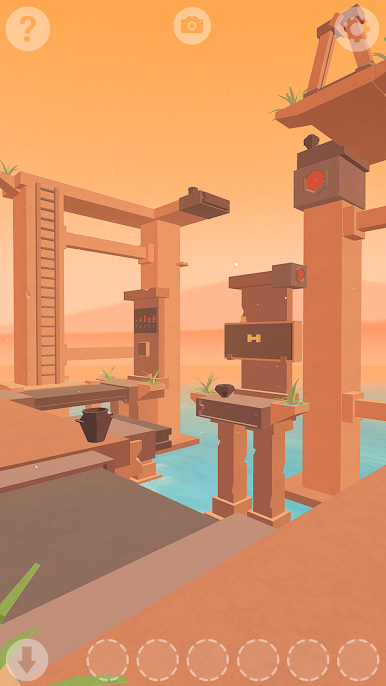
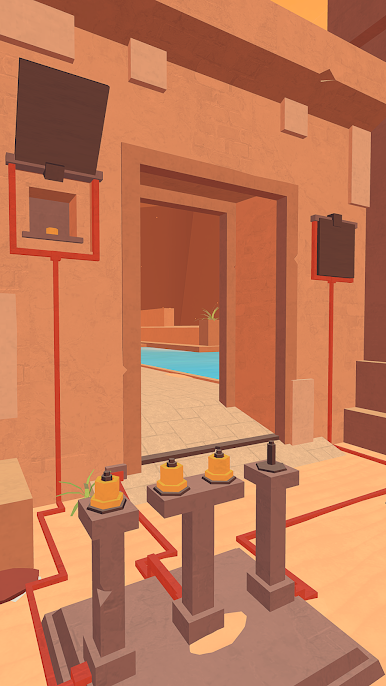
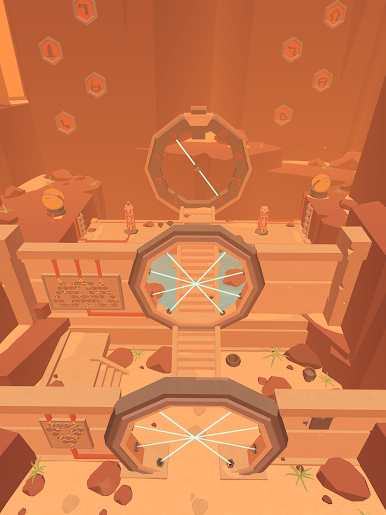
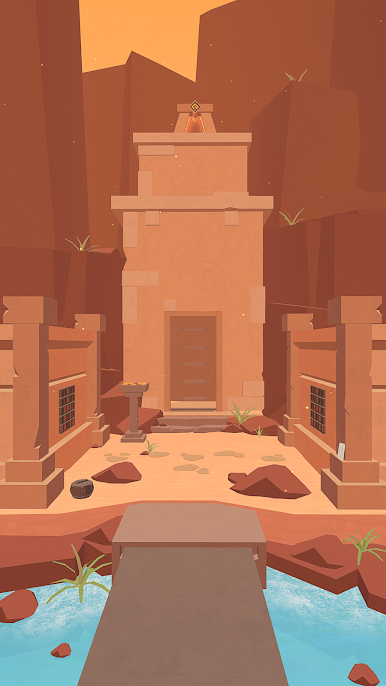
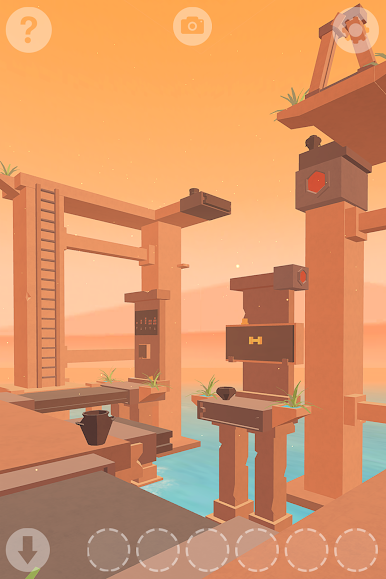
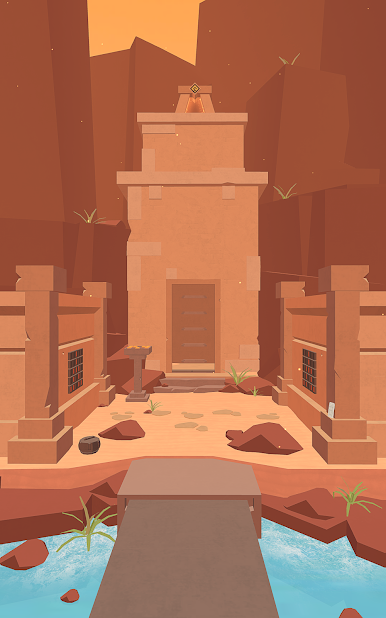
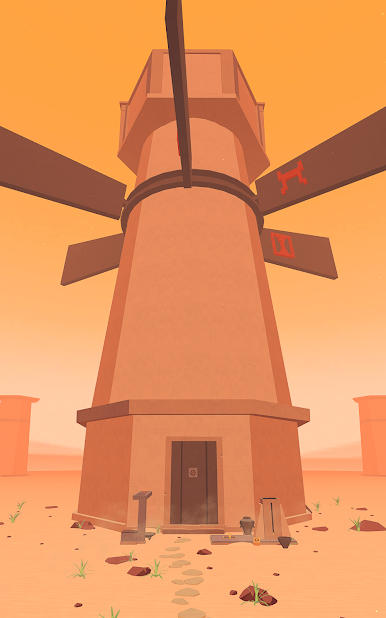
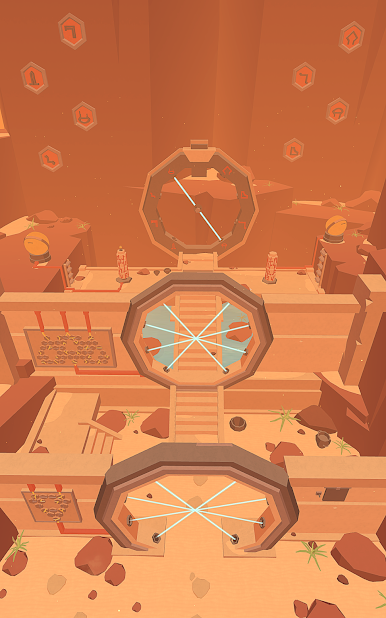
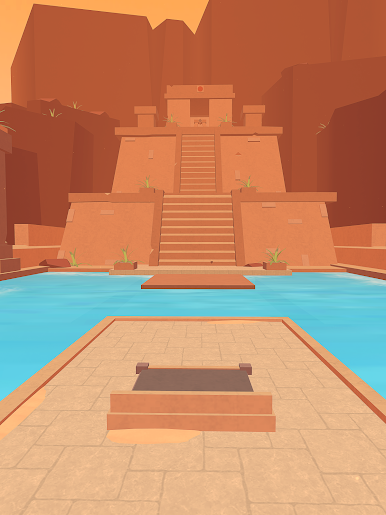
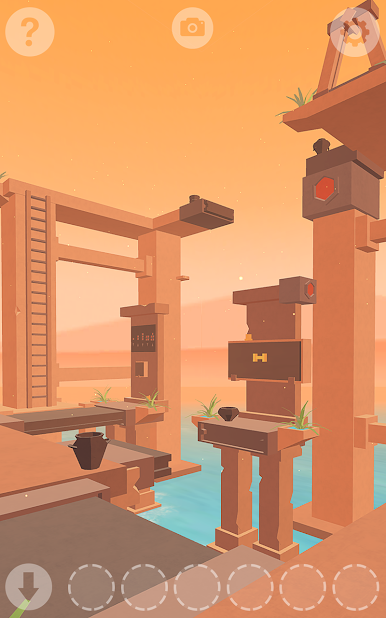
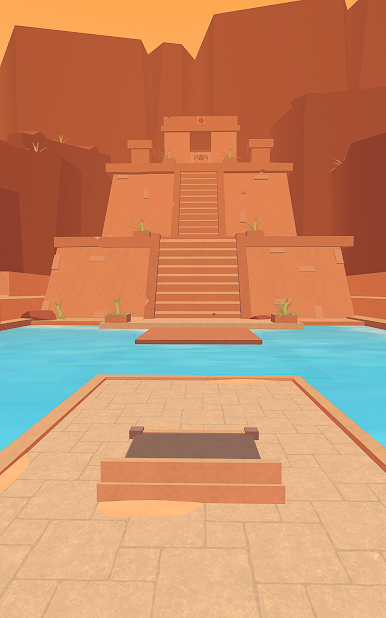
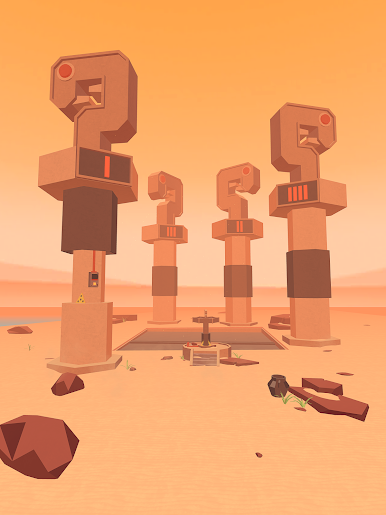
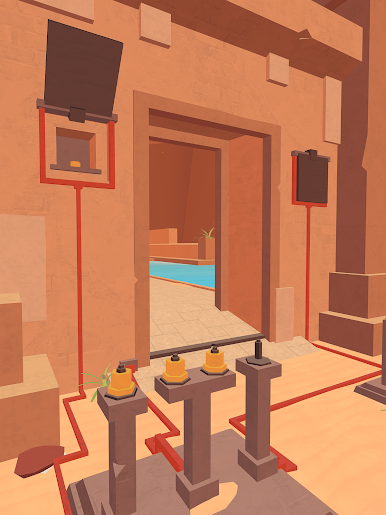
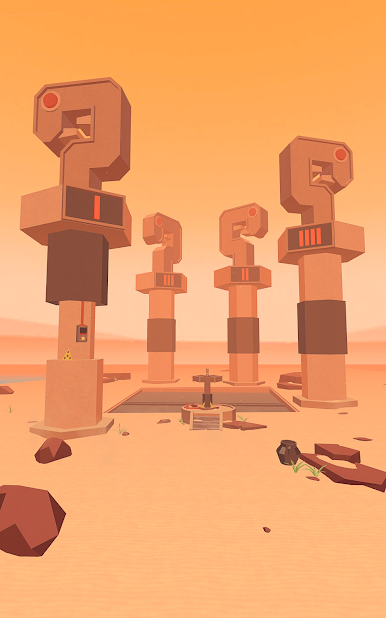
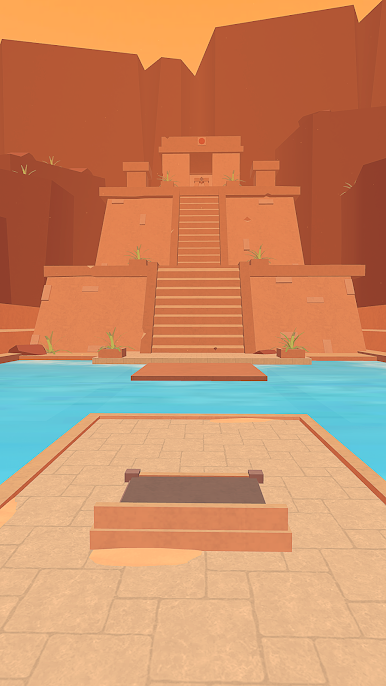
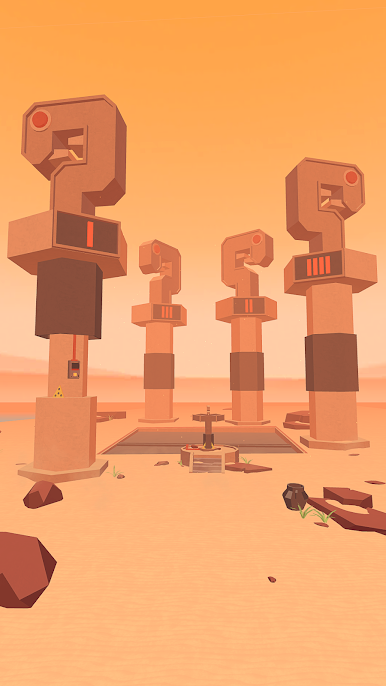
Faraway: Puzzle Escape is one of those games that makes you feel like you’ve been dropped into some ancient, secret place and told, “All right, figure your way out.” It’s got these big, mysterious temples filled with clever puzzles, and the whole thing is wrapped around this story about a guy searching for his dad, who went missing hunting for weird artifacts. Every area looks a little bit different — there are deserts, overgrown ruins, all sorts of stuff — and you’re always poking around, collecting items, pulling levers, and wondering what kind of trick the game’s going to throw at you next.
The puzzles themselves actually make you stop and think, so it isn’t just about rushing through. You’re using clues from the world, sometimes picking up notes left behind, so the story actually unfolds as you play. There’s this relaxing feeling to exploring, since the game’s 3D world is easy to move around and the soundtrack fits that calm-but-curious mood. Playing it on PC with BlueStacks is especially nice because the visuals look sharp, so just wandering through the levels and piecing together what happened keeps you hooked. It’s satisfying for anyone who likes those escape room games or just wants a slower, thoughtful game where you can take your time figuring things out.
Start your journey now. Download the game on BlueStacks, invite your friends, and march on a new adventure.






PC에서 페러웨이: 퍼즐탈출 Faraway: Puzzle Esc 플레이해보세요.
-
BlueStacks 다운로드하고 설치
-
Google Play 스토어에 로그인 하기(나중에 진행가능)
-
오른쪽 상단 코너에 페러웨이: 퍼즐탈출 Faraway: Puzzle Esc 검색
-
검색 결과 중 페러웨이: 퍼즐탈출 Faraway: Puzzle Esc 선택하여 설치
-
구글 로그인 진행(만약 2단계를 지나갔을 경우) 후 페러웨이: 퍼즐탈출 Faraway: Puzzle Esc 설치
-
메인 홈화면에서 페러웨이: 퍼즐탈출 Faraway: Puzzle Esc 선택하여 실행

