


PDF Reader - PDF Viewer
العب على الكمبيوتر الشخصي مع BlueStacks - نظام أندرويد للألعاب ، موثوق به من قبل أكثر من 500 مليون لاعب.

Play PDF Reader - PDF Viewer on PC
Key Features
• Fast and stable performance
• Zoom-in and Zoom-out for perfect vision
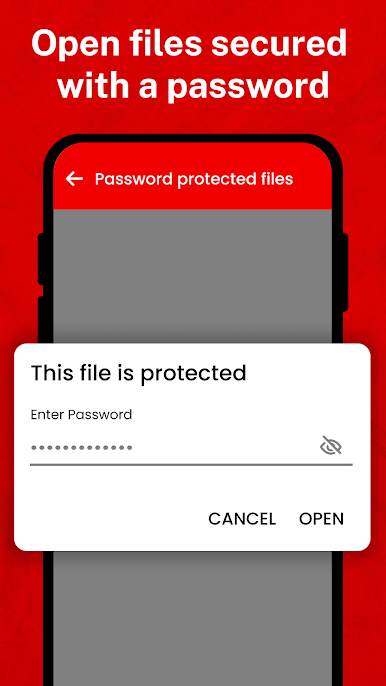
• Open password-protected PDF files
• Outline/Thumbnail list
• Jump to Page
Quickly view PDF Files
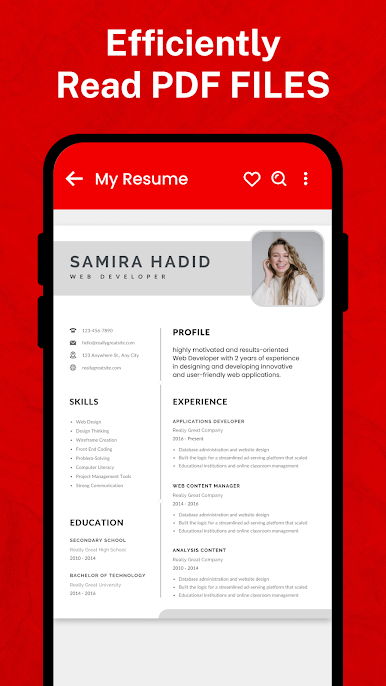
• Looking for PDF viewers that are easy to use? Look no further than PDF Pro! Viewing a PDF is fast, simple and accurate with our free PDF reader – View PDF.
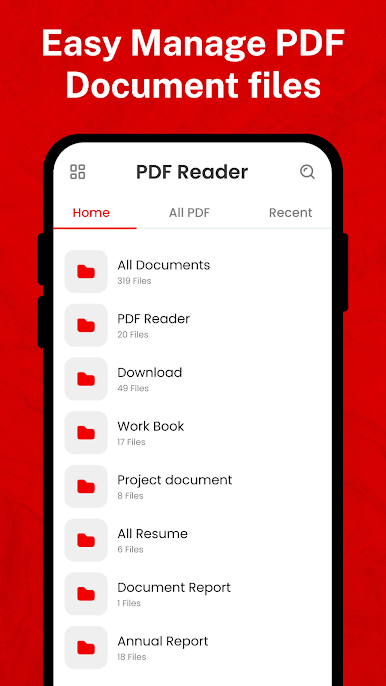
Manage all the PDF files in your device
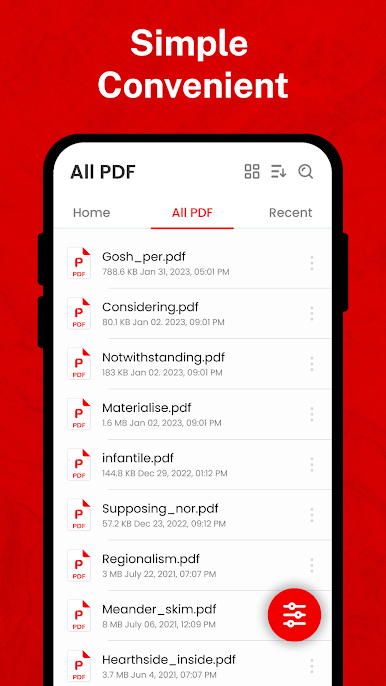
• All PDF - The application will scan all the PDF files in your device and focus in a single location.
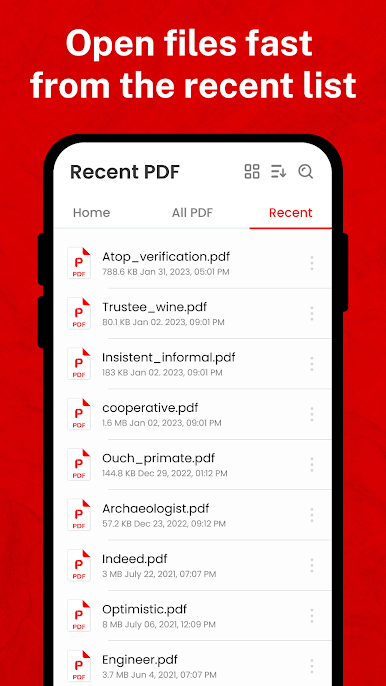
• Recent - Contains all the PDFs you have open, sorted by the latest open time, and you can easily view the PDFs you have recently viewed.
• Search - If you have a lot of PDF files, you'll also easily find them with "Search" features in the application's PDF management interface.
• Delete/Rename - You can easily change the name, delete the file, and view details of your PDF file. Share it to your fellow colleagues by email or co-worker at this screen.
Quick display
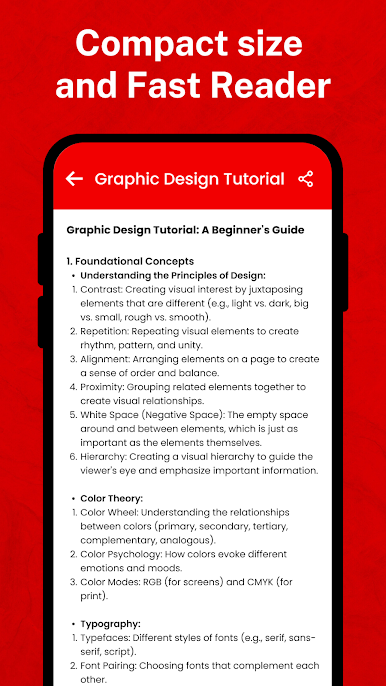
• PDF Reader uses the most advanced technology available today to speed the loading and display of PDF files quickly even with large PDF files.
Quick page moving
• You can go to any page with the scroll bar, or you can enter the page index to move to the page you want to read.

العب PDF Reader - PDF Viewer على جهاز الكمبيوتر. من السهل البدء.
-
قم بتنزيل BlueStacks وتثبيته على جهاز الكمبيوتر الخاص بك
-
أكمل تسجيل الدخول إلى Google للوصول إلى متجر Play ، أو قم بذلك لاحقًا
-
ابحث عن PDF Reader - PDF Viewer في شريط البحث أعلى الزاوية اليمنى
-
انقر لتثبيت PDF Reader - PDF Viewer من نتائج البحث
-
أكمل تسجيل الدخول إلى Google (إذا تخطيت الخطوة 2) لتثبيت PDF Reader - PDF Viewer
-
انقر على أيقونة PDF Reader - PDF Viewer على الشاشة الرئيسية لبدء اللعب

