


Music Player
Jogue no PC com BlueStacks - A Plataforma de Jogos Android, confiada por mais de 500 milhões de jogadores.

Página modificada em: Aug 18, 2026
Jogue Music Player para PC
características:
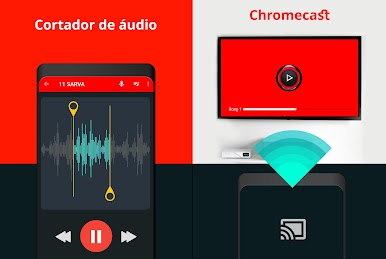
- Suporte para aplicativos do Google Cast
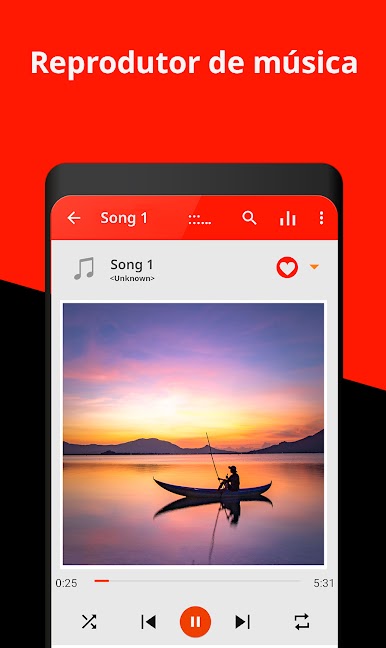
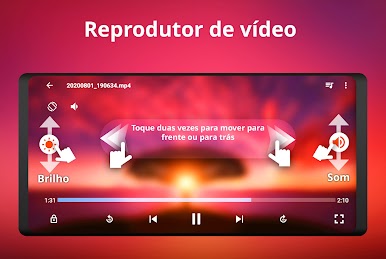
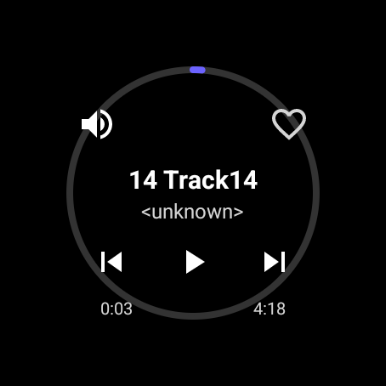
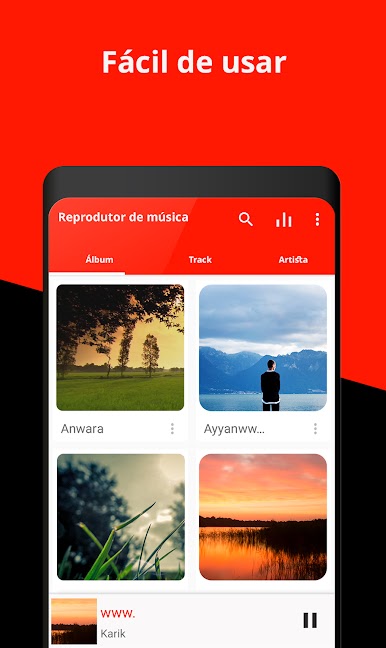
- Reproduz todos os arquivos de áudio
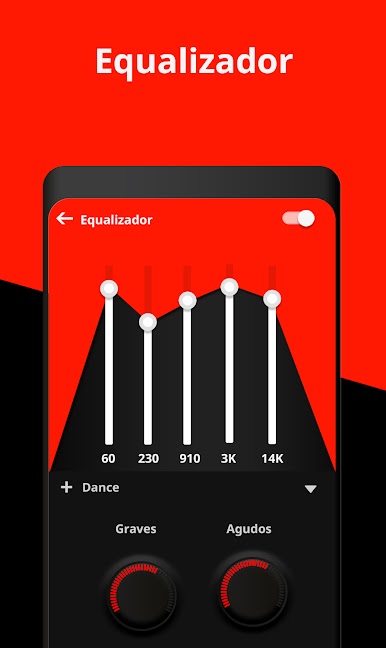
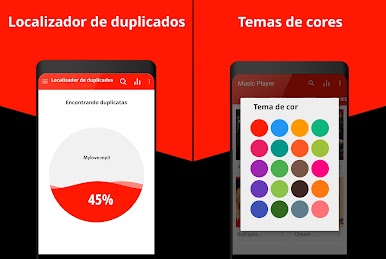
- Equalizador gráfico de 5 bandas com presets
- Bass e efeito 3D
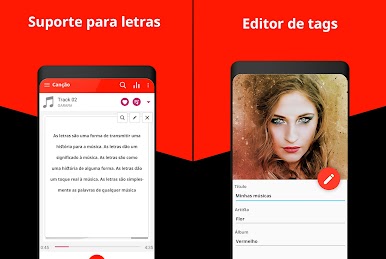
- Apoio editor MP3
- Play, anterior ou seguinte a reprodução pela trepidação
- Temporizador
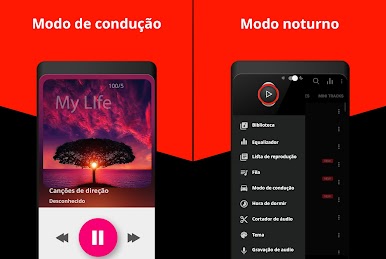
- Selecione a opção tema Cor
- Reproduz a música por pasta
- Queue com lista de reprodução de reabastecimento
- Apoio à lista de reprodução
- Art Mudança álbum
- Apoio editor Tag
- Widget Attractive e android reprodução tela de 4,2 bloqueio
- Digitalização Biblioteca
Jogue Music Player no PC. É fácil começar.
-
Baixe e instale o BlueStacks no seu PC
-
Conclua o login do Google para acessar a Play Store ou faça isso mais tarde
-
Procure por Music Player na barra de pesquisa no canto superior direito
-
Clique para instalar Music Player a partir dos resultados da pesquisa
-
Conclua o login do Google (caso você pulou a etapa 2) para instalar o Music Player
-
Clique no ícone do Music Player na tela inicial para começar a jogar

