


MX Player
العب على الكمبيوتر الشخصي مع BlueStacks - نظام أندرويد للألعاب ، موثوق به من قبل أكثر من 500 مليون لاعب.

شغّل MX Player على الكمبيوتر العادي أو جهاز ماك
MX Player هو مشغل فيديو وتطبيق تحرير تم تطويره بواسطة MX Media (formerly J2 Interactive). يعد مشغل تطبيقات BlueStacks أفضل منصة لتشغيل تطبيق Android هذا على جهاز الكمبيوتر أو جهاز Mac للحصول على تجربة ترفيهية غامرة.
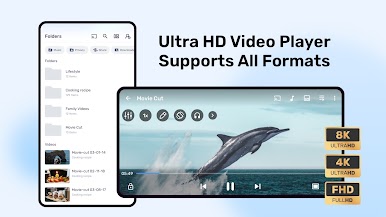
استخدم MX Player على جهاز الكمبيوتر واستمتع بمقاطع الفيديو المفضلة لديك من الشاشة الكبيرة والرائعة لجهاز الكمبيوتر الخاص بك! باستخدام برنامج الترميز الصحيح ، لا توجد قيود على نوع ملفات الفيديو التي يمكنك تشغيلها!
MX Player هو مشغل وسائط يمكنه التباهي بتشغيل كل تنسيق فيديو رئيسي. هذا هو السبب الذي جعلها تحظى بشعبية كبيرة. يتيح لك مشغل الفيديو القوي هذا الاستمتاع بتسريع الأجهزة المتقدم حمل أي عنوان فرعي من اختيارك!
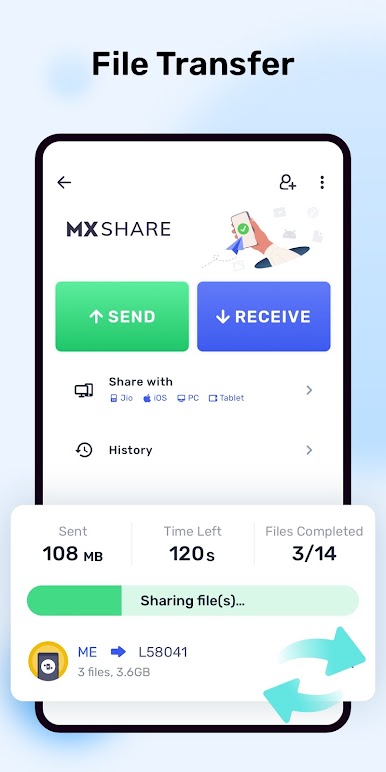
باستخدام هذا التطبيق ، يمكنك الآن بسهولة مشاركة ملفات الفيديو والموسيقى والتطبيقات وغير ذلك الكثير فقط باستخدام ميزة MX File Transfer. هذا هو أول مشغل فيديو يعمل بنظام Android يدعم فك التشفير متعدد النواة أيضًا!
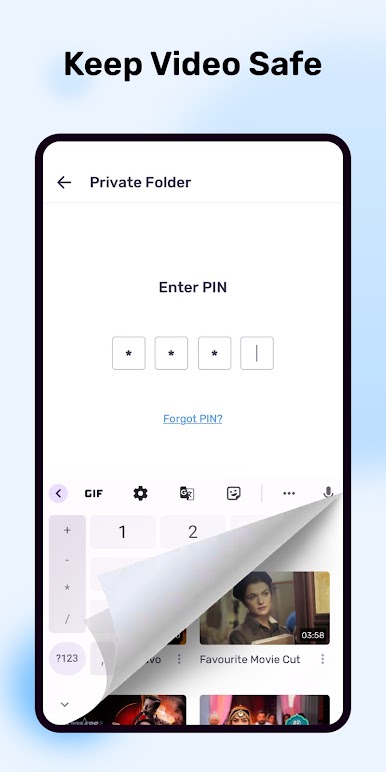
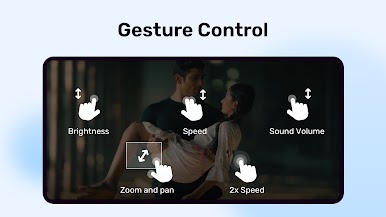
يمكنك بسهولة التكبير أو التصغير مع ميزة التكبير / التصغير. يمكنك أيضًا الاستمتاع بميزة Zoom and Pan إذا أردت! إذا كنت قلقًا بشأن لمس أطفالك لتطبيقات أو ملفات أخرى على جهاز الكمبيوتر أثناء مشاهدة مقاطع الفيديو المفضلة لديهم ، فيمكنك استخدام ميزة قفل الأطفال!
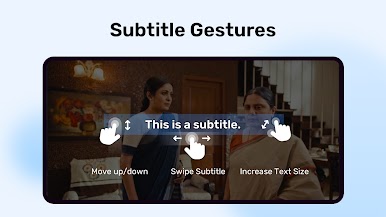
حمل MX Player على جهاز الكمبيوتر واستمتع بتنسيقات ترجمة مختلفة مثل SubRip (srt) و SubViewer2.0 (.sub / .idx) وغير ذلك الكثير! استمتع بتجربة ترفيهية لا مثيل لها مع MX Player!

العب MX Player على جهاز الكمبيوتر. من السهل البدء.
-
قم بتنزيل BlueStacks وتثبيته على جهاز الكمبيوتر الخاص بك
-
أكمل تسجيل الدخول إلى Google للوصول إلى متجر Play ، أو قم بذلك لاحقًا
-
ابحث عن MX Player في شريط البحث أعلى الزاوية اليمنى
-
انقر لتثبيت MX Player من نتائج البحث
-
أكمل تسجيل الدخول إلى Google (إذا تخطيت الخطوة 2) لتثبيت MX Player
-
انقر على أيقونة MX Player على الشاشة الرئيسية لبدء اللعب

