


MYKEYS Pro
在電腦上使用BlueStacks –受到5億以上的遊戲玩家所信任的Android遊戲平台。

Run MYKEYS Pro on PC or Mac
Upgrade your experience. Try MYKEYS Pro, the fantastic Tools app from Silca Spa, from the comfort of your laptop, PC, or Mac, only on BlueStacks.
About the App
Looking for a smart, reliable sidekick for your key cutting and locksmith work? MYKEYS Pro by Silca Spa is designed just for professionals like you. It’s your go-to spot for everything to do with keys—think of it as the knowledge hub that helps you handle all sorts of tricky jobs, from automotive to commercial key duplication. Whether you’re at the shop or out on a call, this app keeps the expertise you need right in your pocket.
App Features
-
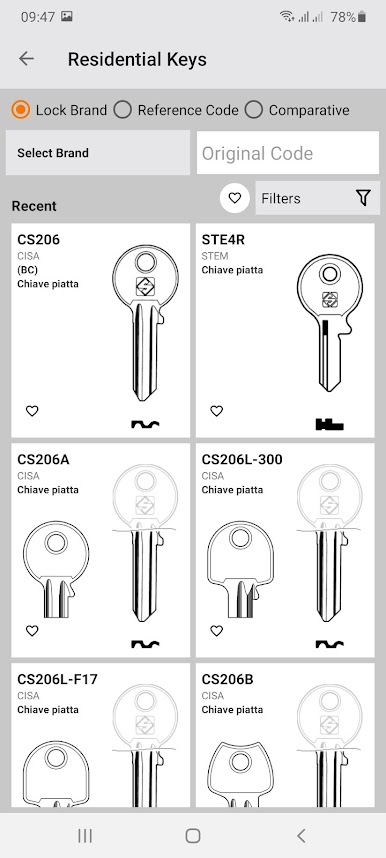
Massive Key Database
Easily search through a huge, detailed collection of key references. If there’s a key out there, chances are you’ll find its info here. -
Step-by-Step Guides
Unsure about a specific cut? Get straightforward, illustrated instructions that walk you through key cutting one step at a time, with tips for Silca equipment. -
Video Tutorials
Prefer to watch how it’s done? Check out clear video guides that take you through techniques and best practices, from the basics to more advanced processes. -
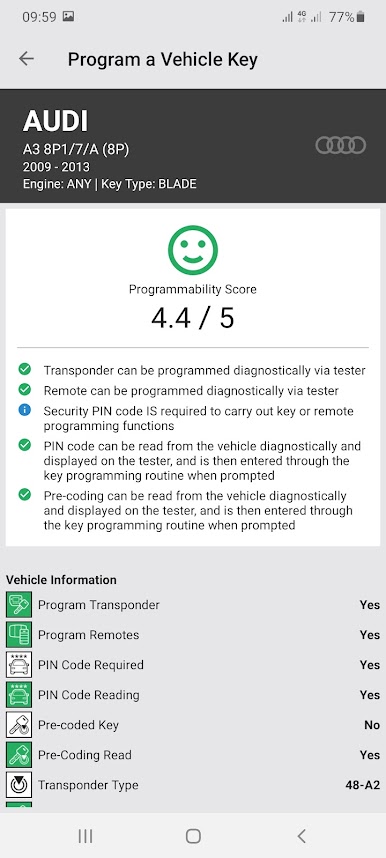
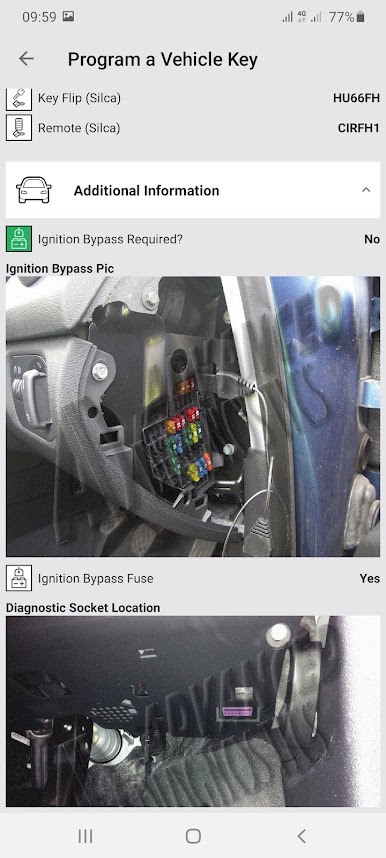
Vehicle Key Programming
Working on cars or trucks? Access programming and duplication info for thousands of vehicle models. It’s all organized so you can find exactly what you need without the guesswork. -
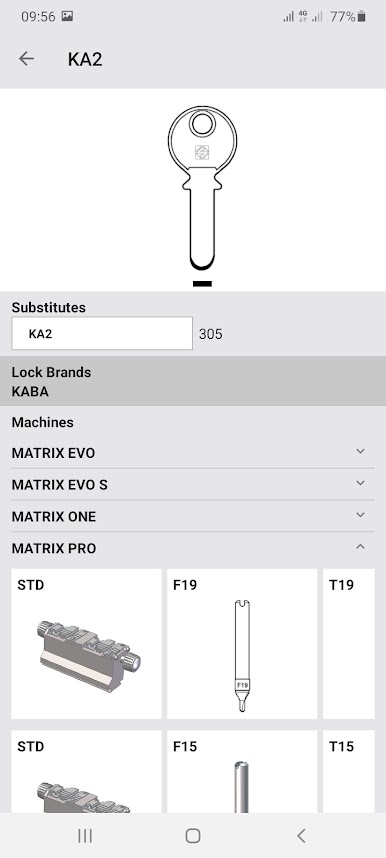
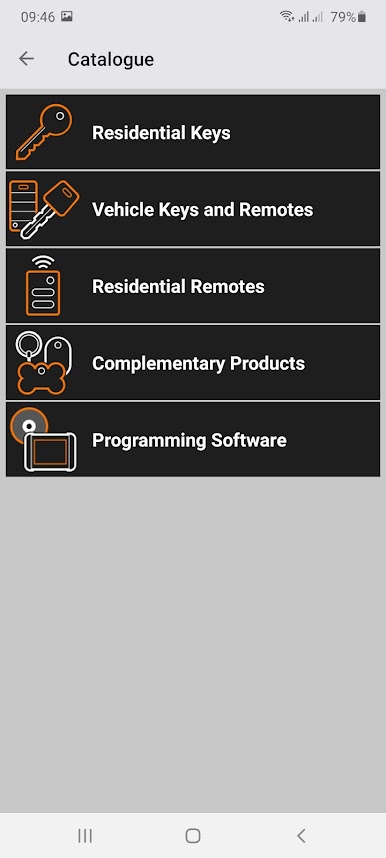
Accessories Reference
Not sure which blank or gizmo fits the job? Quickly browse detailed catalogs to see compatible accessories and parts for any project. -
Works Smoothly on Multiple Devices
MYKEYS Pro plays well with PCs too—especially if you try it out on your desktop via BlueStacks. Handy when you want a bigger screen while you’re sorting out complex jobs.
With MYKEYS Pro, Silca Spa makes sure you’ve got the right answers at your fingertips, whether you need a quick lookup or some in-depth guidance.
Ready to experience MYKEYS Pro on a bigger screen, in all its glory? Download BlueStacks now.


在電腦上遊玩MYKEYS Pro . 輕易上手.
-
在您的電腦上下載並安裝BlueStacks
-
完成Google登入後即可訪問Play商店,或等你需要訪問Play商店十再登入
-
在右上角的搜索欄中尋找 MYKEYS Pro
-
點擊以從搜索結果中安裝 MYKEYS Pro
-
完成Google登入(如果您跳過了步驟2),以安裝 MYKEYS Pro
-
在首頁畫面中點擊 MYKEYS Pro 圖標來啟動遊戲

