


Mystic Mondays
在電腦上使用BlueStacks –受到5億以上的遊戲玩家所信任的Android遊戲平台。

Run Mystic Mondays on PC or Mac
Upgrade your experience. Try Mystic Mondays, the fantastic Entertainment app from Mystic Mondays, from the comfort of your laptop, PC, or Mac, only on BlueStacks.
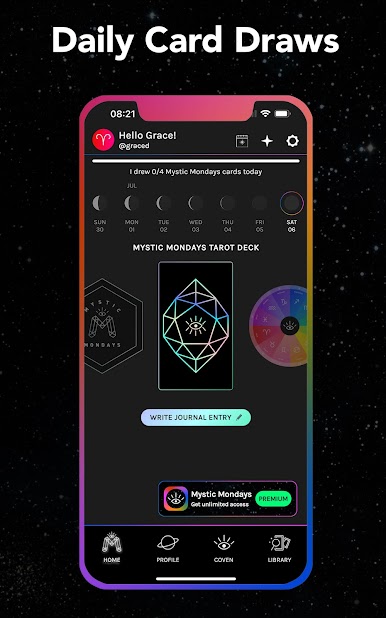
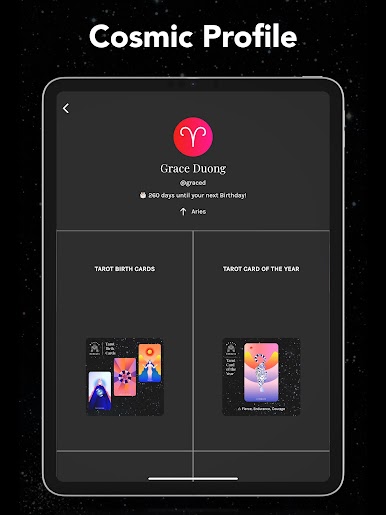
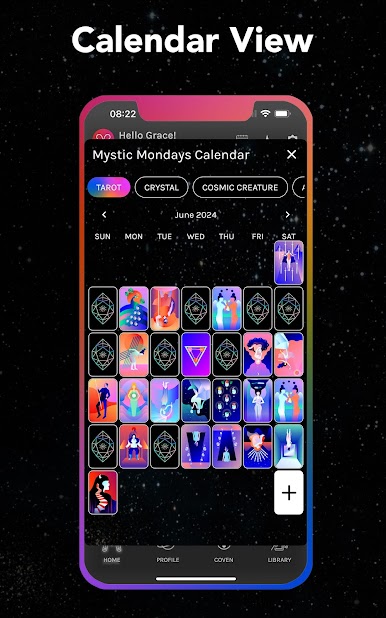
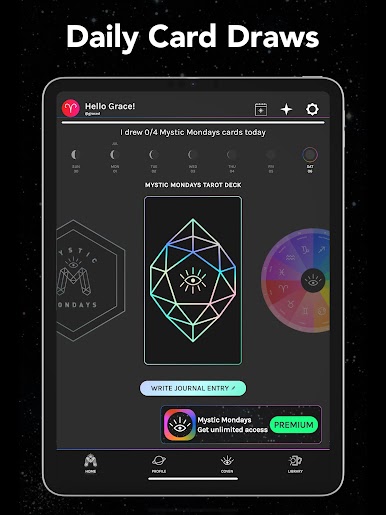
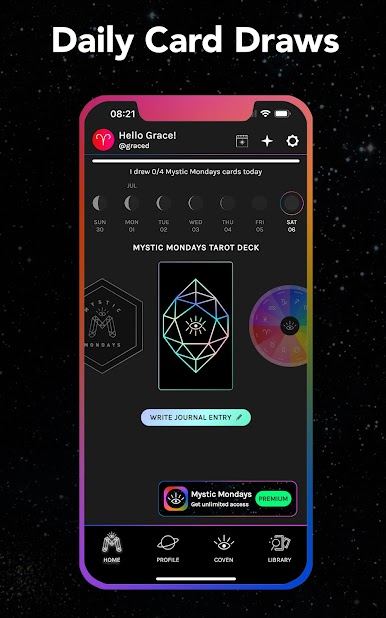
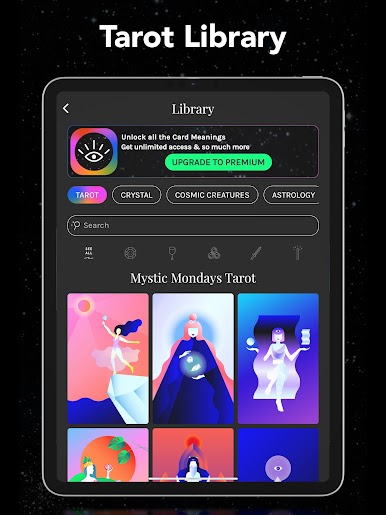
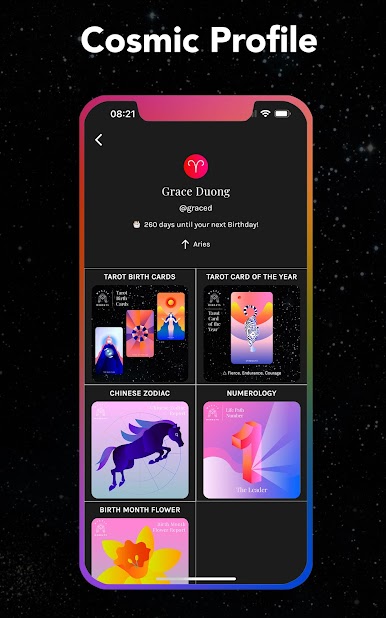
Mystic Mondays feels like a fresh take on tarot for anyone who’s even a little bit curious about reading cards. The app’s super straightforward, so it doesn’t really matter if someone’s new to tarot or already knows a few things. A main thing that stands out is the “Card of the Day” — it gives a new card every day (it switches at midnight), and there’s enough explanation to make sense of what the card actually means. There’s no need to hunt around for meaning, either; the app’s Tarot Library has all the upright and reversed interpretations laid out so it’s quick to check what a card is about.
Using Mystic Mondays on a computer with something like BlueStacks just gives everything more space to breathe. It’s easier to read, and moving between cards and meanings is smooth. There’s nothing over-the-top or complicated here — just clean, colorful cards and simple tools to help make sense of things or add some reflection to the day. The whole thing feels more modern and low-pressure than a lot of tarot stuff, but it doesn’t cut corners on giving actual tarot info, either.
BlueStacks brings your apps to life on a bigger screen—seamless and straightforward.
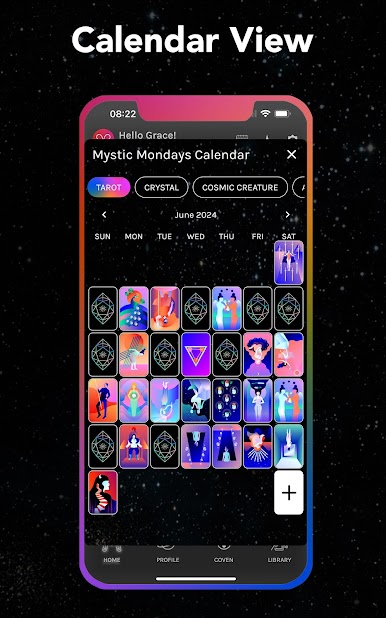
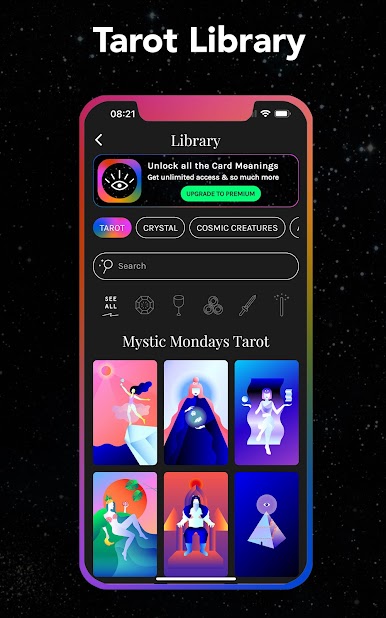
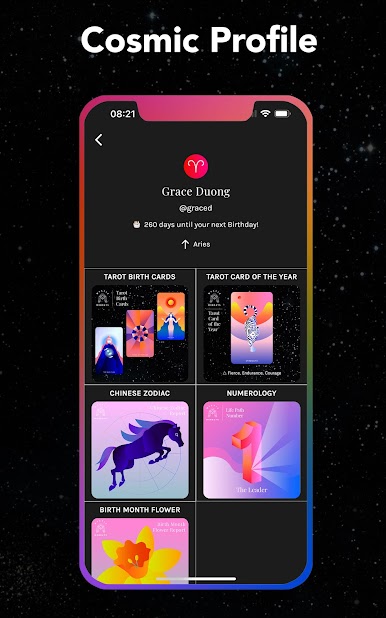
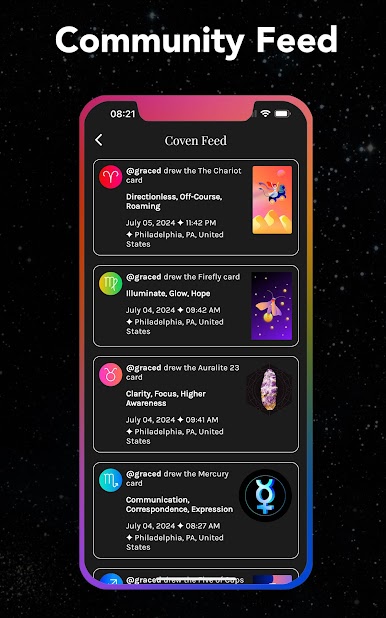
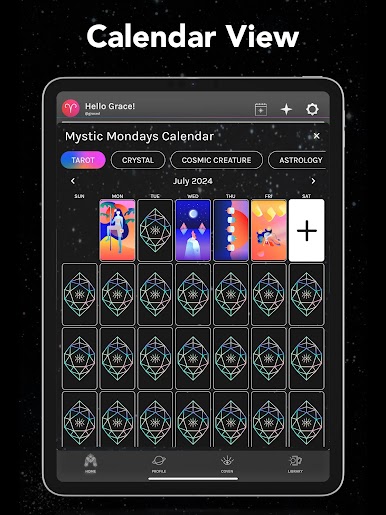
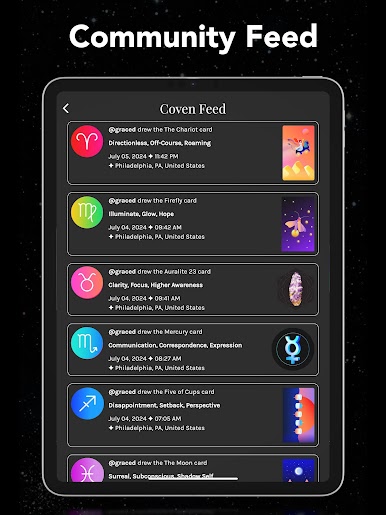
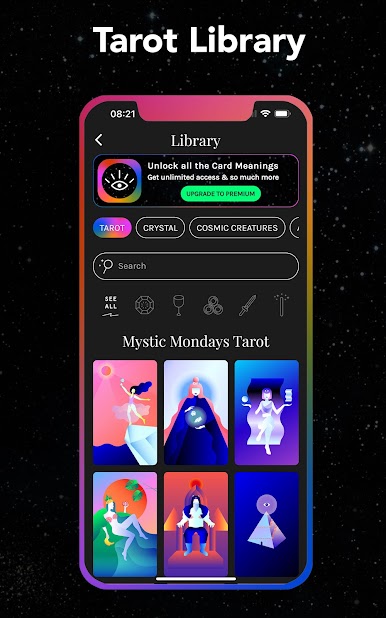
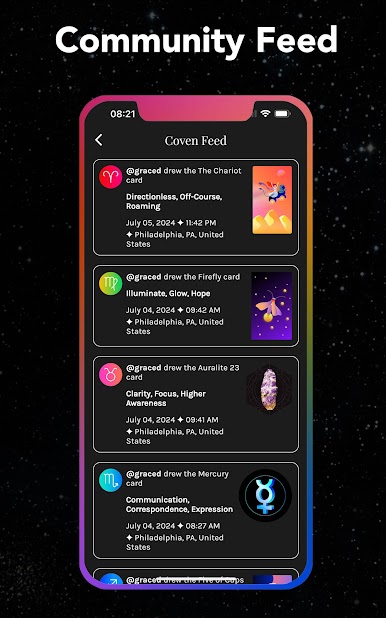
在電腦上遊玩Mystic Mondays . 輕易上手.
-
在您的電腦上下載並安裝BlueStacks
-
完成Google登入後即可訪問Play商店,或等你需要訪問Play商店十再登入
-
在右上角的搜索欄中尋找 Mystic Mondays
-
點擊以從搜索結果中安裝 Mystic Mondays
-
完成Google登入(如果您跳過了步驟2),以安裝 Mystic Mondays
-
在首頁畫面中點擊 Mystic Mondays 圖標來啟動遊戲

