


Mono Terminal - Vintage Theme
Jogue no PC com BlueStacks - A Plataforma de Jogos Android, confiada por mais de 500 milhões de jogadores.

Página modificada em: May 26, 2025
Play Mono Terminal - Vintage Theme on PC
QUICK TIPS
You can manually change a single icon in most launchers by long-pressing (press + hold) on the icon you'd like to edit.
DISCLAIMER
You might need an alternate (or non-stock) launcher to apply the icons.
HOW-TO APPLY ICONS
http://natewren.com/apply
FEATURES
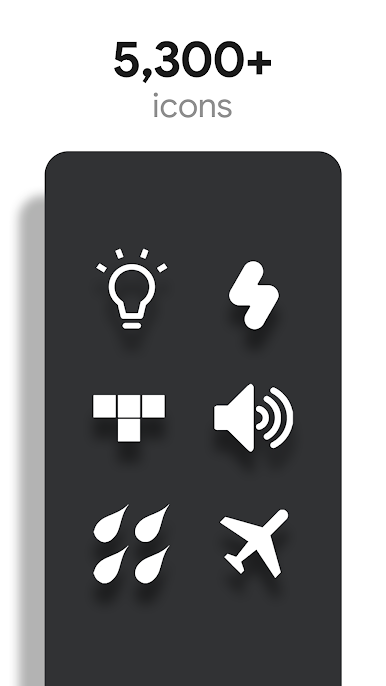
• 5,000+ Hand-crafted HD white icons
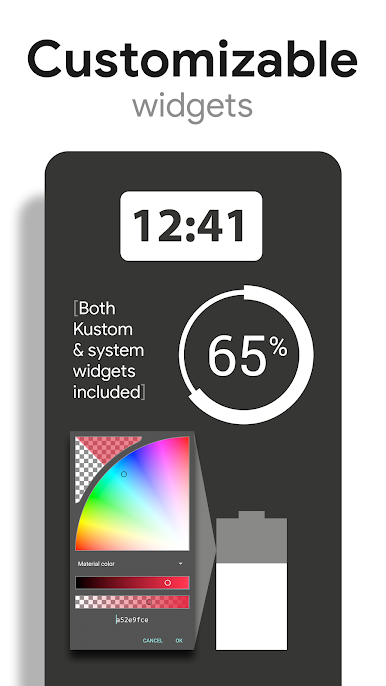
• Digital Clock Widget with date options
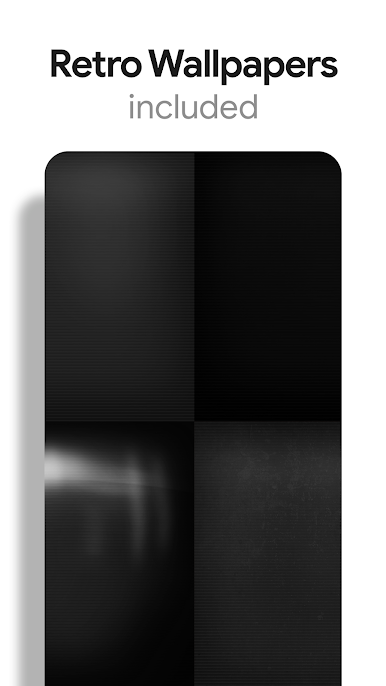
• HD vintage wallpapers included.
• Icons are updated regularly
• Clean, flat and simple icons with vintage looking backgrounds.
• Wallpaper chooser comes installed to replicate an old CRT monitor on your device..
• Icon Request Feature included.
• Bright icons work best with dark wallpapers.
FOLLOW ME
Twitter: https://twitter.com/natewren
QUESTIONS/COMMENTS
natewren@gmail.com
http://www.natewren.com
Jogue Mono Terminal - Vintage Theme no PC. É fácil começar.
-
Baixe e instale o BlueStacks no seu PC
-
Conclua o login do Google para acessar a Play Store ou faça isso mais tarde
-
Procure por Mono Terminal - Vintage Theme na barra de pesquisa no canto superior direito
-
Clique para instalar Mono Terminal - Vintage Theme a partir dos resultados da pesquisa
-
Conclua o login do Google (caso você pulou a etapa 2) para instalar o Mono Terminal - Vintage Theme
-
Clique no ícone do Mono Terminal - Vintage Theme na tela inicial para começar a jogar

