


Folder Lock
在電腦上使用BlueStacks –受到5億以上的遊戲玩家所信任的Android遊戲平台。

Run Folder Lock on PC or Mac
Why limit yourself to your small screen on the phone? Run Folder Lock, an app by NewSoftwares LLC, best experienced on your PC or Mac with BlueStacks, the world’s #1 Android emulator.
About the App
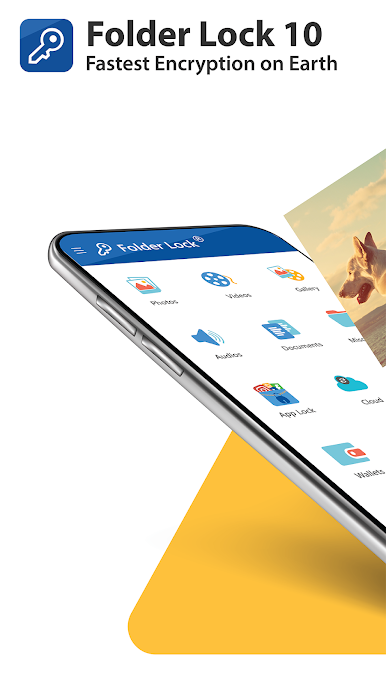
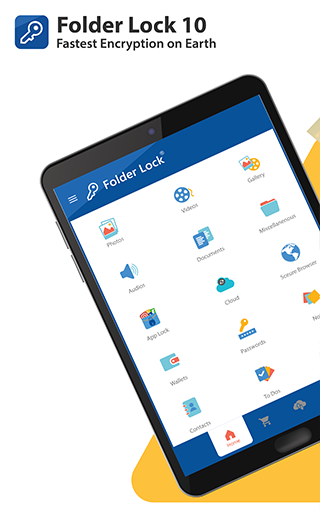
If your phone is packed with photos, notes, or files you’d rather keep private, Folder Lock might be just what you’re looking for. It’s a smart, easy-to-use app from NewSoftwares LLC in the Tools genre that helps you lock away sensitive stuff with just a few taps. Whether it’s personal photos, voice memos, or even entire documents, Folder Lock is all about putting you in total control of your privacy. Want to keep things even more secure on your computer? Some folks find using BlueStacks handy for managing everything on a bigger screen.
App Features
-
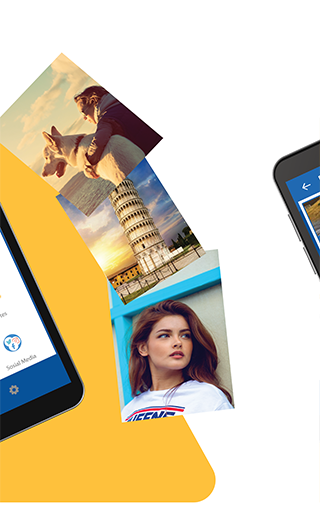
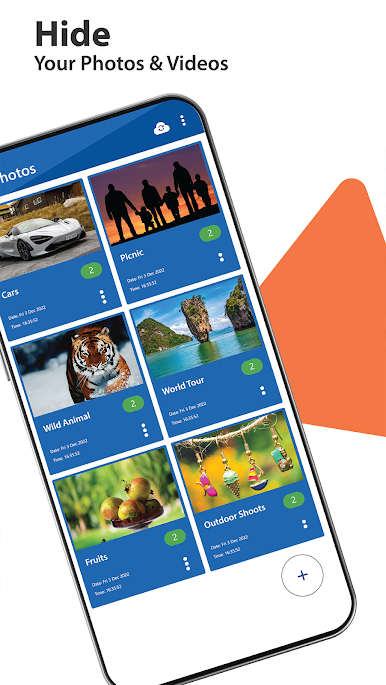
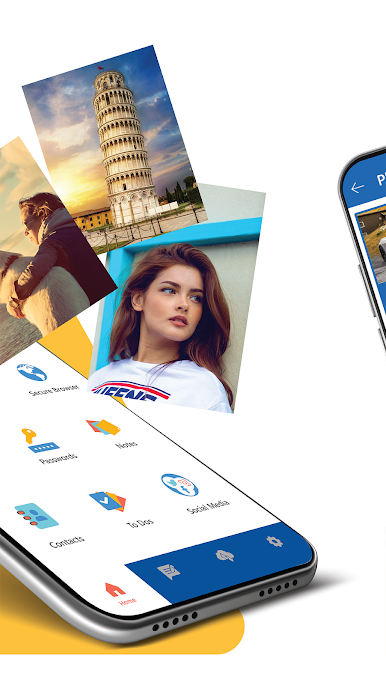
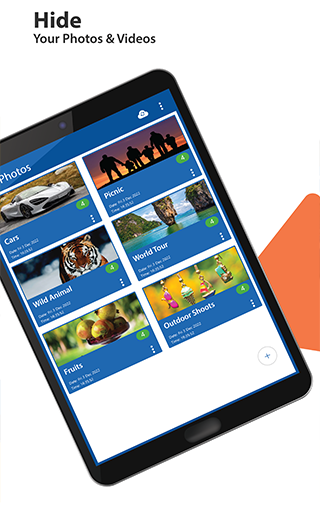
Photo & Video Lockdown
Hide private pictures and videos in a secure vault—only you can get in, thanks to your choice of password, pin, pattern, or even fingerprint. -
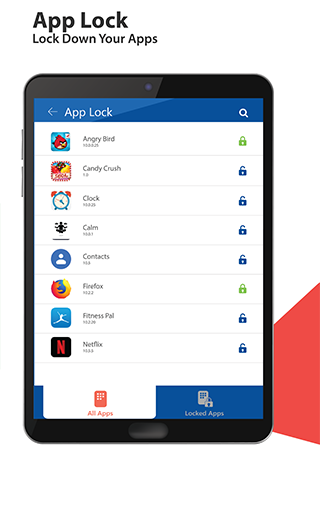
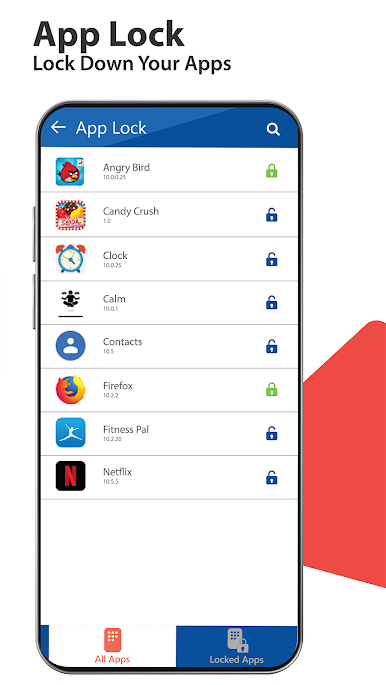
App Lock
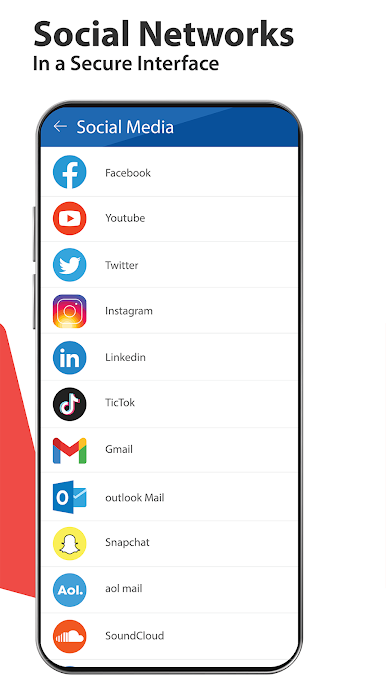
Want an extra layer of privacy? Lock down apps like Messages, Facebook, WhatsApp, or pretty much anything else you want out of sight. -
Discreet Notes & Voice Memos
Jot down confidential notes or record secret voice reminders that stay protected within the app. -
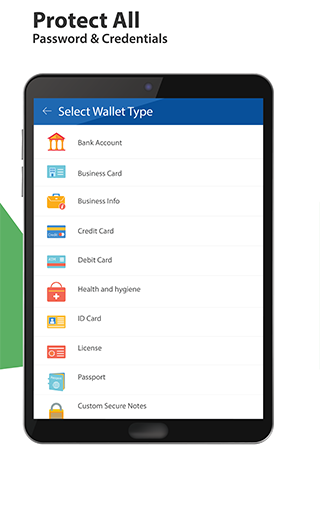
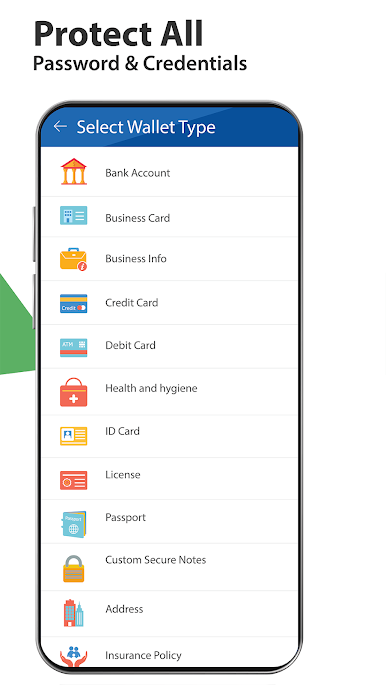
Secure Wallets
Stash those credit card numbers, passport details, or other sensitive info in specially encrypted wallets. -
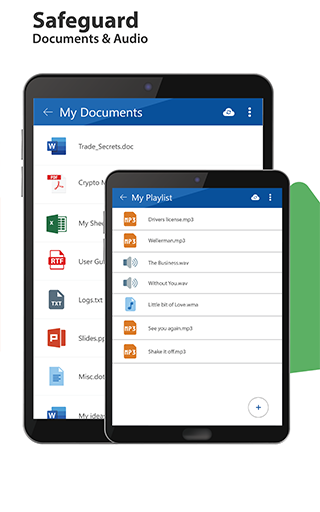
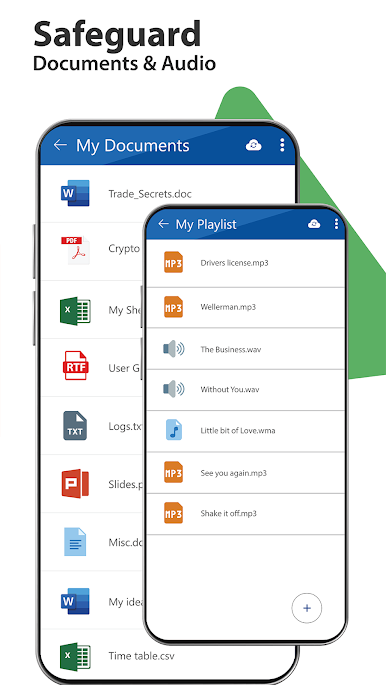
Document Protection
Lock away files ranging from tax forms to work data with ease. Your documents stay private and organized. -
Private Contacts & Secret Messages
Keep certain contacts tucked away from your main list, even send group texts to your private contacts—no one will know. -
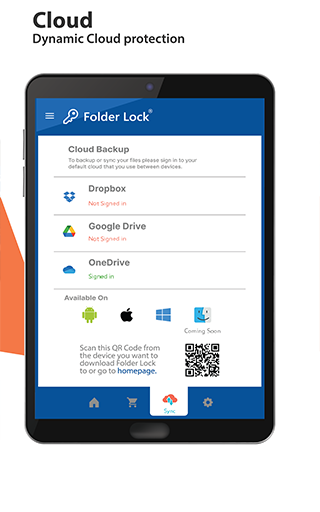
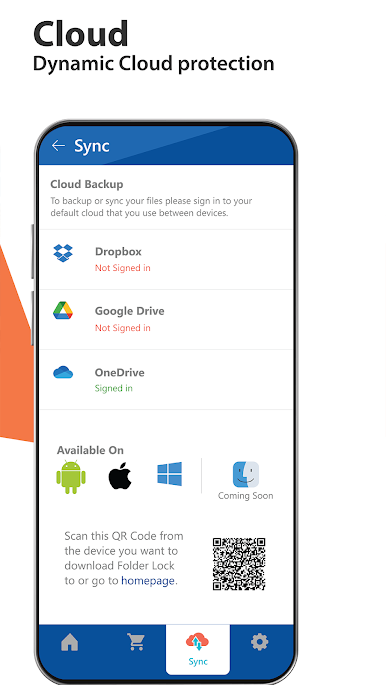
Cloud Backup
Backup your locked folders and files to the cloud so you never have to worry about losing anything important. -
Fast File Transfer
Move files between devices over Wi-Fi, so shifting secure data is quick and wireless. -
Stealth & Decoy Modes
Hide the app itself from plain sight, or set up a fake profile to throw off snoops. Pretty neat, right? -
Panic Switch & Hack Monitoring
Got someone looking over your shoulder? Switch screens with a shake or swipe, or let Folder Lock snap a secret photo if someone tries to snoop. -
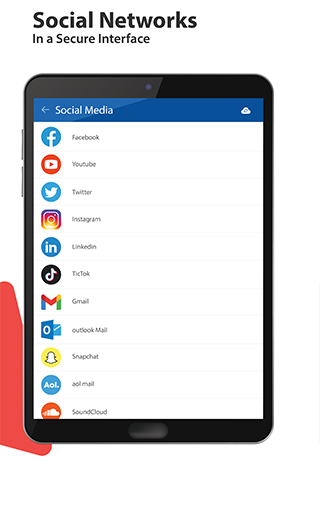
Secure Browser
Surf the web in privacy, and download files directly into your vault, leaving no browser traces behind.
Folder Lock offers plenty of ways to manage your privacy, whether you’re using your phone or checking in from BlueStacks. Every major part of your digital life—locked down, just the way you want it.
BlueStacks brings your apps to life on a bigger screen—seamless and straightforward.
在電腦上遊玩Folder Lock . 輕易上手.
-
在您的電腦上下載並安裝BlueStacks
-
完成Google登入後即可訪問Play商店,或等你需要訪問Play商店十再登入
-
在右上角的搜索欄中尋找 Folder Lock
-
點擊以從搜索結果中安裝 Folder Lock
-
完成Google登入(如果您跳過了步驟2),以安裝 Folder Lock
-
在首頁畫面中點擊 Folder Lock 圖標來啟動遊戲

