


KineMaster - Editor de Vídeos
Jogue no PC com BlueStacks - A Plataforma de Jogos Android, confiada por mais de 500 milhões de jogadores.

Página modificada em: Jun 18, 2026
Execute KineMaster - Editor de Vídeo no PC ou Mac
KineMaster – Editor de Vídeo é um aplicativo reprodutor e editor de vídeo desenvolvido pela KineMaster, Video Editor Experts Group. BlueStacks app player é a melhor plataforma para baixar este aplicativo Android em seu PC ou Mac para suas necessidades diárias.
Use o KineMaster – Editor de Vídeo para editar seus vídeos, adicionar vários efeitos e salvar em vários formatos antes de compartilhá-los. Este é um aplicativo fácil de usar com muitos recursos para iniciantes ou profissionais.
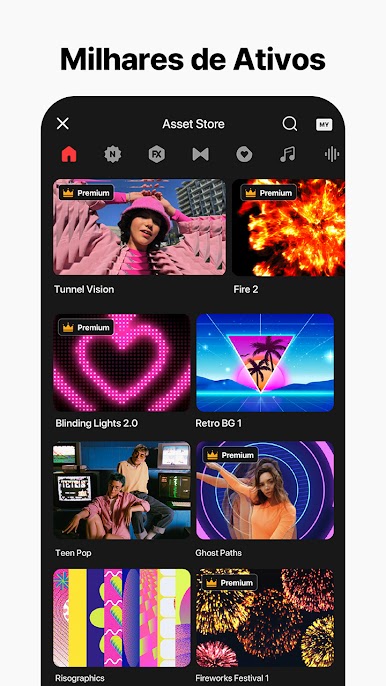
Muitas de suas ferramentas são gratuitas, com a opção de ferramentas profissionais para os usuários pagos premium. Com o Premium, você também remove os anúncios e marcas d’água ao fazer vídeos e tem acesso a mais de mil itens premium na loja de itens.
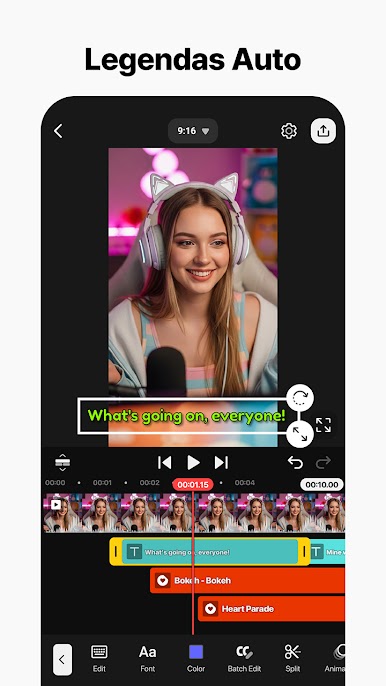
Junte várias camadas de vídeo, adesivos, imagens, texto, efeitos especiais e caligrafia para dar vida ao vídeo desejado. Adicione ferramentas de ajuste de cor para aprimorar as imagens e vídeos. Você também pode incluir narrações, alterar a voz, gerar vários efeitos e música de fundo para tornar seus vídeos mais profissionais.
Aplique configurações e predefinições mais profissionais, como efeitos de câmera lenta e controle de velocidade para lapso de tempo. Consiga um áudio mais impressionante com ducking, predefinições de EQ e ferramentas de envelope de volume. Você pode até exportar vídeos em 4K 2160p a 30 quadros por segundo. O KineMaster – Editor de Vídeo possui muitas ferramentas profissionais usadas por especialistas em todos os campos – jornalistas, profissionais de marketing, blogueiros, etc.
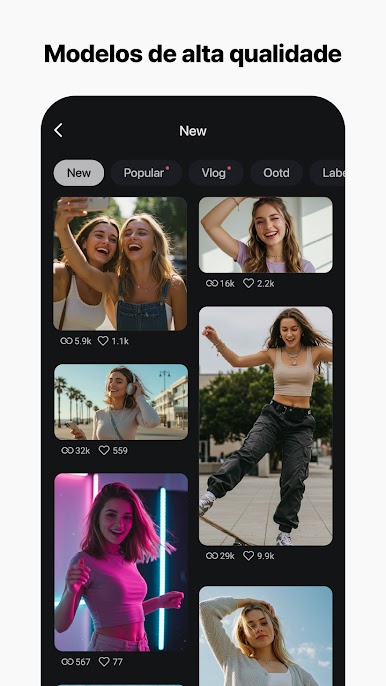


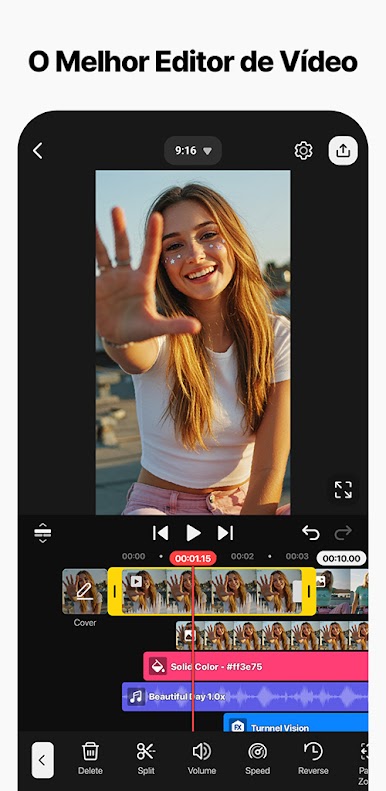
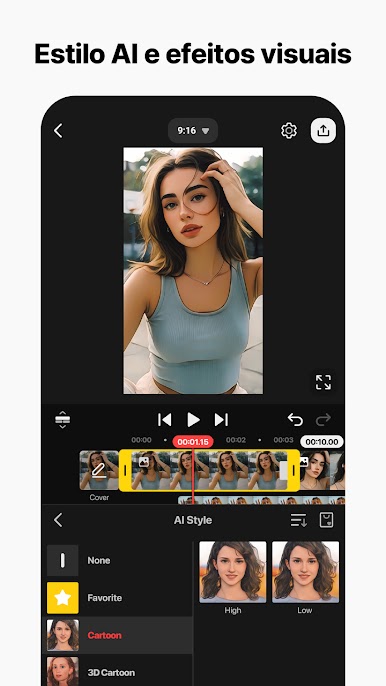
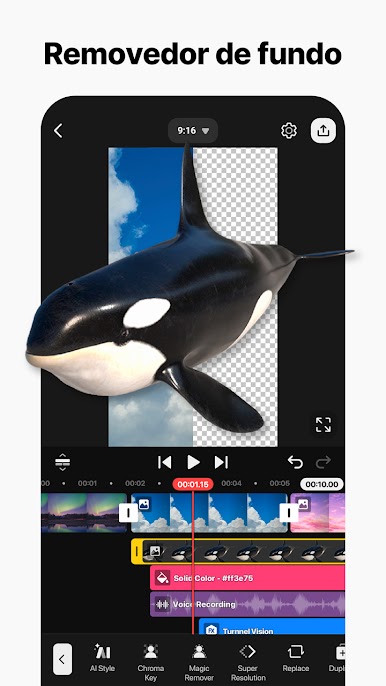
Jogue KineMaster - Editor de Vídeos no PC. É fácil começar.
-
Baixe e instale o BlueStacks no seu PC
-
Conclua o login do Google para acessar a Play Store ou faça isso mais tarde
-
Procure por KineMaster - Editor de Vídeos na barra de pesquisa no canto superior direito
-
Clique para instalar KineMaster - Editor de Vídeos a partir dos resultados da pesquisa
-
Conclua o login do Google (caso você pulou a etapa 2) para instalar o KineMaster - Editor de Vídeos
-
Clique no ícone do KineMaster - Editor de Vídeos na tela inicial para começar a jogar

