


Ardósia Mágica
Jogue no PC com BlueStacks - A Plataforma de Jogos Android, confiada por mais de 500 milhões de jogadores.

Página modificada em: Dec 4, 2025
Run Magic Slate on PC or Mac
Upgrade your experience. Try Magic Slate, the fantastic Education app from ng-labs, from the comfort of your laptop, PC, or Mac, only on BlueStacks.
About the App
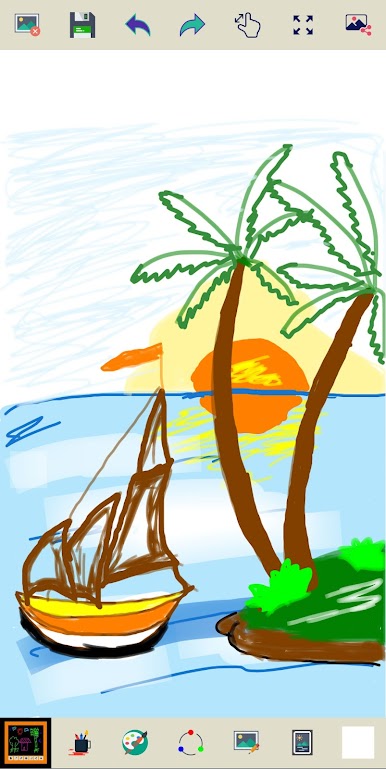
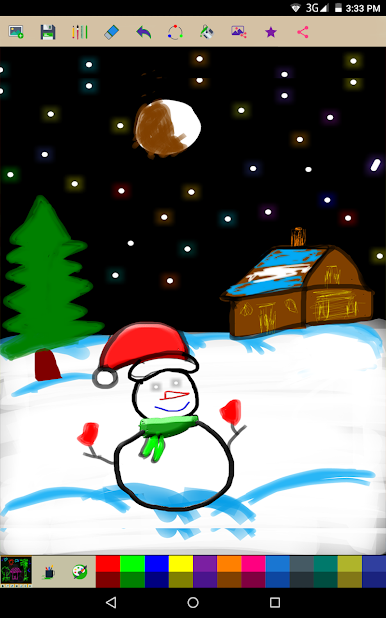
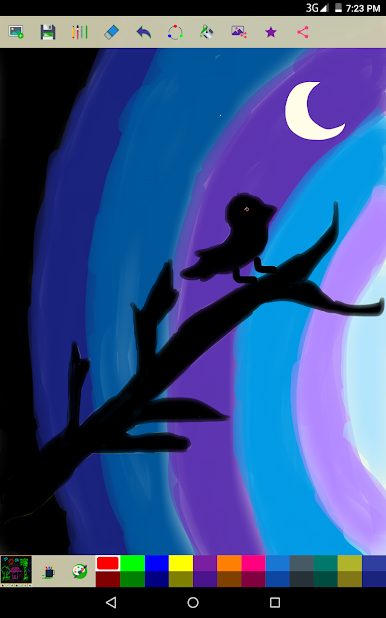
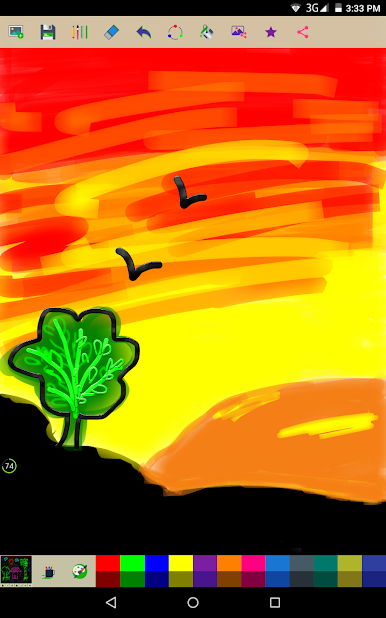
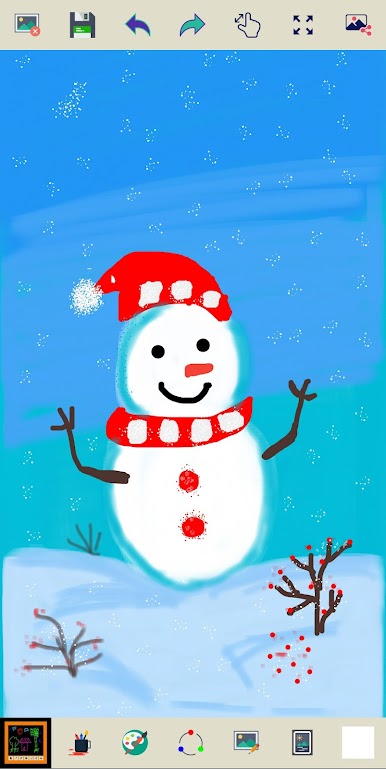
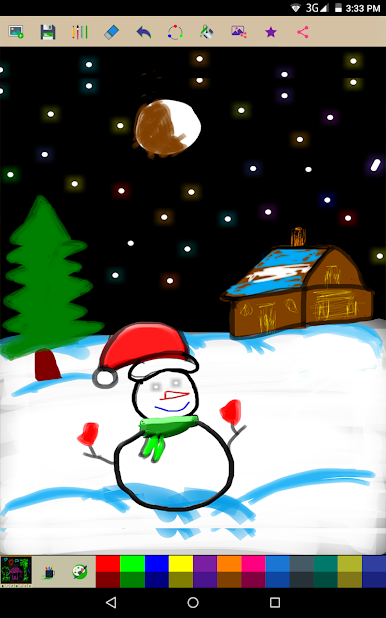
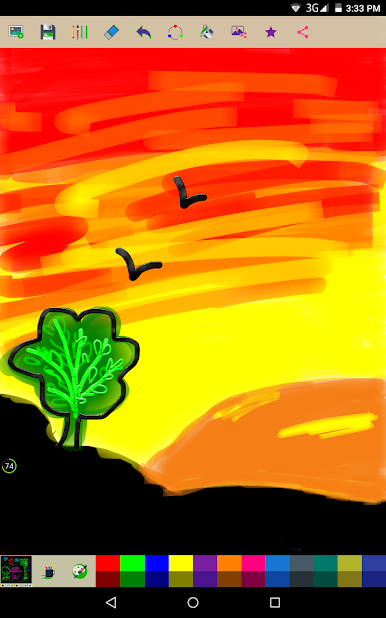
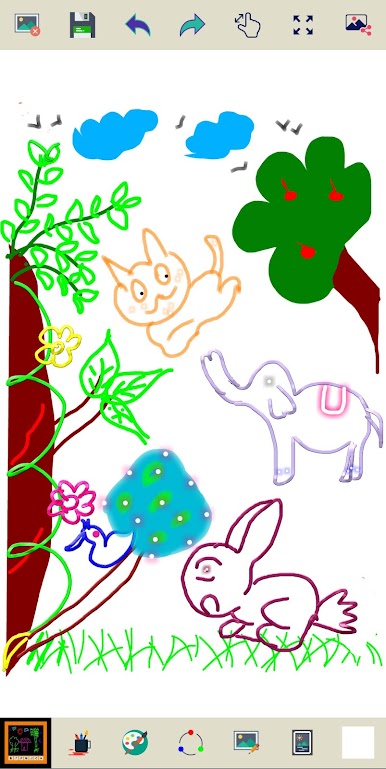
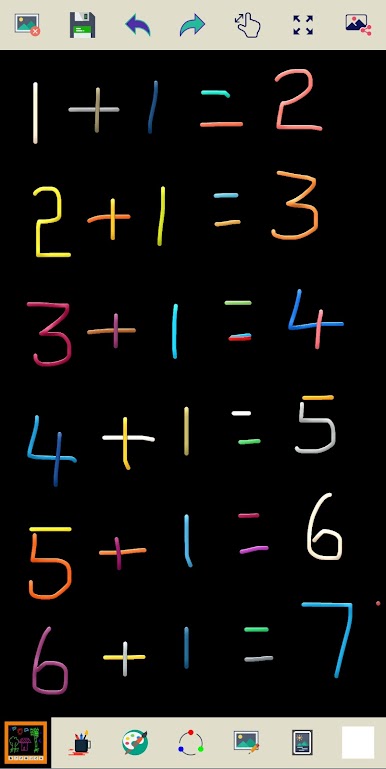
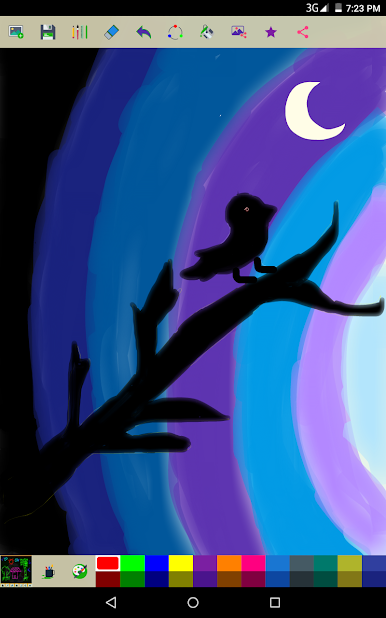
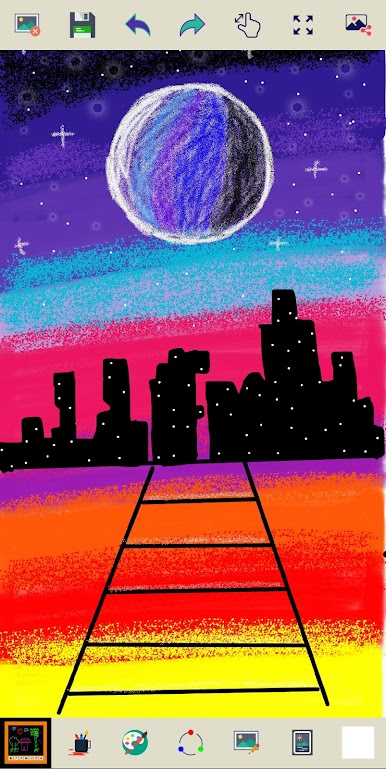
Magic Slate, from ng-labs, is an easygoing Education app that turns a blank screen into a playful drawing and writing space. It’s made for kids (and the young at heart) who want to scribble, practice letters and numbers, or try out colorful brush effects without any fuss. Expect a simple, offline app that saves creations and keeps things fun.
App Features
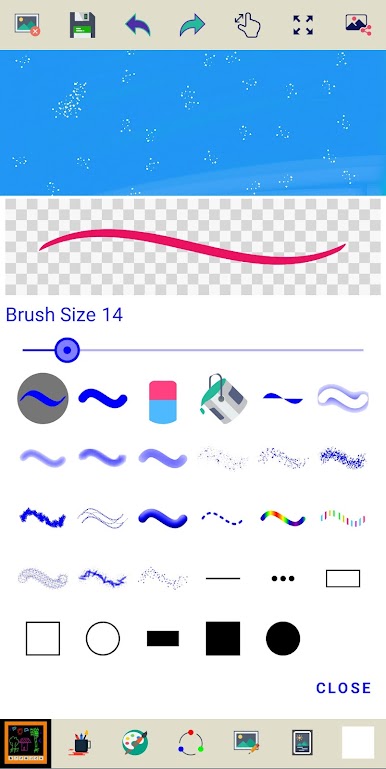
- Brush tools: Pick from a variety of stroke styles — plain brushes plus effects like outer glow, inner glow, emboss, and simple shapes to change the look of every line.
- Size control: Adjust brush thickness quickly so toddlers and older kids can both get the stroke they want.
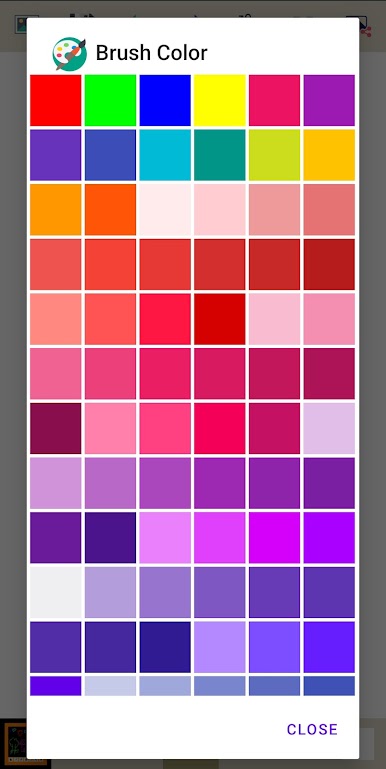
- Color palette: A multicolor selection lets you mix bright hues for paintings, doodles, or handwriting practice.
- Undo/redo: Made a mistake? Tap undo or redo to step back or bring something back — no panic required.
- Eraser: Correct details and refine drawings with an easy-to-use eraser tool.
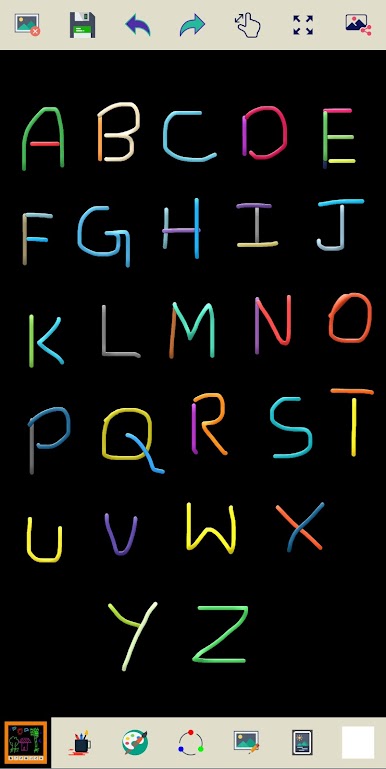
- Learning mode: Practice drawing letters and numbers in a low-pressure space that encourages creativity and early writing skills.
- Save and share: Keep your kid’s artwork on your device and share or print pieces to show family and friends.
- Offline and free: Works without internet access and won’t cost a thing to get started.
- Kid-friendly design: Simple layout and controls that make the app accessible for young users.
You can also run Magic Slate on BlueStacks if you’d rather use a bigger screen.
Switch to BlueStacks and make the most of your apps on your PC or Mac.
Jogue Ardósia Mágica no PC. É fácil começar.
-
Baixe e instale o BlueStacks no seu PC
-
Conclua o login do Google para acessar a Play Store ou faça isso mais tarde
-
Procure por Ardósia Mágica na barra de pesquisa no canto superior direito
-
Clique para instalar Ardósia Mágica a partir dos resultados da pesquisa
-
Conclua o login do Google (caso você pulou a etapa 2) para instalar o Ardósia Mágica
-
Clique no ícone do Ardósia Mágica na tela inicial para começar a jogar

