


魔術石板
在電腦上使用BlueStacks –受到5億以上的遊戲玩家所信任的Android遊戲平台。

Run Magic Slate on PC or Mac
Upgrade your experience. Try Magic Slate, the fantastic Education app from ng-labs, from the comfort of your laptop, PC, or Mac, only on BlueStacks.
About the App
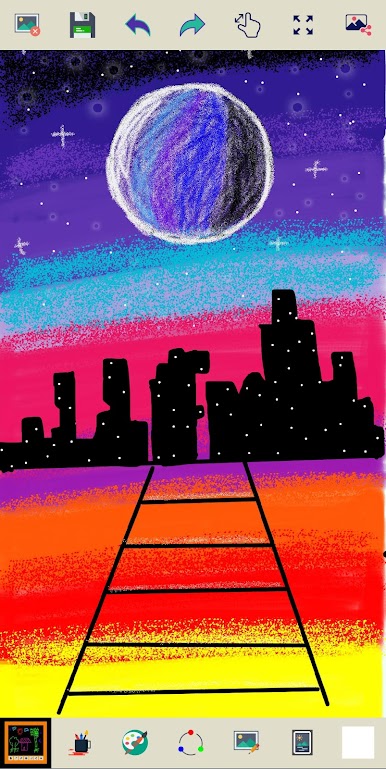
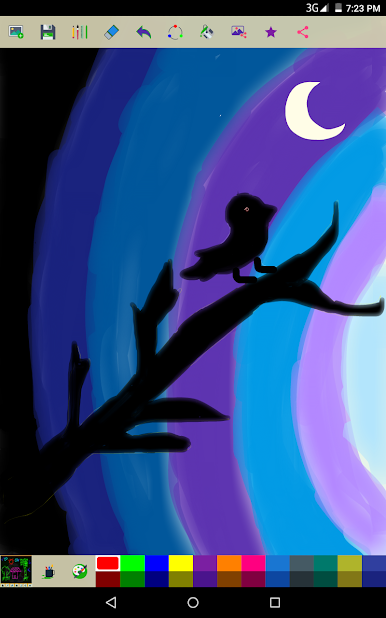
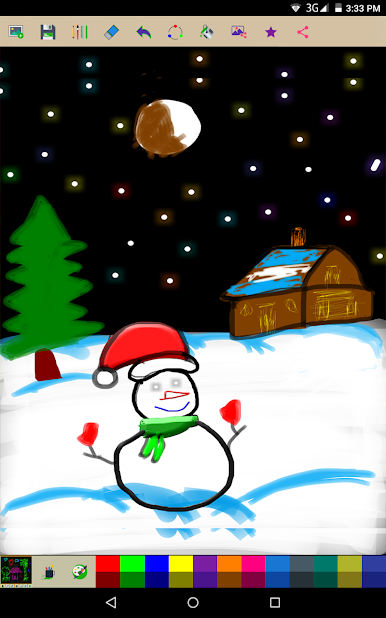
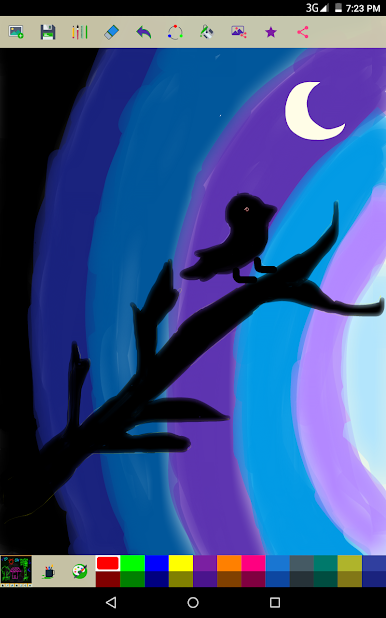
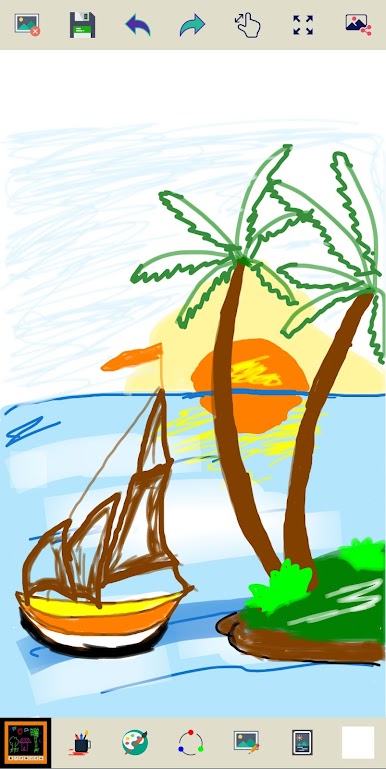
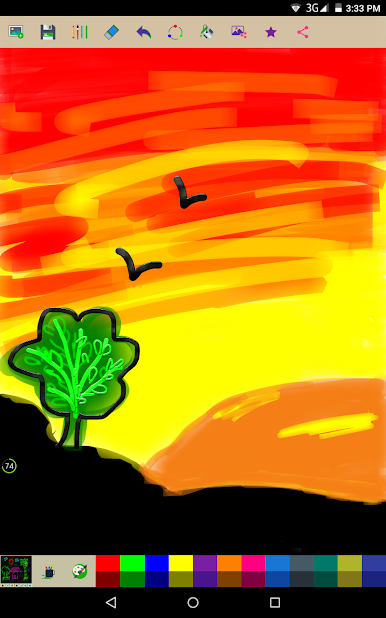
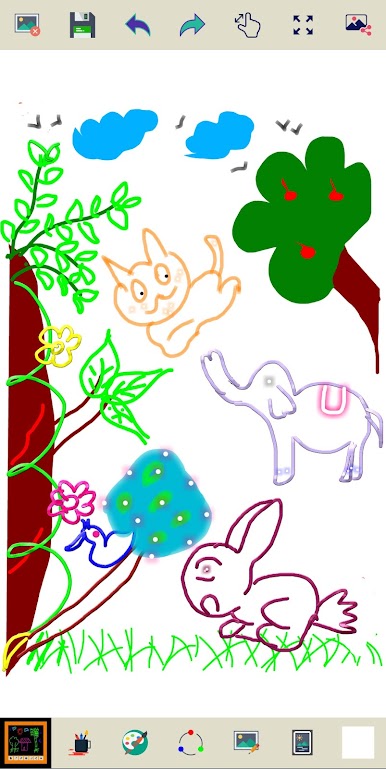
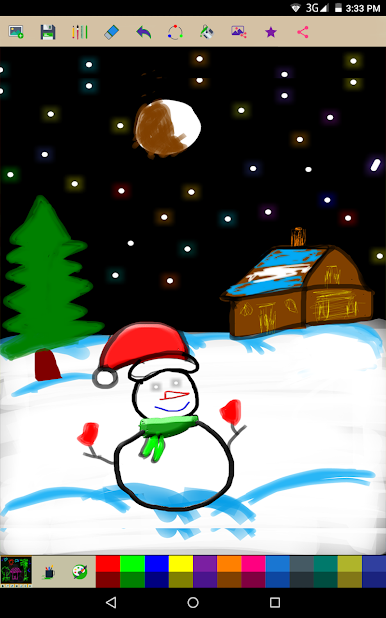
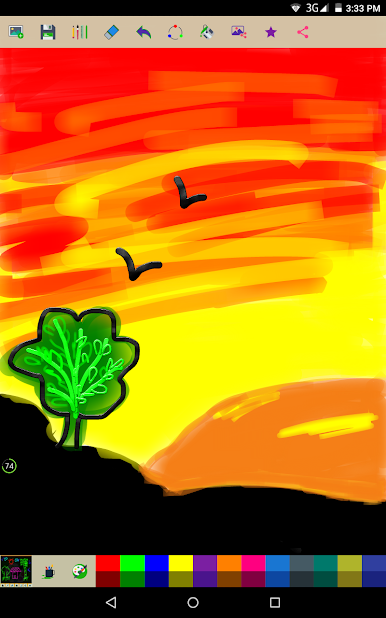
Magic Slate, from ng-labs, is an easygoing Education app that turns a blank screen into a playful drawing and writing space. It’s made for kids (and the young at heart) who want to scribble, practice letters and numbers, or try out colorful brush effects without any fuss. Expect a simple, offline app that saves creations and keeps things fun.
App Features
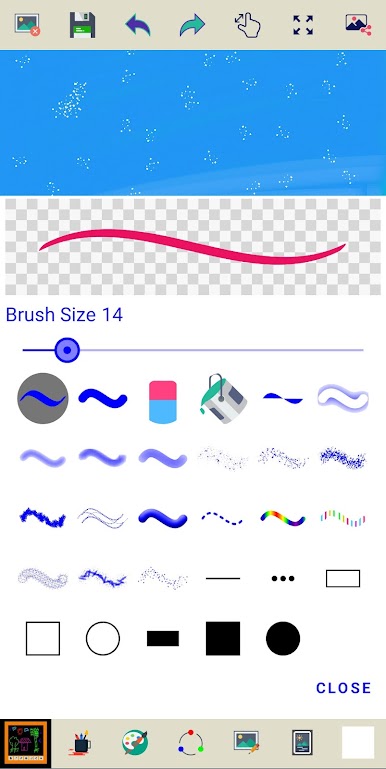
- Brush tools: Pick from a variety of stroke styles — plain brushes plus effects like outer glow, inner glow, emboss, and simple shapes to change the look of every line.
- Size control: Adjust brush thickness quickly so toddlers and older kids can both get the stroke they want.
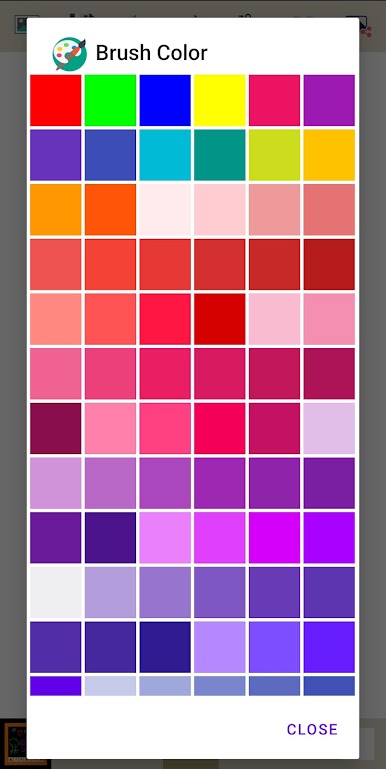
- Color palette: A multicolor selection lets you mix bright hues for paintings, doodles, or handwriting practice.
- Undo/redo: Made a mistake? Tap undo or redo to step back or bring something back — no panic required.
- Eraser: Correct details and refine drawings with an easy-to-use eraser tool.
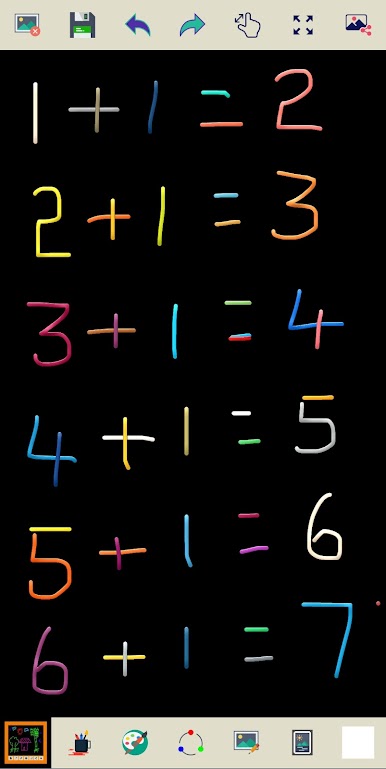
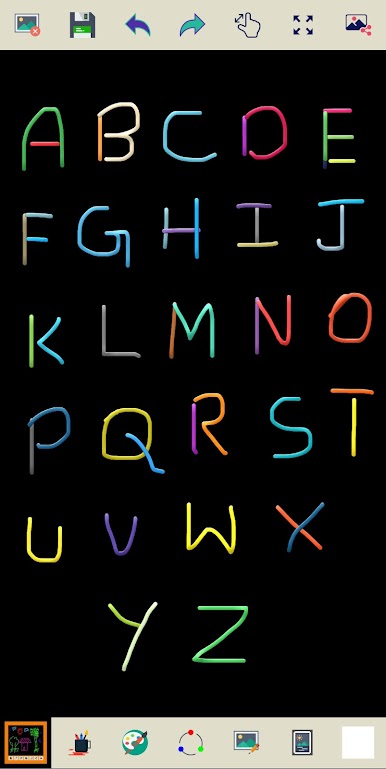
- Learning mode: Practice drawing letters and numbers in a low-pressure space that encourages creativity and early writing skills.
- Save and share: Keep your kid’s artwork on your device and share or print pieces to show family and friends.
- Offline and free: Works without internet access and won’t cost a thing to get started.
- Kid-friendly design: Simple layout and controls that make the app accessible for young users.
You can also run Magic Slate on BlueStacks if you’d rather use a bigger screen.
Switch to BlueStacks and make the most of your apps on your PC or Mac.

在電腦上遊玩魔術石板 . 輕易上手.
-
在您的電腦上下載並安裝BlueStacks
-
完成Google登入後即可訪問Play商店,或等你需要訪問Play商店十再登入
-
在右上角的搜索欄中尋找 魔術石板
-
點擊以從搜索結果中安裝 魔術石板
-
完成Google登入(如果您跳過了步驟2),以安裝 魔術石板
-
在首頁畫面中點擊 魔術石板 圖標來啟動遊戲

