


Soil Sampler
5억명 이상의 게이머가 신뢰하는 안드로이드 게임 플랫폼 BlueStacks으로 PC에서 플레이하세요.

Run Soil Sampler on PC or Mac
Multitask effortlessly on your PC or Mac as you try out Soil Sampler, a Productivity app by Farmis on BlueStacks.
About the App
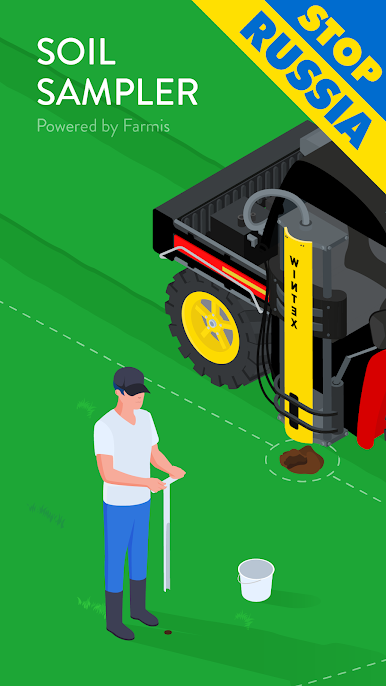
Soil Sampler, brought to you by Farmis, is designed for anyone who wants a smarter, faster way to collect soil samples in the field. Whether you’re running a big farm, managing a few plots, or working as an agronomist, this app makes soil sampling a whole lot simpler. You get step-by-step guidance, clear maps, and GPS navigation, all right from your phone or tablet—no fuss.
App Features
-
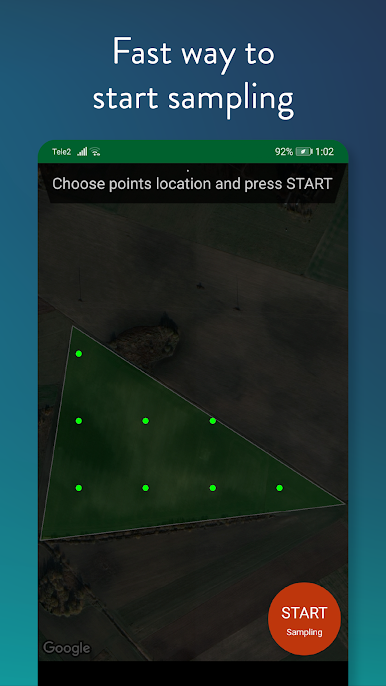
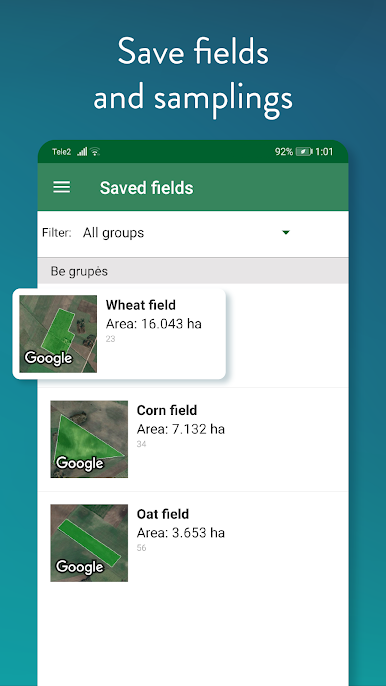
Map Out Your Fields
Draw the shape of your field directly on the map—just tap with your finger, or use GPS to walk the boundary and let Soil Sampler trace it for you. -
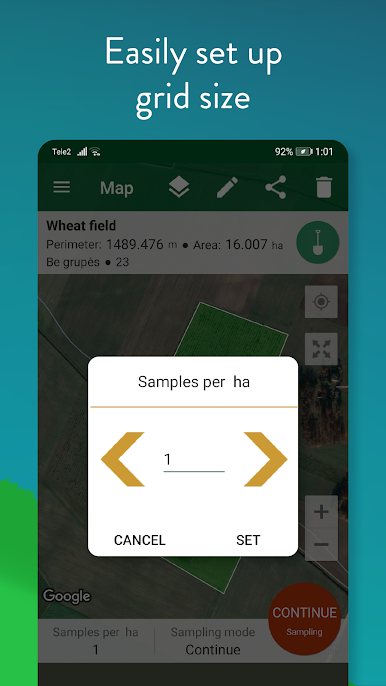
Customizable Sampling Grids
Pick the grid size that makes the most sense for your operation. Adjust settings to match different plots, crops, or areas—no one-size-fits-all. -
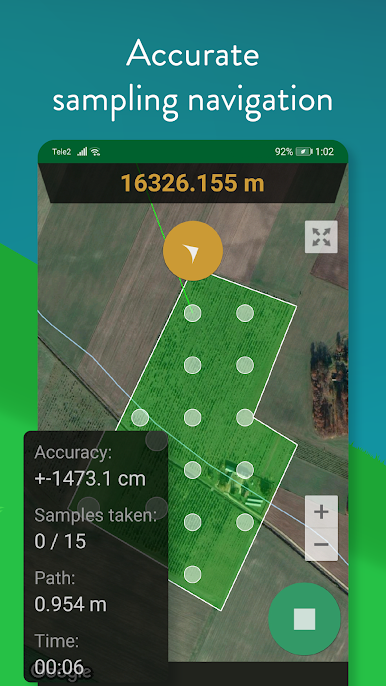
GPS-Powered Navigation
Use your device’s GPS (or external antennas like GARMIN GLO and GARMIN GLO 2) for pinpoint navigation from point to point, so you never waste time crisscrossing the same ground. -
On-the-Spot Sample Bag Labeling
Enter your lot or sample number right as you bag each sample—stay organized, even on a busy day or with multiple fields. -
Seamless Point-to-Point Guidance
When you’re ready to move on, tap to see the next position. The app helps you move efficiently through your entire grid, without missing a spot. -
Supports Precision Agriculture
Farmis made sure Soil Sampler fits right into modern precision ag workflows. Use it before seeding, planting, or fertilizing to make sure you’ve got the data needed for nutrient management and yield mapping. -
Useful for All Kinds of Crops
Whether you grow corn, wheat, soybeans, barley, or other grains and cereals, this tool is ready to go, and it works with a range of farming equipment brands and sensors. -
Perfect for All Roles
Not just for farmers—agronomists, landlords, farm managers, and more can make use of this. Planning for USDA Soil Survey work, keeping tabs on macronutrients, or just trying to keep nitrogen loss in check? This app’s got your back. -
Works Smoothly on BlueStacks
Prefer using your desktop for farm planning? Soil Sampler also runs well on BlueStacks—handy when you want a bigger screen while plotting fields or reviewing data.
BlueStacks brings your apps to life on a bigger screen—seamless and straightforward.
PC에서 Soil Sampler 플레이해보세요.
-
BlueStacks 다운로드하고 설치
-
Google Play 스토어에 로그인 하기(나중에 진행가능)
-
오른쪽 상단 코너에 Soil Sampler 검색
-
검색 결과 중 Soil Sampler 선택하여 설치
-
구글 로그인 진행(만약 2단계를 지나갔을 경우) 후 Soil Sampler 설치
-
메인 홈화면에서 Soil Sampler 선택하여 실행

