


Assist. de viagens Norwegian
Jogue no PC com BlueStacks - A Plataforma de Jogos Android, confiada por mais de 500 milhões de jogadores.

Página modificada em: Dec 8, 2025
Play Norwegian Travel Assistant on PC
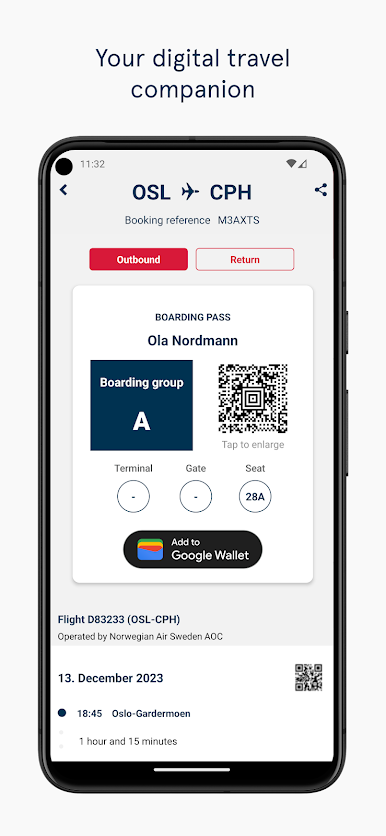
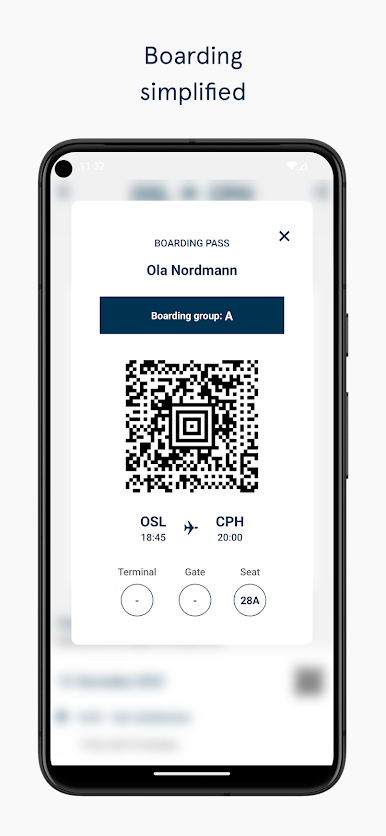
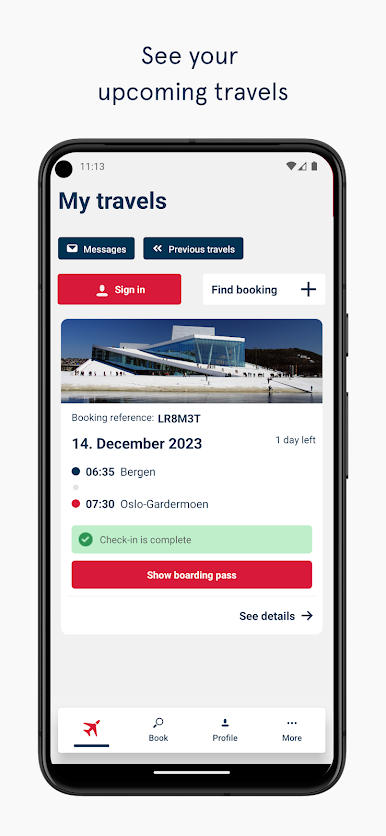
* You’ll have all your travel documents in one easy-to-access spot – both tickets and boarding passes are stored in one handy travel folder
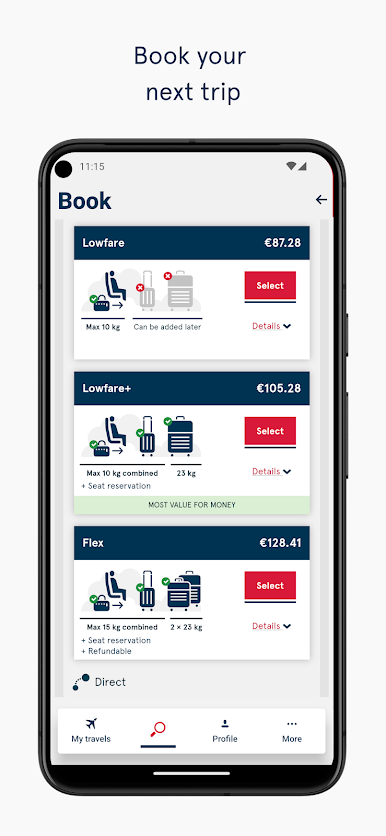
* Book flights directly from the travel assistant
* Add and keep track of trips that haven’t been booked with your profile
* Check in on the go – convenient and quick
* Add Fast Track and skip the queues through security – handy when you’re running late or when you just feel like spending your time on other things than standing in line
* Travelling with more bags than expected? The travel assistant lets you add extra checked bags easily
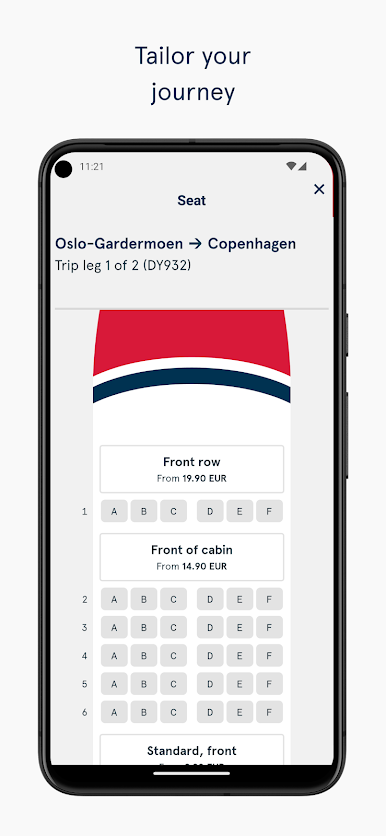
* Add seat reservations to your flights and make sure you get your favourite seat
* Get push notifications with up-to-the-minute info about your flights
* Automatic login for faster access to your information and for booking flights
* Travel archive with your previous flights
* Check if flights are on time with our flight status overview
* Offline access – your travel information’s always there when you need it
* Passbook support for your boarding passes when you’ve checked in online
Jogue Assist. de viagens Norwegian no PC. É fácil começar.
-
Baixe e instale o BlueStacks no seu PC
-
Conclua o login do Google para acessar a Play Store ou faça isso mais tarde
-
Procure por Assist. de viagens Norwegian na barra de pesquisa no canto superior direito
-
Clique para instalar Assist. de viagens Norwegian a partir dos resultados da pesquisa
-
Conclua o login do Google (caso você pulou a etapa 2) para instalar o Assist. de viagens Norwegian
-
Clique no ícone do Assist. de viagens Norwegian na tela inicial para começar a jogar

