

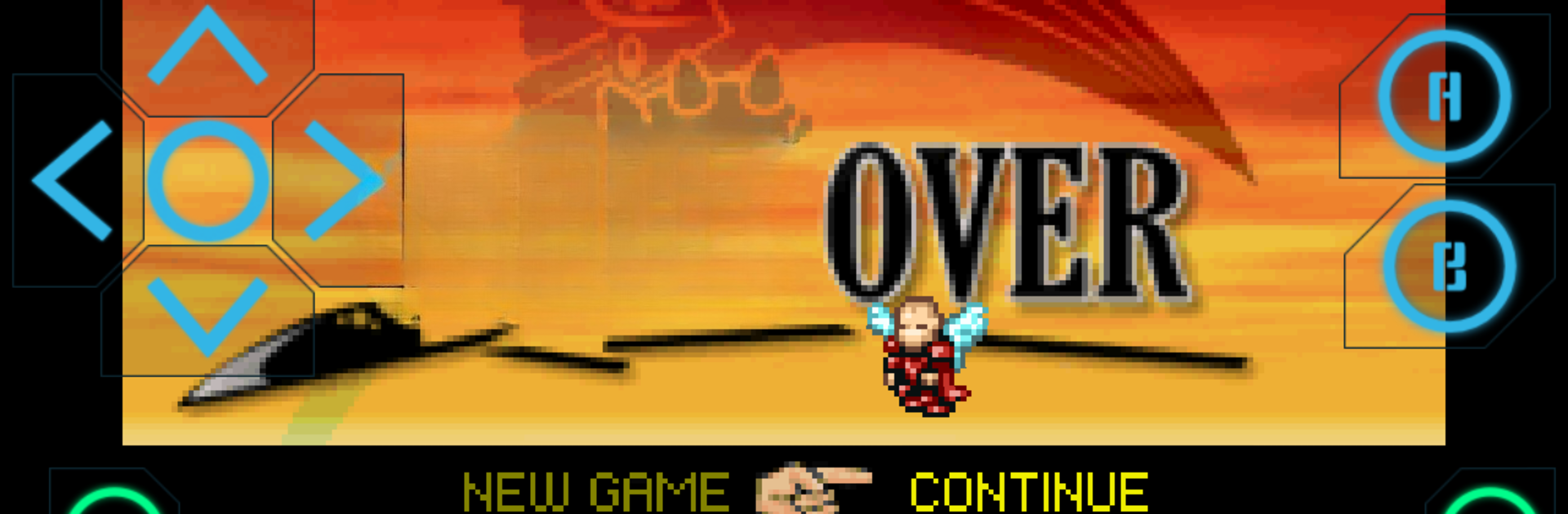
Nostalgia.GBA (GBA Emulator)
在電腦上使用BlueStacks –受到5億以上的遊戲玩家所信任的Android遊戲平台。

Play Nostalgia.GBA (GBA Emulator) on PC or Mac
Nostalgia.GBA (GBA Emulator) brings the Arcade genre to life, and throws up exciting challenges for gamers. Developed by Nostalgia Emulators, this Android game is best experienced on BlueStacks, the World’s #1 app player for PC and Mac users.
About the Game
Ready to relive your favorite handheld classics? Nostalgia.GBA (GBA Emulator) from Nostalgia Emulators gives you a smooth way to play GBA games on your Android device, hassle-free. If you’re the type who loves tinkering with settings or just wants to jump straight into some Arcade action, this emulator’s flexible setup makes it simple—and a lot of fun—to get started. For those who like their play sessions uninterrupted, there’s even more to love.
Game Features
-
Sleek, Customizable Interface
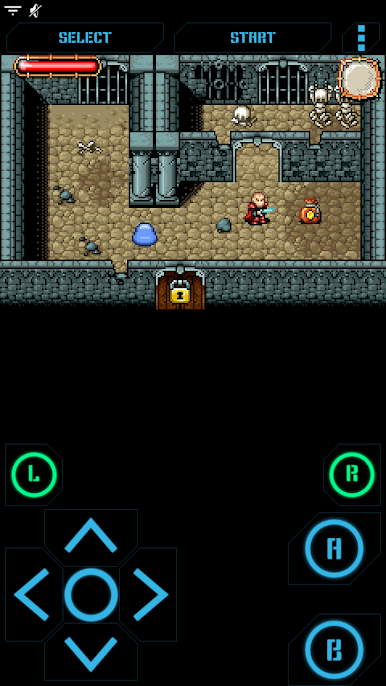
Enjoy a clean and modern look that keeps everything right where you need it. The menus and layouts are easy to navigate, so there’s no getting lost before the game even starts. -
Personalized Controls
Move and resize virtual buttons however you like. Whether you’ve got big thumbs or prefer one-handed play, the controls are yours to tweak. -
Save Anywhere, Replay Anytime
Save progress whenever you want in up to eight slots—plus an autosave feature just in case. Swapping save states between devices is as simple as shooting an email or connecting through Bluetooth. -
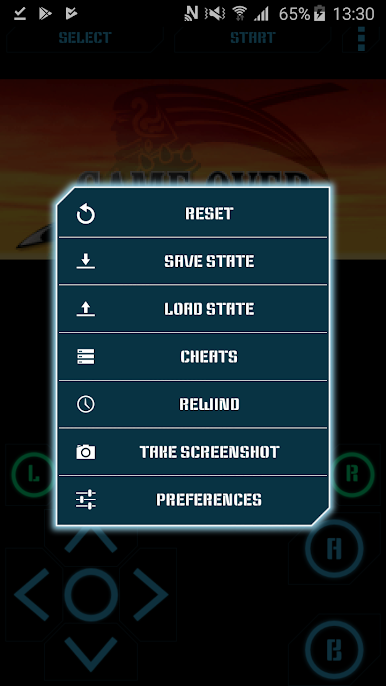
Rewind Feature
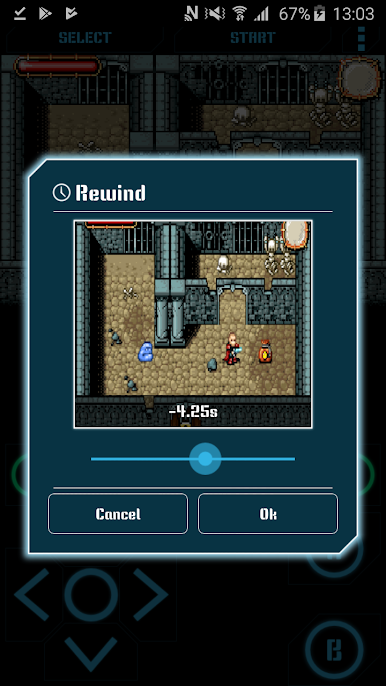
Messed up? Hit rewind and roll the action back a few seconds. It’s a second chance on demand. -
Wireless Controller Support
Got a Bluetooth gamepad or hardware keyboard? Connect and play—Nostalgia.GBA supports a wide range, including MOGA and 8bitdo controllers. -
Wi-Fi Controller Mode
Got friends over? Turn another device into a controller for shared play—no complicated pairing needed. -
Performance and Audio
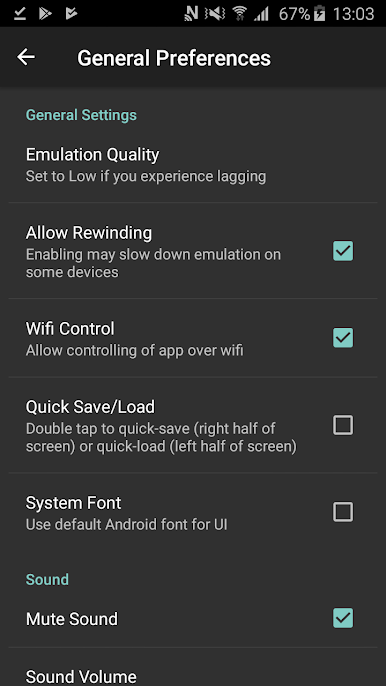
Expect sharp OpenGL graphics and crisp stereo sound. The emulator nails the arcade feel with 44100 Hz audio. -
Handy Cheats and Screenshots
Use cheat codes if you want to shake things up, and snap a screenshot anytime you want to remember your best moments. -
Flexible File Support
ROMs in GBA or ZIP format are both welcome—dump them anywhere on your SD card and the app will pick them up. (Just a heads-up: the app doesn’t come with games included.) -
Low-Distraction Experience
Ads won’t bother you in the middle of your session, so gameplay stays smooth.
For even easier control and a big-screen Arcade feel, you can always play using BlueStacks on your PC.
Make your gaming sessions memorable with precise controls that give you an edge in close combats and visuals that pop up, bringing every character to life.
在電腦上遊玩Nostalgia.GBA (GBA Emulator) . 輕易上手.
-
在您的電腦上下載並安裝BlueStacks
-
完成Google登入後即可訪問Play商店,或等你需要訪問Play商店十再登入
-
在右上角的搜索欄中尋找 Nostalgia.GBA (GBA Emulator)
-
點擊以從搜索結果中安裝 Nostalgia.GBA (GBA Emulator)
-
完成Google登入(如果您跳過了步驟2),以安裝 Nostalgia.GBA (GBA Emulator)
-
在首頁畫面中點擊 Nostalgia.GBA (GBA Emulator) 圖標來啟動遊戲

