

NumWorks Graphing Calculator
在電腦上使用BlueStacks –受到5億以上的遊戲玩家所信任的Android遊戲平台。

Run NumWorks Graphing Calculator on PC or Mac
What’s better than using NumWorks Graphing Calculator by NumWorks? Well, try it on a big screen, on your PC or Mac, with BlueStacks to see the difference.
About the App
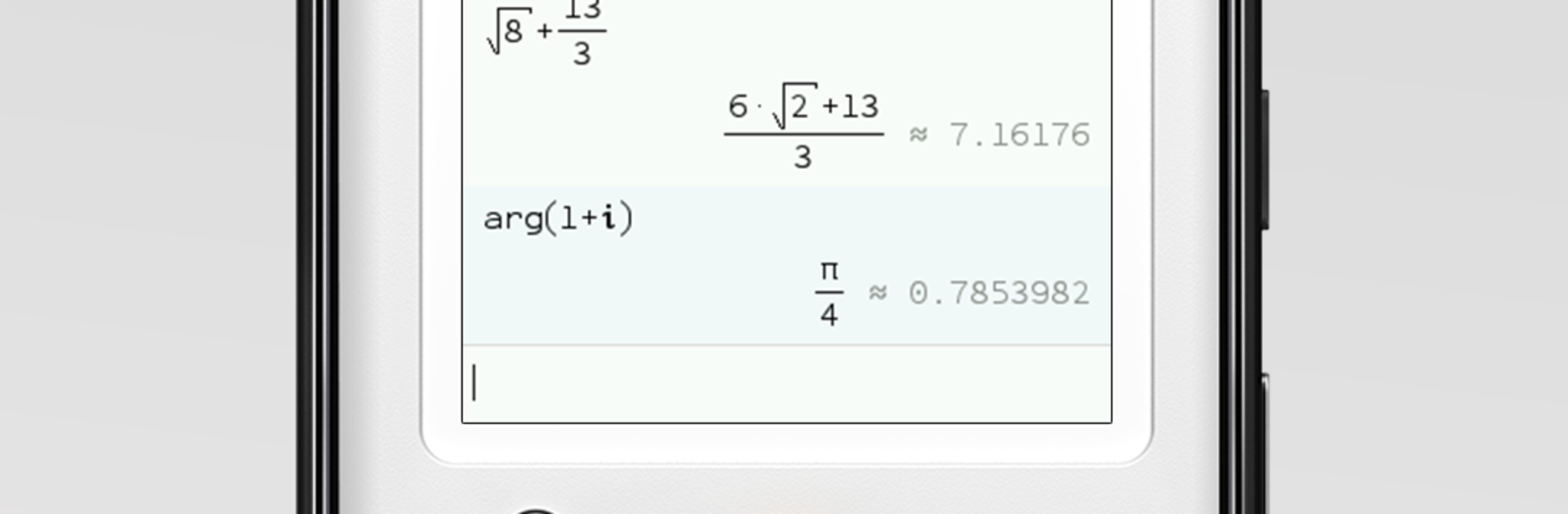
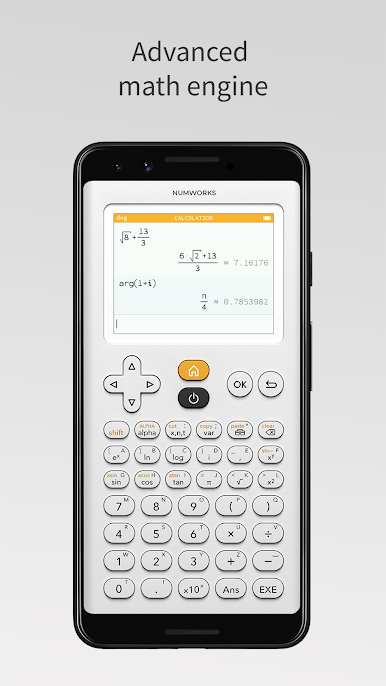
NumWorks Graphing Calculator brings the clean, friendly feel of the NumWorks handheld to your phone or tablet. It’s quick to pick up, easy to navigate, and great for class, homework, or a fast check when you’re on the go. Prefer a bigger screen? You can also run it on your computer with BlueStacks. Built by NumWorks in the Education genre, it focuses on clarity, speed, and the tools you actually need.
App Features
- Clean interface: A thoughtfully organized layout keeps everything simple, so you can find functions without digging through menus.
- Graphs made simple: Plot functions in seconds, trace values, inspect intersections, and zoom in for a closer look.
- Equation solver: Tackle equations and linear systems and verify your results without fuss.
- Statistics that make sense: Enter your data and compute key stats in a snap—perfect for labs, projects, and problem sets.
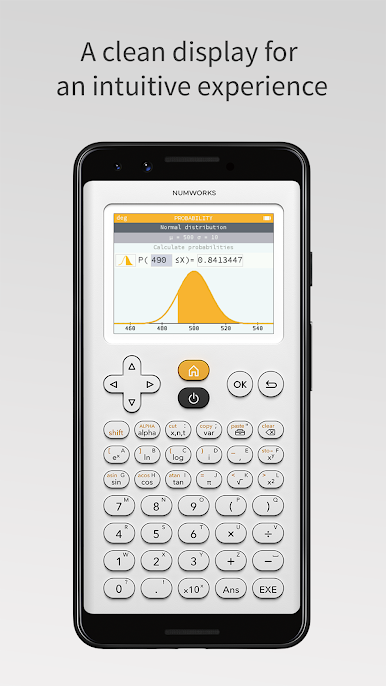
- Probability tools: Work with common distributions to calculate probabilities and explore outcomes.
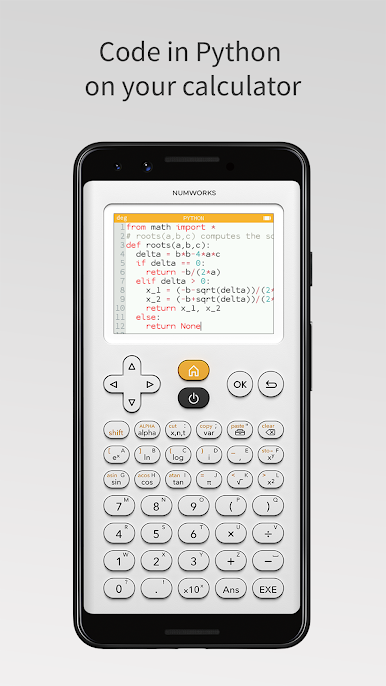
- Python built in: Write and run Python programs right inside the app—handy for simulations, small utilities, or just learning to code.
- Consistent with the handheld: If you use the physical NumWorks calculator, you’ll feel at home—the workflow and menus match up.
- Made with classrooms in mind: Developed with input from educators and a passionate community to support STEM learning.
- Frequent improvements: Expect regular updates from NumWorks that refine the experience and add useful capabilities.
Switch to BlueStacks and make the most of your apps on your PC or Mac.

在電腦上遊玩NumWorks Graphing Calculator . 輕易上手.
-
在您的電腦上下載並安裝BlueStacks
-
完成Google登入後即可訪問Play商店,或等你需要訪問Play商店十再登入
-
在右上角的搜索欄中尋找 NumWorks Graphing Calculator
-
點擊以從搜索結果中安裝 NumWorks Graphing Calculator
-
完成Google登入(如果您跳過了步驟2),以安裝 NumWorks Graphing Calculator
-
在首頁畫面中點擊 NumWorks Graphing Calculator 圖標來啟動遊戲

