


Notally - Minimalist Notes
5억명 이상의 게이머가 신뢰하는 안드로이드 게임 플랫폼 BlueStacks으로 PC에서 플레이하세요.

Run Notally - Minimalist Notes on PC or Mac
Multitask effortlessly on your PC or Mac as you try out Notally – Minimalist Notes, a Productivity app by Om Godse on BlueStacks.
About the App
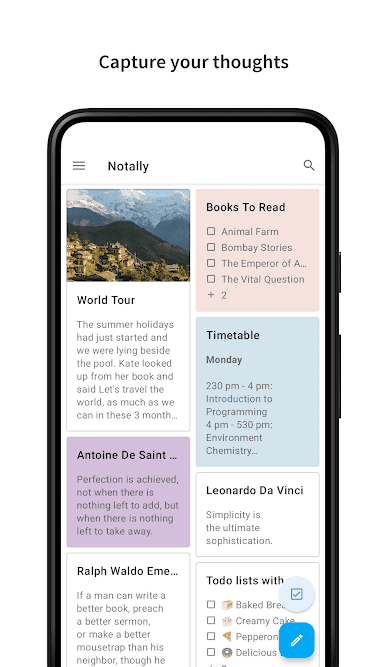
Looking for a super simple way to keep track of your thoughts, to-dos, and reminders? Notally – Minimalist Notes by Om Godse brings you a clean and clutter-free space to jot down anything, right when you need it. Whether you’re writing down a sudden idea, putting together a grocery list, or just making a note for later, you’ll find this app easy to use without any distractions. Notally keeps everything minimal, but still packs in the handy features you want from a Productivity app.
App Features
-
Keep It Organized
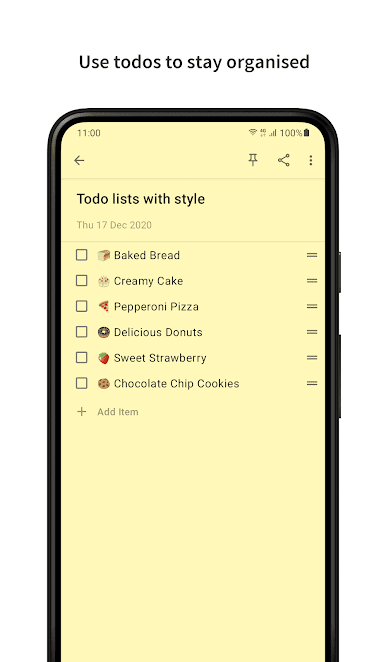
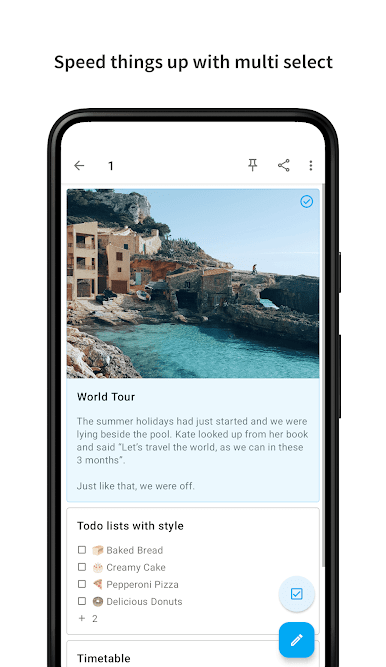
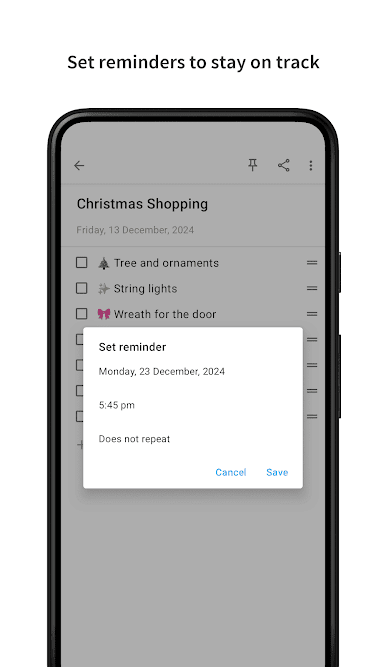
Color-code your notes, add labels, pin important stuff to the top, and set reminders so nothing slips by. You can even make tidy lists for groceries, chores, or just about anything. -
Rich Note Options
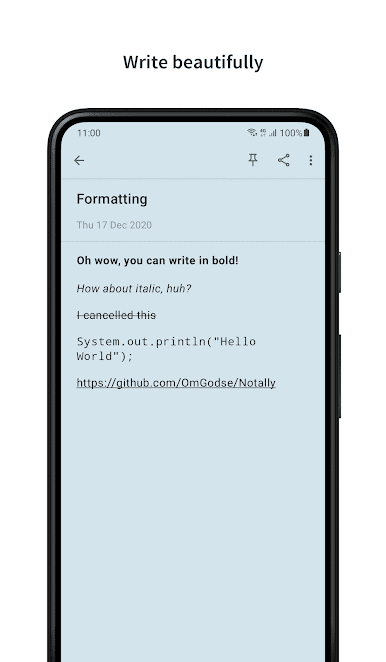
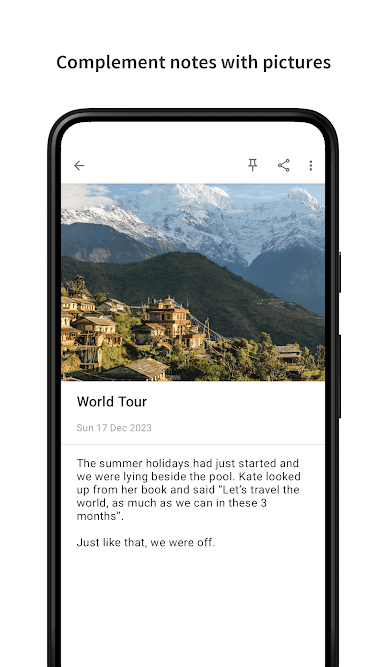
Customize your text—bold, italics, monospace, or strikethrough are all here. Add clickable links, phone numbers, and email addresses right in your notes. Need to add a snapshot? You can throw in pictures (JPG, PNG, WEBP) with ease. -
Effortless Export
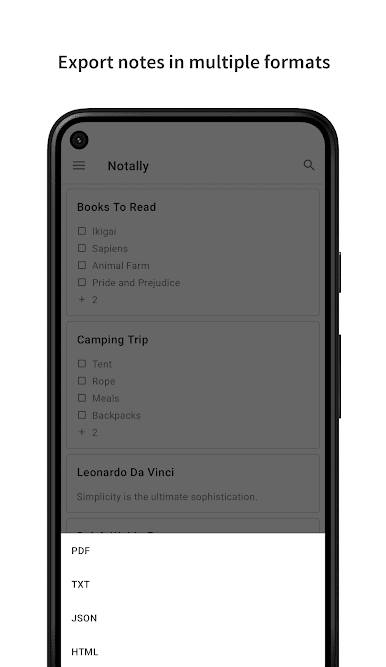
Share your notes or back them up anytime. Grab your notes as PDF, TXT, JSON, or HTML—the choice is yours. -
Distraction-Free Design
Enjoy pure note-taking with zero ads, no trackers, and nothing spying on your thoughts. Your personal notes stay on your device, right where they belong. -
Convenience All Around
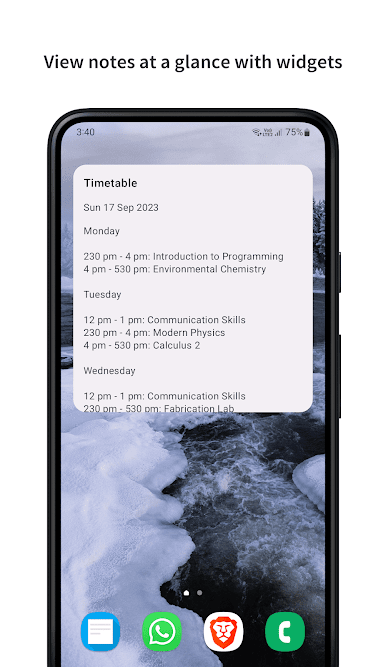
Tweak the text size until it feels just right, switch to dark mode for late night brain dumps, and use handy widgets to stick notes or lists right on your home screen. Forgot to save? Notally’s got auto-save and backup covered. -
Tiny & Snappy
Notally won’t slow down your device, and the app itself is small at just over a megabyte. It’s quick to download and easy on storage. -
Works Well Across Devices
If you use BlueStacks, you can even manage your notes on a bigger screen, making organizing your day even more comfortable.
Ready to experience Notally – Minimalist Notes on a bigger screen, in all its glory? Download BlueStacks now.
PC에서 Notally - Minimalist Notes 플레이해보세요.
-
BlueStacks 다운로드하고 설치
-
Google Play 스토어에 로그인 하기(나중에 진행가능)
-
오른쪽 상단 코너에 Notally - Minimalist Notes 검색
-
검색 결과 중 Notally - Minimalist Notes 선택하여 설치
-
구글 로그인 진행(만약 2단계를 지나갔을 경우) 후 Notally - Minimalist Notes 설치
-
메인 홈화면에서 Notally - Minimalist Notes 선택하여 실행

