


MonChats
العب على الكمبيوتر الشخصي مع BlueStacks - نظام أندرويد للألعاب ، موثوق به من قبل أكثر من 500 مليون لاعب.

Play MonChats on PC
🔥Completely free
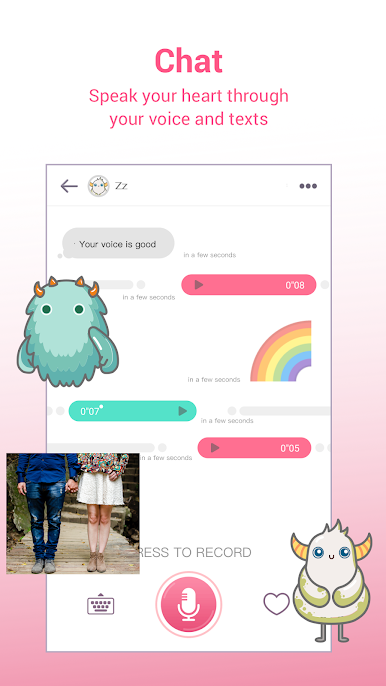
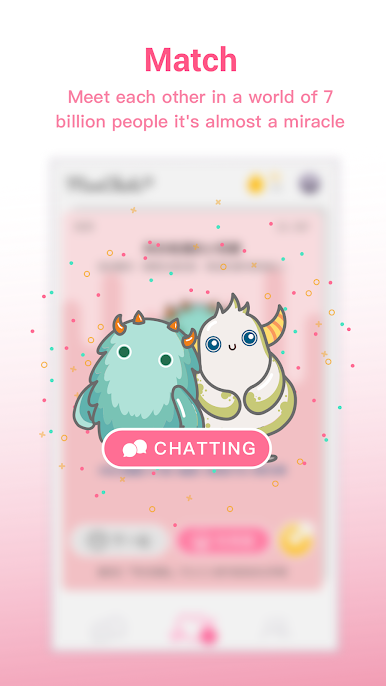
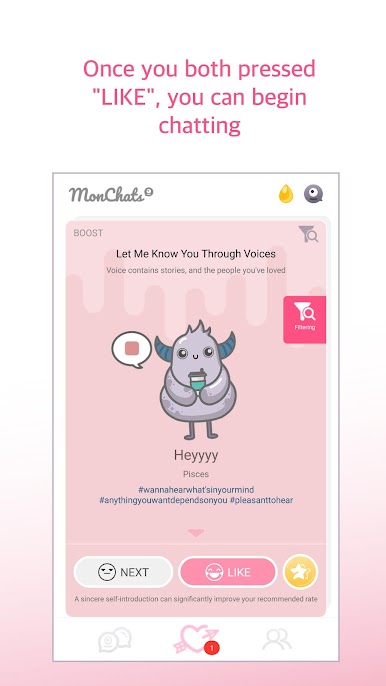
With a successful match, you can talk for free and become friends!
Everything from download to chat is free!
🔥Fully anonymous
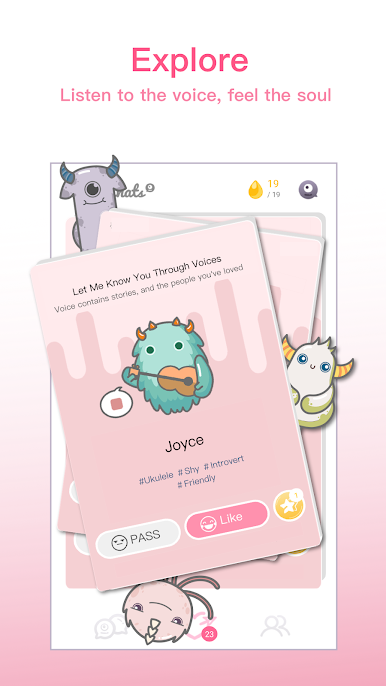
Talk through real people and monsters
Without revealing your personal information and appearance, you will only know each other using your true intentions and voice!
🔥Talk about what you want to talk about safely
You can chat safely in a private space!
You can uncover your chest safely for anonymous chat!
🔥 All users are real people
There is no robot here. No one wants to talk to the robot.
Facebook: https://www.facebook.com/MonChatApp/
MonChats feedback: https://m.me/MonChatApp
MonChats access settings explanation
Required:
◎ Allow MonChats to access the "Microphone" functions; MonChats require access to the "Microphone" in order to record the users' beautiful voices.
Not required:
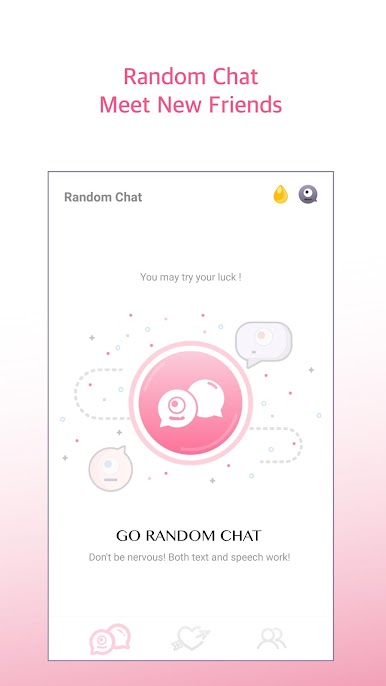
◎ Allow MonChat to access "Location"; MonChats will need access to "Location" in order to know the user's location and match you up to chat with nearby users.
◎ Allow MonChats to access "Camera"; if the users wish to take and send photos during the chat, MonChats will need access to "Camera" in order to control the camera and take photos.
◎Allow MonChats to access "Photos"; if the users wish to send photos during the chat, MonChats will need access to "Photos" in order to read the photos in the albums.

العب MonChats على جهاز الكمبيوتر. من السهل البدء.
-
قم بتنزيل BlueStacks وتثبيته على جهاز الكمبيوتر الخاص بك
-
أكمل تسجيل الدخول إلى Google للوصول إلى متجر Play ، أو قم بذلك لاحقًا
-
ابحث عن MonChats في شريط البحث أعلى الزاوية اليمنى
-
انقر لتثبيت MonChats من نتائج البحث
-
أكمل تسجيل الدخول إلى Google (إذا تخطيت الخطوة 2) لتثبيت MonChats
-
انقر على أيقونة MonChats على الشاشة الرئيسية لبدء اللعب

