

Onshape 3D CAD
5억명 이상의 게이머가 신뢰하는 안드로이드 게임 플랫폼 BlueStacks으로 PC에서 플레이하세요.

Run Onshape 3D CAD on PC or Mac
Let BlueStacks turn your PC, Mac, or laptop into the perfect home for Onshape 3D CAD, a fun Productivity app from PTC Inc..
About the App
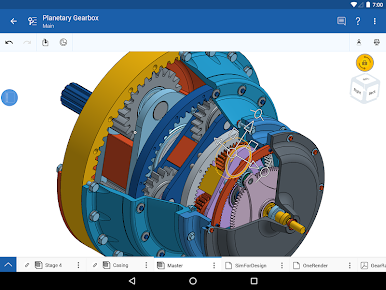
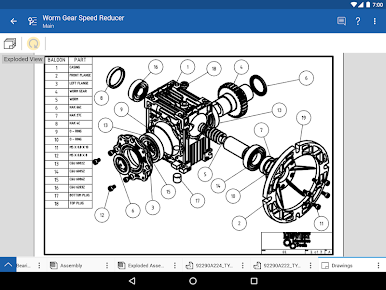
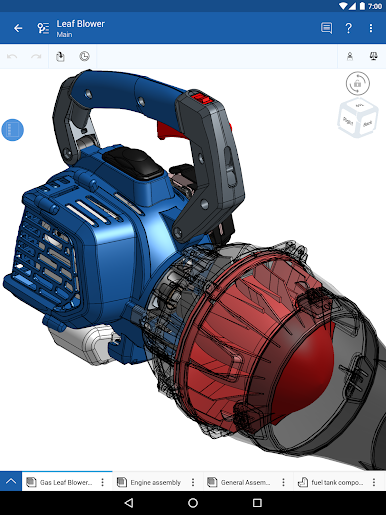
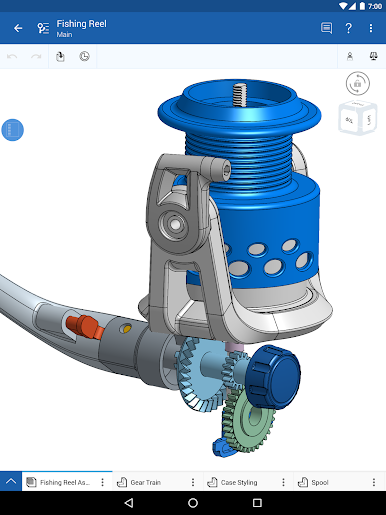
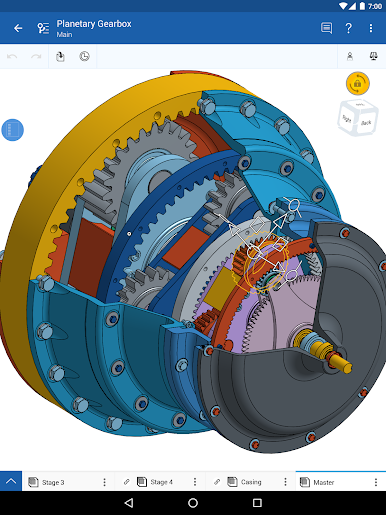
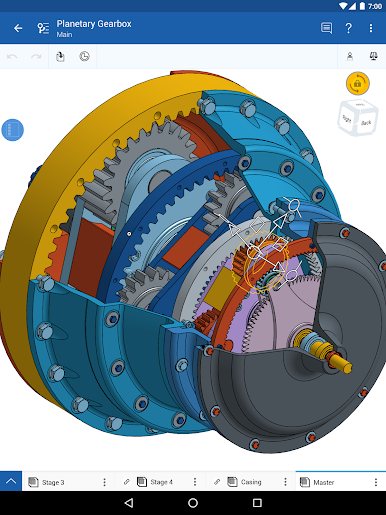
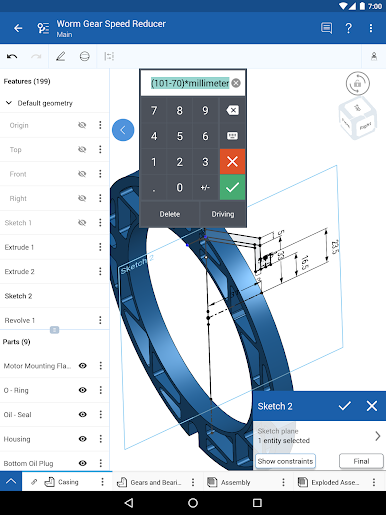
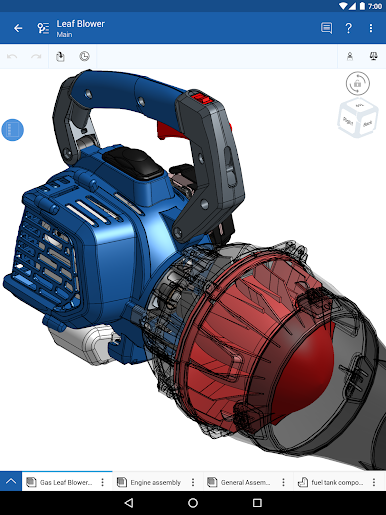
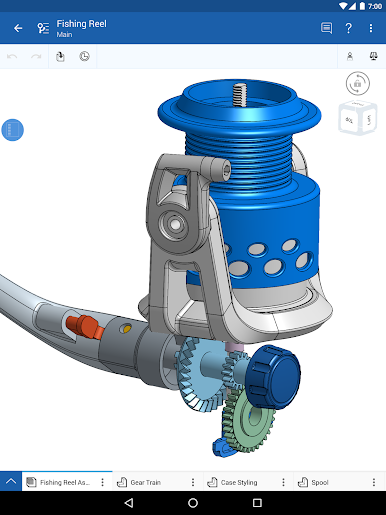
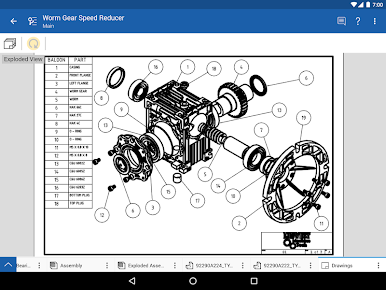
Ever wanted to work on 3D designs without being glued to just one device? Onshape 3D CAD from PTC Inc. puts a full-blown mechanical CAD platform right in your hands—no matter if you’re on your laptop or your phone. With its real-time collaboration features, it’s easy for teams (big or small) to brainstorm, tinker, and polish designs together, wherever you are. Whether you’re brainstorming a brand-new prototype or making quick edits on the fly, Onshape 3D CAD keeps everyone on the same page.
App Features
-
Cloud-Based Workspace
Access all your projects from any device with internet—no tricky file transfers or confusing version histories. You can even use BlueStacks to give your workspace a bit more elbow room. -
Parametric Modeling Tools
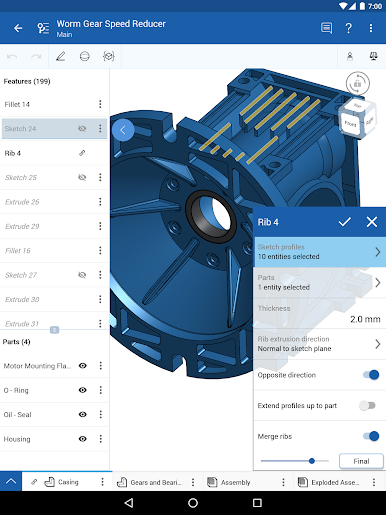
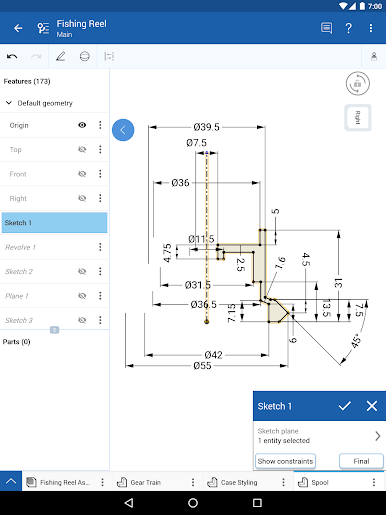
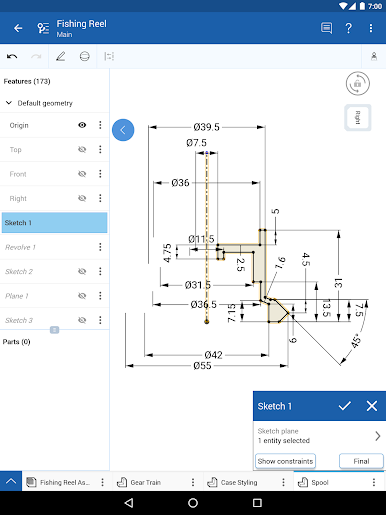
Build and modify complex mechanical parts with a robust set of tools, right inside Part Studios. Parametric modeling means every detail and dimension can be tweaked on the fly. -
Team Collaboration
Share designs and leave feedback in real time. See what your colleagues are working on as it happens, make suggestions, or join in the design process with easy-to-use commenting and Follow mode. -
Flexible Project Access
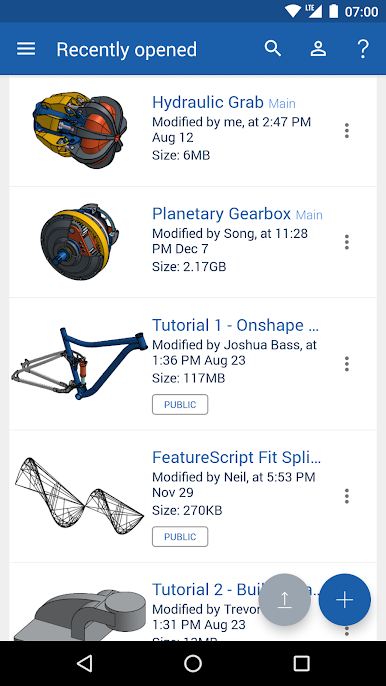
Start a project on your phone during a commute and pick it up later on your desktop. Changes are saved automatically, so nothing gets lost in the shuffle. -
Granular Permissions
Easily control who can view, edit, or share your files. Change or remove access anytime—no fussing with insecure emails or out-of-date file versions. -
Automatic Saving & Data Management
Never worry about losing your hard work. Every change is instantly backed up and organized, so you’re always working with the latest version. -
Support for Students & Educators
There are free options available for students, teachers, and open-source public projects—great for hands-on classroom use or testing out new design ideas in a collaborative space. -
Regular Feature Updates
Frequent updates mean you always get the latest tools and improvements, often based on suggestions straight from users like you. Don’t be surprised when you spot new features popping up regularly!
BlueStacks brings your apps to life on a bigger screen—seamless and straightforward.

PC에서 Onshape 3D CAD 플레이해보세요.
-
BlueStacks 다운로드하고 설치
-
Google Play 스토어에 로그인 하기(나중에 진행가능)
-
오른쪽 상단 코너에 Onshape 3D CAD 검색
-
검색 결과 중 Onshape 3D CAD 선택하여 설치
-
구글 로그인 진행(만약 2단계를 지나갔을 경우) 후 Onshape 3D CAD 설치
-
메인 홈화면에서 Onshape 3D CAD 선택하여 실행

