


Ooma Office Business Phone App
العب على الكمبيوتر الشخصي مع BlueStacks - نظام أندرويد للألعاب ، موثوق به من قبل أكثر من 500 مليون لاعب.

Play Ooma Office Business Phone App on PC
Keep collaborating.
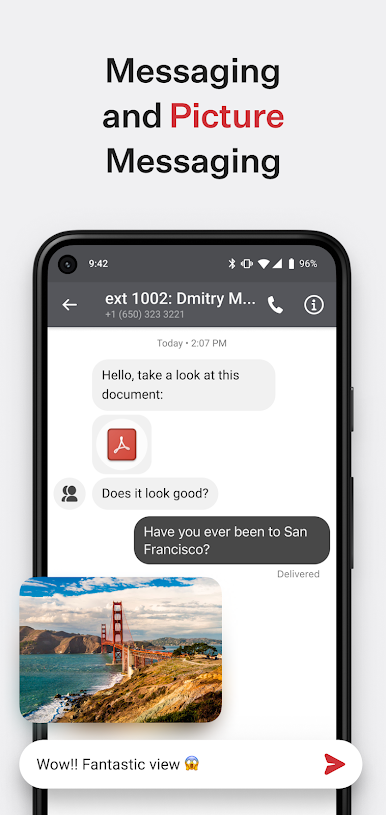
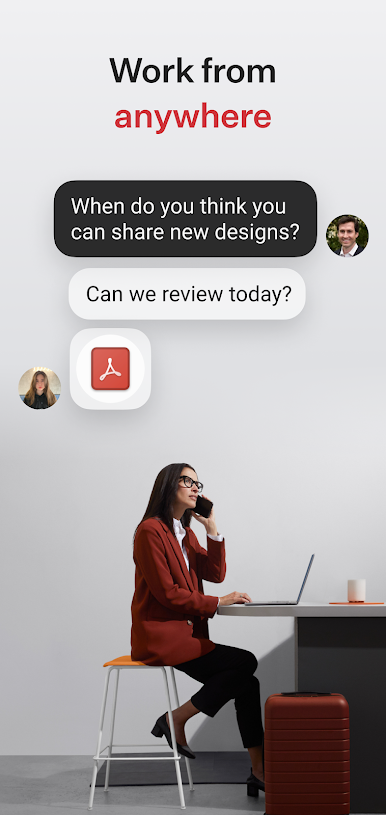
Co-workers can easily stay connected with group messaging, group calls and extension dialing, letting you connect to colleagues whenever you need to from wherever you are.
Never miss a call.
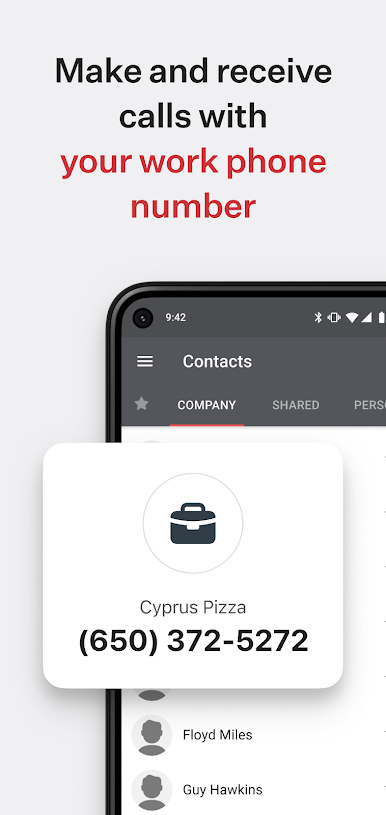
Forget about missing important calls by routing all your important business phone calls right to the Ooma Office app.
Manage business calls better.
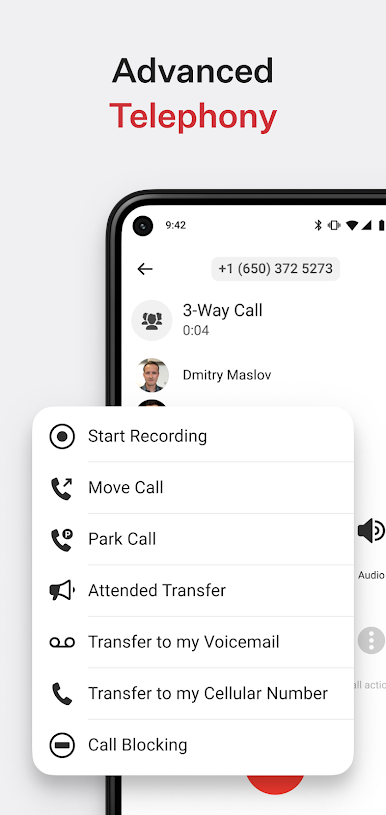
Easily transfer calls to your co-workers to help clients and customers get the help they need faster.
Eliminate business interruptions.
Seamlessly flip calls between your desktop phone and mobile app to keep the conversation going.
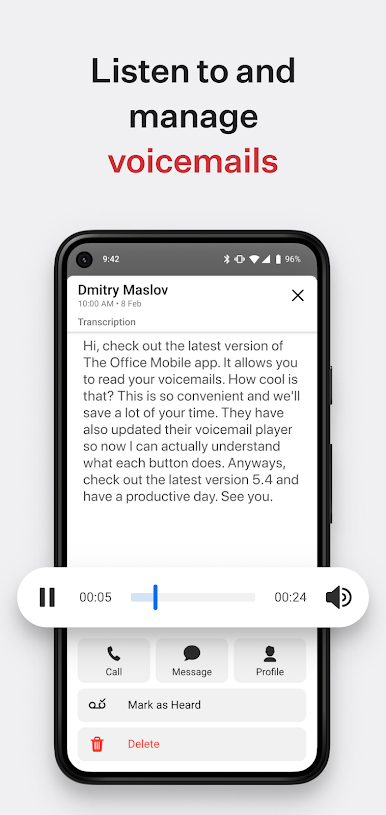
On-the-go voicemail access.
Check your voicemail from wherever you are right within the business phone app.
Easy setup.
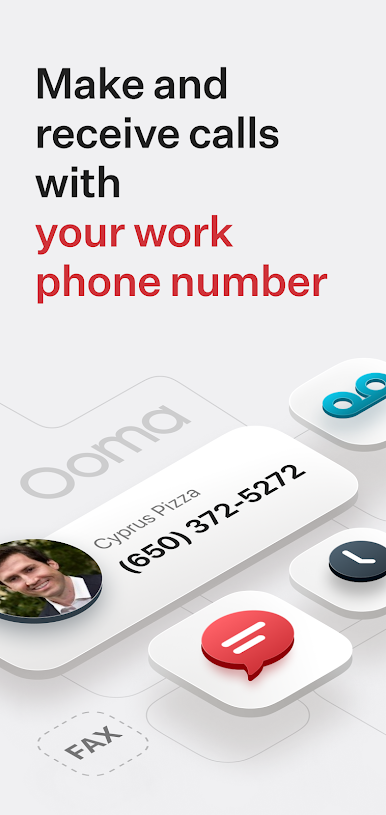
Keep your current number or choose a new one from any available area code. Toll-free numbers are also available.
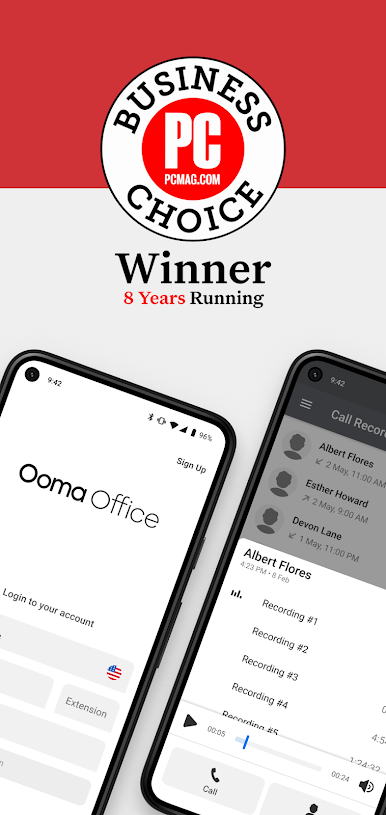
Current customer? Log in to access your advanced features.
Just log in with your phone number, extension and password to get started.
***** IMPORTANT NOTICES - PLEASE READ *****
The Ooma Office for business mobile app works with Android devices running 8.0 and higher.
Be aware that some mobile network operators prohibit or restrict the use of VoIP (Voice over Internet Protocol) over their network. They may prohibit the use of VoIP over their network or impose additional fees and/or charges when using VoIP over their network. By using Ooma Office over 3G/4G/LTE, you agree to familiarize yourself with and abide by any restrictions your cellular carrier imposes and agree that Ooma will not be held liable for any charges, fees or liability imposed by your carrier for using Ooma Office over their 3G/4G/LTE network.
العب Ooma Office Business Phone App على جهاز الكمبيوتر. من السهل البدء.
-
قم بتنزيل BlueStacks وتثبيته على جهاز الكمبيوتر الخاص بك
-
أكمل تسجيل الدخول إلى Google للوصول إلى متجر Play ، أو قم بذلك لاحقًا
-
ابحث عن Ooma Office Business Phone App في شريط البحث أعلى الزاوية اليمنى
-
انقر لتثبيت Ooma Office Business Phone App من نتائج البحث
-
أكمل تسجيل الدخول إلى Google (إذا تخطيت الخطوة 2) لتثبيت Ooma Office Business Phone App
-
انقر على أيقونة Ooma Office Business Phone App على الشاشة الرئيسية لبدء اللعب

