


The Moon
教育 | OProjects
在電腦上使用BlueStacks –受到5億以上的遊戲玩家所信任的Android遊戲平台。

Play The Moon on PC
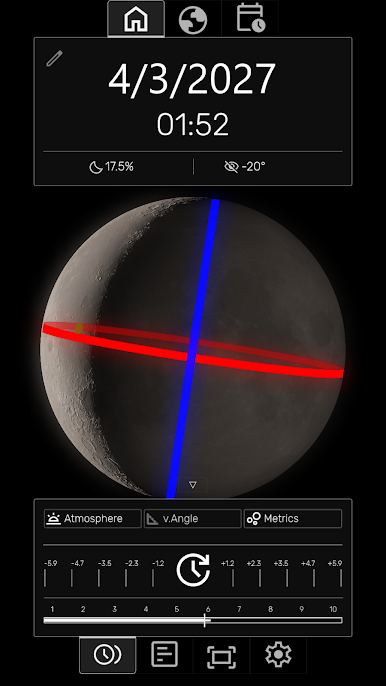
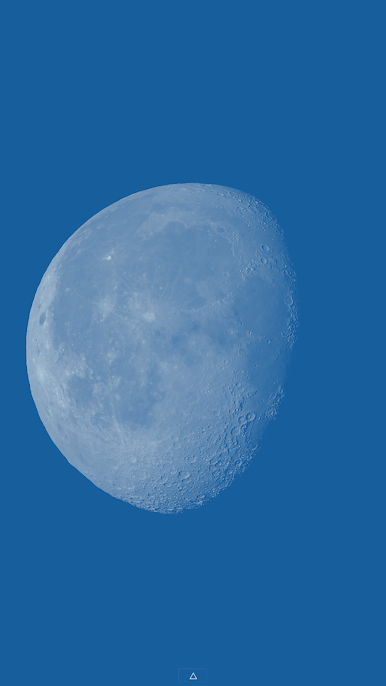
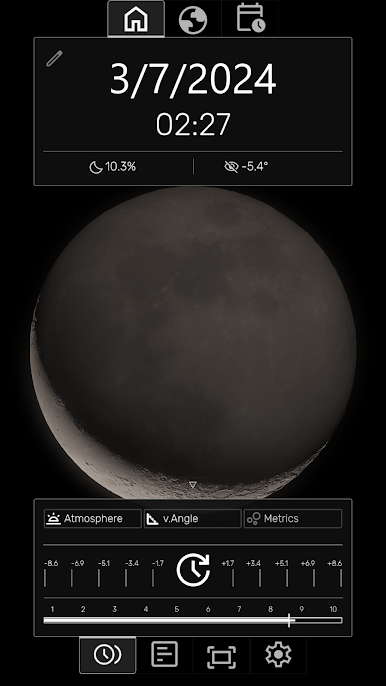
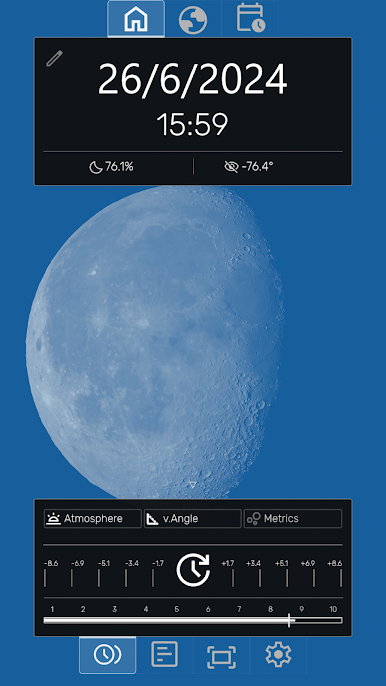
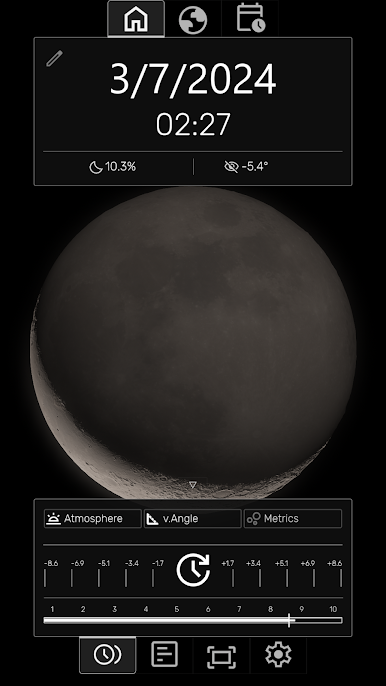
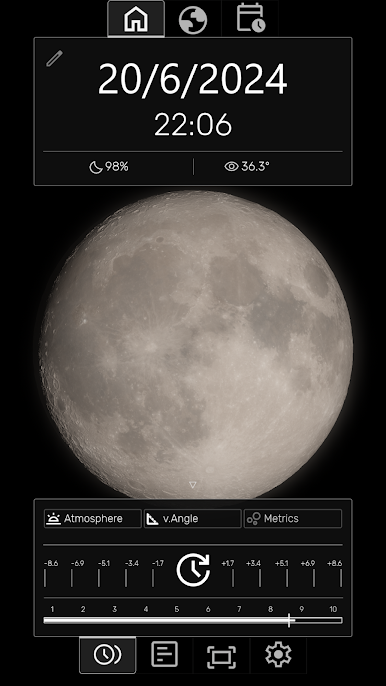
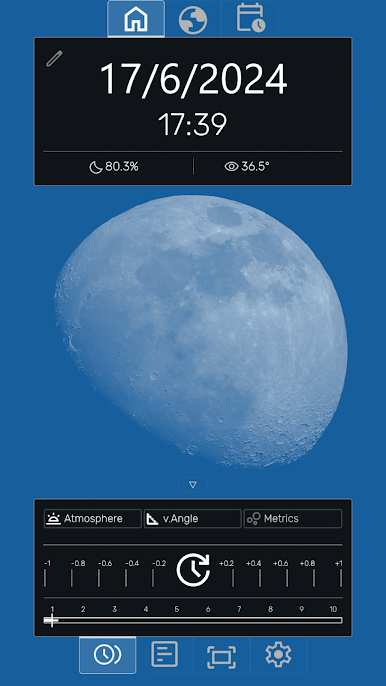
The Moon App displays accurate, real-time data and visualizations of the Moon's phases, position, and orbital details Realtime at any time and date.
Key Features:
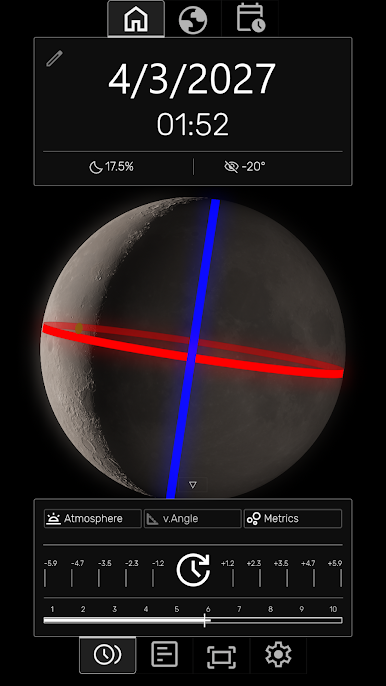
- Render the Moon's current phase, liberation, and orbit (apogee/perigee) in real-time.
- Control time with a slider to animate the Moon's motion or jump to a specific date and time.
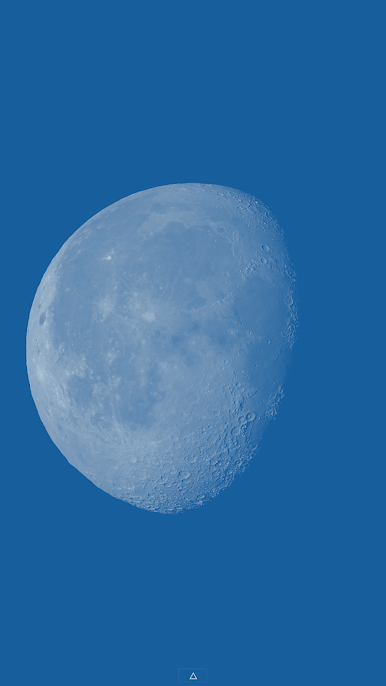
-View a highly realistic and accurate depiction of the Moon's behavior with an intuitive interface.
- Display a calendar of moon phases (full, new, quarter) for any year with precise times.
- Jump to any lunar event (phases, max declination, apogee, perigee) from the calendar.
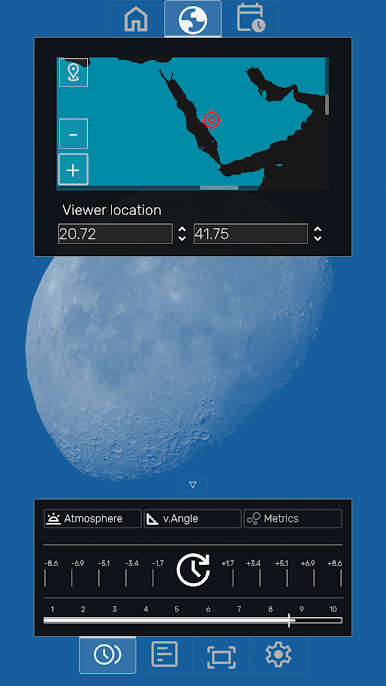
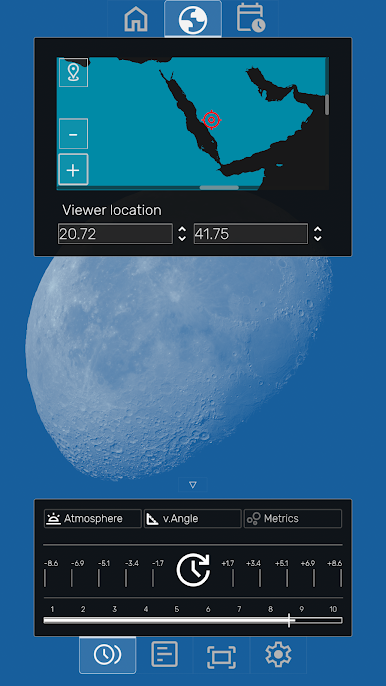
- View the Moon's current subpoint (overhead position) on an interactive Earth map.
- Select a location on the map to see the Moon's parallactic angle from that specific viewpoint.
- Set the The Moon as a live wallpaper on Android, with minimal battery usage.
- Take and share high-resolution screenshots of the Moon at any phase or time.
- Function in all time zones without an internet connection.
- Access detailed lunar data including distance, angular size, altitude, azimuth, and more.
The app is completely free to use and keep, but your support is appreciated.
Key Features:
- Render the Moon's current phase, liberation, and orbit (apogee/perigee) in real-time.
- Control time with a slider to animate the Moon's motion or jump to a specific date and time.
-View a highly realistic and accurate depiction of the Moon's behavior with an intuitive interface.
- Display a calendar of moon phases (full, new, quarter) for any year with precise times.
- Jump to any lunar event (phases, max declination, apogee, perigee) from the calendar.
- View the Moon's current subpoint (overhead position) on an interactive Earth map.
- Select a location on the map to see the Moon's parallactic angle from that specific viewpoint.
- Set the The Moon as a live wallpaper on Android, with minimal battery usage.
- Take and share high-resolution screenshots of the Moon at any phase or time.
- Function in all time zones without an internet connection.
- Access detailed lunar data including distance, angular size, altitude, azimuth, and more.
The app is completely free to use and keep, but your support is appreciated.
在電腦上遊玩The Moon . 輕易上手.
-
在您的電腦上下載並安裝BlueStacks
-
完成Google登入後即可訪問Play商店,或等你需要訪問Play商店十再登入
-
在右上角的搜索欄中尋找 The Moon
-
點擊以從搜索結果中安裝 The Moon
-
完成Google登入(如果您跳過了步驟2),以安裝 The Moon
-
在首頁畫面中點擊 The Moon 圖標來啟動遊戲

