


Oracle Aconex
在電腦上使用BlueStacks –受到5億以上的遊戲玩家所信任的Android遊戲平台。

Run Oracle Aconex on PC or Mac
Multitask effortlessly on your PC or Mac as you try out Oracle Aconex, a Productivity app by Oracle America, Inc. on BlueStacks.
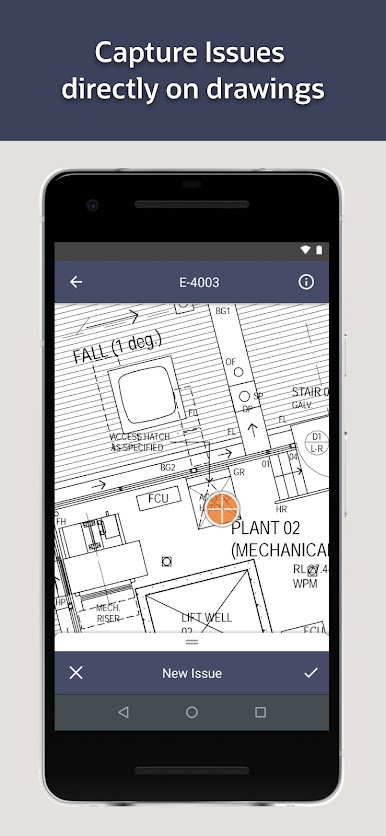
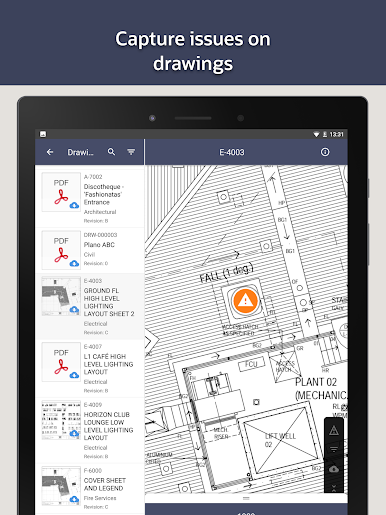
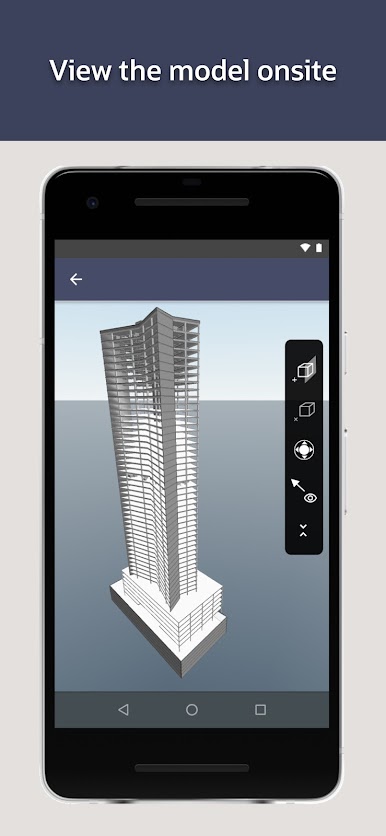
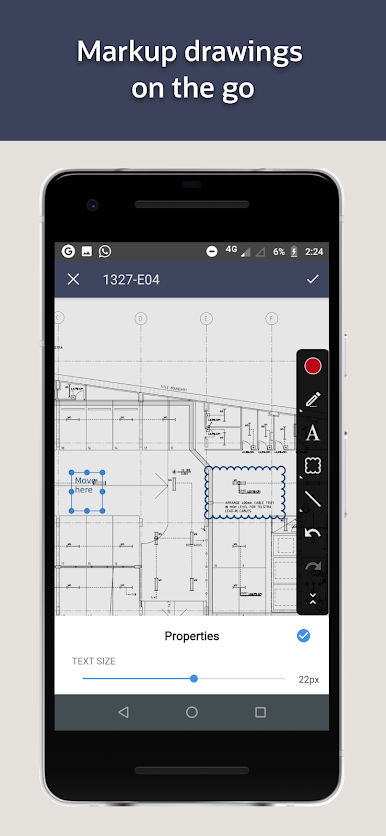
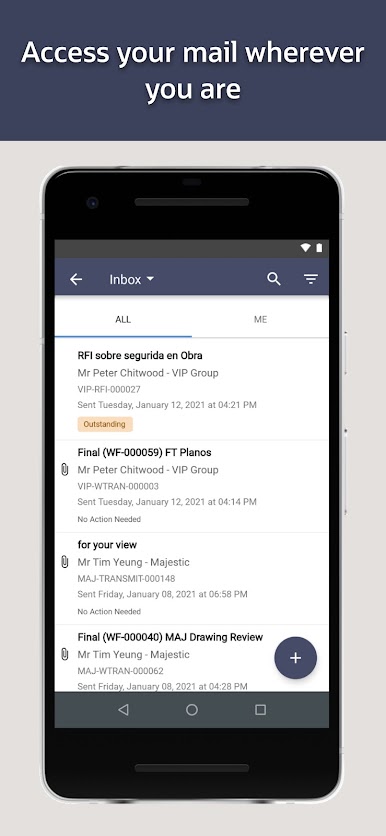
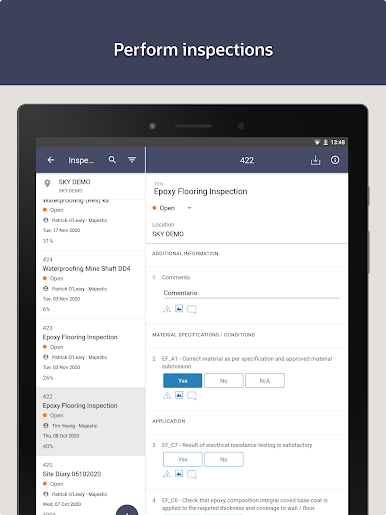
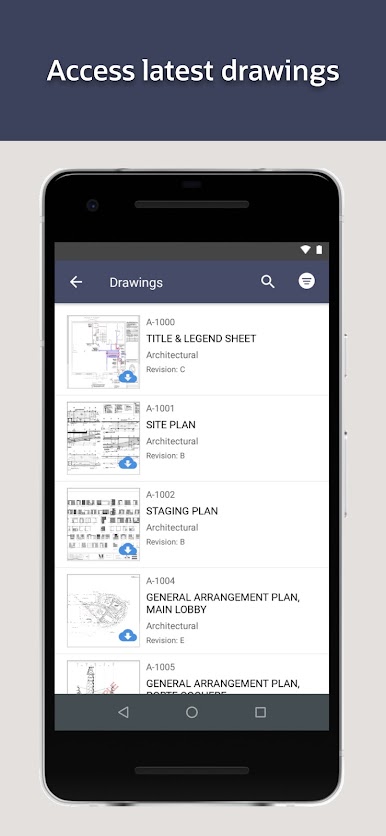
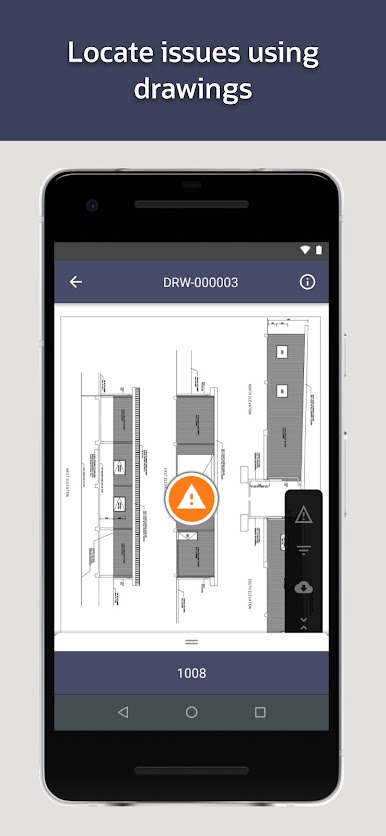
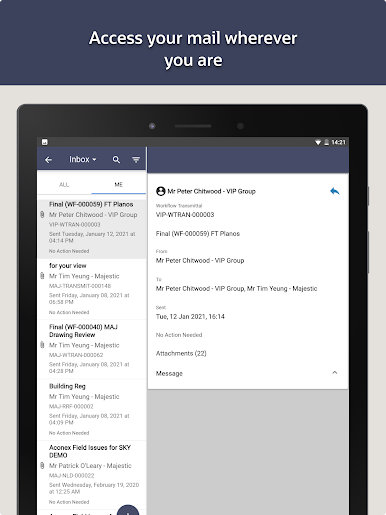
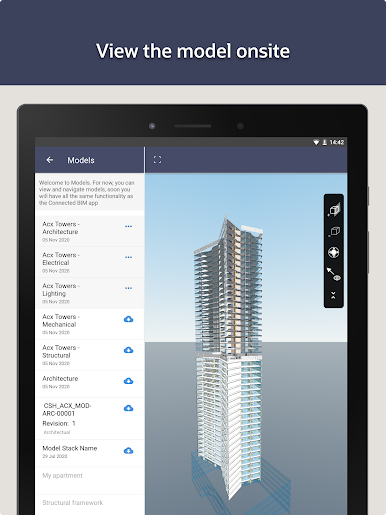
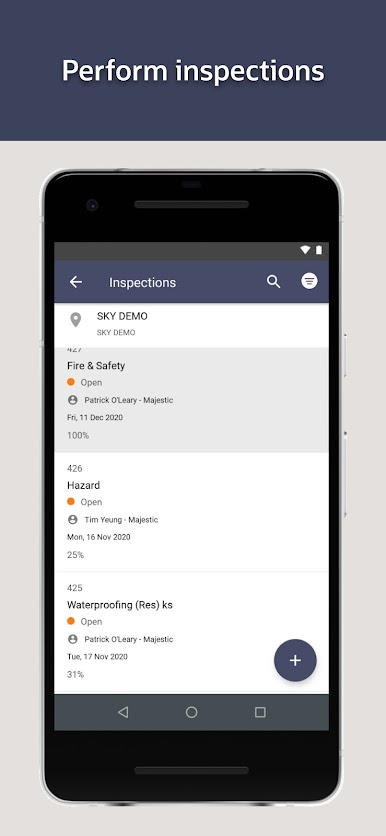
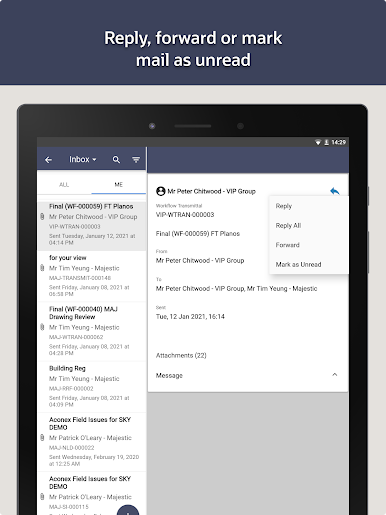
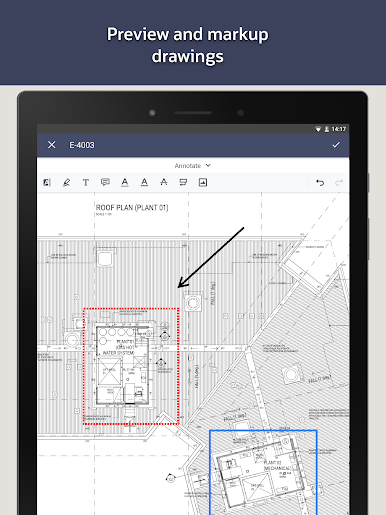
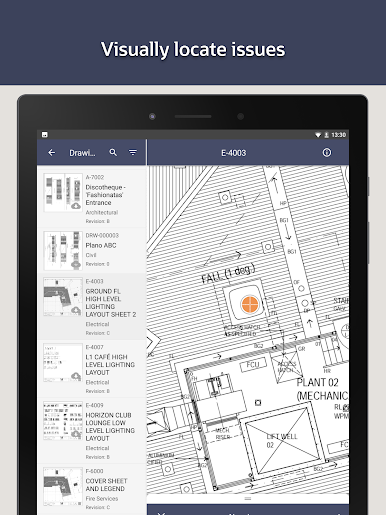
Oracle Aconex feels more like a tool than a game, but it’s surprisingly smooth to use, especially on a bigger screen with BlueStacks. It’s built for folks working in construction or engineering, so it’s not the usual productivity or task manager app. The main thing that stands out is how it handles those huge drawings and project files — instead of trying to flip through paper or dig through endless folders, everything’s just there, and you can open up drawings, add pins, and track issues as stuff comes up. It’s useful for staying on top of quality checks and site safety too, not just blueprints.
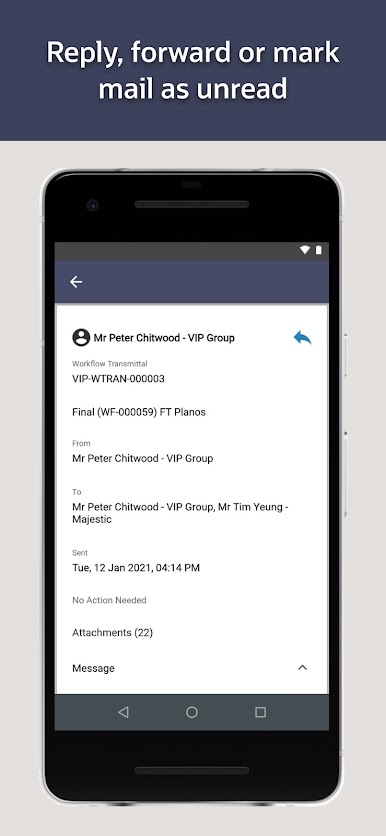
What’s nice is that it’s meant for teams, so everyone can see updates, changes, and problems as soon as they happen. No more waiting for someone to send over a copy or realizing way too late that there’s missing information. Everything’s organized and sort of central, which makes projects feel less chaotic. Plus it’s built with data security in mind, which might sound dry but it’s actually a relief when you think about the kind of stuff these projects handle. It’s not the kind of app for jotting down a shopping list or something small — it’s meant for those big, complicated projects where everyone has to stay connected and on schedule, and it just makes the whole process feel more manageable.
BlueStacks brings your apps to life on a bigger screen—seamless and straightforward.
在電腦上遊玩Oracle Aconex . 輕易上手.
-
在您的電腦上下載並安裝BlueStacks
-
完成Google登入後即可訪問Play商店,或等你需要訪問Play商店十再登入
-
在右上角的搜索欄中尋找 Oracle Aconex
-
點擊以從搜索結果中安裝 Oracle Aconex
-
完成Google登入(如果您跳過了步驟2),以安裝 Oracle Aconex
-
在首頁畫面中點擊 Oracle Aconex 圖標來啟動遊戲

