


OverDrive 제작 Libby
도서 및 참고 자료 | OverDrive, Inc.
5억명 이상의 게이머가 신뢰하는 안드로이드 게임 플랫폼 BlueStacks으로 PC에서 플레이하세요.

Play Libby, the Library App on PC
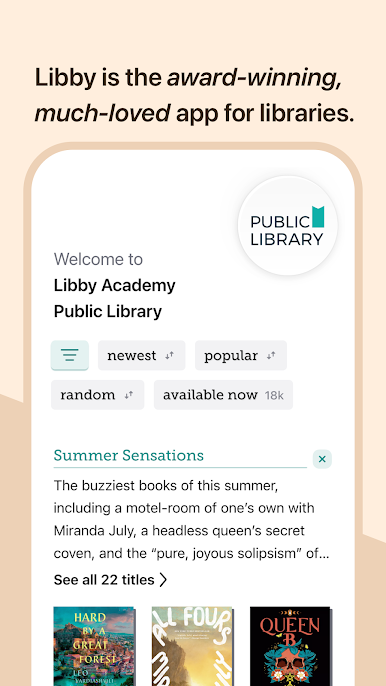
All over the world, local libraries offer millions of ebooks and audiobooks. You can borrow them — for free, instantly — with a library card and Libby: the award-winning, much-loved app for libraries.
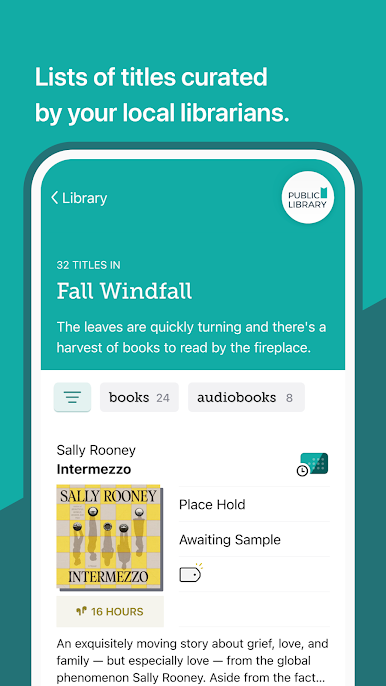
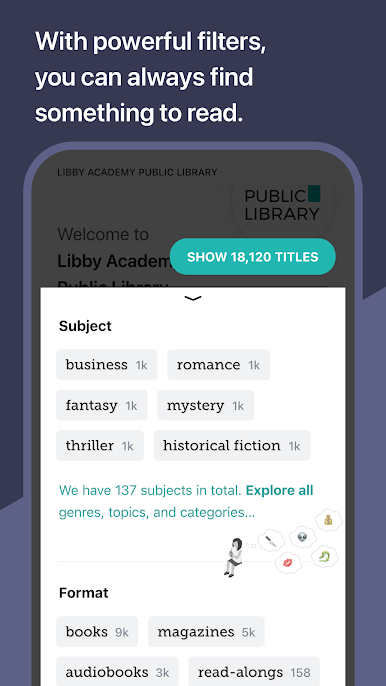
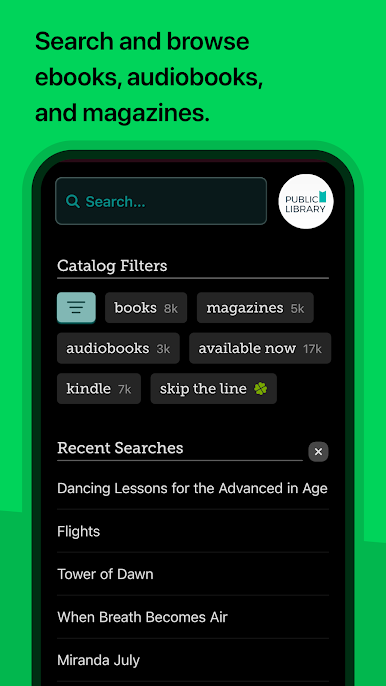
• Browse your library’s digital catalog of books — from classics to NYT best-sellers
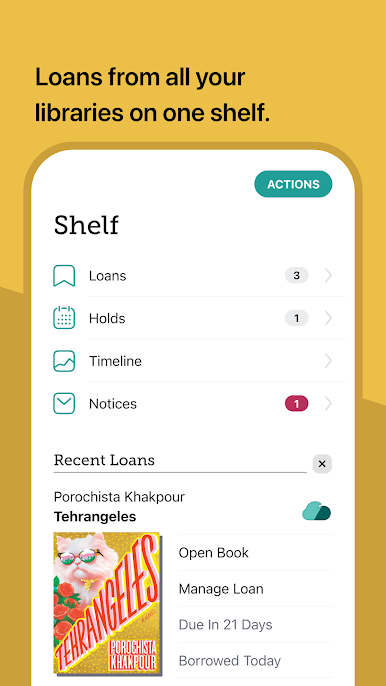
• Borrow and enjoy ebooks, audiobooks, and magazines
• Download titles for offline reading, or stream them to save space
• Send ebooks to your Kindle (U.S. libraries only)
• Listen to audiobooks via Android Auto
• Use tags to create your must-read list and any other book lists you want
• Keep your reading position automatically synced on all your devices
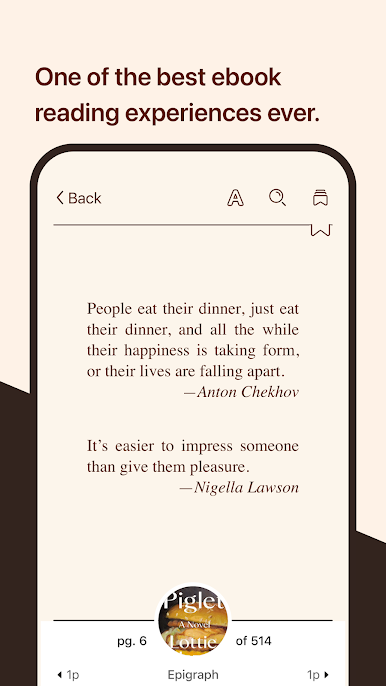
In our beautiful, intuitive ebook reader:
• Adjust text size, background color, and book design
• Zoom into magazines and comic books
• Define and search for words and phrases
• Read and listen to read-alongs with your kids
• Add bookmarks, notes, and highlights
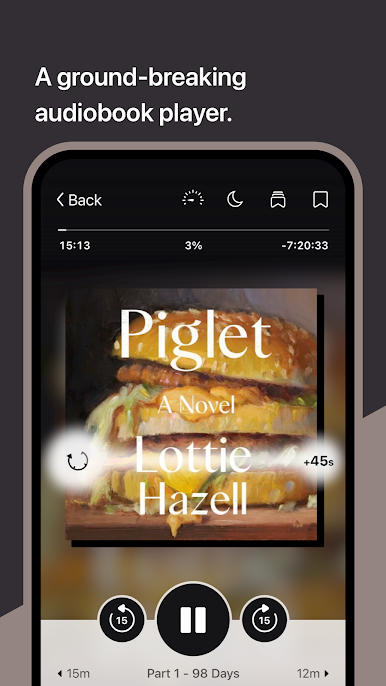
In our ground-breaking audio player:
• Slow down or speed up the audio (0.6 to 3.0x)
• Set a sleep timer
• Simply swipe to skip forward and backward
• Add bookmarks, notes, and highlights
Libby is built by the team at OverDrive, in support of local libraries everywhere.
Happy reading!
• Browse your library’s digital catalog of books — from classics to NYT best-sellers
• Borrow and enjoy ebooks, audiobooks, and magazines
• Download titles for offline reading, or stream them to save space
• Send ebooks to your Kindle (U.S. libraries only)
• Listen to audiobooks via Android Auto
• Use tags to create your must-read list and any other book lists you want
• Keep your reading position automatically synced on all your devices
In our beautiful, intuitive ebook reader:
• Adjust text size, background color, and book design
• Zoom into magazines and comic books
• Define and search for words and phrases
• Read and listen to read-alongs with your kids
• Add bookmarks, notes, and highlights
In our ground-breaking audio player:
• Slow down or speed up the audio (0.6 to 3.0x)
• Set a sleep timer
• Simply swipe to skip forward and backward
• Add bookmarks, notes, and highlights
Libby is built by the team at OverDrive, in support of local libraries everywhere.
Happy reading!

PC에서 OverDrive 제작 Libby 플레이해보세요.
-
BlueStacks 다운로드하고 설치
-
Google Play 스토어에 로그인 하기(나중에 진행가능)
-
오른쪽 상단 코너에 OverDrive 제작 Libby 검색
-
검색 결과 중 OverDrive 제작 Libby 선택하여 설치
-
구글 로그인 진행(만약 2단계를 지나갔을 경우) 후 OverDrive 제작 Libby 설치
-
메인 홈화면에서 OverDrive 제작 Libby 선택하여 실행

