


Bilingual Books for Kids
5억명 이상의 게이머가 신뢰하는 안드로이드 게임 플랫폼 BlueStacks으로 PC에서 플레이하세요.

Run Bilingual Books for Kids on PC or Mac
Multitask effortlessly on your PC or Mac as you try out Bilingual Books for Kids, a Education app by unuhiapp on BlueStacks.
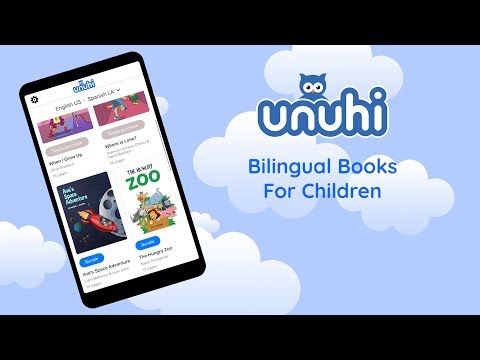
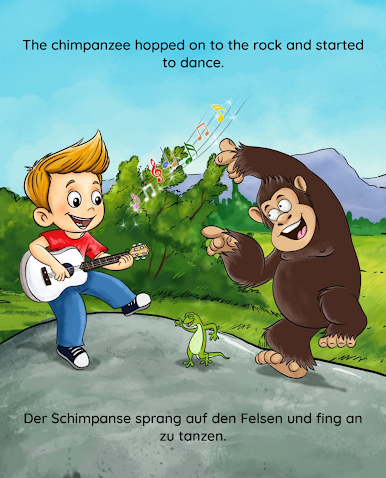
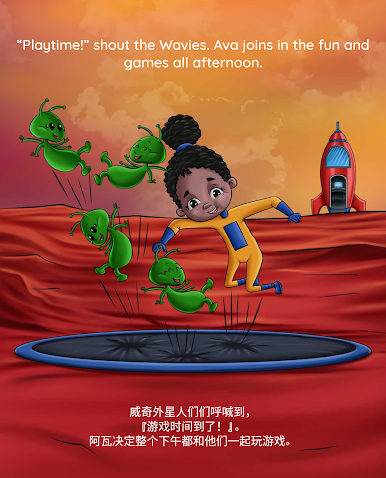
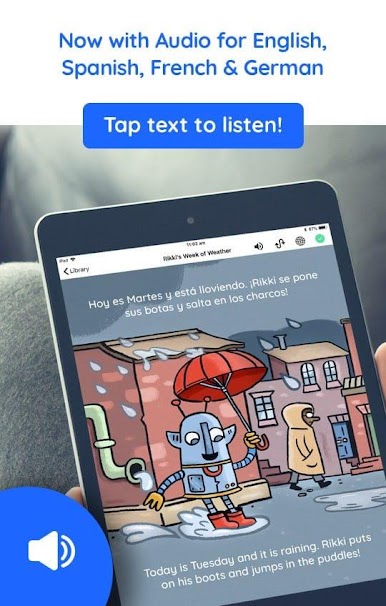
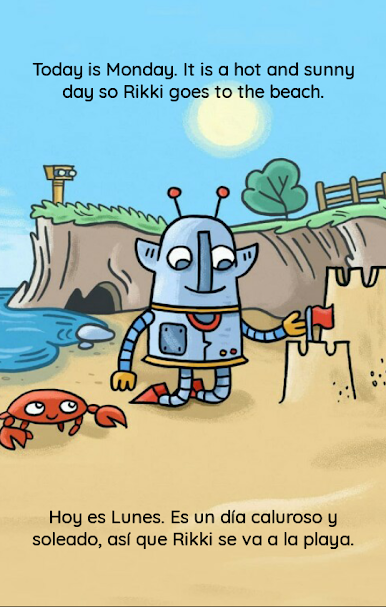
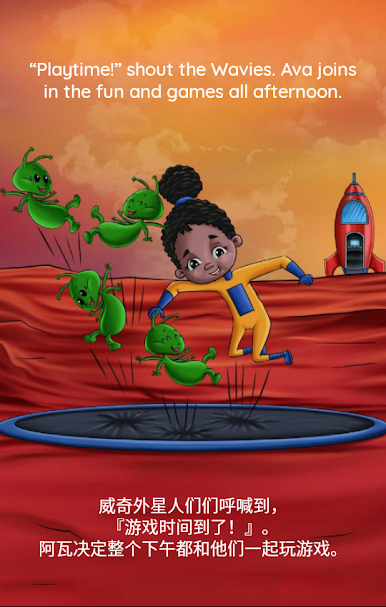
Bilingual Books for Kids feels like a cozy little bookshelf of picture stories that show two languages at once. It loads cleanly on a monitor with BlueStacks, and the bigger screen makes the artwork pop, which helps when a child points at things and asks what that is in the other language. The layout is simple. Choose two languages, the app stacks one at the top and one at the bottom, and tapping the text speaks it out loud if that language has narration. English, Spanish, French, German, Italian, and Mandarin have clear, studio style audio, and one of the stories throws in fun sound effects. Audio can be muted if it is bedtime or a quiet place.
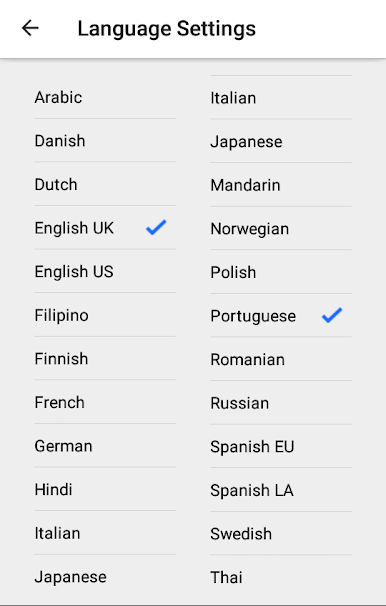
There are six illustrated stories and four sets of flashcards, and any two of the twenty languages can be paired. English with Spanish, Hindi with Thai, French with German, Arabic with Swedish, it is very mix and match. Everything can be downloaded to the PC so reading works offline, which is handy on trips. A neat touch is the display options. Hide one language to focus on the target one, or hide both and use the pictures to make up a story. No subscription to worry about, and there is a free book to try, plus a bundle deal sitting in the store if more content is wanted. It is straight forward and low stress for parents or teachers with younger kids.
BlueStacks brings your apps to life on a bigger screen—seamless and straightforward.








PC에서 Bilingual Books for Kids 플레이해보세요.
-
BlueStacks 다운로드하고 설치
-
Google Play 스토어에 로그인 하기(나중에 진행가능)
-
오른쪽 상단 코너에 Bilingual Books for Kids 검색
-
검색 결과 중 Bilingual Books for Kids 선택하여 설치
-
구글 로그인 진행(만약 2단계를 지나갔을 경우) 후 Bilingual Books for Kids 설치
-
메인 홈화면에서 Bilingual Books for Kids 선택하여 실행

