


Netmonitor: 5G, Cell & WiFi
5억명 이상의 게이머가 신뢰하는 안드로이드 게임 플랫폼 BlueStacks으로 PC에서 플레이하세요.

Run Netmonitor on PC or Mac
Let BlueStacks turn your PC, Mac, or laptop into the perfect home for Netmonitor, a fun Tools app from parizene.
About the App
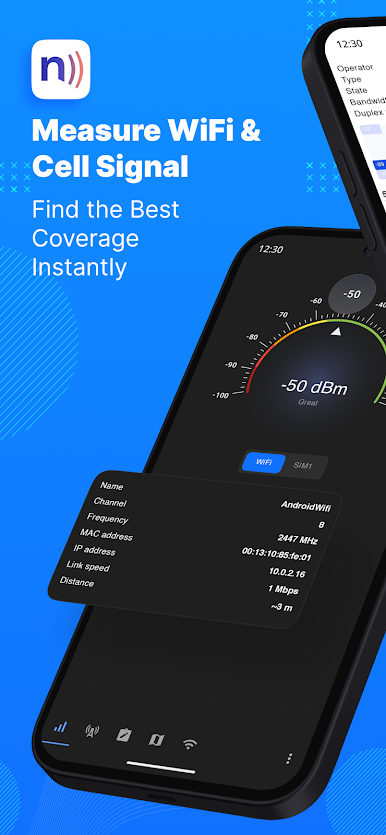
Ever wondered what’s really happening with your cell network? Netmonitor gives you a clear window into the world of mobile networks right from your device. Whether you’re curious about which towers you’re connecting to or just want to track signal strength in real time, this handy tool by parizene puts everything you need at your fingertips.
App Features
-
Detailed Cell Info:
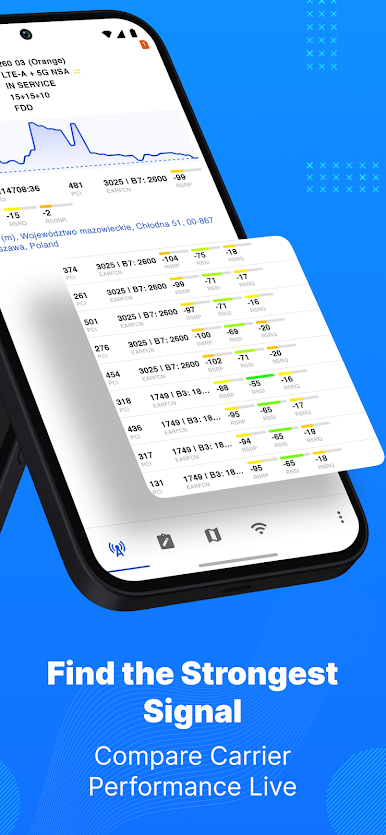
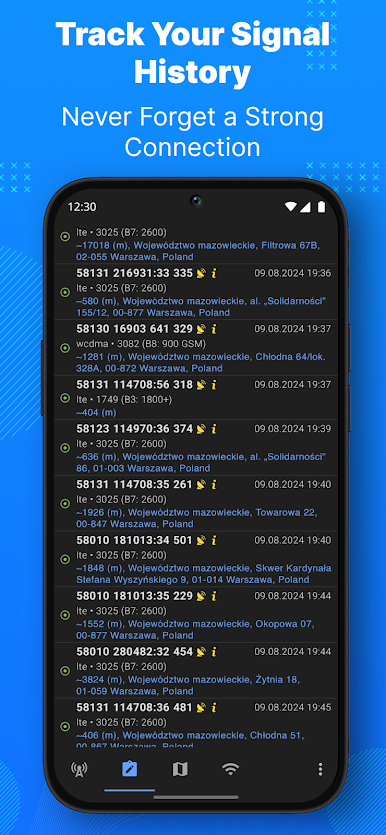
See the nitty-gritty details of your current network—CDMA, GSM, WCDMA, LTE, TD-SCDMA, and even 5G NR are all covered. The app shows who’s broadcasting and lets you peek at neighboring cells, too. -
Multi SIM Awareness:
Got more than one SIM card? When your device allows it, Netmonitor keeps tabs on them both, making it easy to see how your signals stack up. -
Geo Location Support:
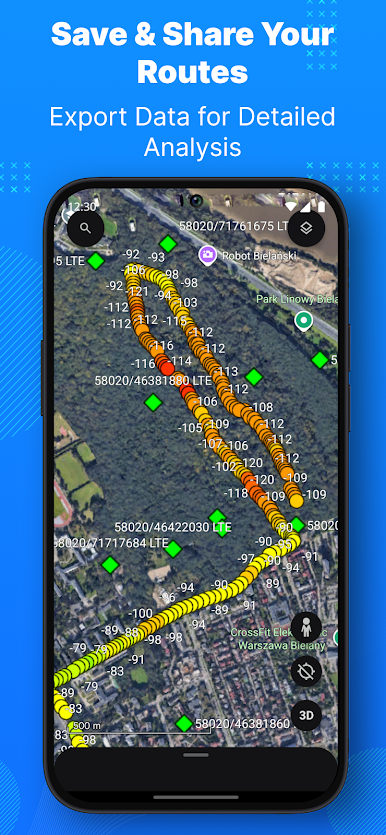
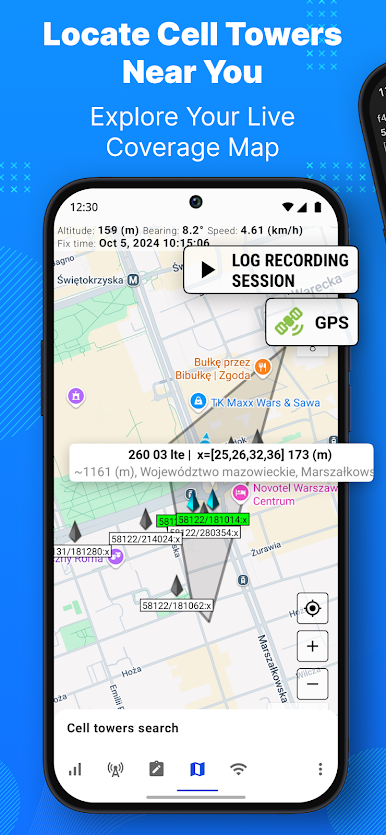
Curious where your strongest (or weakest) signals are? With GPS and geolocation, you can match network data to your actual coordinates, so every detail is in context. -
Custom Database Creation:
If you like to keep track, you’ll love the option to compile cell info into a database. Add your own data about cells you visit—great for personal research or a bit of homegrown mapping. -
Export Logs with Ease:
Save your network adventure! Netmonitor lets you export logs to handy files (CLF or KML), so you can keep or review them whenever needed. -
Cell Locations on a Map:
Prefer a visual touch? The built-in map shows you right where your connected cell is hanging out. -
WiFi Network Listing:
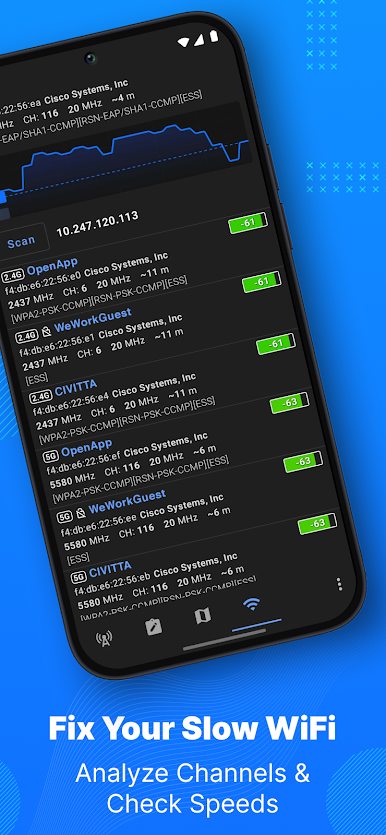
Netmonitor isn’t just about mobile networks—it also lists nearby WiFi access points for a fuller picture of what’s going on around you.
You’ll get the best feel for Netmonitor and its features running through BlueStacks, making it easy to explore network data on a bigger screen.
Big screen. Bigger performance. Use BlueStacks on your PC or Mac to run your favorite apps.
PC에서 Netmonitor: 5G, Cell & WiFi 플레이해보세요.
-
BlueStacks 다운로드하고 설치
-
Google Play 스토어에 로그인 하기(나중에 진행가능)
-
오른쪽 상단 코너에 Netmonitor: 5G, Cell & WiFi 검색
-
검색 결과 중 Netmonitor: 5G, Cell & WiFi 선택하여 설치
-
구글 로그인 진행(만약 2단계를 지나갔을 경우) 후 Netmonitor: 5G, Cell & WiFi 설치
-
메인 홈화면에서 Netmonitor: 5G, Cell & WiFi 선택하여 실행

