


Parler
在電腦上使用BlueStacks –受到5億以上的遊戲玩家所信任的Android遊戲平台。

Run Parler on PC or Mac
Why limit yourself to your small screen on the phone? Run Parler, an app by Parler, best experienced on your PC or Mac with BlueStacks, the world’s #1 Android emulator.
About the App
Ever feel like your voice gets lost in the shuffle? Parler is all about bringing real conversations back to social. It’s a place where folks can share thoughts, meet new people, and join communities that care about honest discussions—without worrying about hidden filters or censorship. Whether you’re here to connect with friends, talk about what matters to you, or just scroll through what’s new, Parler makes it easy to jump in and have your say.
App Features
-
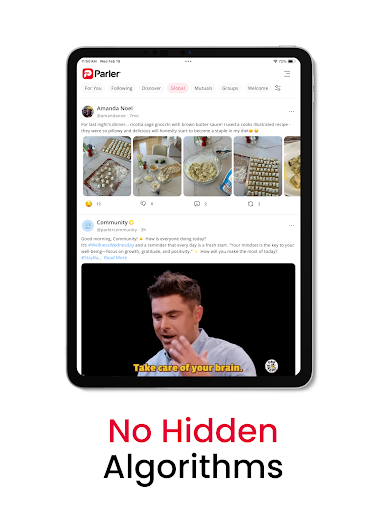
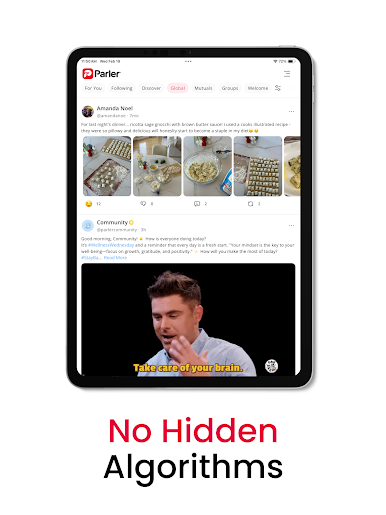
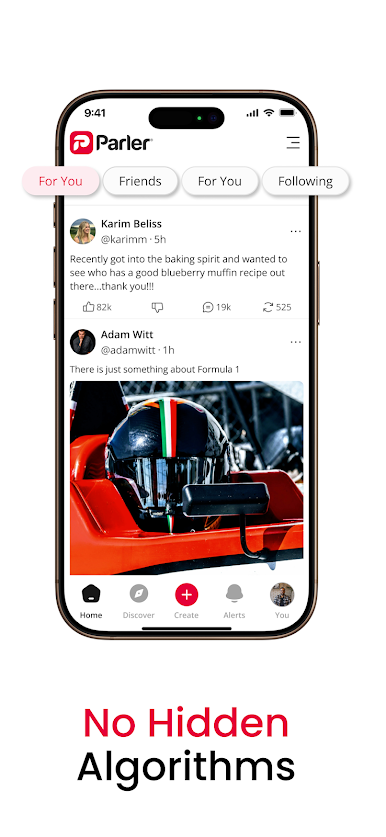
Unfiltered Conversations
Share what’s on your mind, no algorithms deciding what pops up in your feed. It’s straightforward: you post, others see it—no funny business. -
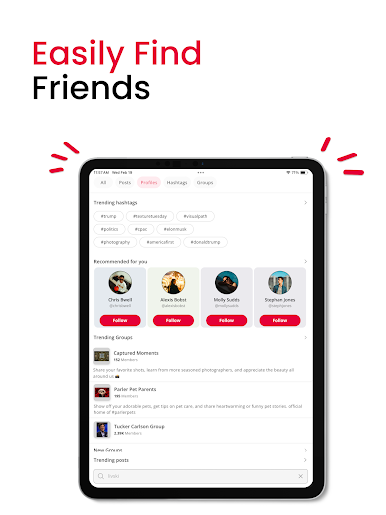
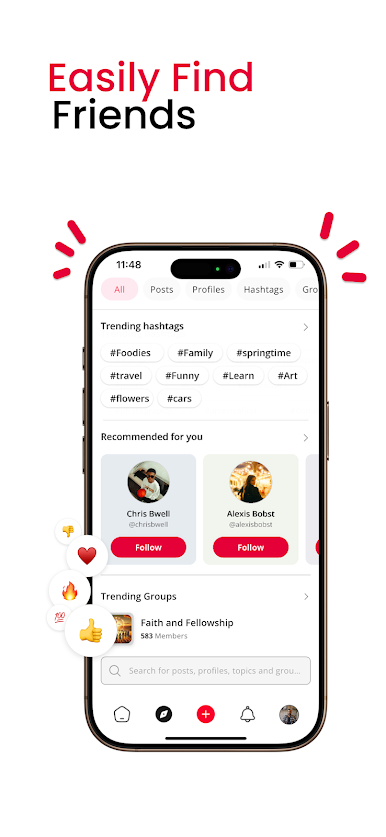
Find Your Crowd
Into niche hobbies? Big on trending topics? With groups and hashtags, you can discover (and join) all kinds of conversations that match your interests. -
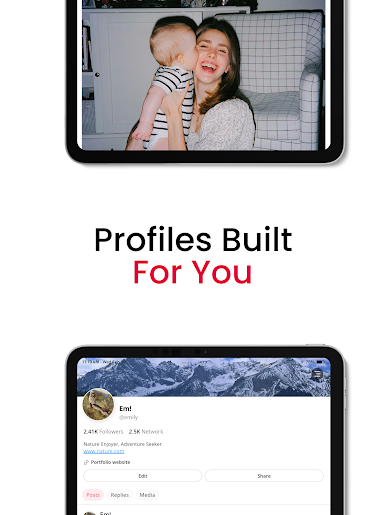
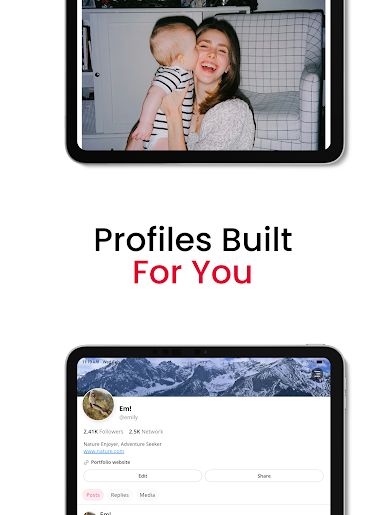
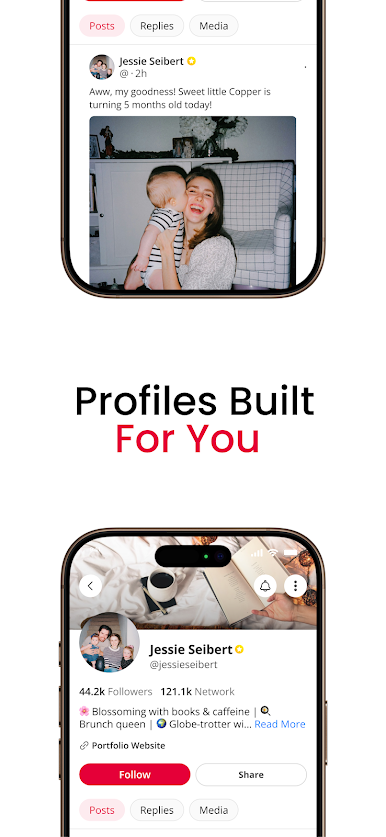
Personalized Profiles
Tailor your space. Set up your profile just how you like it, adjust privacy settings, and decide who gets to interact with your stuff. -
Easy Sharing
Post updates, comments, and even repost things you vibe with. Amplify voices and topics you think deserve more attention. -
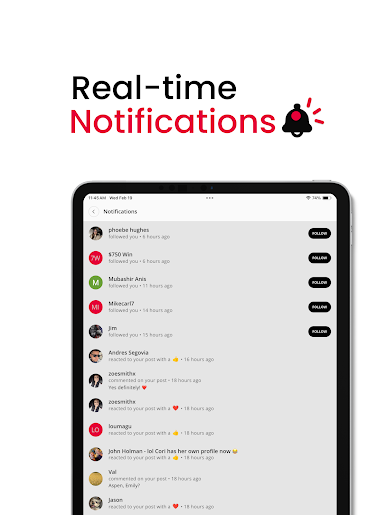
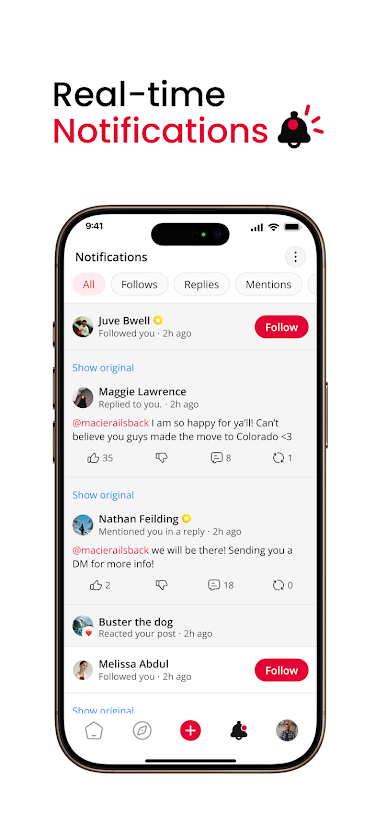
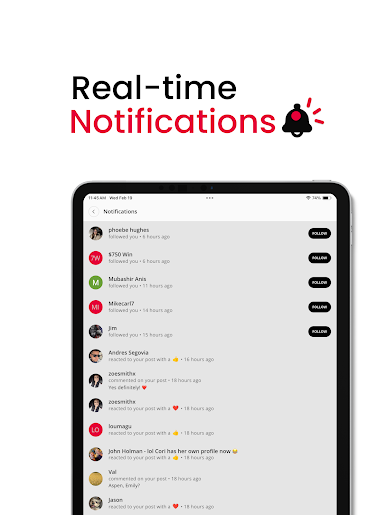
Stay in the Loop
Never miss out—a quick look at your activity feed keeps you current with posts, comments, and new followers. Instant notifications make sure you’re always in the know. -
Built Around You
Parler keeps you in charge of your own data. Tweak privacy controls or change who can contact you—your experience, your call.
Parler works great whether you’re checking in on the go or using BlueStacks for a bigger view.
Ready to experience Parler on a bigger screen, in all its glory? Download BlueStacks now.



在電腦上遊玩Parler . 輕易上手.
-
在您的電腦上下載並安裝BlueStacks
-
完成Google登入後即可訪問Play商店,或等你需要訪問Play商店十再登入
-
在右上角的搜索欄中尋找 Parler
-
點擊以從搜索結果中安裝 Parler
-
完成Google登入(如果您跳過了步驟2),以安裝 Parler
-
在首頁畫面中點擊 Parler 圖標來啟動遊戲

