


Drum Pads 24 - Music Maker
在電腦上使用BlueStacks –受到5億以上的遊戲玩家所信任的Android遊戲平台。

Run Drum Pads 24 - Music Maker on PC or Mac
Multitask effortlessly on your PC or Mac as you try out Drum Pads 24 – Music Maker, a Music & Audio app by Beat Squad on BlueStacks.
About the App
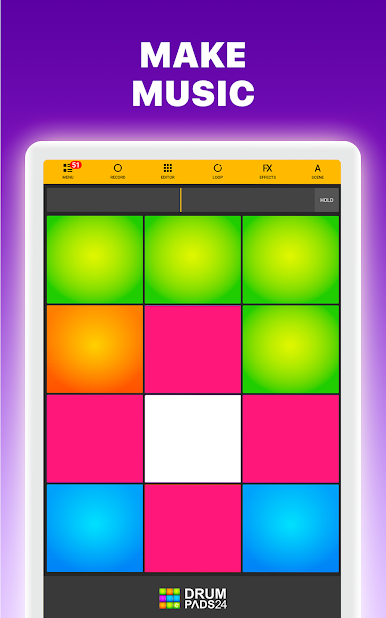
Ready to lay down some beats? Drum Pads 24 – Music Maker by Beat Squad is your go-to place for beat making, finger drumming, and quick-fire music sessions. Whether you’re new to the music-audio world or already making heads nod, this app keeps things fun and creative. Jump in, tap the colorful pads, and before you know it, you’ll be cooking up loops, mixing, and maybe losing track of time.
App Features
-
Instant Beat Making:
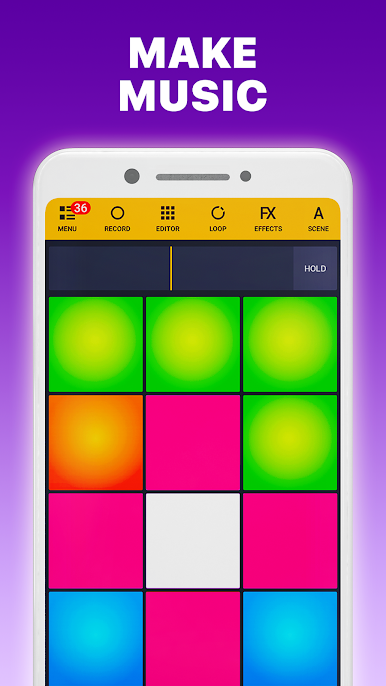
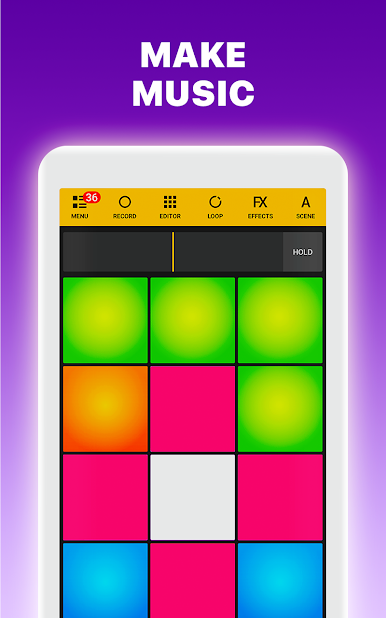
Fire up 24 responsive pads and drop sick beats at a moment’s notice. Play samples, loops, or even finger-drum your unique rhythms straight from your device. -
Pad Editor for Custom Sounds:
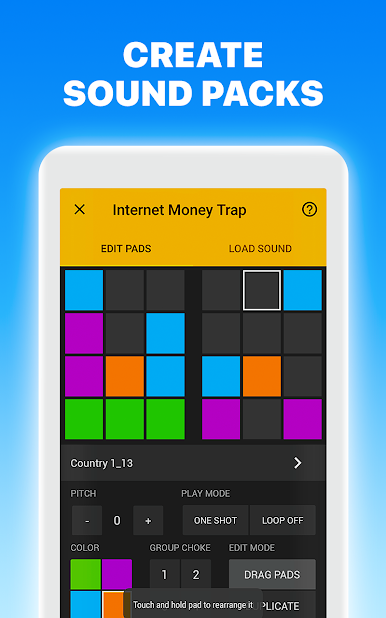
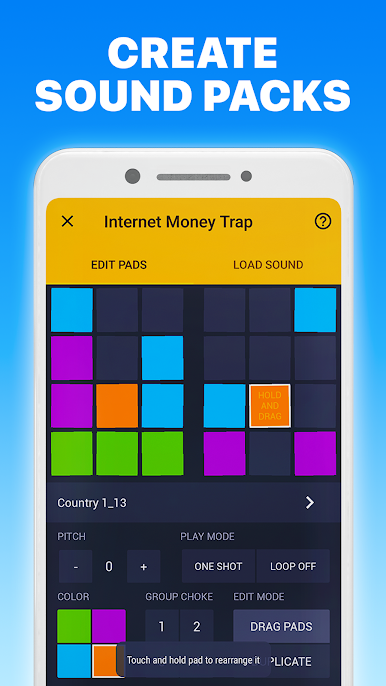
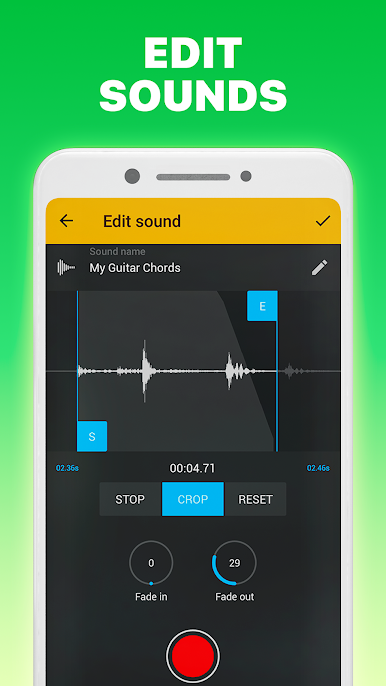
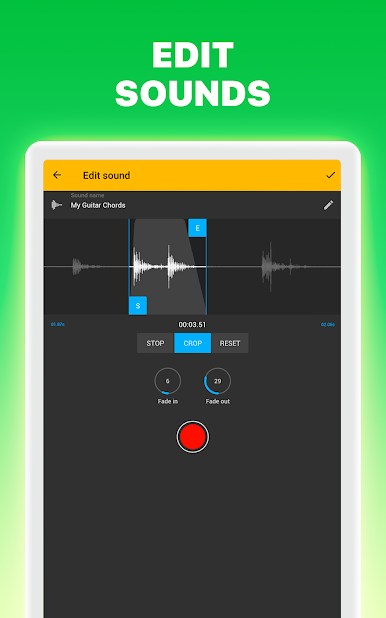
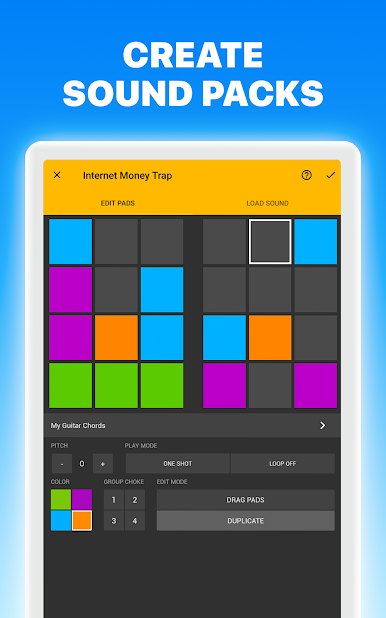
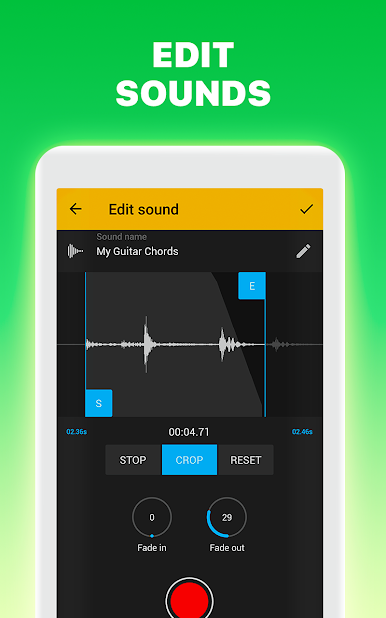
Got your own sound ideas? Use the Pad Editor to craft new sample packs, whether you’re recording your own vocals or picking out your favorite tunes. -
Loaded Sample Library:
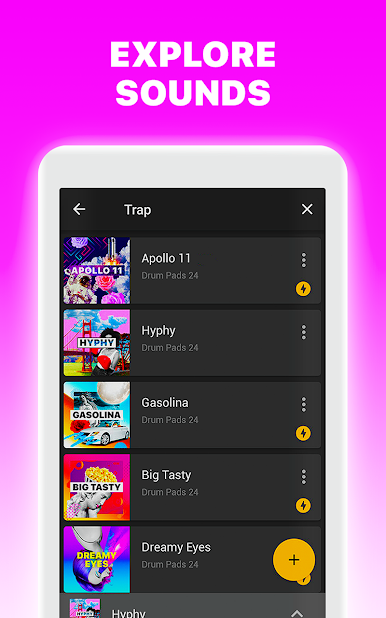
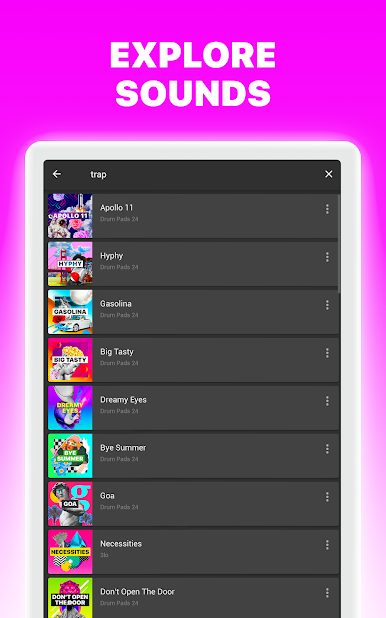
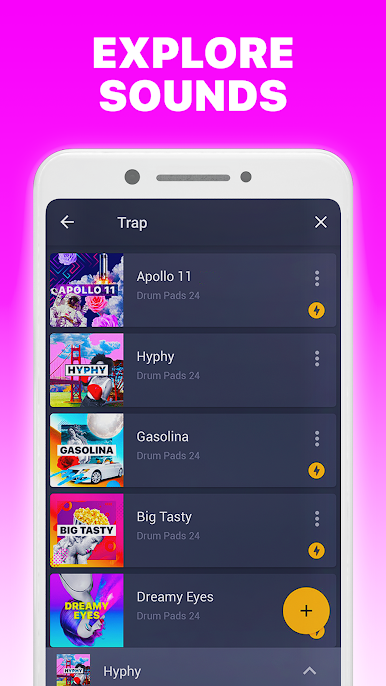
Explore a constantly growing collection—more than 2,800 high-quality sounds covering hip-hop, trap, house, dubstep, drum-n-bass, and way more. Fresh sound packs roll out every week. -
Live Performance Tools:
Perfect for practice and performance. Jam with friends, create live sets, or record your sessions to share your latest masterpiece. -
Share & Connect:
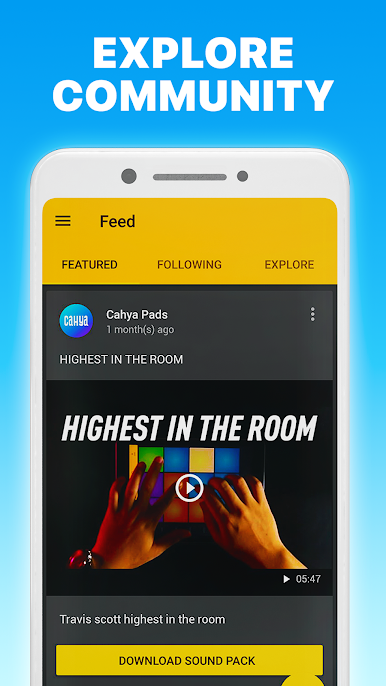
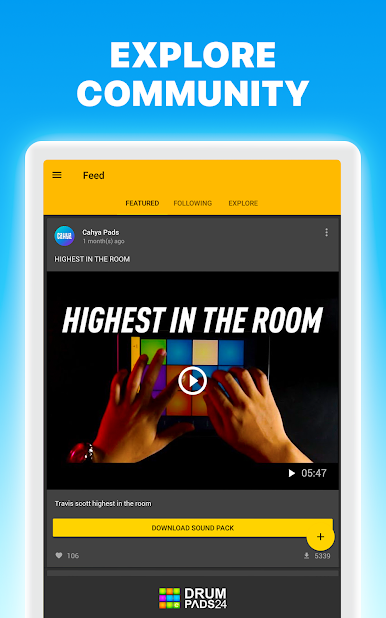
It’s easy to save, record, or upload your tracks to places like YouTube or SoundCloud right from the app. Show your skills, link up with other beat makers, or just share a laugh. -
Guided Tutorials:
New to the scene? No worries. Take advantage of helpful video guides—get those skills down step by step, and try out the built-in lightshow just for fun. -
Mix & Master with Effects:
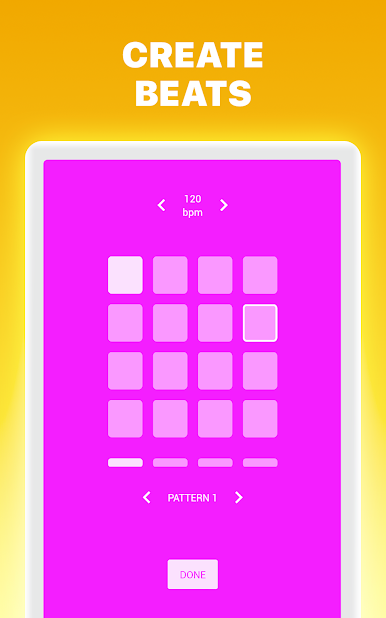
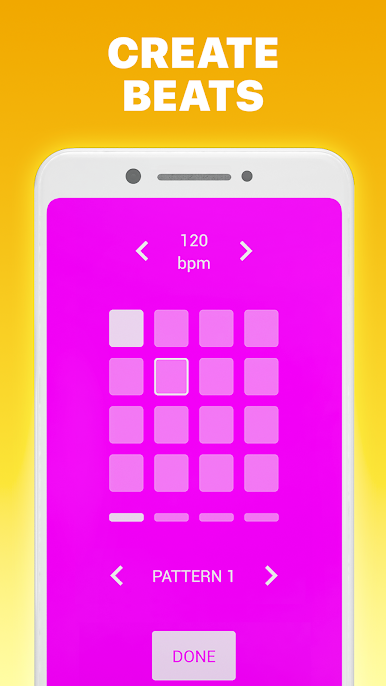
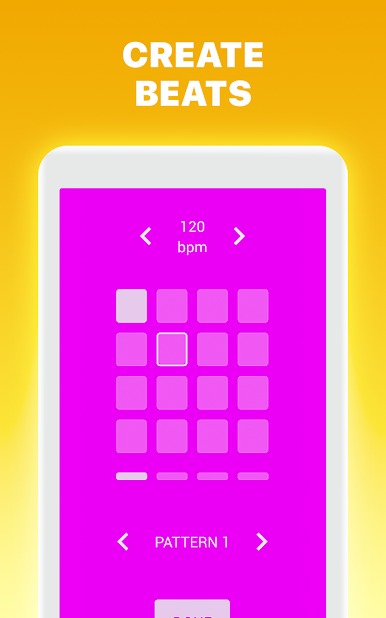
Add effects like pitch shifting or use the step sequencer for smooth looping and metronome action—your beats, your style. -
Community Battles & Updates:
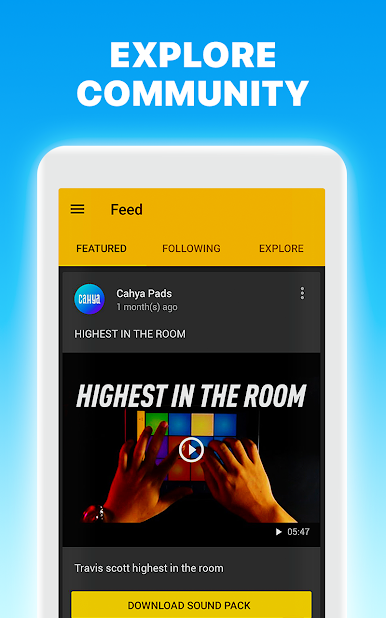
Jump into friendly competition, check out new sounds, and follow other music creators for daily inspiration.
Plus, you can try the full Drum Pads 24 – Music Maker experience using BlueStacks for that bigger screen feel and even smoother jam sessions.
BlueStacks brings your apps to life on a bigger screen—seamless and straightforward.

在電腦上遊玩Drum Pads 24 - Music Maker . 輕易上手.
-
在您的電腦上下載並安裝BlueStacks
-
完成Google登入後即可訪問Play商店,或等你需要訪問Play商店十再登入
-
在右上角的搜索欄中尋找 Drum Pads 24 - Music Maker
-
點擊以從搜索結果中安裝 Drum Pads 24 - Music Maker
-
完成Google登入(如果您跳過了步驟2),以安裝 Drum Pads 24 - Music Maker
-
在首頁畫面中點擊 Drum Pads 24 - Music Maker 圖標來啟動遊戲

