


Learn Art History & Painting
العب على الكمبيوتر الشخصي مع BlueStacks - نظام أندرويد للألعاب ، موثوق به من قبل أكثر من 500 مليون لاعب.

Play Guess The Artist on PC or Mac
From the innovators and creators at Pavel Kozemirov, Guess The Artist is another fun addition to the World of Trivia games. Go beyond your mobile screen and play it bigger and better on your PC or Mac. An immersive experience awaits you.
About the Game
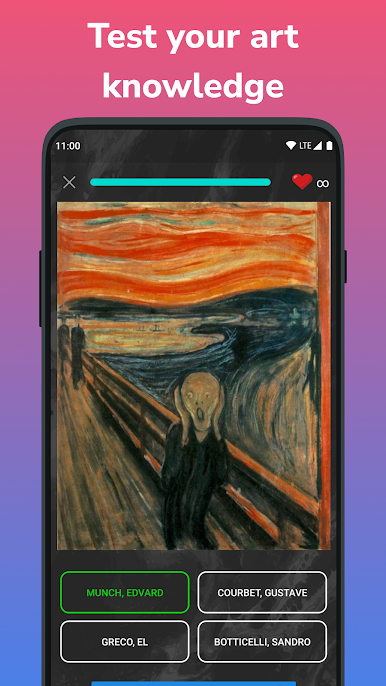
Ever find yourself staring at a famous painting and thinking, “Hmm, who painted this?” Guess The Artist is all about that “aha!” moment. This trivia game puts your art smarts to the test—every level throws a new masterpiece your way, and it’s up to you to figure out both the artwork’s title and the genius behind it. Whether you’re a seasoned art buff or just dabbling, you’ll get both a challenge and a bit of fun as you work your way through trickier pictures.
Game Features
-
Picture-Based Puzzles
Each level gives you a single image—just the painting—so it’s all about your eyes and memory. No hints, no fluff, just you, the artwork, and a blank to fill. -
Dual Challenge
It’s not just about naming the artist; you’ve also got to guess the painting’s title. Double the questions, double the thrill. -
Progressive Difficulty
The first ones might seem easy, but don’t get too comfy. Things ramp up, and you’ll soon hit some really challenging works that’ll have you thinking twice. -
Offline Play
No WiFi? No problem. You can keep the trivia going wherever you are—on commutes, trips, or just when the power’s out. -
Perfect for Art Lovers and Casual Players
You don’t have to know your Da Vinci from your Degas right away. There’s pleasure in the discovery itself, and even a wrong guess might teach you something new. -
Smooth Experience on BlueStacks
If you enjoy gaming on PC, launching Guess The Artist through BlueStacks means everything runs even smoother, bigger, and just plain easier to explore. -
Made by Pavel Kozemirov
Trivia fans may spot the thoughtful touches from developer Pavel Kozemirov—each level has just enough challenge to make things interesting without being too obscure.
Get ready for a buttery smooth, high-performance gaming action only on BlueStacks.
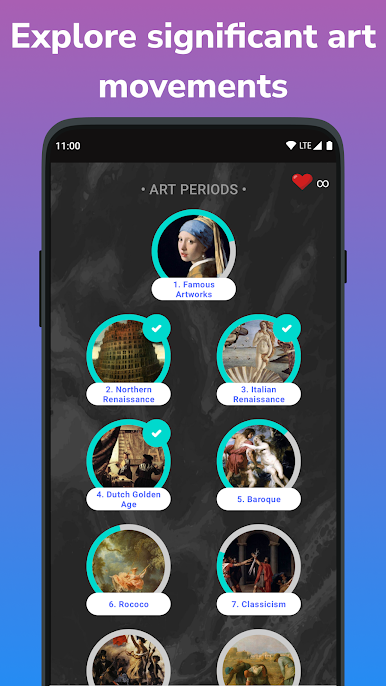
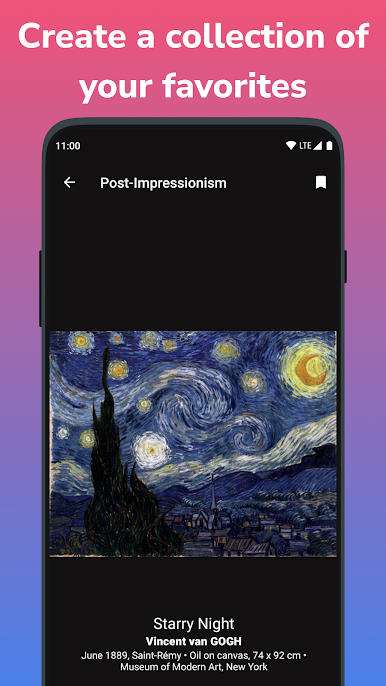
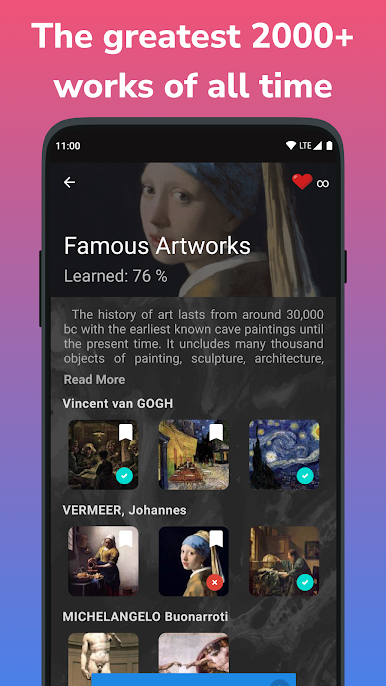
العب Learn Art History & Painting على جهاز الكمبيوتر. من السهل البدء.
-
قم بتنزيل BlueStacks وتثبيته على جهاز الكمبيوتر الخاص بك
-
أكمل تسجيل الدخول إلى Google للوصول إلى متجر Play ، أو قم بذلك لاحقًا
-
ابحث عن Learn Art History & Painting في شريط البحث أعلى الزاوية اليمنى
-
انقر لتثبيت Learn Art History & Painting من نتائج البحث
-
أكمل تسجيل الدخول إلى Google (إذا تخطيت الخطوة 2) لتثبيت Learn Art History & Painting
-
انقر على أيقونة Learn Art History & Painting على الشاشة الرئيسية لبدء اللعب

