

PDF editor & PDF converter pro
Jogue no PC com BlueStacks - A Plataforma de Jogos Android, confiada por mais de 500 milhões de jogadores.

Página modificada em: Sep 1, 2025
Run PDF converter pro & PDF editor - pdf merge on PC or Mac
Why limit yourself to your small screen on the phone? Run PDF converter pro & PDF editor – pdf merge, an app by PDF Converter & PDF Editor Pro, best experienced on your PC or Mac with BlueStacks, the world’s #1 Android emulator.
About the App
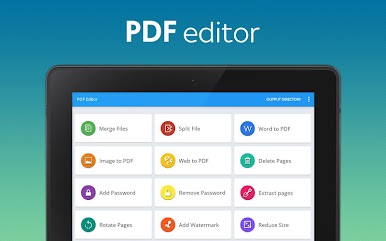
Looking for a hassle-free way to handle your PDFs? PDF converter pro & PDF editor – pdf merge lets you easily convert, edit, and organize your PDF files, all in one spot. Whether you’re working on class notes, work documents, or even images and web pages, this app makes it simple to get your files exactly how you want them. Tweak, combine, split, and secure your PDFs—no need for extra software or complicated steps.
App Features
-
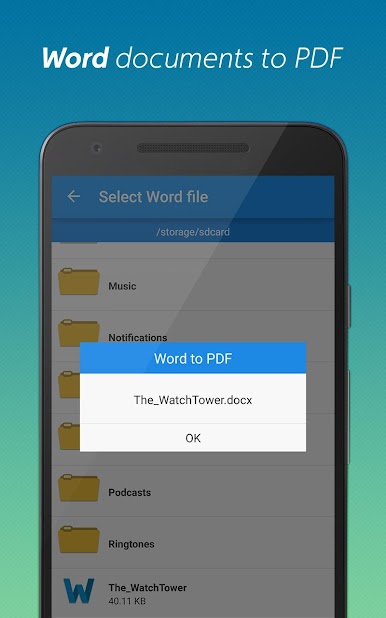
Doc to PDF Conversion
Never worry about format mishaps again—turn Word docs into tidy PDFs with just a couple of taps. -
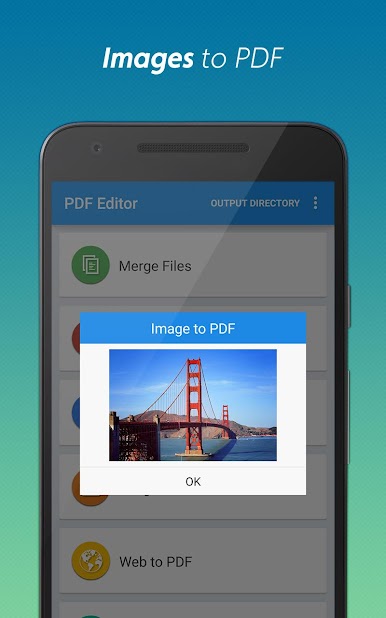
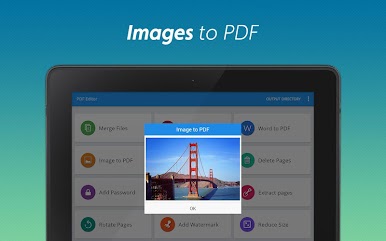
Image to PDF
Got a photo you need in PDF form? Snap a pic or grab one from your gallery, and the app handles the rest. -
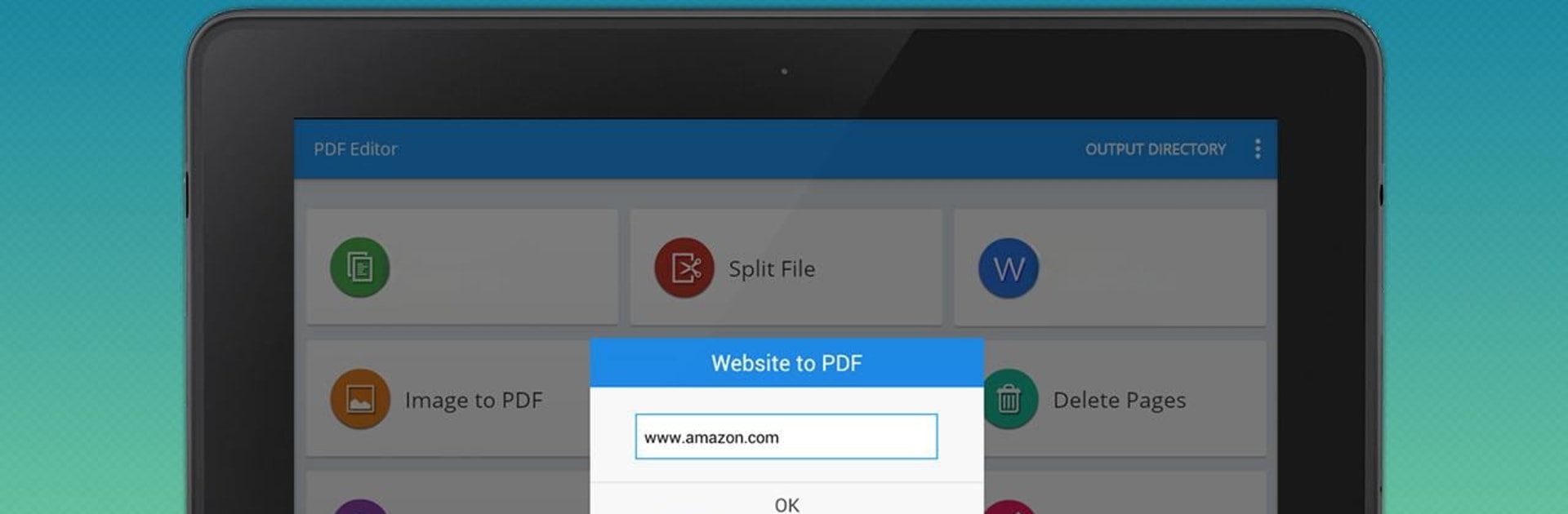
Webpage to PDF
Save entire websites as PDFs—perfect for reading long articles or reference material even when you’re offline. -
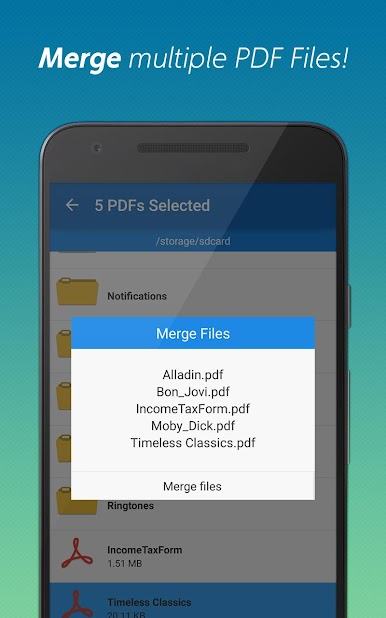
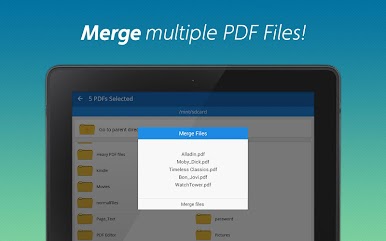
PDF Merge
Bring multiple PDF files together into one easy-to-manage document. Ideal for organizing reports or combining resources. -
Split PDFs
Break up oversized PDFs into smaller chunks. No more struggling with huge files when you only need part of it. -
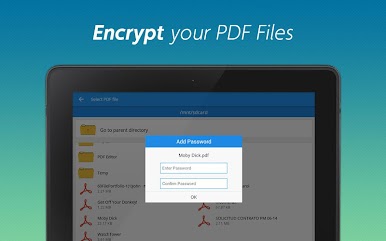
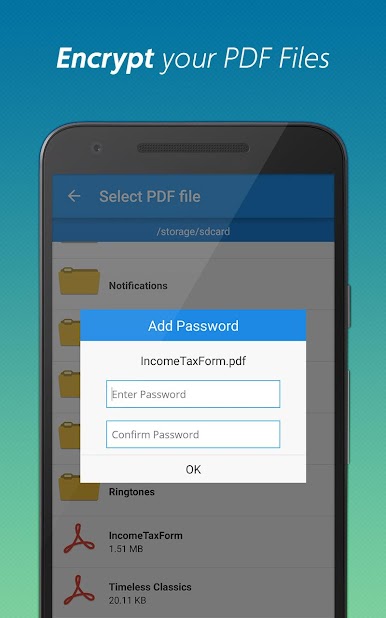
Password Protection
Lock down sensitive files by adding a password, so only the right people can open them. -
Remove Password
Get rid of that pesky password on files you open all the time—open your docs instantly from now on. -
Delete & Extract Pages
Take out pages you don’t need, or pull out specific ones to share—totally in your control. -
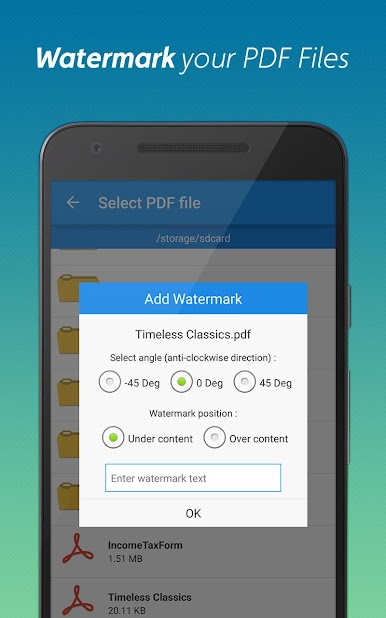
Add Watermark
Want to put your name or business on your documents? Stamp a custom watermark in seconds. -
Rotate Pages
Flip any page that’s upside down or sideways, so your PDFs always look professional. -
PDF Compression
Shrink your files without losing quality. Handy when you’re running low on space or need to email a document quickly.
All these tools work seamlessly, whether you’re using your phone or giving things a try on BlueStacks.
Big screen. Bigger performance. Use BlueStacks on your PC or Mac to run your favorite apps.
Jogue PDF editor & PDF converter pro no PC. É fácil começar.
-
Baixe e instale o BlueStacks no seu PC
-
Conclua o login do Google para acessar a Play Store ou faça isso mais tarde
-
Procure por PDF editor & PDF converter pro na barra de pesquisa no canto superior direito
-
Clique para instalar PDF editor & PDF converter pro a partir dos resultados da pesquisa
-
Conclua o login do Google (caso você pulou a etapa 2) para instalar o PDF editor & PDF converter pro
-
Clique no ícone do PDF editor & PDF converter pro na tela inicial para começar a jogar

